Video Compressor - Save Space+
Download on App Store

This page is not an official page of the app or its developer, but an independent editorial publication created for informational and commentary purposes. Unless expressly stated otherwise, neither the app nor its developer is affiliated with, endorsed by, sponsored by, authorized by, or otherwise officially connected with MWM, Apple, Google Play, the app publisher, or the app's developer, and nothing on this page implies that the app was developed using MWM's services. Any trademarks, logos, screenshots, and other content remain the property of their respective owners.

Logo of Video Compressor - Save Space+
Download on App Store

Video Compressor - Save Space+

Shrink massive 4K videos by up to 90% with smart lossless compression. Reclaim your iPhone’s storage, batch-process your library, and share high-quality content effortlessly without hitting file limits.

Key Figures

Downloads

6K+

User Rating

2.7/5

Total Ratings

100

Publisher

文昊 孙

Category

Utilities

Locales

20

Latest Version

1.0.8

Size

71.1 MB

First Released

Jul 8, 2024
Features

Reclaim Your iPhone Storage

Stop deleting precious memories to make room for new ones. Our advanced compression technology keeps your device lean while your videos stay crystal clear.

Smart Lossless Compression

Shrink your 4K videos by up to 90% without losing a single pixel of quality. Save gigabytes while keeping every detail sharp.

One-Tap Batch Processing

Clear your entire library in seconds. Compress dozens of videos and images simultaneously with our high-speed processing engine.

The following screenshots and description are sourced directly from the app's official store listing and are the property of the app developer.

App Store

Screenshots
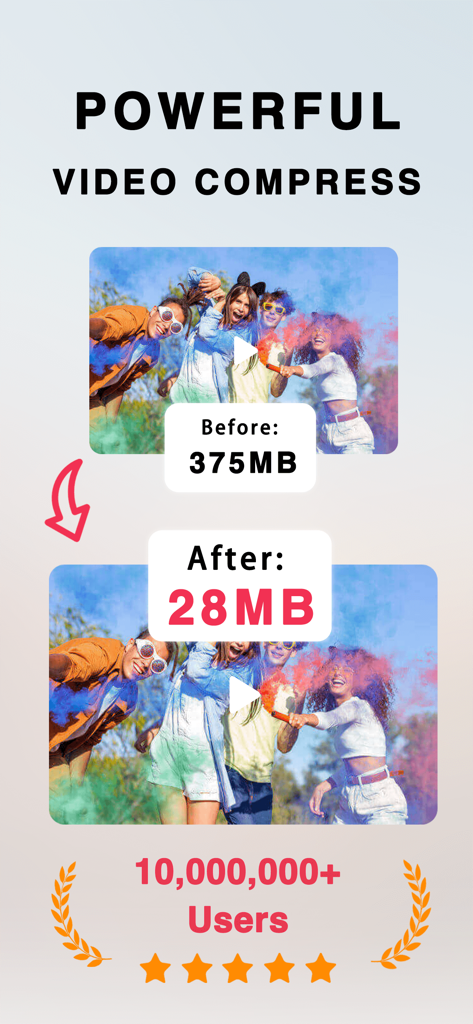
Video Compressor - Save Space+ - Comparison showing video file size reduced from 375MB to 28MB with high quality preservation
Comparison showing video file size reduced from 375MB to 28MB with high quality preservation

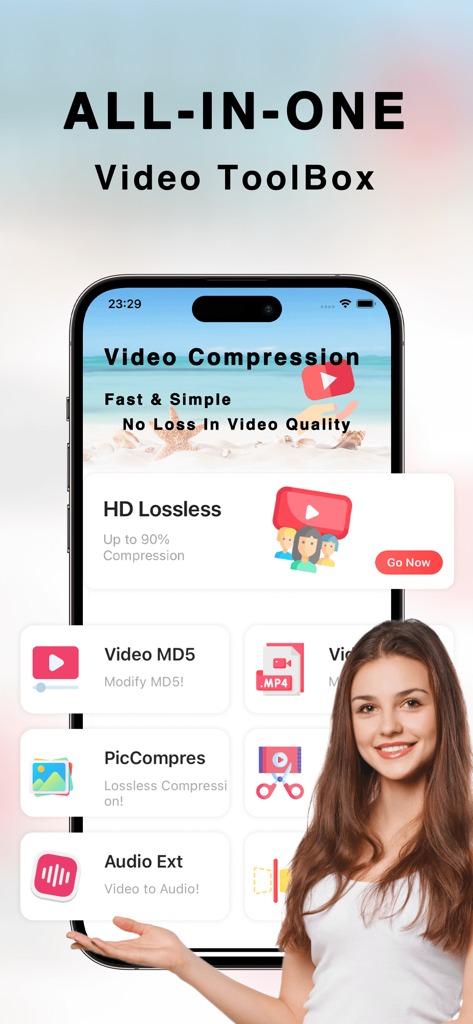
Video Compressor - Save Space+ - Interface of the Video Compressor app showing tools for lossless compression and audio extraction

Interface of the Video Compressor app showing tools for lossless compression and audio extraction
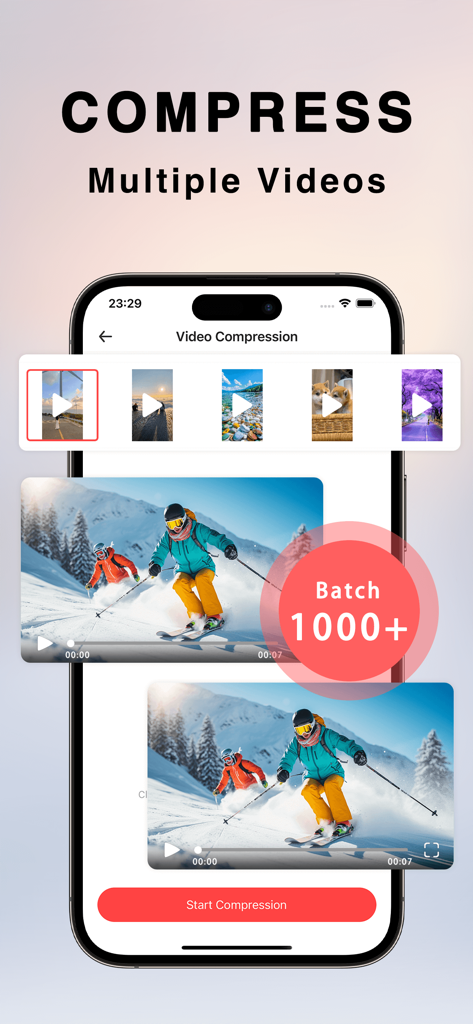
Video Compressor - Save Space+ - iPhone interface showing batch video compression for multiple files at once
iPhone interface showing batch video compression for multiple files at once

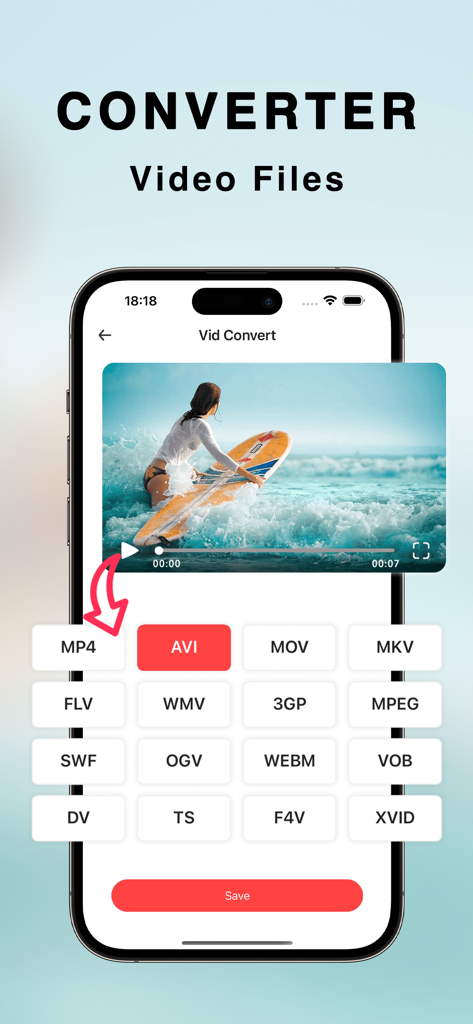
Video Compressor - Save Space+ - Interface of a video converter app showing various file format options for an iPhone
Interface of a video converter app showing various file format options for an iPhone

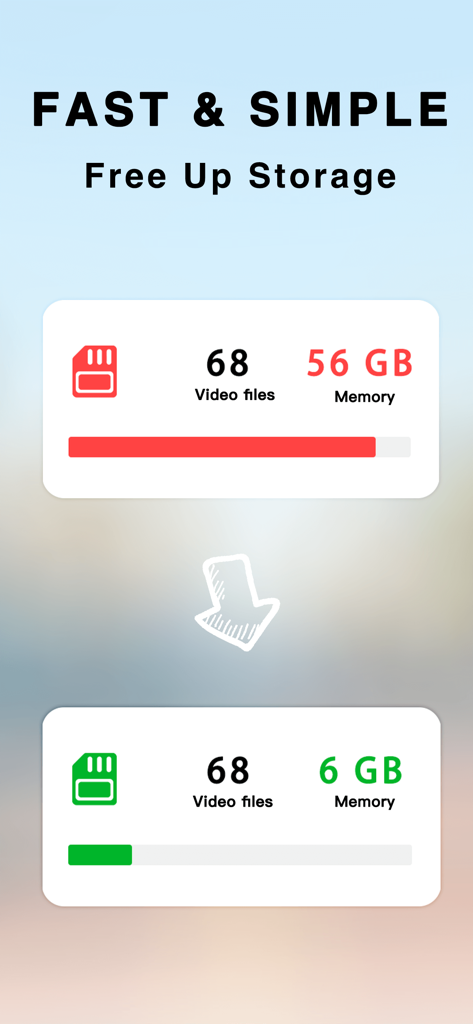
Video Compressor - Save Space+ - Graphic showing video storage reduced from 56GB to 6GB using the video compressor app
Graphic showing video storage reduced from 56GB to 6GB using the video compressor app

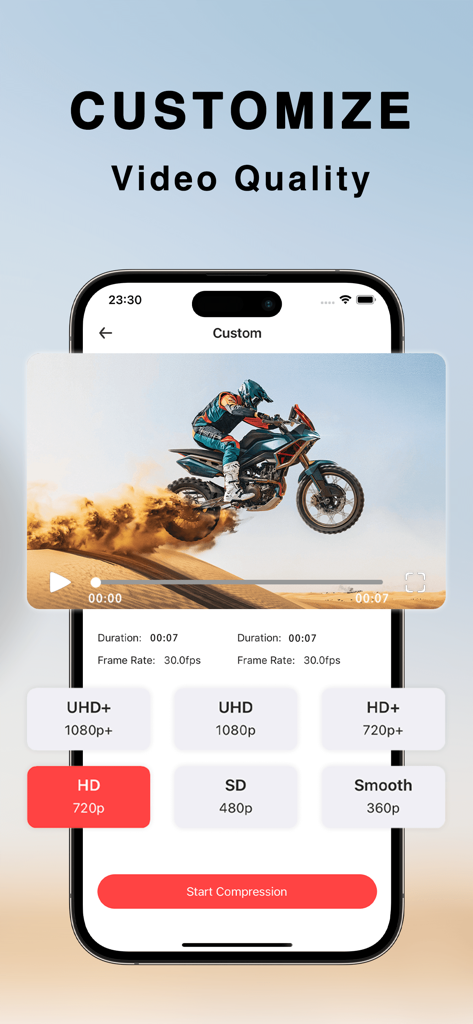
Video Compressor - Save Space+ - iPhone interface showing custom video resolution and quality selection options for compression

iPhone interface showing custom video resolution and quality selection options for compression

Description

Welcome to our app — the next-generation ultimate video compressor designed exclusively for iPhone users!
Using cutting-edge encoding technology, it achieves extreme compression and conversion without compromising image quality — helping you save valuable storage space effortlessly. Our Advantages: - Smart Lossless Compression: Reduce file size by up to 90% while maintaining original image quality. - One-Tap Batch Compression: Efficiently compress multiple videos at once — easy to use, perfect for quick sharing and storage. - Custom Compression: Set your own compression parameters with multiple clarity options for professional, efficient results. - Batch Image Compression: Quickly shrink image files while preserving sharpness and saving storage space. - Format Conversion: Supports encoding and decoding of over 60 video formats. - ZIP Compression: Easily create and manage ZIP files for convenient sharing and fast file transfers. - Video Trimming & Cropping: Precisely cut unwanted parts and customize your video content. - Video Muting: Remove original audio to give you more freedom in post-production and editing. - Audio Extraction: Extract high-quality audio from videos, supporting a wide range of popular audio formats. - GIF Conversion: Convert videos into GIFs for use across different platforms and devices. Why Choose Us? - High-Efficiency Processing: Powered by advanced algorithms that handle large files quickly without sacrificing quality. - Professional Tools: A complete set of powerful features designed to simplify complex tasks and boost productivity. - Intuitive Interface: User-friendly interface for simple, intuitive operation — no technical skills required. Whether you’re handling personal videos or performing bulk processing and conversions, this app is your perfect choice. Download now and experience fast, convenient, and powerful video and image processing! Subscription description • You can view the appropriate subscription price through the in-app purchase page, upgrade and unlock all our features. • Payment: The purchase is confirmed by the user and the payment is credited to the iTunes account • Renewal: If you purchase a continuous monthly membership account, Apple iTunes will deduct the fee within 24 hours before the expiration date, and the subscription period will be extended after the successful deduction. • Cancel your subscription: To cancel your subscription, go to the iTunes Store and App Store 24 hours before the current subscription period expires, click on Apple ID, and select View Apple ID. Enter the "Account Settings" page, click "Subscribe", select the corresponding subscription item to cancel. Privacy Policy: https://docs.qq.com/doc/p/30f507dfce7c4d37e79afbbed9ddba3c4c8bc5cd
 User Agreement: https://docs.qq.com/doc/p/9919f74a067b176a23d15aca23c395752688cbdc

Download

Download on App Store

This page is not an official page of the app or its developer, but an independent editorial publication created for informational and commentary purposes. Unless expressly stated otherwise, neither the app nor its developer is affiliated with, endorsed by, sponsored by, authorized by, or otherwise officially connected with MWM, Apple, Google Play, the app publisher, or the app's developer, and nothing on this page implies that the app was developed using MWM's services. Any trademarks, logos, screenshots, and other content remain the property of their respective owners.








