
This page is not an official page of the app or its developer, but an independent editorial publication created for informational and commentary purposes. Unless expressly stated otherwise, neither the app nor its developer is affiliated with, endorsed by, sponsored by, authorized by, or otherwise officially connected with MWM, Apple, Google Play, the app publisher, or the app's developer, and nothing on this page implies that the app was developed using MWM's services. Any trademarks, logos, screenshots, and other content remain the property of their respective owners.


Video Editor .
This app turns raw footage into polished content, arming users with the control to dominate any feed.
Downloads
5M+User Rating
Total Ratings
117.0KPublisher
Category
Photo & VideoLocales
7Latest Version
2.8.1Size
165.1 MBFirst Released
Jul 3, 2017An in-depth look at functionalities crucial for social media content creators and mobile video enthusiasts.
Video Editor: Key Features Analysis
HD Export & Direct Social Sharing
The app enables saving videos in high-definition quality and direct sharing to major social media platforms like YouTube, Instagram, and TikTok, streamlining the content distribution process.
Advanced Audio & Music Integration
The app provides extensive audio capabilities, including multi-audio synthesis, a vast library of popular songs and sound effects, and options to extract audio or import personal music, empowering users to create dynamic soundscapes.
Social Media Optimized Aspect Ratios
This tool offers multiple aspect ratios tailored for popular platforms like YouTube, Instagram, and TikTok, ensuring videos are perfectly formatted for sharing and maximum impact.
Precise Video Trimming & Splitting
It allows users to accurately trim, cut, and split video clips, simplifying the foundational editing process for all skill levels.
Creative Visual Effects & Overlays
It features a rich collection of professional filters, diverse stickers, and customizable text options, enabling users to add personal flair and enhance the visual appeal of their videos.
Seamless Video & Photo Merging
The app allows users to combine multiple video clips and photos into cohesive projects, complete with customizable transitions, facilitating the creation of engaging slideshows and longer-form content.
The following screenshots and description are sourced directly from the app's official store listing and are the property of the app developer.
App Store
Screenshots
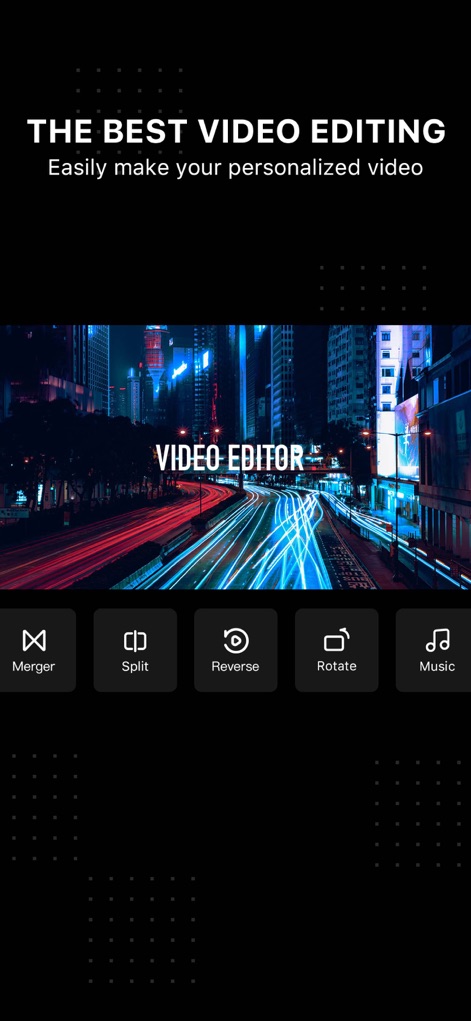
Explore the app's intuitive initial interface, showcasing essential functions like 'Split' and 'Rotate' for quick video adjustments.
Core Editing Tools

This tool presents a clean video timeline, allowing users to precisely 'Clip' and 'Merge' segments for seamless content creation.
Precise Video Trimming

Discover the powerful multi-audio synthesis feature, enabling users to add 'Music' from an extensive library and even 'Record' their own voiceovers.
Dynamic Audio Mixing
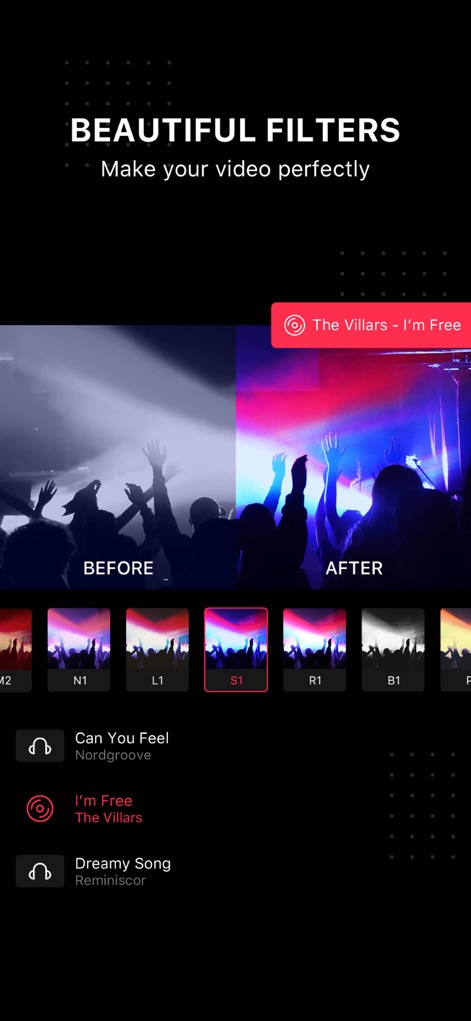
Transform visuals instantly with this app's "Beautiful Filters" collection, providing a clear 'Before and After' preview for optimal creative control.
Cinematic Filter Library
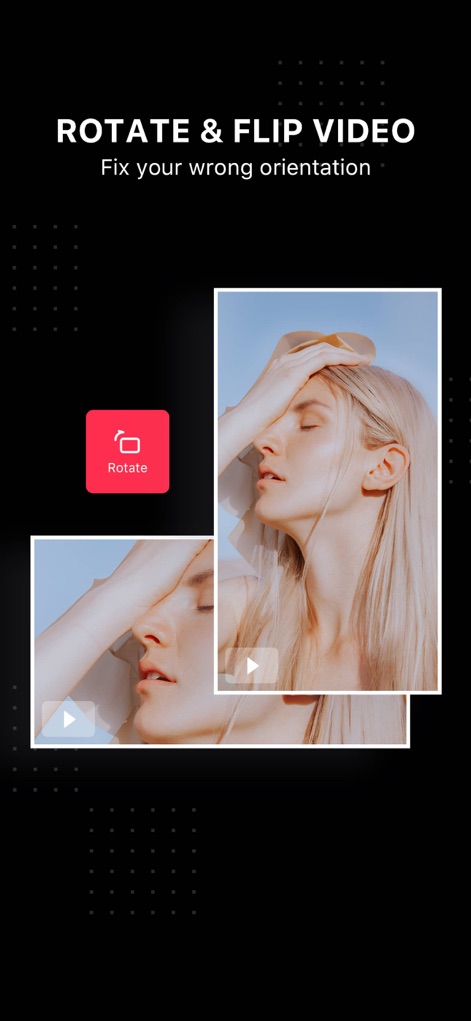
Correct video perspective effortlessly with the 'Rotate' function, ensuring perfect 'Orientation' for all your captured footage.
Orientation Correction
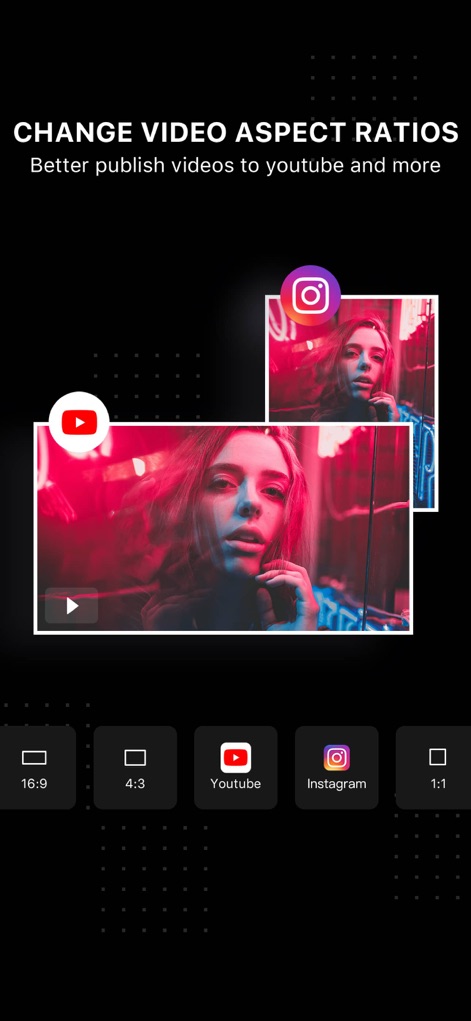
Tailor your content for any platform by easily selecting desired 'Aspect Ratios', with dedicated presets for popular sites like 'YouTube' and 'Instagram'.
Aspect Ratio Control
Description
Download
More Like This
Apps with similar features and user experience

Edits: Video Editor
Instagram, Inc.

VLLO- Video Editor, Vlog Edits
vimosoft

YouCut - AI Video Editor
SHANTANU PTE. LTD.

必剪-B站官方出品
Shanghai Bilibili Animation Co.,Ltd

剪影 - 视频剪辑 & 卡点影集制作
Shanghai Jian Ji Software Technology Co., Ltd

Videoshop - Video Editor
Jajijujejo Inc.

VDIT - Video Maker & Editor
ImgBase, Inc.

Video Editor with Music・VidLab
Onelight Apps CY Ltd

Video Maker-movie maker&Editor
Changsha Fugui Bamboo Network Technology Co., Ltd.
This page is not an official page of the app or its developer, but an independent editorial publication created for informational and commentary purposes. Unless expressly stated otherwise, neither the app nor its developer is affiliated with, endorsed by, sponsored by, authorized by, or otherwise officially connected with MWM, Apple, Google Play, the app publisher, or the app's developer, and nothing on this page implies that the app was developed using MWM's services. Any trademarks, logos, screenshots, and other content remain the property of their respective owners.