
This page is not an official page of the app or its developer, but an independent editorial publication created for informational and commentary purposes. Unless expressly stated otherwise, neither the app nor its developer is affiliated with, endorsed by, sponsored by, authorized by, or otherwise officially connected with MWM, Apple, Google Play, the app publisher, or the app's developer, and nothing on this page implies that the app was developed using MWM's services. Any trademarks, logos, screenshots, and other content remain the property of their respective owners.


Video Looper Pro
The ultimate watermark-free tool for social media creators and athletes. Select any clip, repeat it perfectly, and export in 4K without losing quality.
Downloads
700User Rating
Total Ratings
0Publisher
Category
Photo & VideoLocales
1Latest Version
5.2Size
3.3 MBFirst Released
Jun 28, 2018Master the Art of the Perfect Loop
Transform your videos into seamless, high-definition clips. Whether you're crafting the next viral meme, perfecting a dance move, or showcasing a sports highlight, Video Looper Pro gives you the tools to create professional-grade content instantly.
Pro-Grade Quality, Zero Watermarks
Export your clips in original resolution and high-fidelity audio, keeping your content clean and optimized for social media algorithms.
Precise Trim & Loop Control
Isolate any specific moment with frame-accurate precision. Set infinite loops or fixed repetitions with just a few taps to capture the perfect vibe.
The following screenshots and description are sourced directly from the app's official store listing and are the property of the app developer.
App Store
Screenshots
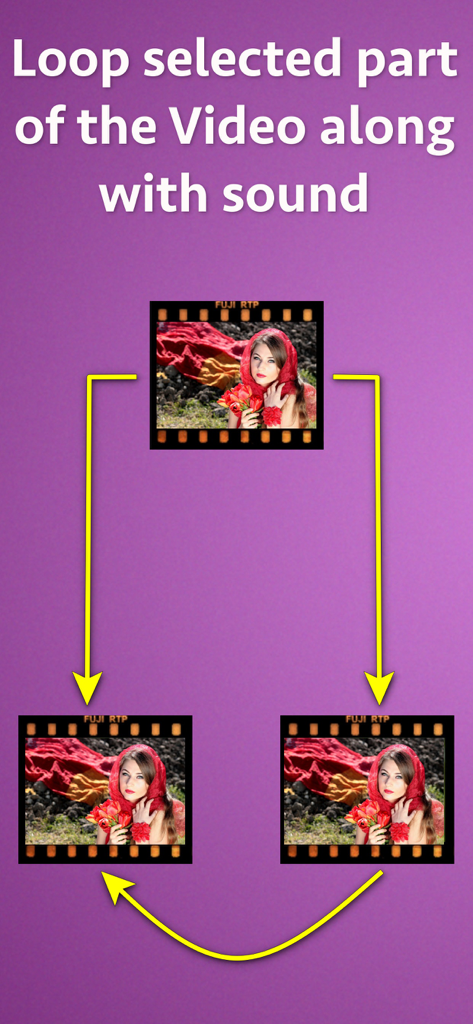
Diagram showing how to loop a selected video segment with sound
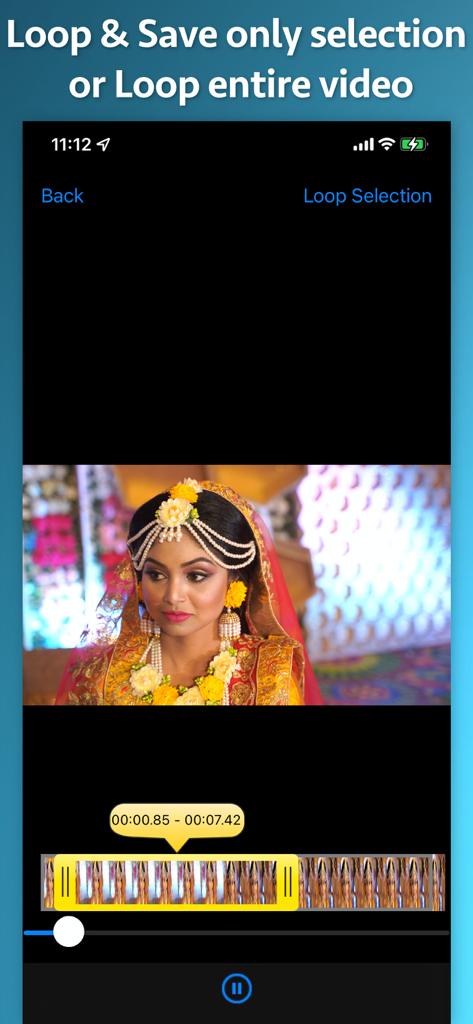
Interface showing how to select and loop a specific portion of a video in the app
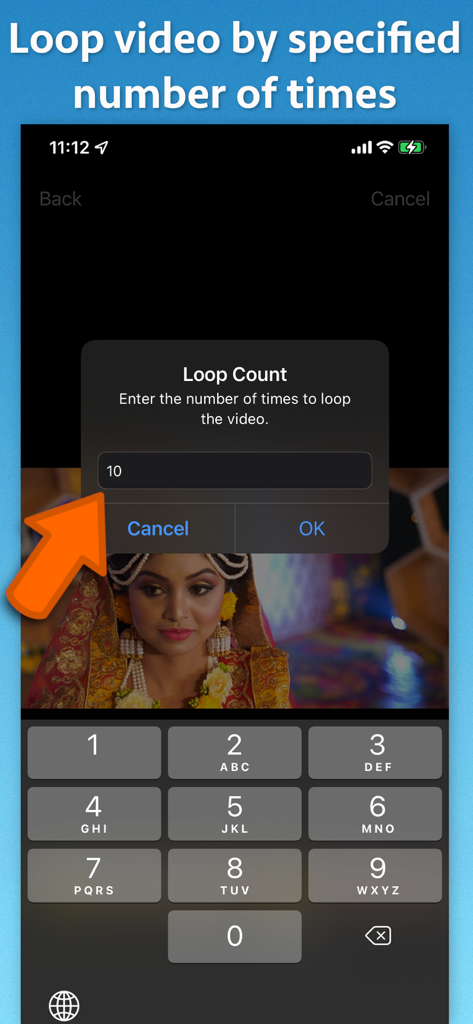
A screenshot of Video Looper Pro showing the loop count input field to specify the number of video repetitions.
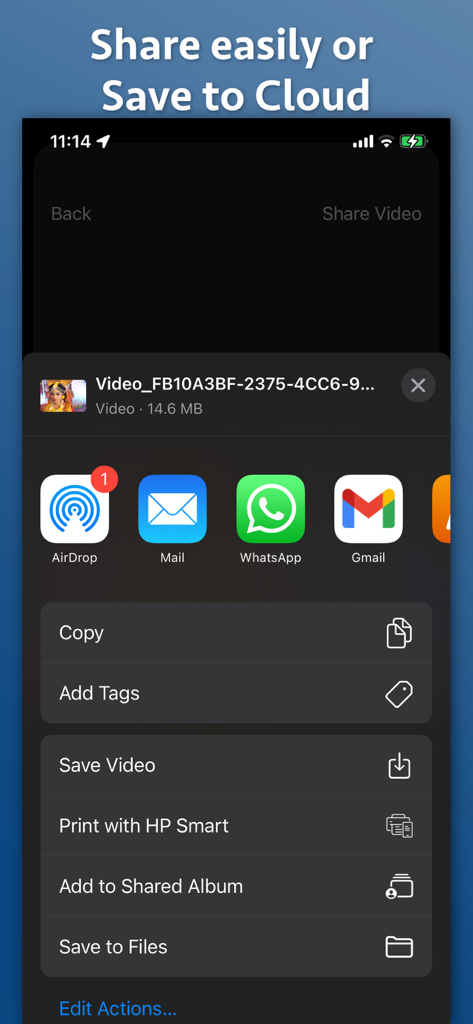
iOS sharing menu in the Video Looper Pro app showing options to save or export looped videos
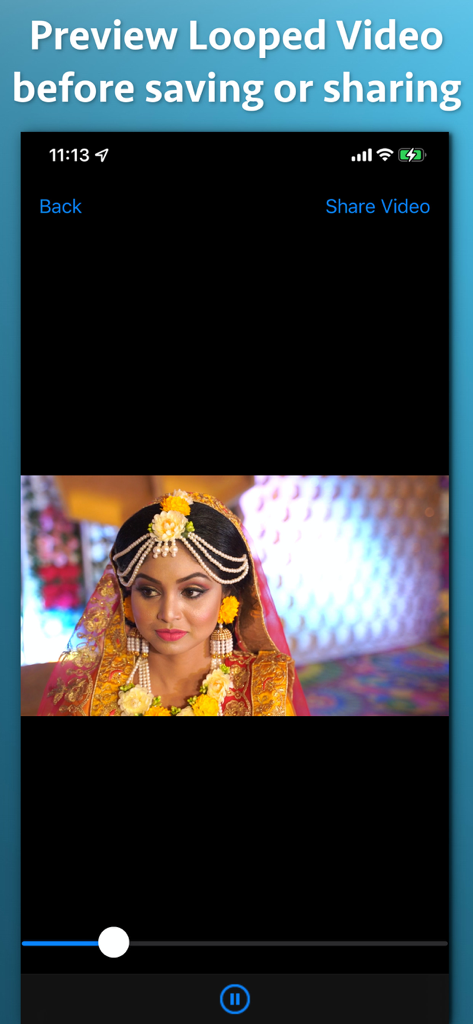
Interface of Video Looper Pro showing a video preview and share options
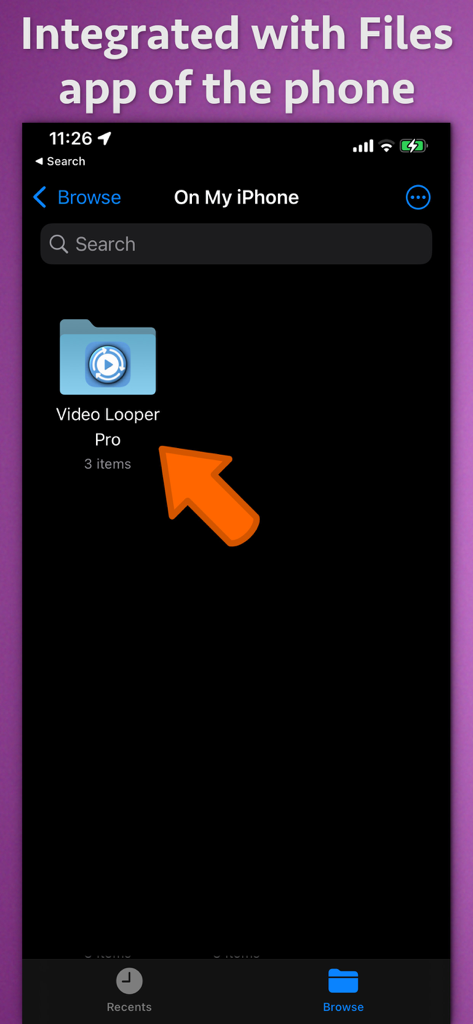
Video Looper Pro folder shown within the iOS Files app interface for easy video management
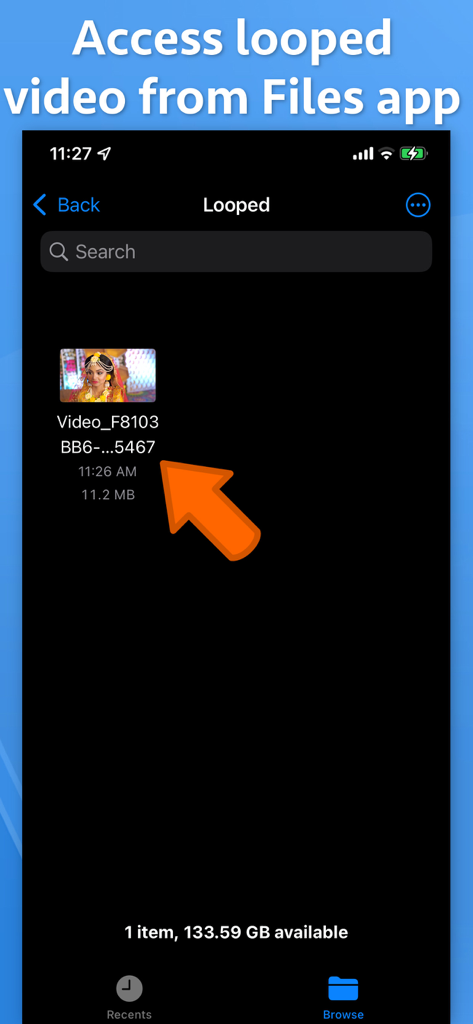
Interface showing how to access saved looped videos from the iOS Files app
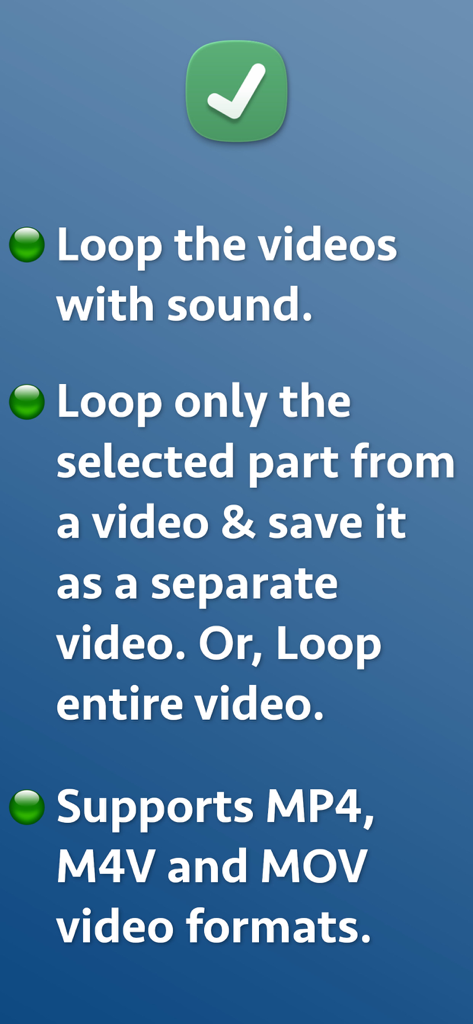
App screen listing features like looping with sound and support for MP4 and MOV formats
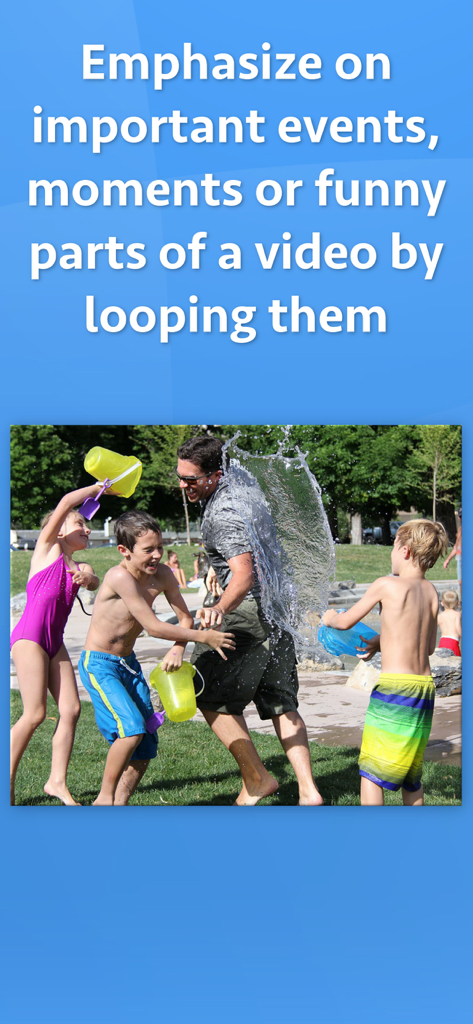
A family playing in water at a fountain with text about looping important video moments
Description
Download
More Like This
Top-ranked apps in the same category

CapCut: Photo & Video Editor
BYTEDANCE PTE. LTD.

Instagram, Inc.

YouTube
Google LLC

Canva: AI Photo & Video Editor
Canva Pty Ltd

Snapchat
Snap, Inc.

快手
Beijing Kwai Technology Co., Ltd.

Edits: Video Editor
Instagram, Inc.

Meitu- AI Photo & Video Editor
Xiamen Meitu Technology Co., Ltd.

Google Photos: Backup & Edit
Google LLC
This page is not an official page of the app or its developer, but an independent editorial publication created for informational and commentary purposes. Unless expressly stated otherwise, neither the app nor its developer is affiliated with, endorsed by, sponsored by, authorized by, or otherwise officially connected with MWM, Apple, Google Play, the app publisher, or the app's developer, and nothing on this page implies that the app was developed using MWM's services. Any trademarks, logos, screenshots, and other content remain the property of their respective owners.