Video Pencil
Video Pencil
Download on App Store

This page is not an official page of the app or its developer, but an independent editorial publication created for informational and commentary purposes. Unless expressly stated otherwise, neither the app nor its developer is affiliated with, endorsed by, sponsored by, authorized by, or otherwise officially connected with MWM, Apple, Google Play, the app publisher, or the app's developer, and nothing on this page implies that the app was developed using MWM's services. Any trademarks, logos, screenshots, and other content remain the property of their respective owners.


Logo of Video Pencil
Download on App Store

Video Pencil

Turn your iPad into a professional-grade production tool. Draw directly on live camera feeds, videos, or your Mac screen to captivate your audience and communicate with absolute clarity.

Key Figures

Downloads

6K+

User Rating

4.2/5

Total Ratings

100

Publisher

Good To Hear Ltd

Category

Photo & Video

Locales

1

Latest Version

1.7.12

Size

29.5 MB

First Released

Nov 20, 2022
Features

Master the Art of Visual Communication

Turn your iPad into a professional telestrator to annotate live video, engage your audience, and deliver high-impact presentations with ease.

Live Video Annotation

Draw directly over your camera feed or imported clips in real-time. Perfect for sports coaching, technical breakdowns, and live stream analysis.

Seamless Pro Workflow

Broadcast your drawings as a transparent layer over NDI, AirPlay, or HDMI. Integrates effortlessly with OBS, Ecamm Live, and Zoom.

The following screenshots and description are sourced directly from the app's official store listing and are the property of the app developer.

App Store

Screenshots
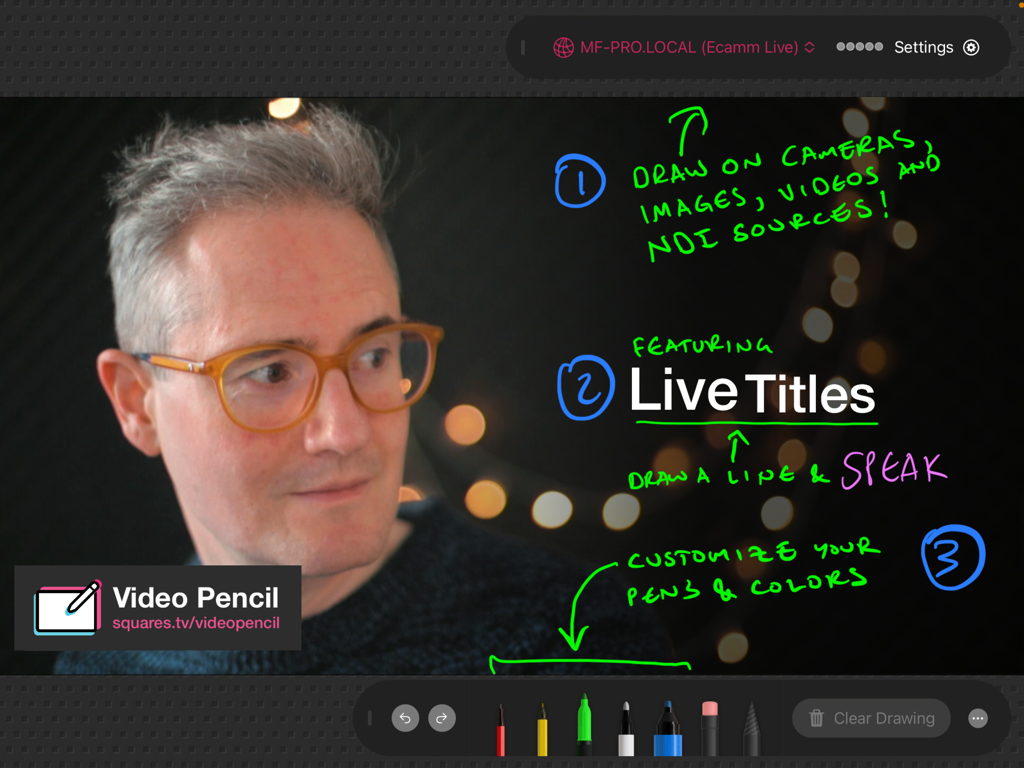
Video Pencil - iPad screenshot of Video Pencil app showing colorful handwritten annotations and live titles over a webcam video feed
iPad screenshot of Video Pencil app showing colorful handwritten annotations and live titles over a webcam video feed

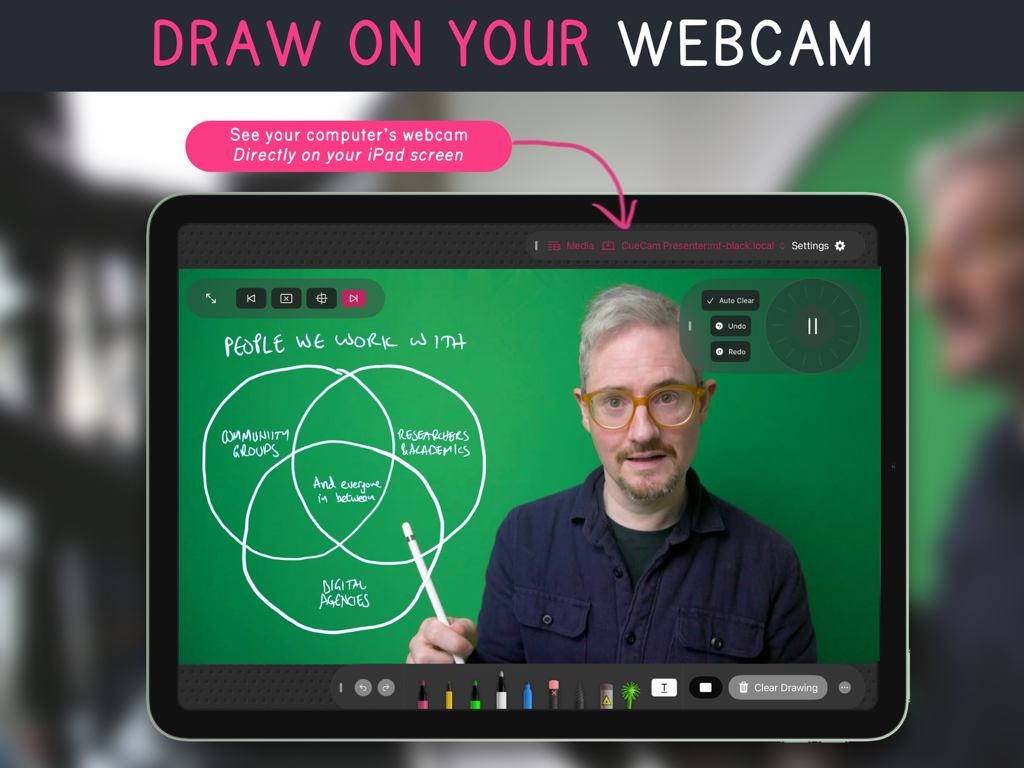
Video Pencil - iPad running Video Pencil app showing a live webcam feed with a handwritten Venn diagram overlay
iPad running Video Pencil app showing a live webcam feed with a handwritten Venn diagram overlay

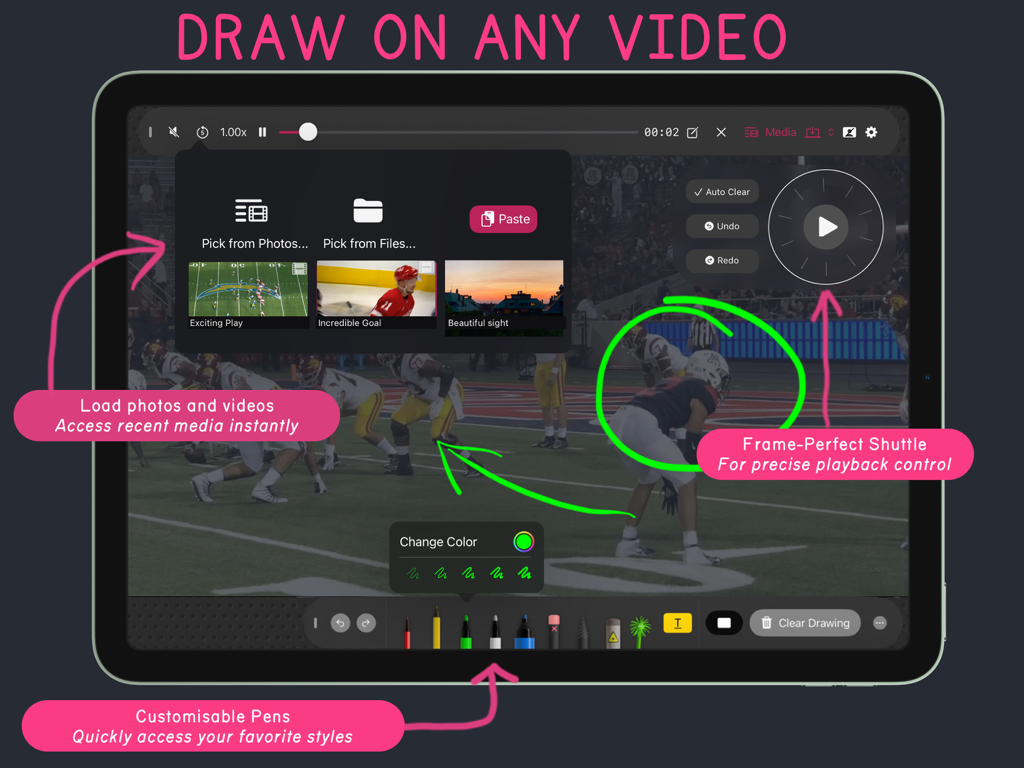
Video Pencil - Video Pencil app interface on an iPad showing how to draw on a sports video with customizable pens and precise playback control.
Video Pencil app interface on an iPad showing how to draw on a sports video with customizable pens and precise playback control.

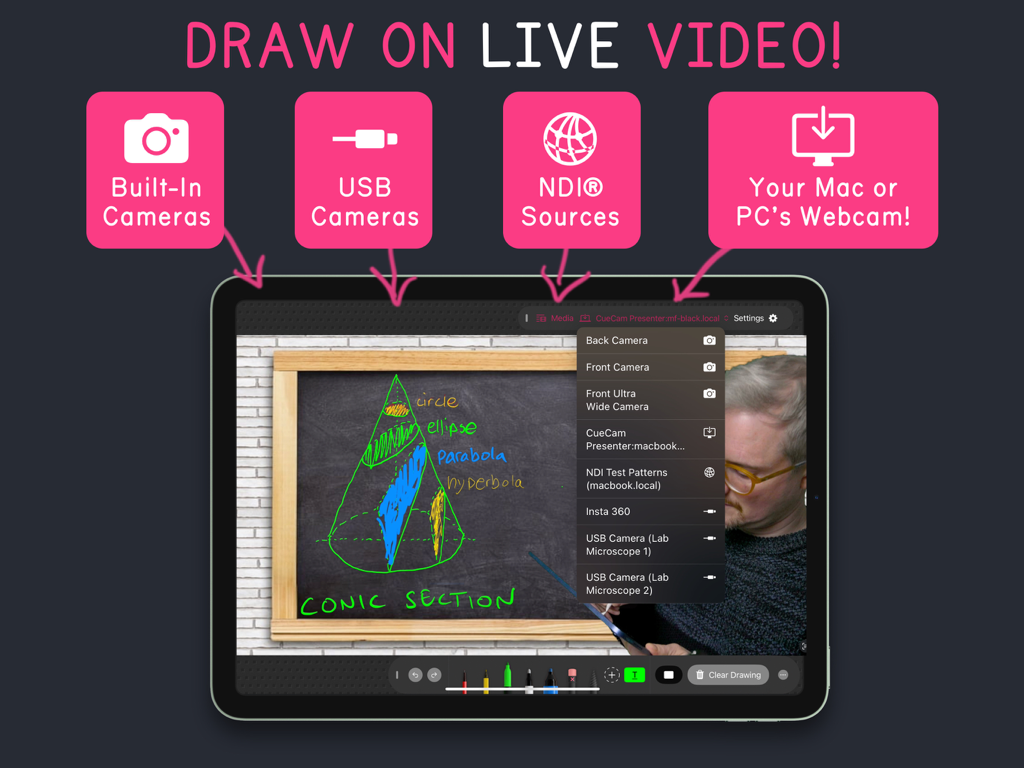
Video Pencil - Video Pencil iPad app interface showing live drawing on video with multiple input sources like USB cameras and NDI
Video Pencil iPad app interface showing live drawing on video with multiple input sources like USB cameras and NDI

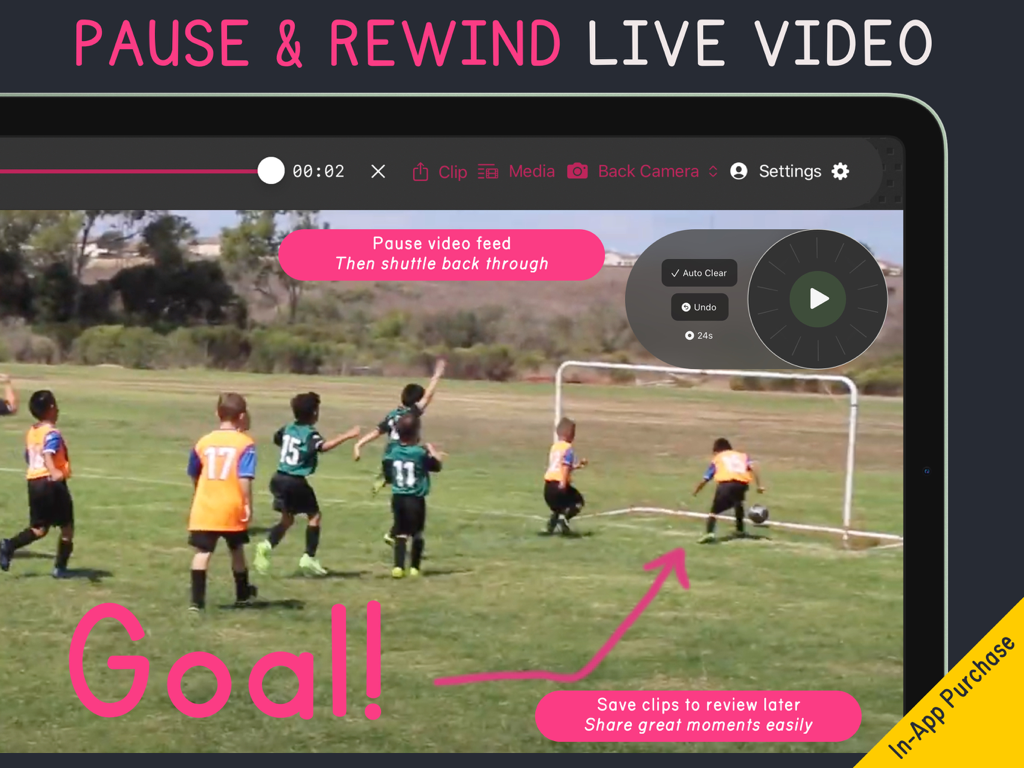
Video Pencil - Video Pencil app screenshot showing live video pause and rewind for sports coaching

Video Pencil app screenshot showing live video pause and rewind for sports coaching

Description

DRAW ON ANYTHING Draw on any video in your library Smart shuttle control naturally clears your drawings as you scrub precisely back and forth through a video. Draw on your iPad's camera or any connected USB camera. See the results over HDMI, AirPlay or NDI. CUSTOMISABLE Customise your toolbar with your favourite colors and pen styles. Add a laser pointer so you can draw (extra) Sparkle wand adds a touch of magic to your calls (extra) RECORD Record with/or without as a full video or transparent drawing layer PAUSE AND REWIND LIVE VIDEO Action Replay lets you pause and rewind live video (extra) EASY TO USE WITH YOUR MAC Seamless connection to your Mac available via CueCam Presenter. See your webcam, or whatever you're sharing, directly on your iPad screen while you draw. FOR PROS Use the transparent NDI feed with Ecamm Live, OBS, mimoLive or your switcher of choice. COMMUNITY Active creator community on Discord and Squares TV. WHO IS IT FOR? * Sports coaches and broadcasters * Filmmakers providing feedback in-person or remotely * Anybody who wants to be able to communicate more clearly on a webcam RECOMMENDED BY EXPERTS "Video Pencil, an innovative app for the iPad, enables you to annotate directly onto your screen during live streams and online meetings. Be it crucial notes or interactive doodles, your audience will see your on-screen markings as if they were overlaid on your camera feed, creating an immersive and engaging presentation experience." - Alec / Take One Tech "One of my channel members suggested this app called Video Pencil which I had never heard of so I decided to try it live on stream and see what it could do. After the stream I was so excited that I had to come and make this video" - Aaron Parecki "Video Pencil has fundamentally changed the way I teach, lead, present and interact with my audience in Zoom. Being able to see my program output in Video Pencil on my iPad and then telestrate right on the screen is HUGE! Kudos to Michael for developing an indispensable tool to enhance my workflow." - David Paskin (Torah Tech Guy) “I have one word for the Video Pencil app: brilliant! I used Video Pencil with Ecamm and I loved what I could do. So easy to use. I could actually see where I was drawing on the screen. I did a session for grades 1 and 2 students about how shapes can be the building blocks for faces and they were over the moon with the demonstration. My favourite moment was hearing the question “how did you do that?” Thanks, Video Pencil for helping me level up my virtual presentations." – Marty Chan (Author, Playwright) See Developer Website for more testimonials. NDI® is a registered trademark of NewTek, Inc. http://ndi.tv

Download

Download on App Store

This page is not an official page of the app or its developer, but an independent editorial publication created for informational and commentary purposes. Unless expressly stated otherwise, neither the app nor its developer is affiliated with, endorsed by, sponsored by, authorized by, or otherwise officially connected with MWM, Apple, Google Play, the app publisher, or the app's developer, and nothing on this page implies that the app was developed using MWM's services. Any trademarks, logos, screenshots, and other content remain the property of their respective owners.








