
This page is not an official page of the app or its developer, but an independent editorial publication created for informational and commentary purposes. Unless expressly stated otherwise, neither the app nor its developer is affiliated with, endorsed by, sponsored by, authorized by, or otherwise officially connected with MWM, Apple, Google Play, the app publisher, or the app's developer, and nothing on this page implies that the app was developed using MWM's services. Any trademarks, logos, screenshots, and other content remain the property of their respective owners.

Video Saver & Player
Seamlessly sync Dropbox and Google Drive videos, create custom folders for offline viewing, and craft professional-grade content with advanced editing tools.
Downloads
848K+User Rating
Total Ratings
0Publisher
Category
Photo & VideoLocales
1Latest Version
3.6Size
74.3 MBFirst Released
Feb 1, 2018Master Your Mobile Video Library
From cloud storage to social-ready edits, get the all-in-one utility designed for your busy digital life.
Seamless Cloud Sync
Download videos directly from Dropbox or Google Drive for offline viewing, so you never have to worry about data caps or dead zones.
Pro-Style Editing Tools
Transform raw clips into polished content with multiple audio tracks, cinematic filters, and precision trimming perfect for social media.
Frequently Asked Questions
Everything you need to know about Video Saver & Player
What is "Video Saver & Player" used for?
Video Saver & Player manages local and cloud videos, including downloading from Dropbox and Google Drive. It also offers comprehensive video editing features like trimming, filters, and audio customization.
Can I download videos using Video Saver & Player?
Yes, Video Saver & Player allows users to download videos from Dropbox and Google Drive to play them locally on their device.
How do I organize my videos in Video Saver & Player?
Users can create custom folders within Video Saver & Player to manage and categorize different types of videos effectively.
Does Video Saver & Player support importing videos from my camera roll?
Yes, Video Saver & Player supports importing videos directly from the device's camera roll for easy management and editing.
What video editing features does Video Saver & Player offer?
Video Saver & Player offers video trimming, applying filters, adding multiple audio tracks, and customizing audio with fade-in/out effects.
Can I add music to my videos with Video Saver & Player?
Yes, Video Saver & Player allows users to add multiple audio tracks to their videos, customize them, and select from hundreds of soundtracks.
How do I delete or rename videos in Video Saver & Player?
Users can delete, rename, and move videos by pressing the plus (+) icon within the app's video management interface.
Can I save edited videos from Video Saver & Player to my Photo Library?
Yes, Video Saver & Player provides an option to save edited or managed videos directly to your device's Photo Library.
Does Video Saver & Player include video filters?
Yes, Video Saver & Player includes the ability to apply stunning video filters to your footage to give it a unique look.
Where can I find the terms of use and privacy policy for Video Saver & Player?
The terms of use and privacy policy for Video Saver & Player are available through links provided in the app description.
The following screenshots and description are sourced directly from the app's official store listing and are the property of the app developer.
App Store
Screenshots

A woman in pink clothes posing with the New York classic filter applied in the Video Saver and Player app.

Screenshot of the Video Saver and Player app showing the music library with different soundtrack categories like Action and Aesthetic
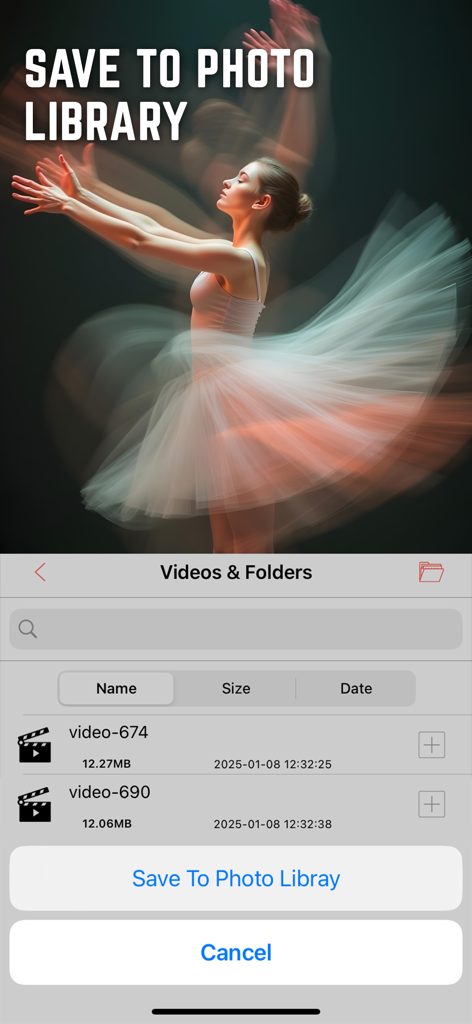
Interface of the Video Saver and Player app showing the feature to save videos to the device photo library
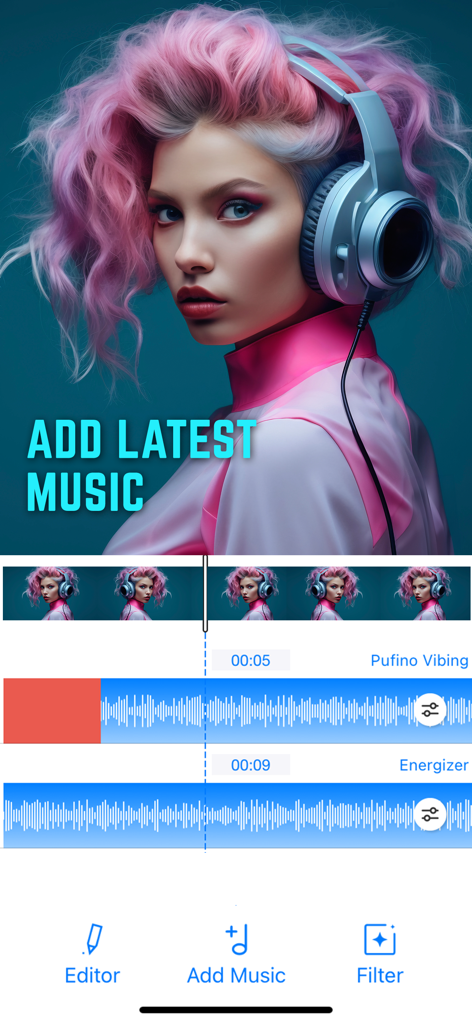
Interface of the Video Saver and Player app showing the add music feature with multiple audio tracks
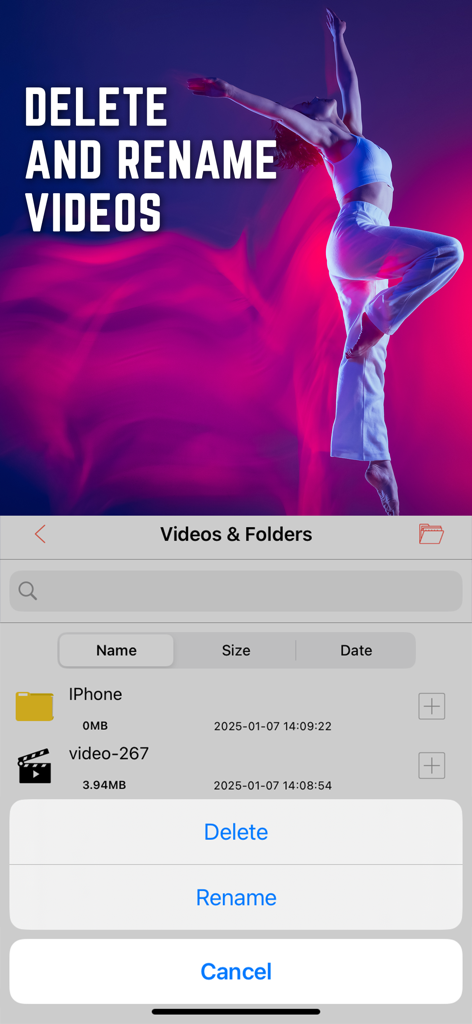
Interface showing options to delete and rename videos within the Video Saver and Player app.
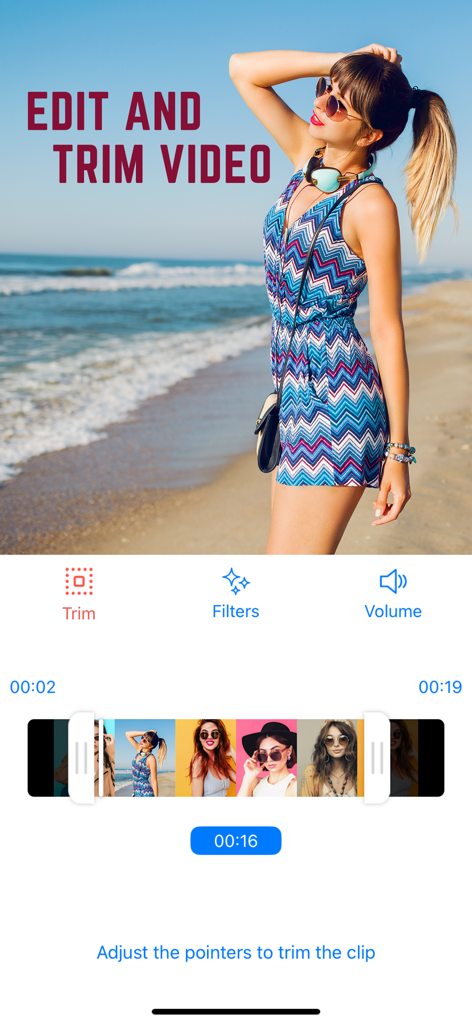
A mobile interface for editing and trimming videos with options for filters and volume
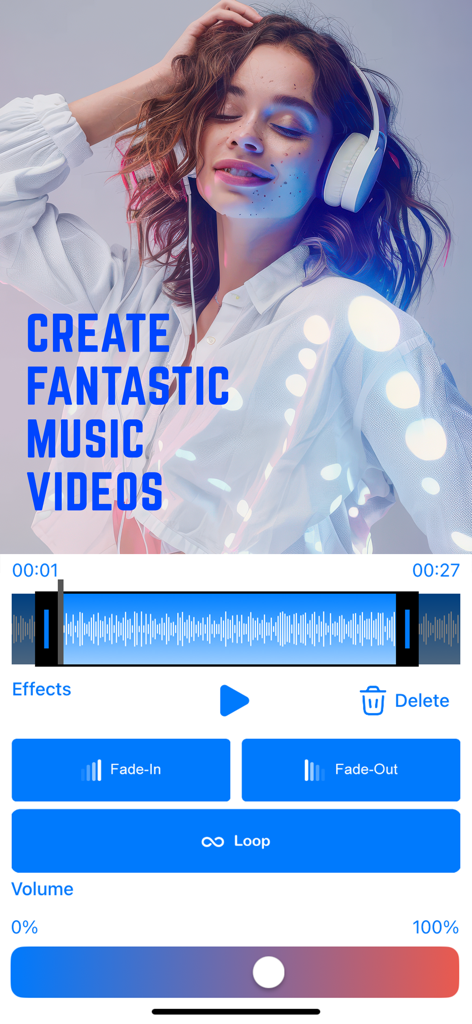
Mobile app interface showing music video editing tools including audio waveform, fade-in, fade-out, and volume control features.
Description
Download
More Like This
Top-ranked apps in the same category

CapCut: Photo & Video Editor
BYTEDANCE PTE. LTD.

Instagram, Inc.

YouTube
Google LLC

Canva: AI Photo & Video Editor
Canva Pty Ltd

Snapchat
Snap, Inc.

快手
Beijing Kwai Technology Co., Ltd.

Edits: Video Editor
Instagram, Inc.

Meitu- AI Photo & Video Editor
Xiamen Meitu Technology Co., Ltd.

Google Photos: Backup & Edit
Google LLC
This page is not an official page of the app or its developer, but an independent editorial publication created for informational and commentary purposes. Unless expressly stated otherwise, neither the app nor its developer is affiliated with, endorsed by, sponsored by, authorized by, or otherwise officially connected with MWM, Apple, Google Play, the app publisher, or the app's developer, and nothing on this page implies that the app was developed using MWM's services. Any trademarks, logos, screenshots, and other content remain the property of their respective owners.