
This page is not an official page of the app or its developer, but an independent editorial publication created for informational and commentary purposes. Unless expressly stated otherwise, neither the app nor its developer is affiliated with, endorsed by, sponsored by, authorized by, or otherwise officially connected with MWM, Apple, Google Play, the app publisher, or the app's developer, and nothing on this page implies that the app was developed using MWM's services. Any trademarks, logos, screenshots, and other content remain the property of their respective owners.


Video Speed Editor - VBooster
Take total control of your video tempo. From silky smooth slow-mo to high-energy time lapses, adjust speed in 0.1x steps while keeping your audio pitch perfect for TikTok, Reels, and Shorts.
Downloads
987K+User Rating
Total Ratings
5K+Publisher
Category
Photo & VideoLocales
12Latest Version
4.81Size
40.0 MBFirst Released
Dec 15, 2015Master Every Second of Your Story
Go beyond basic filters. VBooster gives you professional speed-ramping and audio tools to create cinematic, scroll-stopping content in seconds.
Dynamic Speed Ramping
Use Time Range mode to highlight key moments with cinematic slow-mo or high-energy transitions within a single clip.
Pro-Level Pitch Control
Say goodbye to 'chipmunk' voices. Speed up your tutorials or vlogs while keeping the audio natural and perfectly clear.
The following screenshots and description are sourced directly from the app's official store listing and are the property of the app developer.
App Store
Screenshots
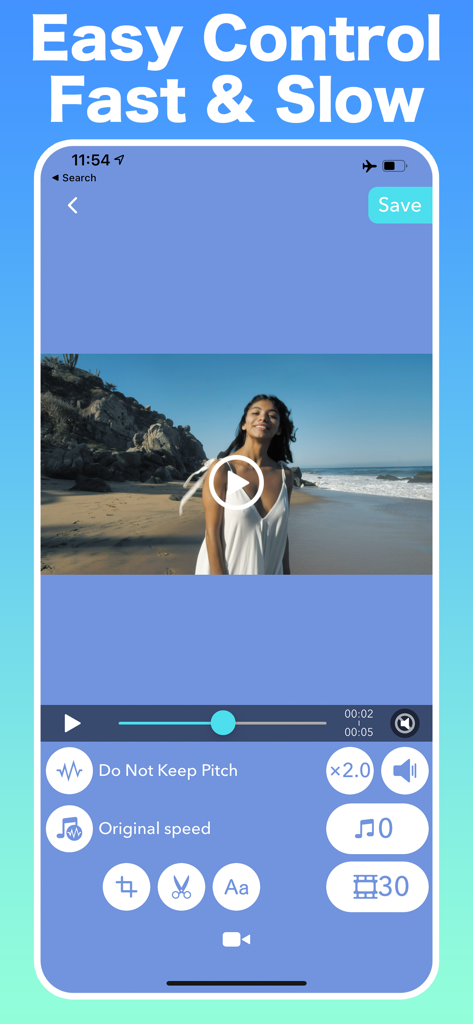
VBooster app interface showing fast and slow video speed controls
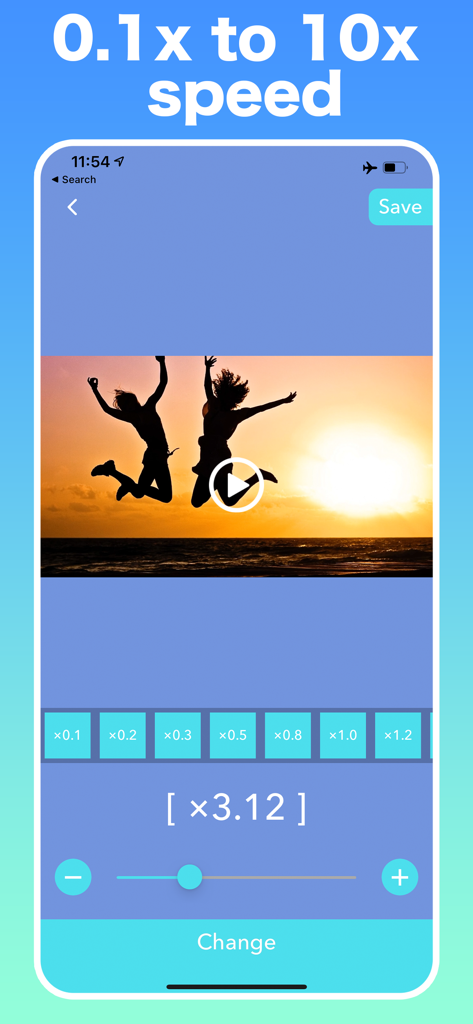
VBooster mobile app interface showing video speed adjustment slider and presets from 0.1x to 10x with a sunset video preview
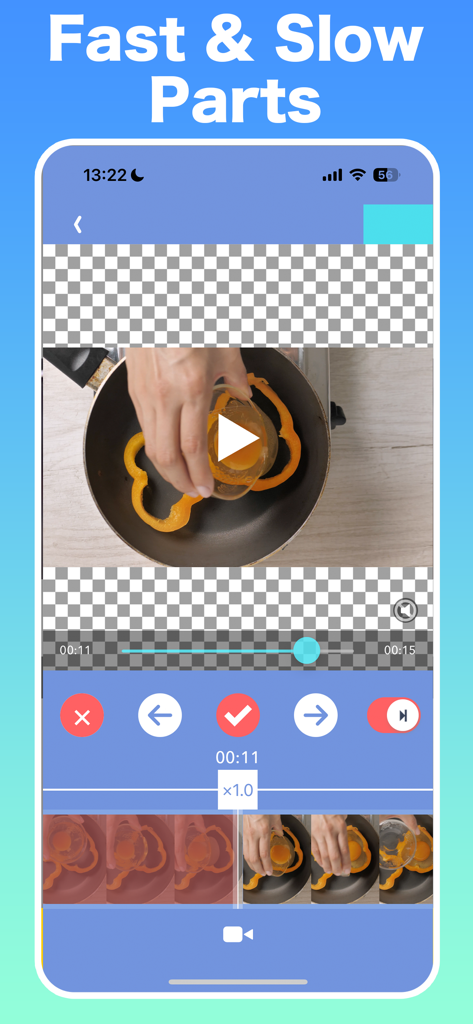
Interface of VBooster app for adjusting fast and slow video parts
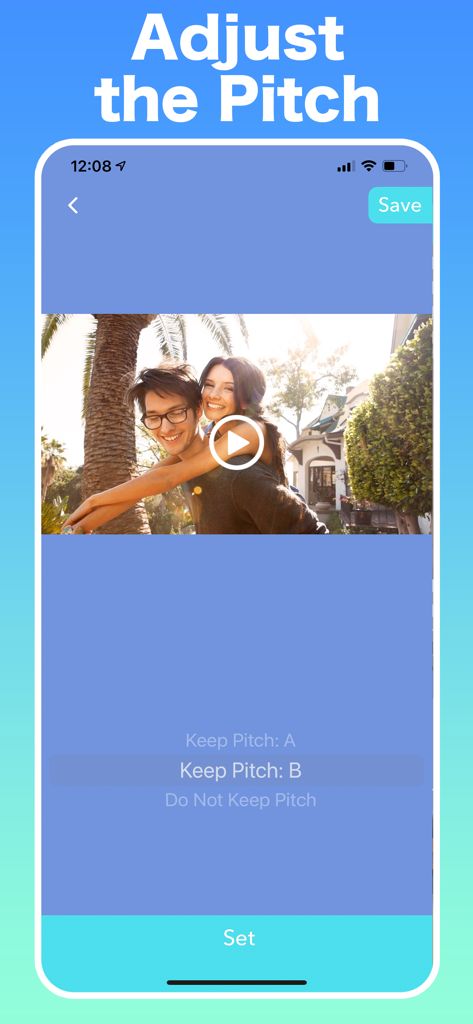
VBooster app interface showing options to adjust video audio pitch while changing playback speed
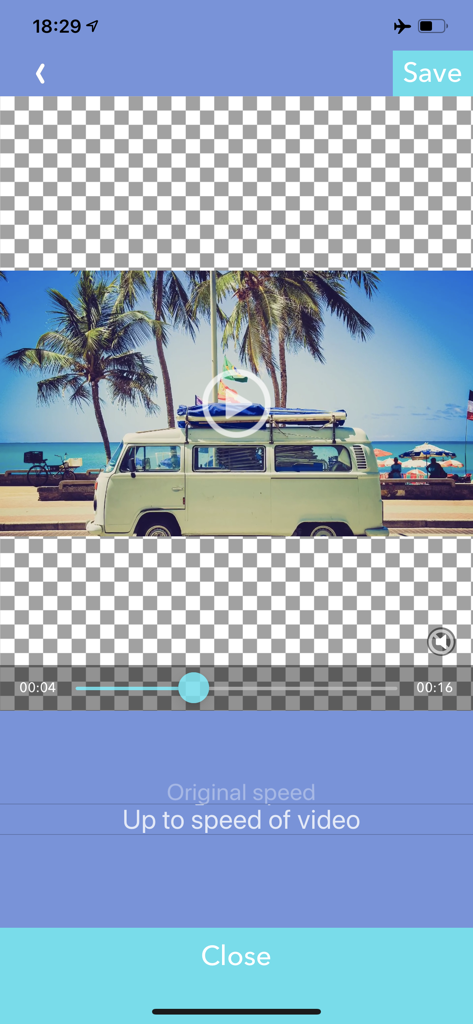
Video Speed Editor app screen for selecting music playback speed options.
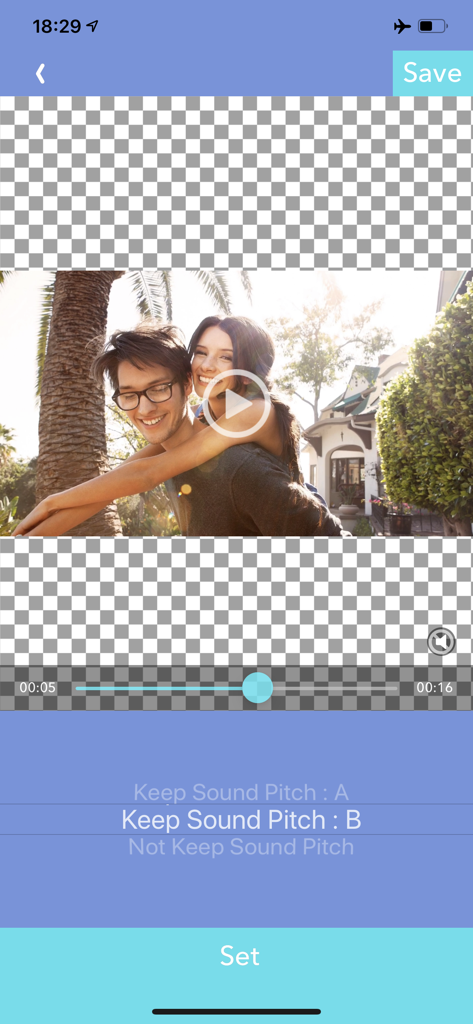
VBooster app interface for adjusting video sound pitch settings during speed editing
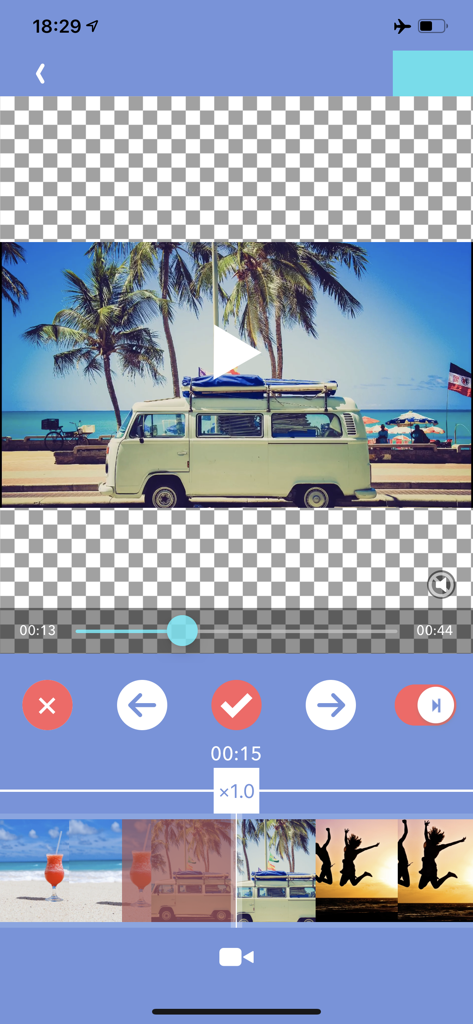
Mobile interface of VBooster video editor showing a timeline and speed adjustment controls for a beach travel video.
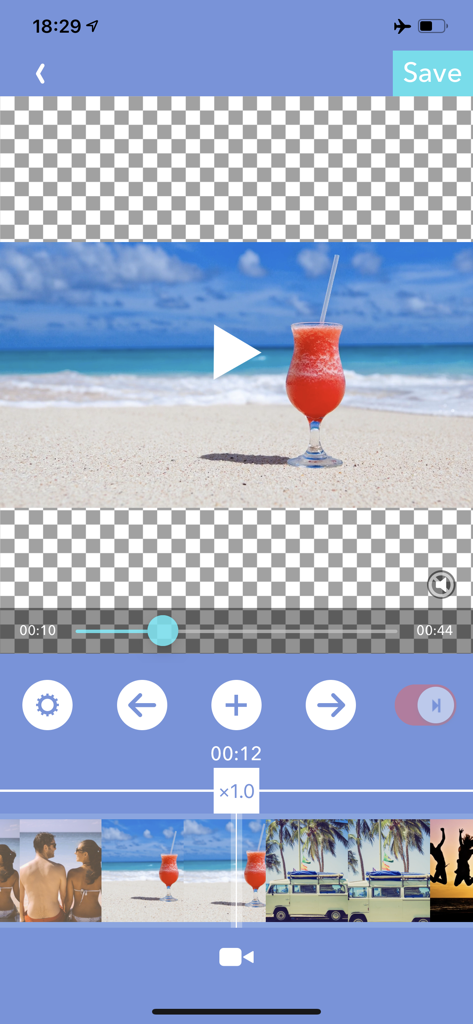
VBooster app interface for adjusting video playback speed in time range mode
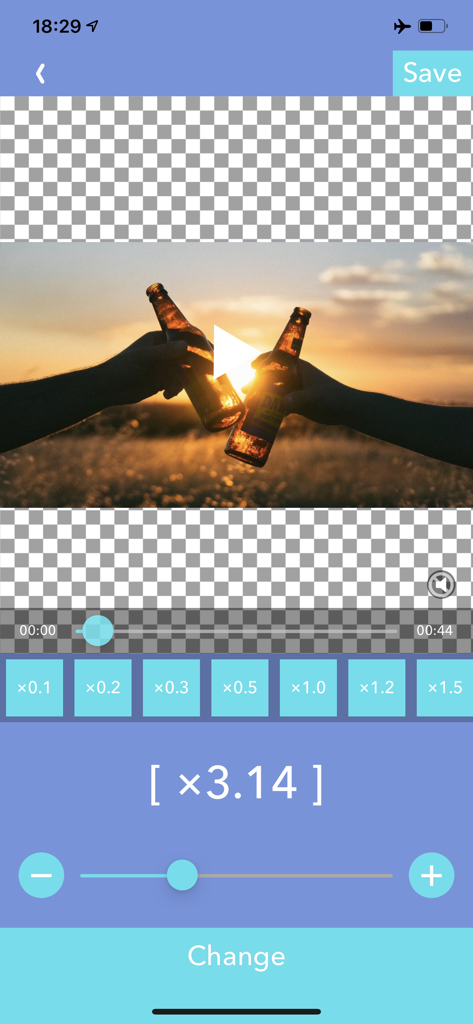
VBooster app interface showing a video being edited with a speed adjustment slider set to 3.14x
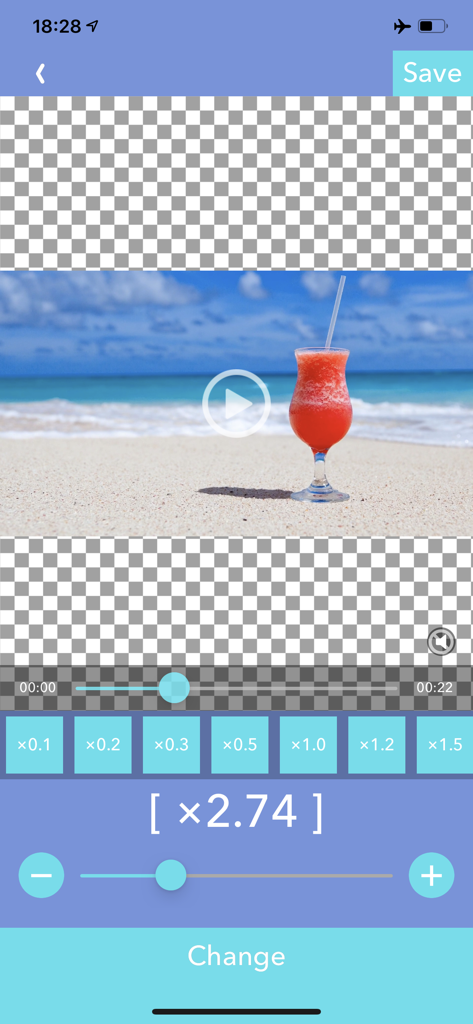
Mobile interface of the VBooster app showing precise video speed adjustment tools and a preview of a beach video.
Description
Download
More Like This
Top-ranked apps in the same category

CapCut: Photo & Video Editor
BYTEDANCE PTE. LTD.

Instagram, Inc.

YouTube
Google LLC

Canva: AI Photo & Video Editor
Canva Pty Ltd

Snapchat
Snap, Inc.

快手
Beijing Kwai Technology Co., Ltd.

Edits: Video Editor
Instagram, Inc.

Meitu- AI Photo & Video Editor
Xiamen Meitu Technology Co., Ltd.

Google Photos: Backup & Edit
Google LLC
This page is not an official page of the app or its developer, but an independent editorial publication created for informational and commentary purposes. Unless expressly stated otherwise, neither the app nor its developer is affiliated with, endorsed by, sponsored by, authorized by, or otherwise officially connected with MWM, Apple, Google Play, the app publisher, or the app's developer, and nothing on this page implies that the app was developed using MWM's services. Any trademarks, logos, screenshots, and other content remain the property of their respective owners.