Video Stopwatch SC
Video Stopwatch SC
Download on App Store

This page is not an official page of the app or its developer, but an independent editorial publication created for informational and commentary purposes. Unless expressly stated otherwise, neither the app nor its developer is affiliated with, endorsed by, sponsored by, authorized by, or otherwise officially connected with MWM, Apple, Google Play, the app publisher, or the app's developer, and nothing on this page implies that the app was developed using MWM's services. Any trademarks, logos, screenshots, and other content remain the property of their respective owners.

Logo of Video Stopwatch SC
Download on App Store

Video Stopwatch SC

Eliminate human error with millisecond accuracy. The ultimate tool for data-driven coaches and solo athletes to analyze technique, compare videos side-by-side, and track every marginal gain.

Key Figures

Downloads

7K+

User Rating

4.5/5

Total Ratings

600

Publisher

SECONDS COUNT TIMING SYSTEMS LLC

Category

Utilities

Locales

1

Latest Version

v1.6.1

Size

36.5 MB

First Released

Jan 3, 2018
Features

Precision Analysis for Elite Performance

Transform your mobile device into a professional-grade timing lab. Capture, analyze, and organize your training data with millisecond accuracy.

Frame-Exact Timing

Eliminate thumb-latency error. Record in high-speed FPS and scrub frame-by-frame to mark starts and finishes with absolute precision.

Sync & Compare Analysis

Visualize your progress. Lock two videos side-by-side to compare your current form against your personal records or a pro model.

The following screenshots and description are sourced directly from the app's official store listing and are the property of the app developer.

App Store

Screenshots
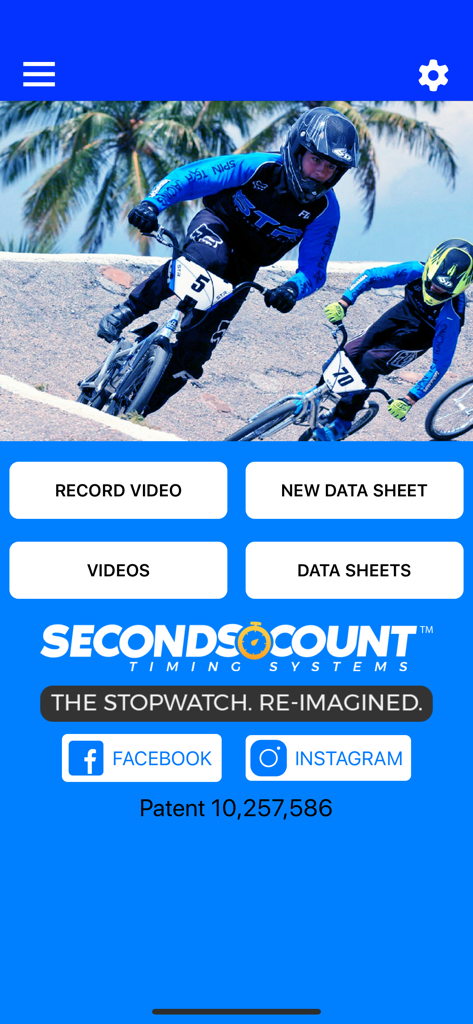
Video Stopwatch SC - Home screen of the Video Stopwatch SC app featuring options to record video and manage athletic data sheets
Home screen of the Video Stopwatch SC app featuring options to record video and manage athletic data sheets

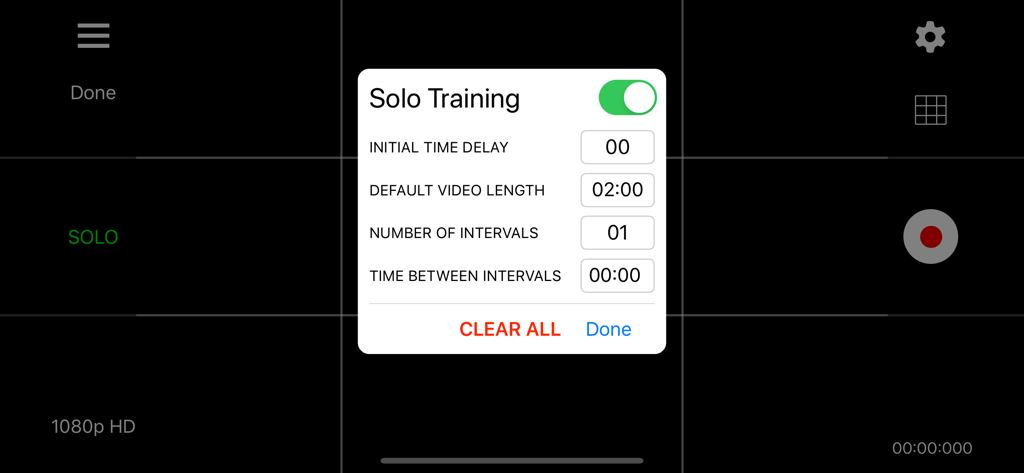
Video Stopwatch SC - Solo Training settings menu in Video Stopwatch SC app showing interval and delay options
Solo Training settings menu in Video Stopwatch SC app showing interval and delay options

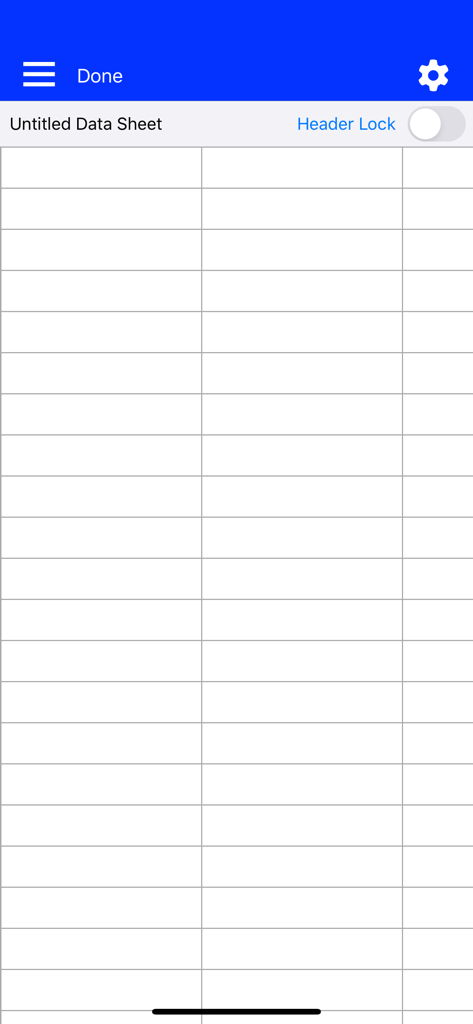
Video Stopwatch SC - Empty data sheet grid in Video Stopwatch SC for organizing training results
Empty data sheet grid in Video Stopwatch SC for organizing training results

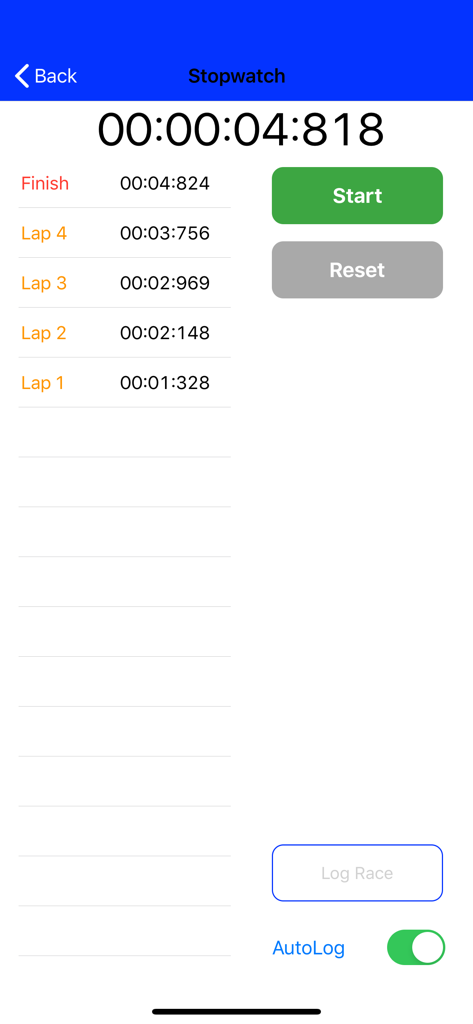
Video Stopwatch SC - Manual stopwatch interface displaying high precision lap and finish times
Manual stopwatch interface displaying high precision lap and finish times

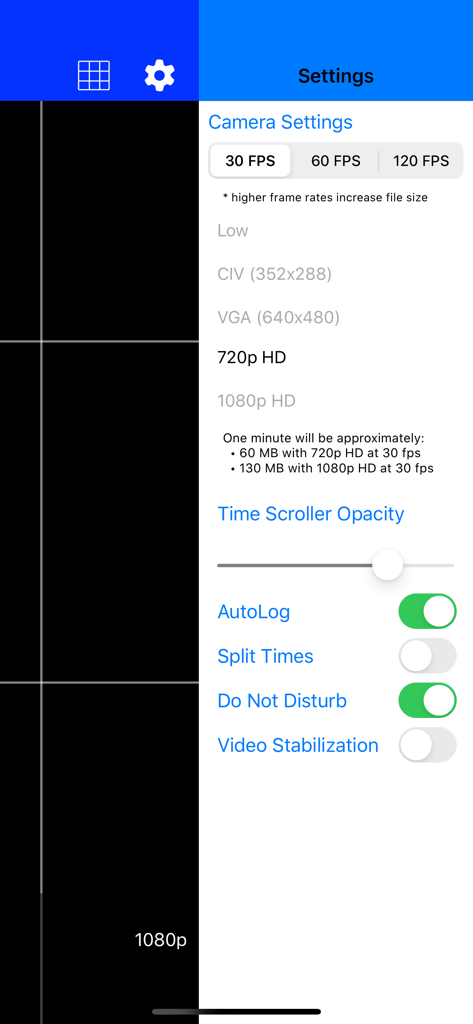
Video Stopwatch SC - Video Stopwatch SC camera settings showing frame rate and resolution options
Video Stopwatch SC camera settings showing frame rate and resolution options

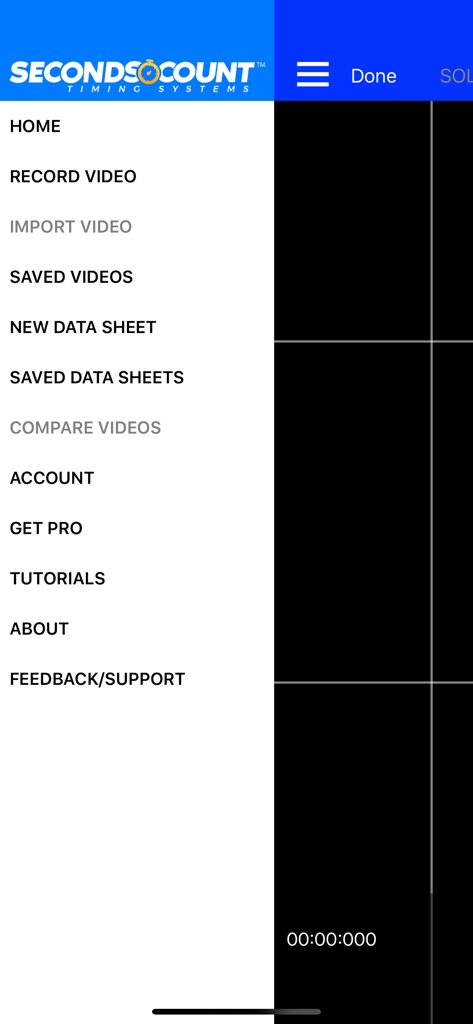
Video Stopwatch SC - The main navigation side menu of the Video Stopwatch SC app showing options for recording video, data sheets, and performance analysis.

The main navigation side menu of the Video Stopwatch SC app showing options for recording video, data sheets, and performance analysis.

Description

Video Stopwatch The world’s most versatile and comprehensive mobile timing and training application. Feature rich and simple to use. Patent Pending technology allows you to record, track, save, compare and analyze all of your critical time and performance data. Record your event and set timing markers after to gain greater precision. Save your timing data in data sheets to stay organized. The compare videos tool allows you to compare 2 videos side by side. Videos always begin at the start marker which makes synchronizing videos a breeze. Patent pending video stopwatch allows you to record an event or training session and then review frame by frame to precisely mark the start, lap and/or multiple finish times. If you are recording a race, Seconds Count can mark the finish points of all competitors and display each finish time and the time distance between each competitor. Data Sheets Store lap and finish times from manual and video timing in datasheets. Add text, dates and comments to cells to keep information organized. With thousands of columns and rows on each data sheet, there is plenty of room to store all of your records Manual Logging Stopwatch A manual stopwatch function can be deployed when video is not needed or used that will automatically log the results in a data sheet. Additional Labels and dates can be added to give these times organization as well. Solo Training Tool: Pro Subscription Required (1 Month Free Trial Available) A solo training function allows user to set app to automatically record multiple videos with a user selectable rest period in between each video allowing the user to repeatedly record themselves and later analyze their performance. Developing consistency is one of the keys to success. Compare Videos Tool: Pro Subscription Required (1 Month Free Trial Available) Improve your form and technique analysis with the compare videos tool. Videos are locked to move synchronously or can be unlocked to move independently. Videos always begin at the start marker which makes synchronizing them a breeze. Pro Subscription - Annual Pro Subscription ($5.99 per year) Subscription includes: - Introductory 1 Month Free Trial - Solo Training Tool - Compare Videos Tool - 60fps and 120fps Video Frame Rate Capability - Time Scroller Opacity Setting - Video Stabilization Setting - Video Brightness Control - Video Trimming Tool - Video Uploading to Web Application - Video Imports - Data Sheet Templates - Data Sheet Split Times - Freezing Data Sheet Headers An introductory 1 Month Free Trial will be given to new subscribers. Pending free trial eligibility, payment will be charged to iTunes Account at the end of the free trial unless cancelled 24 hours prior to the end of the current trial period. If not eligible for free trial, payment will be charged to iTunes Account at confirmation of purchase. Subscription automatically renews unless auto-renew is turned off at least 24-hours before the end of the current period. Account will be charged for renewal within 24-hours prior to the end of the current period, and identify the cost of the renewal. Subscriptions may be managed by the user and auto-renewal may be turned off by going to the user's Account Settings after purchase. Any unused portion of a free trial period, if offered, will be forfeited when the user purchases a subscription to that publication, where applicable. Privacy Policy and Terms of Use: https://secondscount.com/support Take your timing and technique analysis to the next level with Seconds Count. Check us out at www.secondscount.com.

Download

Download on App Store

This page is not an official page of the app or its developer, but an independent editorial publication created for informational and commentary purposes. Unless expressly stated otherwise, neither the app nor its developer is affiliated with, endorsed by, sponsored by, authorized by, or otherwise officially connected with MWM, Apple, Google Play, the app publisher, or the app's developer, and nothing on this page implies that the app was developed using MWM's services. Any trademarks, logos, screenshots, and other content remain the property of their respective owners.








