
This page is not an official page of the app or its developer, but an independent editorial publication created for informational and commentary purposes. Unless expressly stated otherwise, neither the app nor its developer is affiliated with, endorsed by, sponsored by, authorized by, or otherwise officially connected with MWM, Apple, Google Play, the app publisher, or the app's developer, and nothing on this page implies that the app was developed using MWM's services. Any trademarks, logos, screenshots, and other content remain the property of their respective owners.


Vidgram: AI Video Generator
Transform your favorite memories, pets, and selfies into stunning cinematic videos. Create trend-setting content and professional AI portraits with just one tap.
Downloads
3K+User Rating
Total Ratings
0Publisher
Category
UtilitiesLocales
9Latest Version
1.0.1Size
41.3 MBFirst Released
Dec 21, 2025Elevate Your Social Presence with AI Magic
Stop scrolling and start trending. Vidgram uses cutting-edge AI to turn your static photos into cinematic videos and professional portraits with just a single tap.
Cinematic Photo-to-Video
Breathe life into your photos. Transform portraits, pets, and memories into high-quality animated videos that grab attention in every feed.
Instant AI Headshots
Upgrade your personal brand. Generate stylish, studio-quality portraits for LinkedIn or social media without the cost of a professional photoshoot.
Frequently Asked Questions
Everything you need to know about Vidgram: AI Video Generator
What is Vidgram?
Vidgram is an AI video generator that transforms photos into lively, engaging videos. It offers features like Photo-to-Video, Magical Effects, an Extensive Template Library, and an AI Portrait Generator.
Can Vidgram turn photos into videos?
Yes, Vidgram features "Photo-to-Video" functionality, allowing users to transform any photo into a beautifully animated video in seconds. AI-powered effects bring memories to life.
Does Vidgram use AI for video generation?
Yes, Vidgram utilizes AI-powered effects to bring people, pets, and memories to life in its Photo-to-Video feature. It is an "AI Video Generator."
What types of creative tools does Vidgram offer?
Vidgram offers Photo-to-Video transformation, Magical Effects for cinema-style videos, an Extensive Template Library for social media trends, and an AI Portrait Generator for professional portraits.
How can users generate AI portraits with Vidgram?
Vidgram includes an AI Portrait Generator that instantly creates stylish and creative professional portraits. This feature helps users elevate their social media presence with standout visuals.
What subscription options are available for Vidgram?
Vidgram offers flexible subscription plans including Weekly, Monthly, and Yearly options. Upgrading unlocks all features available in the app.
How is payment handled for Vidgram subscriptions?
Payment for Vidgram subscriptions is charged to the user's iTunes Account after purchase confirmation. This applies to all available plans.
Can I manage or cancel my Vidgram subscription?
Yes, users can manage their Vidgram subscriptions and turn off auto-renewal at any time via their Account Settings.
When does a Vidgram subscription automatically renew?
A Vidgram subscription automatically renews unless canceled at least 24 hours before the end of the current period. Renewal payment is collected within 24 hours prior to the period's end.
Does Vidgram offer templates for video creation?
Yes, Vidgram provides an Extensive Template Library. Users can choose from professional templates inspired by the latest social media trends to create engaging videos.
Where can I find my creations in Vidgram?
Users can find all their creations, both videos and photos, in the "My" tab within Vidgram. This section serves as a work center for generated content.
How do I provide ideas for video generation in Vidgram?
Users can input their ideas by typing into the "Share your thoughts..." field or uploading an image. After input, they tap "Generate Now."
Does Vidgram allow users to save generated videos?
Yes, after generating a video, users can preview the results and then save their creations. A "Save to Album" button is present for this action.
Does Vidgram offer a free trial?
The description mentions that any unused free trial time will be forfeited when starting a paid subscription, implying that a free trial may be offered.
What kind of creative categories does Vidgram present on its home screen?
The Vidgram home screen displays various creative categories such as "Snow Season," "BeatSync AI Dance," and "AI Choreography Vision," offering diverse inspirations for video creation.
Can Vidgram generate unique AI photos?
Yes, Vidgram can generate unique AI photos. The app's interface shows categories like "Wave," "Elven Wings," and "Merry Christmas" for creating distinct AI-enhanced images.
Is there an email for Vidgram customer support or feedback?
Yes, users can send feedback or inquiries to lucasricermlb@outlook.com. Vidgram encourages users to share what they would like to see next.
Where can I find the Terms of Service for Vidgram?
The Terms of Service for Vidgram are available at the following URL: https://sites.google.com/view/Vidgram-terms. This document outlines user agreements.
Where can I find the Privacy Policy for Vidgram?
The Privacy Policy for Vidgram is accessible at https://sites.google.com/view/vidgram-privacy. It details how the application handles user data.
Are partial refunds given if a Vidgram subscription is canceled?
No, if a Vidgram subscription is canceled, access continues until the current period ends, but no partial refunds are given for the remaining time.
The following screenshots and description are sourced directly from the app's official store listing and are the property of the app developer.
App Store
Screenshots
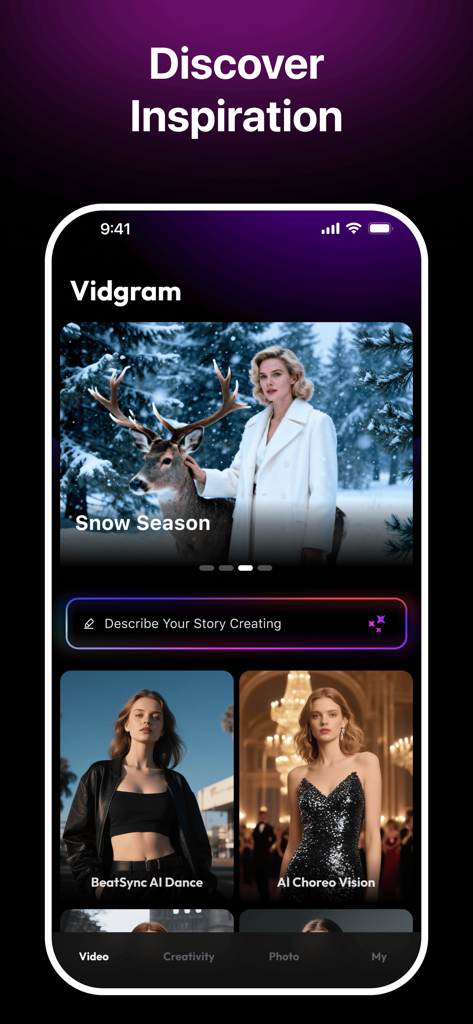
Vidgram app interface showing AI video generation templates and a creative text prompt for story creation
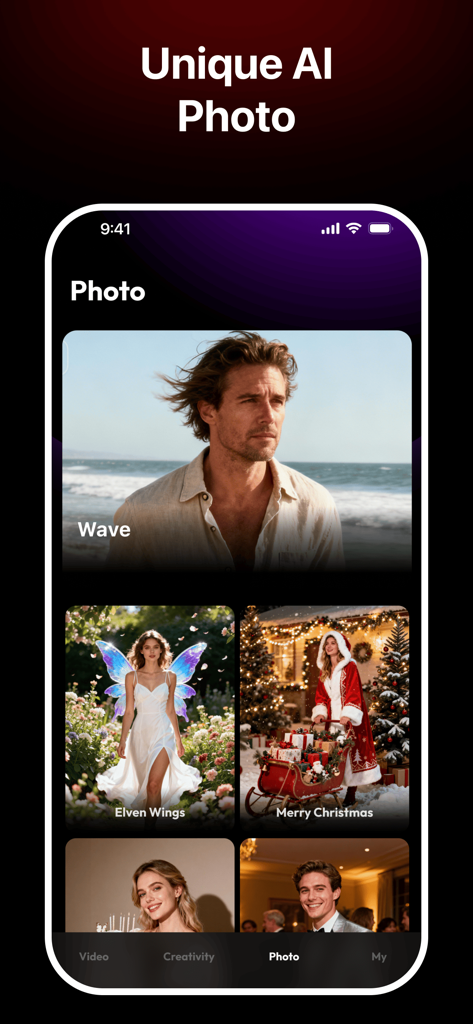
Vidgram app interface showcasing unique AI photo templates including elven wings and seasonal themes
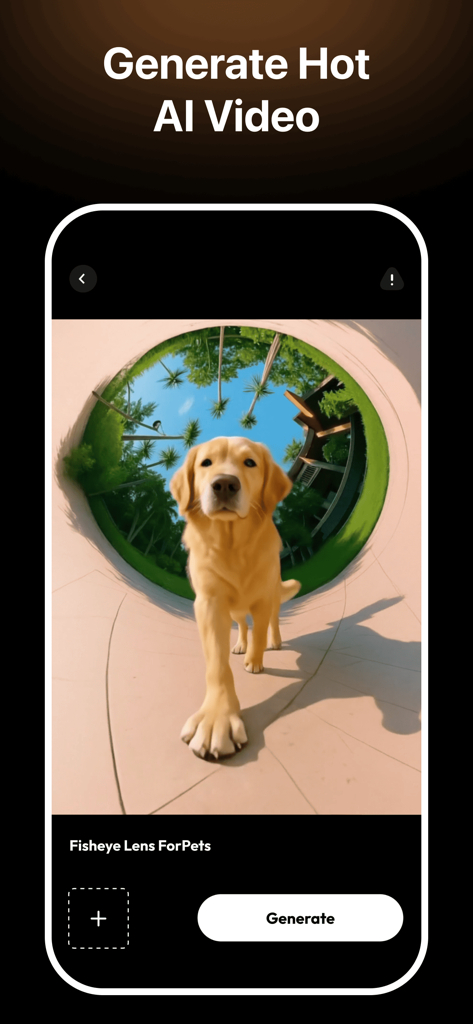
A mobile app screen showing a golden retriever dog within a fisheye lens AI video effect.
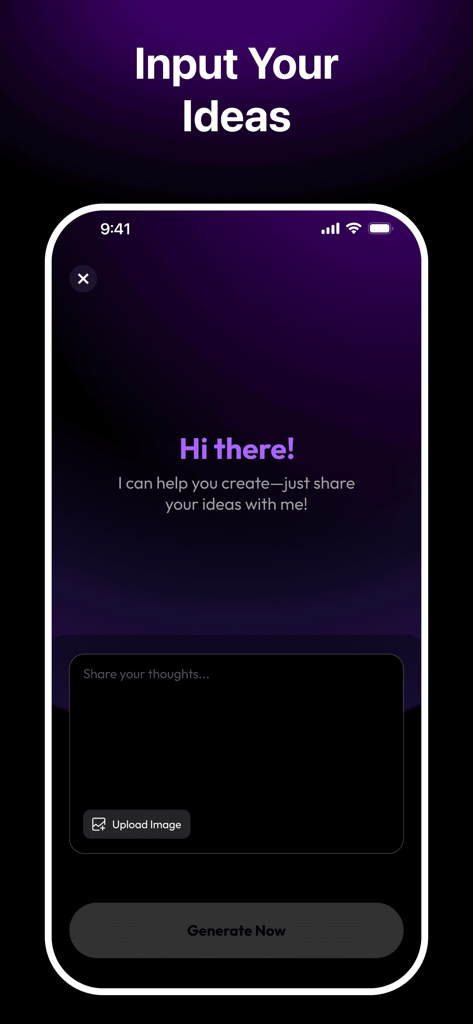
Vidgram AI video generator interface showing a text box to input creative ideas and a button to upload images.
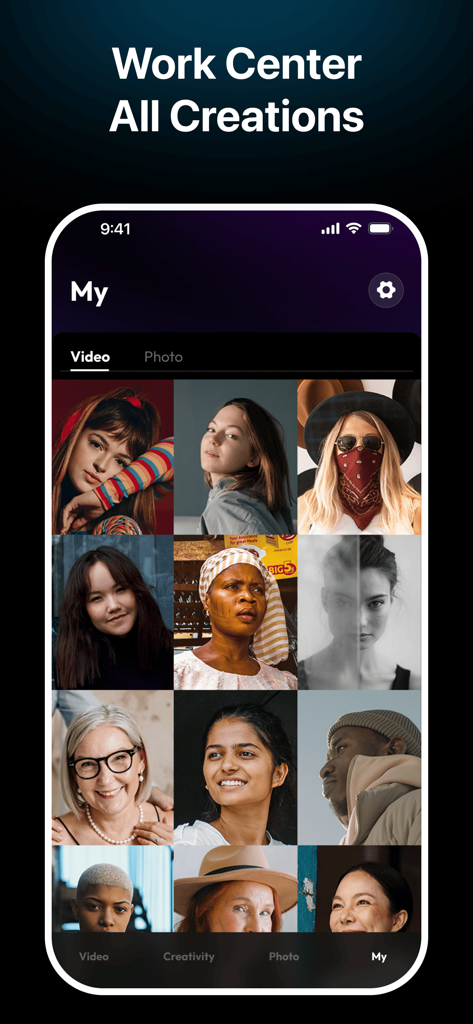
A mobile app screen showing a grid of AI-generated portraits and videos in the Vidgram Work Center.
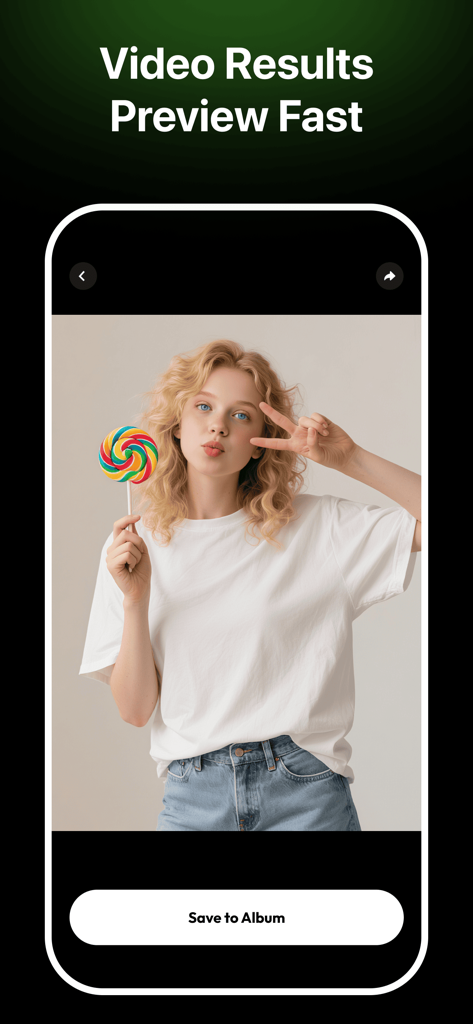
Vidgram app preview showing a generated video result of a woman with a lollipop and a save button.
Description
Download
More Like This
Top-ranked apps in the same category

Google LLC

Google Chrome
Google LLC

中国移动(手机营业厅)
China Mobile Online Services Co., Ltd.

Google Authenticator
Google LLC

CNH do Brasil
Servicos e Informacoes do Brasil

Cleanup: Phone Storage Cleaner
DEEP FLOW SOFTWARE SERVICES - FZCO

gov.br
Servicos e Informacoes do Brasil

中国电信-全国统一官方服务平台
CHINA TELECOM Corporation Ltd.

Microsoft Edge: AI Browser
Microsoft Corporation
This page is not an official page of the app or its developer, but an independent editorial publication created for informational and commentary purposes. Unless expressly stated otherwise, neither the app nor its developer is affiliated with, endorsed by, sponsored by, authorized by, or otherwise officially connected with MWM, Apple, Google Play, the app publisher, or the app's developer, and nothing on this page implies that the app was developed using MWM's services. Any trademarks, logos, screenshots, and other content remain the property of their respective owners.