
This page is not an official page of the app or its developer, but an independent editorial publication created for informational and commentary purposes. Unless expressly stated otherwise, neither the app nor its developer is affiliated with, endorsed by, sponsored by, authorized by, or otherwise officially connected with MWM, Apple, Google Play, the app publisher, or the app's developer, and nothing on this page implies that the app was developed using MWM's services. Any trademarks, logos, screenshots, and other content remain the property of their respective owners.


Vocal Remover: Music Separator
Effortlessly isolate vocals, drums, and instruments with studio-grade AI. Whether you’re crafting the next viral TikTok remix, practicing with real-time lyrics, or producing professional stems, transform any song into your own creative playground in seconds.
Downloads
875K+User Rating
Total Ratings
7K+Publisher
Category
MusicLocales
13Latest Version
8.0.5Size
121.6 MBFirst Released
Oct 22, 2021Professional Studio Power in Your Pocket
Harness cutting-edge AI to isolate instruments, generate real-time karaoke lyrics, and create professional-grade remixes from any song in your library.
Precision AI Stem Splitting
Instantly isolate vocals, drums, bass, and keys with studio-grade clarity for perfect remixes and high-quality acapellas.
AI-Powered Karaoke Mode
Practice your performance with real-time synchronized lyrics that our AI automatically detects and displays for any track.
Frequently Asked Questions
Everything you need to know about Vocal Remover: Music Separator
What is Vocal Remover: Music Separator?
Vocal Remover is an AI-powered music editor that isolates vocals and instruments from songs. It provides studio-quality separation for creating acapella, instrumental tracks, and features real-time lyrics display for karaoke.
Can Vocal Remover: Music Separator isolate specific instruments?
Yes, Vocal Remover can precisely split voice, drums, bass, piano, and guitar using advanced AI separation. This allows for perfect acapella and instrumental track creation.
What audio file formats does Vocal Remover: Music Separator support for import and export?
Vocal Remover supports MP3, FLAC, WAV, and M4A formats for high-quality export. It is also compatible with these formats for import, along with MP4 for import as per visual evidence.
Does Vocal Remover: Music Separator provide lyrics display?
Yes, Vocal Remover features a new AI-powered lyrics display that automatically detects, interprets, and shows song lyrics in real-time. This is ideal for karaoke sessions and singing practice.
What features are included with Vocal Remover Premium?
Vocal Remover Premium offers unlimited song separation, full lyrics display, and all karaoke features. Users can choose from weekly or monthly subscription plans, with pricing varying by region.
How can users import songs into the Vocal Remover app?
Users can import songs into Vocal Remover from their Camera Roll, iTunes, Files app, or via a URL. The app also supports direct imports from Google Drive, Dropbox, and iCloud.
Is there an age restriction to use the Vocal Remover: Music Separator app?
Yes, users must be 18 years or older, or the legal age in their specific region, to use the Vocal Remover: Music Separator application.
Is the user responsible for copyrighted material when using Vocal Remover?
Yes, the user is solely responsible for ensuring they own the rights to any content uploaded to Vocal Remover. Users must have permission to use copyrighted material.
Can Vocal Remover: Music Separator adjust BPM and pitch?
Yes, Vocal Remover automatically detects BPM and allows users to change tempo or pitch with precision. This feature is beneficial for DJs, remixers, and vocalists.
Does Vocal Remover: Music Separator ensure clear audio output?
Yes, Vocal Remover includes built-in noise reduction technology. This feature ensures crystal-clear audio output for all processed tracks.
The following screenshots and description are sourced directly from the app's official store listing and are the property of the app developer.
App Store
Screenshots
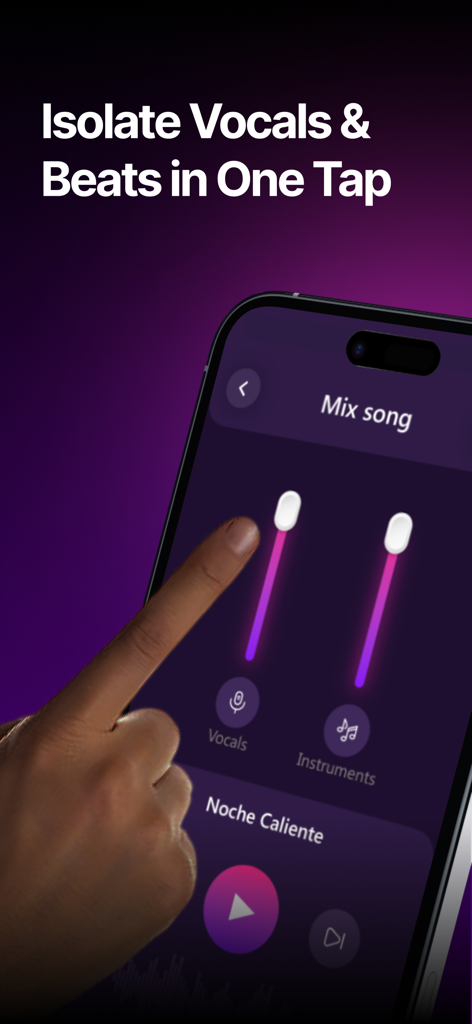
Smartphone screen showing sliders for isolating vocals and instruments in the Vocal Remover app
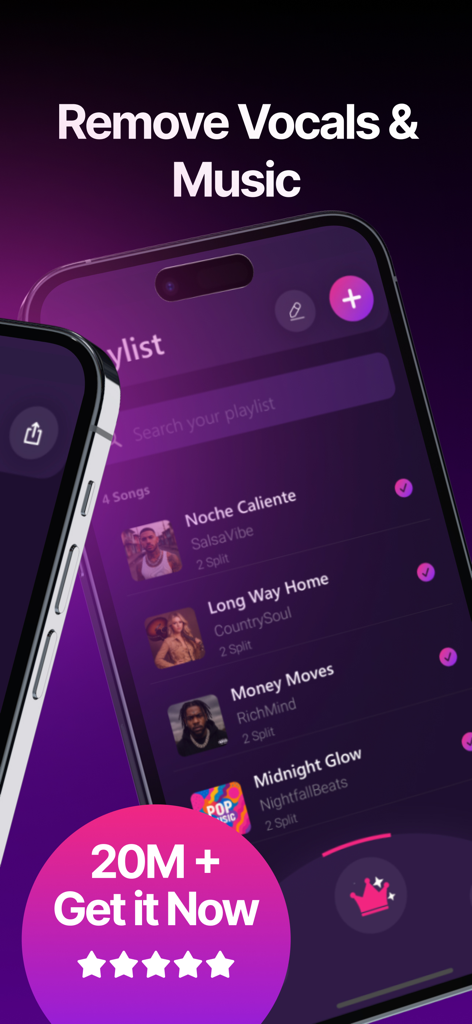
Vocal Remover app interface showing a song playlist and music separation options
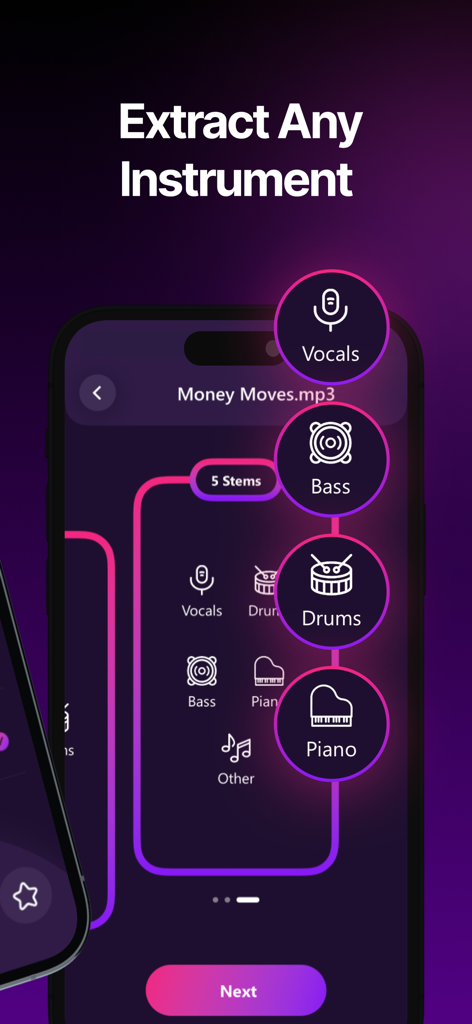
Mobile app interface showing the extraction of music stems like vocals bass drums and piano from a song
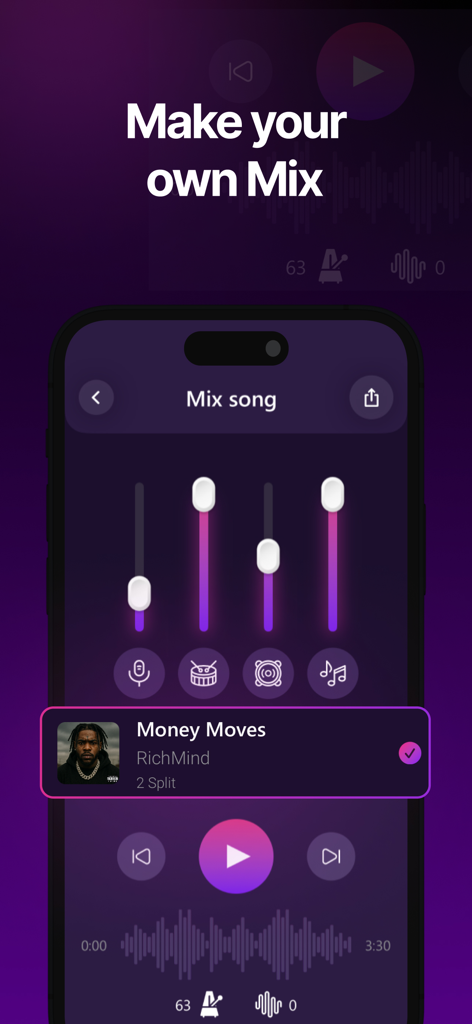
Mobile app screen showing sliders to adjust and mix separate music stems like vocals and drums
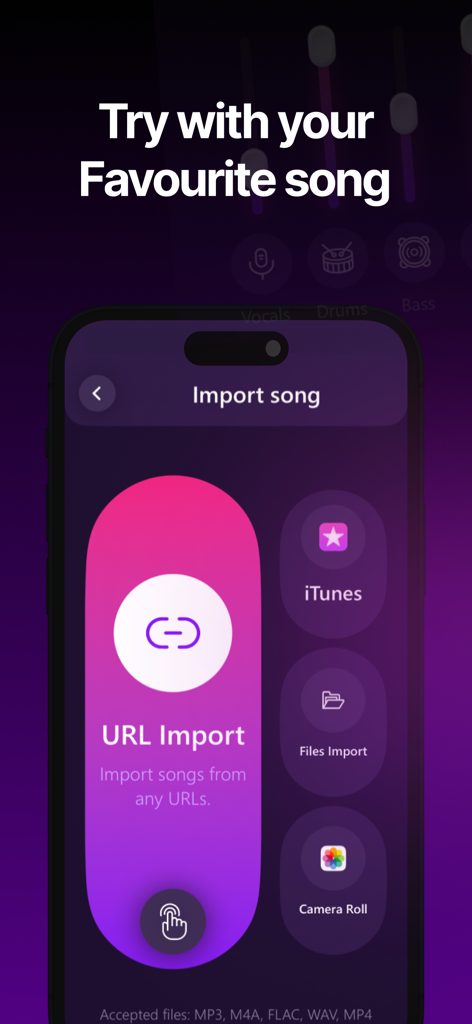
Interface of the Vocal Remover app showing song import options from URL, iTunes, files, and camera roll.
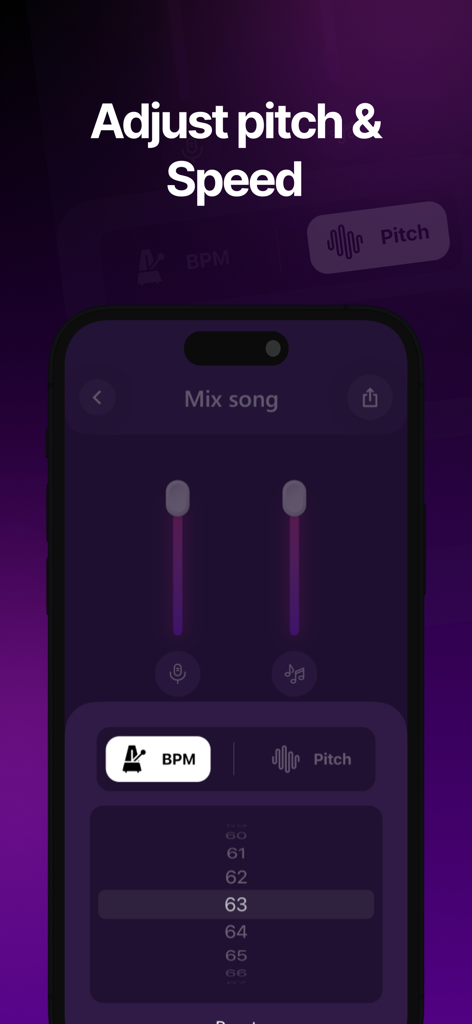
Mobile app interface for adjusting song pitch and BPM speed in Vocal Remover
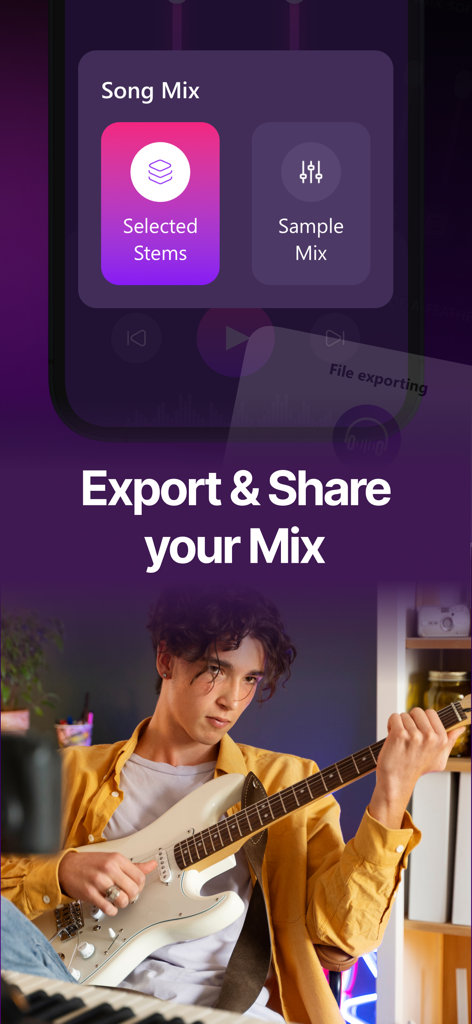
Export and share music stems interface featuring a guitarist playing an electric guitar
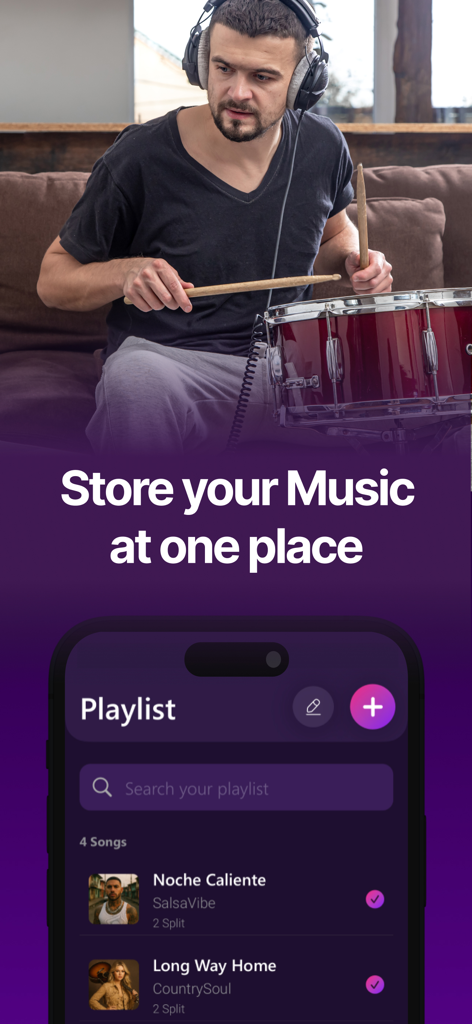
A musician playing drums above a smartphone screen showing a music playlist interface
Description
Download
More Like This
Apps with similar features and user experience

Music Speed Changer ▶▶▶
Single Minded Productions, LLC

Vocal Remover - Musiclab
CHENGDU Yiwo Tech Development Co., Ltd

Audio Fusion
景睿 文

Audio Jam: AI for musicians
Kiraku Tech Co., Ltd.

Anytune Pro+: Studio Tools
Anytune Inc.

Moises: The Musician's App
Moises Systems Inc

Strum - Play Guitar
W185 Holdings LLC

Chordify: Songs, Chords, Tuner
Chordify BV

Chord ai - Play any song!
Nomad AI OU
This page is not an official page of the app or its developer, but an independent editorial publication created for informational and commentary purposes. Unless expressly stated otherwise, neither the app nor its developer is affiliated with, endorsed by, sponsored by, authorized by, or otherwise officially connected with MWM, Apple, Google Play, the app publisher, or the app's developer, and nothing on this page implies that the app was developed using MWM's services. Any trademarks, logos, screenshots, and other content remain the property of their respective owners.