
This page is not an official page of the app or its developer, but an independent editorial publication created for informational and commentary purposes. Unless expressly stated otherwise, neither the app nor its developer is affiliated with, endorsed by, sponsored by, authorized by, or otherwise officially connected with MWM, Apple, Google Play, the app publisher, or the app's developer, and nothing on this page implies that the app was developed using MWM's services. Any trademarks, logos, screenshots, and other content remain the property of their respective owners.


Voice-Over AI | Text To Speech
Transform scripts into lifelike speech with 700+ realistic voices. Seamlessly integrated with CapCut for TikTok, Reels, and YouTube creators—commercial license included.
Downloads
13K+User Rating
Total Ratings
100Publisher
Category
Photo & VideoLocales
1Latest Version
1.3Size
31.3 MBFirst Released
Aug 3, 2022Create Viral Content with Professional AI Voices
Transform any text into high-quality audio in seconds. Choose from 700+ human-like voices in 129 languages to make your content stand out and engage your audience.
700+ Studio-Quality Voices
Find the perfect persona for your TikTok, YouTube, or Reels with professional narrators and accents that sound indistinguishable from humans.
Instant CapCut Integration
Streamline your workflow by exporting your voice-overs directly into CapCut. No more messy file management—just create and edit.
The following screenshots and description are sourced directly from the app's official store listing and are the property of the app developer.
App Store
Screenshots
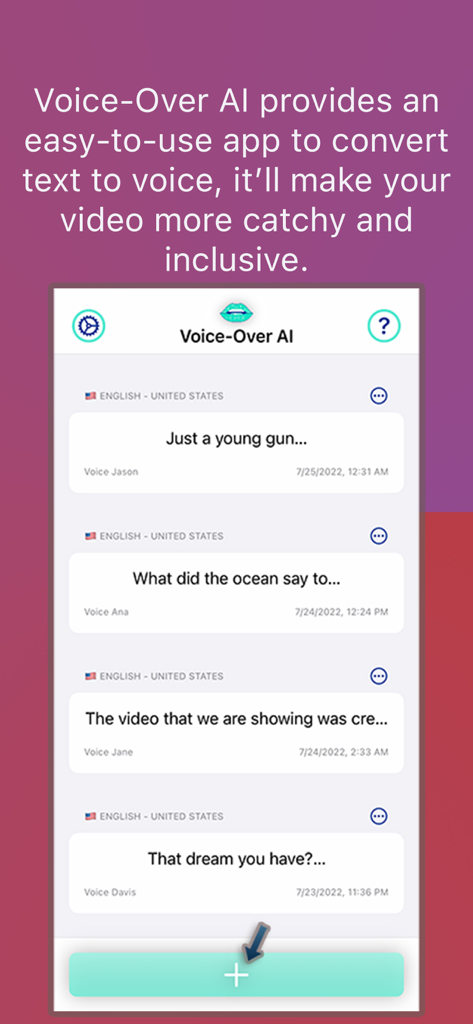
Screenshot of the Voice-Over AI app interface showing a list of text-to-speech projects and a create button
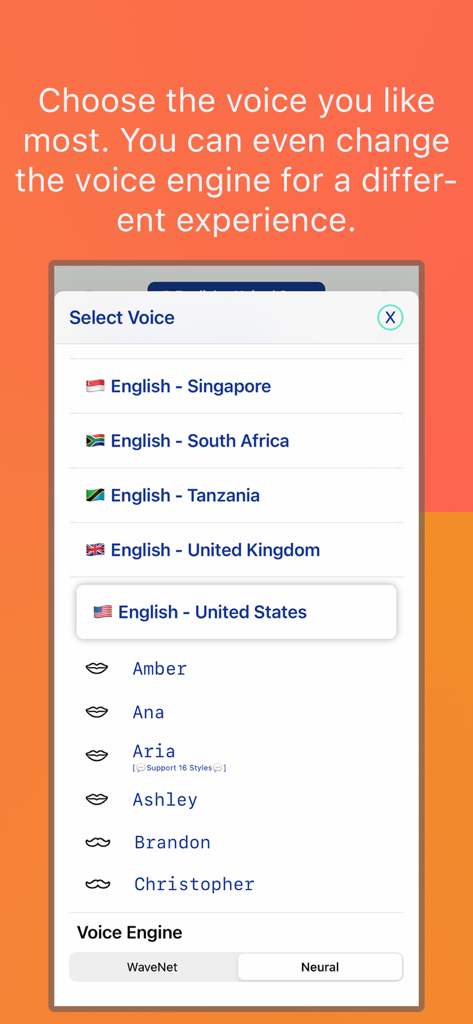
A mobile app screen showing a menu to select voices with different English accents and options for WaveNet or Neural voice engines.
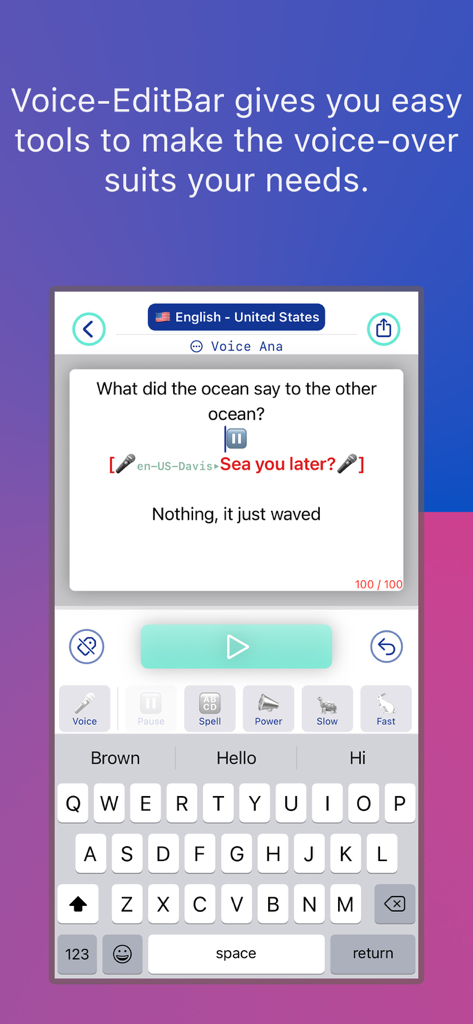
Interface of the Voice-Over AI app showing text-to-speech editing tools for speed power and voice selection
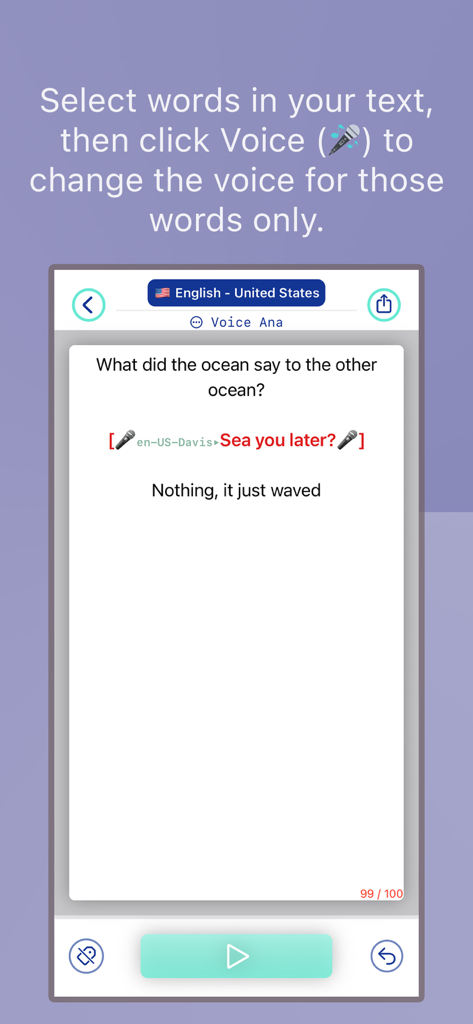
Interface showing the feature to change the AI voice for specific words in a text block
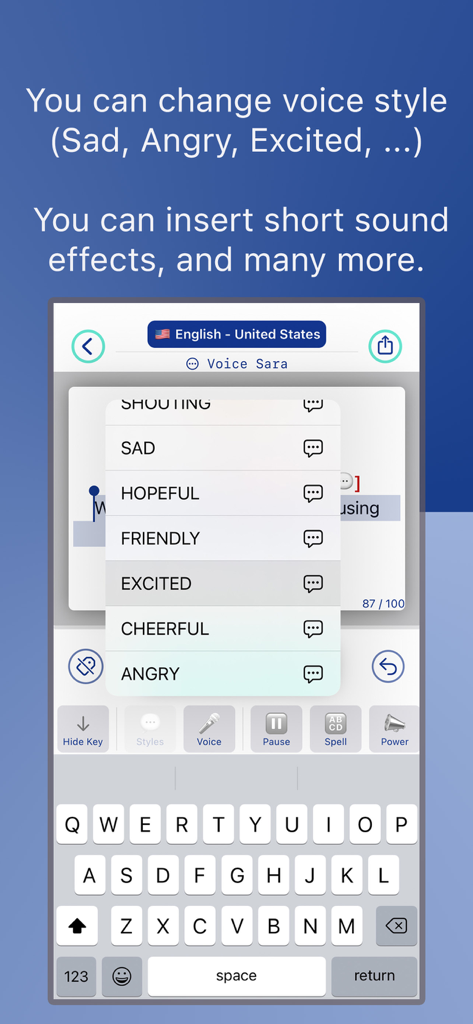
Interface of the Voice-Over AI app showing emotional voice style options like excited, friendly, and angry

Mobile app interface showing a play button on a stylized mouth graphic with waveform details and a share icon
Description
Download
More Like This
Top-ranked apps in the same category

CapCut: Photo & Video Editor
BYTEDANCE PTE. LTD.

Instagram, Inc.

YouTube
Google LLC

Canva: AI Photo & Video Editor
Canva Pty Ltd

Snapchat
Snap, Inc.

快手
Beijing Kwai Technology Co., Ltd.

Edits: Video Editor
Instagram, Inc.

Meitu- AI Photo & Video Editor
Xiamen Meitu Technology Co., Ltd.

Google Photos: Backup & Edit
Google LLC
This page is not an official page of the app or its developer, but an independent editorial publication created for informational and commentary purposes. Unless expressly stated otherwise, neither the app nor its developer is affiliated with, endorsed by, sponsored by, authorized by, or otherwise officially connected with MWM, Apple, Google Play, the app publisher, or the app's developer, and nothing on this page implies that the app was developed using MWM's services. Any trademarks, logos, screenshots, and other content remain the property of their respective owners.