
This page is not an official page of the app or its developer, but an independent editorial publication created for informational and commentary purposes. Unless expressly stated otherwise, neither the app nor its developer is affiliated with, endorsed by, sponsored by, authorized by, or otherwise officially connected with MWM, Apple, Google Play, the app publisher, or the app's developer, and nothing on this page implies that the app was developed using MWM's services. Any trademarks, logos, screenshots, and other content remain the property of their respective owners.


Voice Record Pro 7
Empower your workflow with high-fidelity recording, advanced editing, and seamless cloud integration. Designed for journalists, creators, and professionals who demand more than just a voice memo.
Downloads
0User Rating
Total Ratings
0Publisher
Category
ProductivityLocales
1Latest Version
4.1.0Size
103.0 MBFirst Released
Feb 11, 2014Professional Audio Mastery at Your Fingertips
Elevate your workflow with high-fidelity recording, advanced studio editing, and instant cloud sync designed for professionals and creators.
Universal Cloud Integration
Instantly export to Google Drive, Dropbox, OneDrive, or FTP. Move your files from your device to your workstation without cables or friction.
Mobile Production Suite
Trim, append, and split records on the fly. Apply professional effects like gain, EQ, and reverb to polish your audio before you even hit export.
The following screenshots and description are sourced directly from the app's official store listing and are the property of the app developer.
App Store
Screenshots
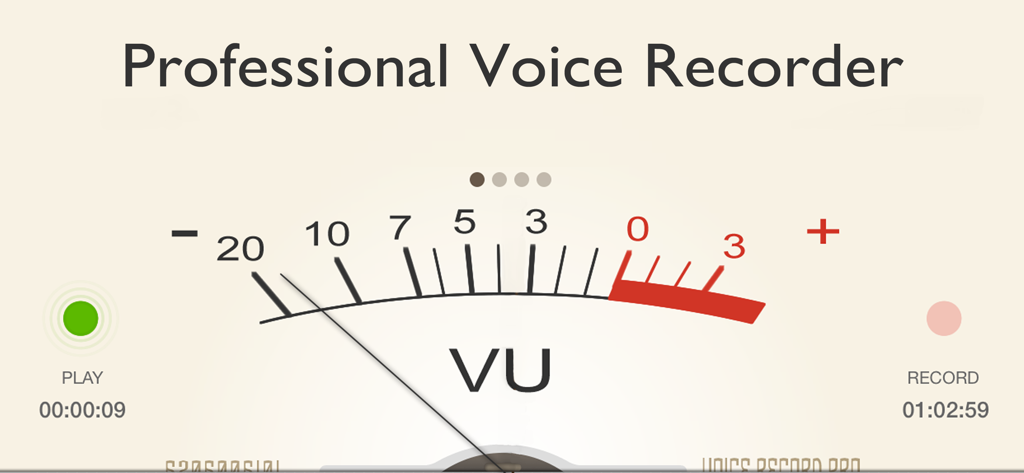
Analog style VU meter interface for professional voice recording with play and record indicators
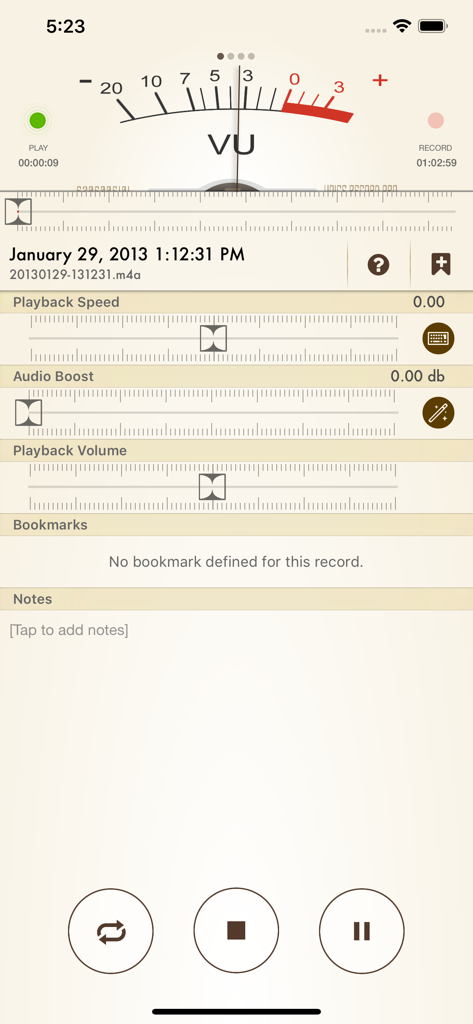
Voice Record Pro 7 app screenshot showing a VU meter and controls for playback speed audio boost and volume settings
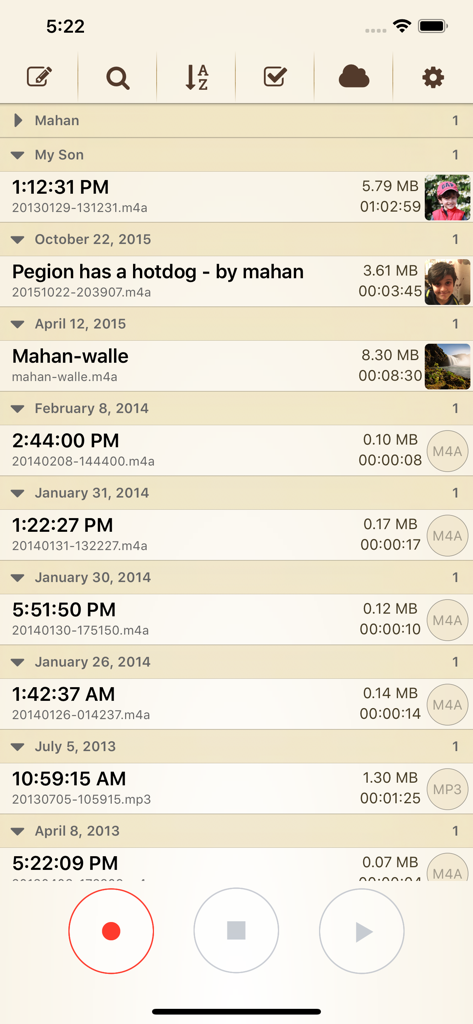
Interface of Voice Record Pro 7 showing a list of saved voice recordings with dates file sizes and durations
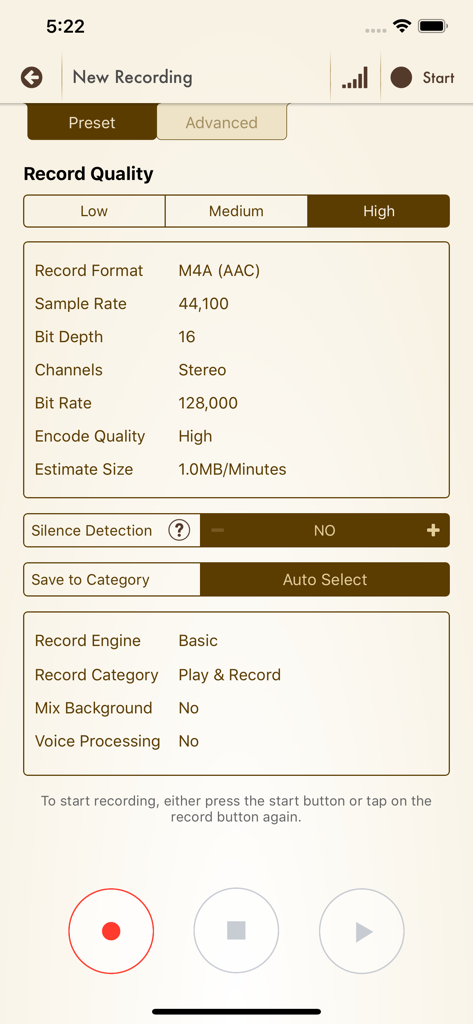
Voice Record Pro 7 app interface showing high quality recording preset settings with technical audio specifications
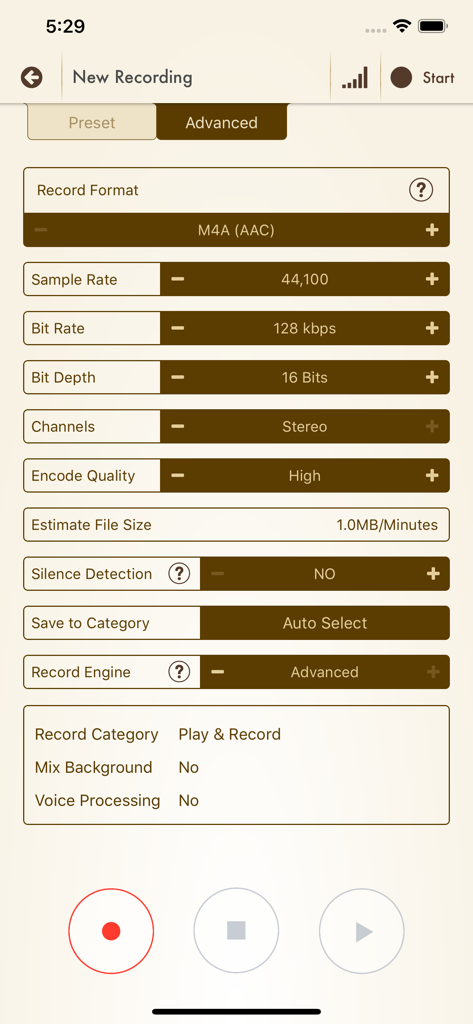
Advanced recording configuration screen in Voice Record Pro 7 showing sample rate bitrate and format options
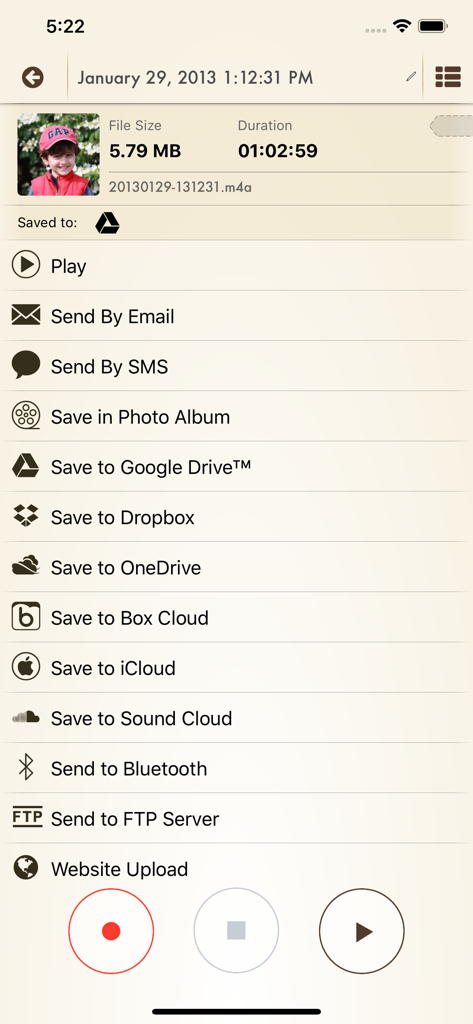
Interface of Voice Record Pro 7 showing various export options like Google Drive, Dropbox, and SoundCloud for an audio recording.
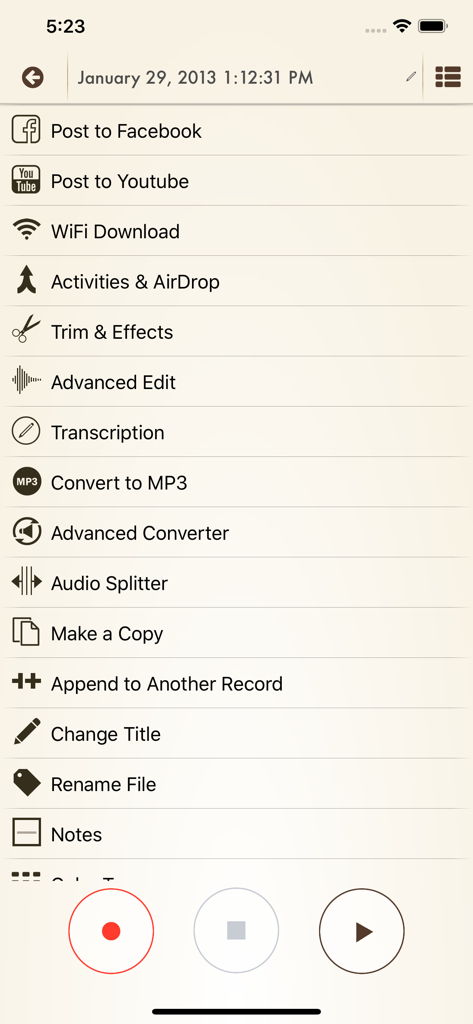
Advanced audio editing and sharing options menu in Voice Record Pro 7 app
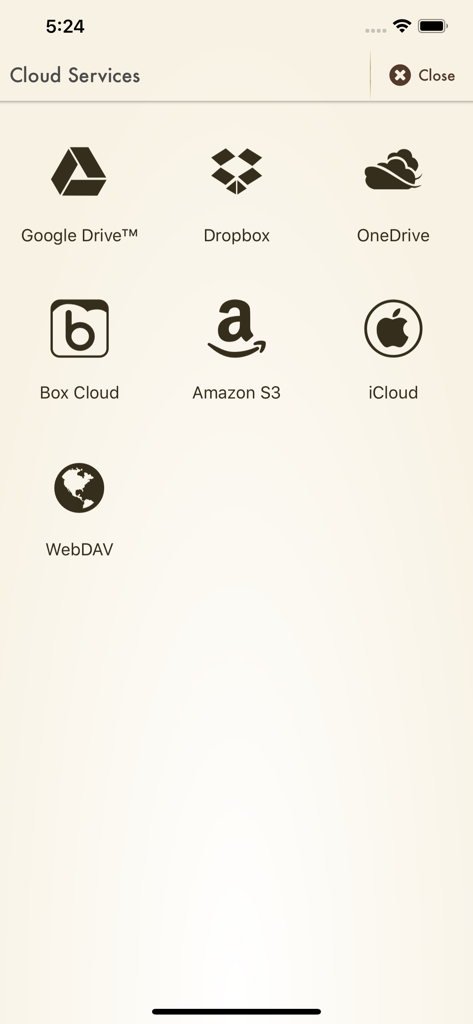
Cloud storage services for exporting recordings including Google Drive Dropbox and OneDrive
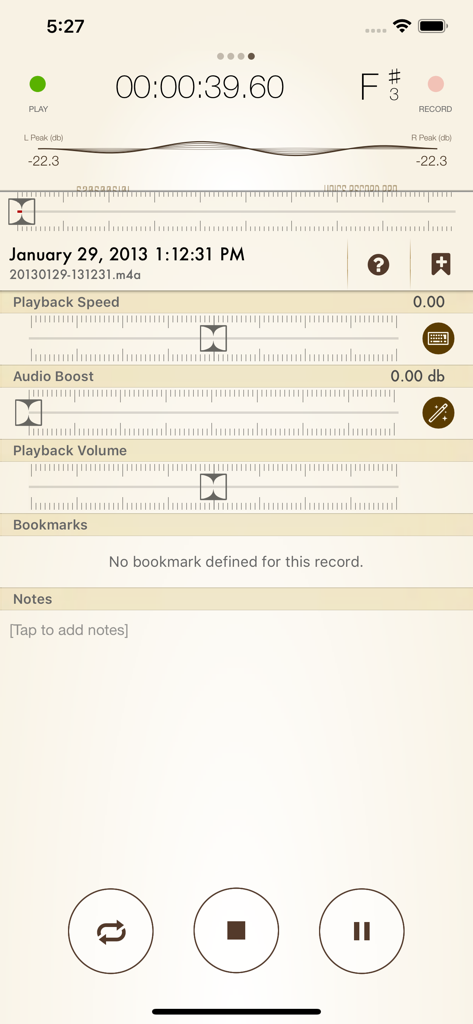
Voice Record Pro 7 interface featuring sliders for playback speed, audio boost, and volume control along with sections for bookmarks and notes.
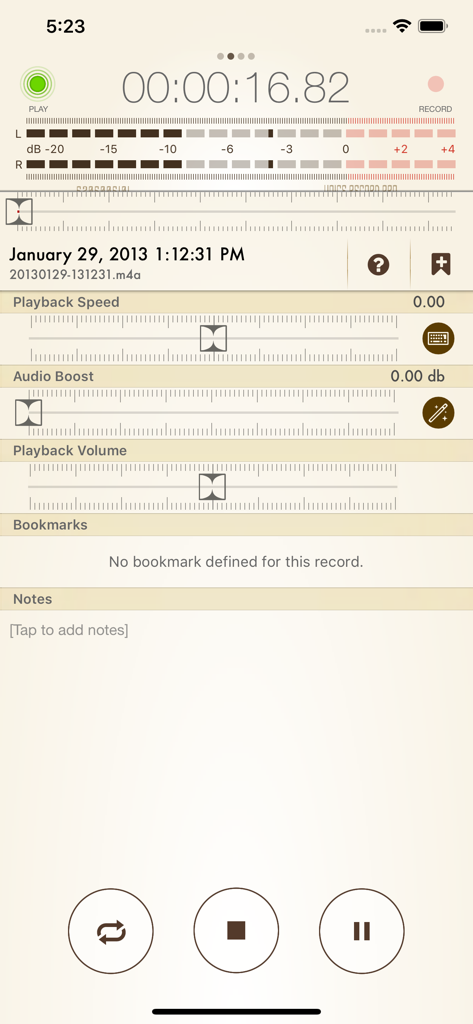
Voice Record Pro 7 app interface showing playback speed audio boost and volume settings for a recorded file
Description
Download
More Like This
Top-ranked apps in the same category

ChatGPT
OpenAI OpCo, LLC

Google Gemini
Google LLC

Grok
X.AI Corporation

Gmail - Email by Google
Google LLC

千问 - 阿里最强大模型官方AI助手
Shanghai Zhixin Puhui Technology Co., Ltd.

Google Drive
Google LLC

Claude by Anthropic
Anthropic PBC

Microsoft Authenticator
Microsoft Corporation

Google Sheets
Google LLC
This page is not an official page of the app or its developer, but an independent editorial publication created for informational and commentary purposes. Unless expressly stated otherwise, neither the app nor its developer is affiliated with, endorsed by, sponsored by, authorized by, or otherwise officially connected with MWM, Apple, Google Play, the app publisher, or the app's developer, and nothing on this page implies that the app was developed using MWM's services. Any trademarks, logos, screenshots, and other content remain the property of their respective owners.