
This page is not an official page of the app or its developer, but an independent editorial publication created for informational and commentary purposes. Unless expressly stated otherwise, neither the app nor its developer is affiliated with, endorsed by, sponsored by, authorized by, or otherwise officially connected with MWM, Apple, Google Play, the app publisher, or the app's developer, and nothing on this page implies that the app was developed using MWM's services. Any trademarks, logos, screenshots, and other content remain the property of their respective owners.

Voice Recorder - Audio Memos
Capture every meeting and lecture with crystal-clear audio. Protect your sensitive recordings with passcode security, record in the background, and share files instantly.
Downloads
11K+User Rating
Total Ratings
400Publisher
Category
UtilitiesLocales
30Latest Version
6.4Size
51.1 MBFirst Released
May 30, 2015Recording Without Limits
Go beyond standard voice memos with a powerful tool designed for students, professionals, and creators who value security and precision.
Private & Secure
Protect sensitive meetings or personal notes with a dedicated passcode lock, a feature missing from native recording apps.
Multi-Tasking Ready
Record high-quality audio in the background while you take notes, browse the web, or use other essential apps.
The following screenshots and description are sourced directly from the app's official store listing and are the property of the app developer.
App Store
Screenshots
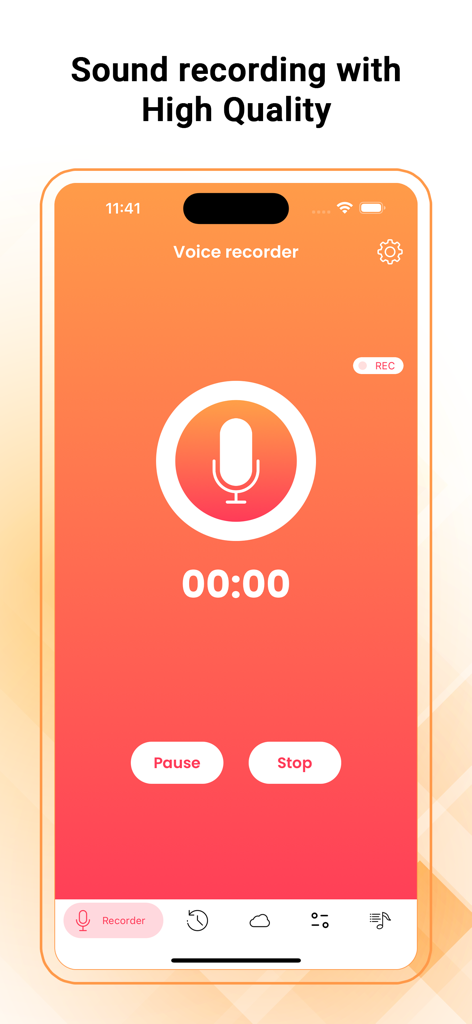
Main recording screen of the Voice Recorder app featuring a large microphone icon and high quality audio settings.
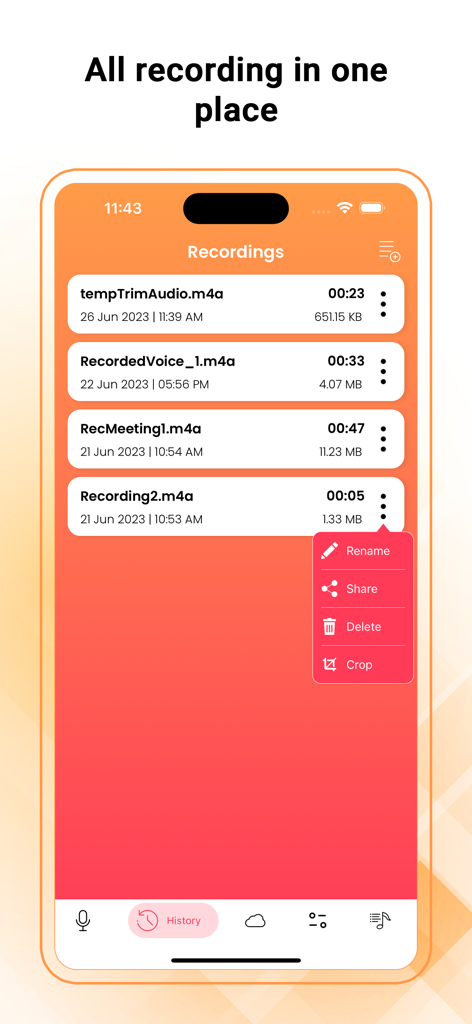
List of recorded audio memos in the Voice Recorder app with options to rename share delete and crop
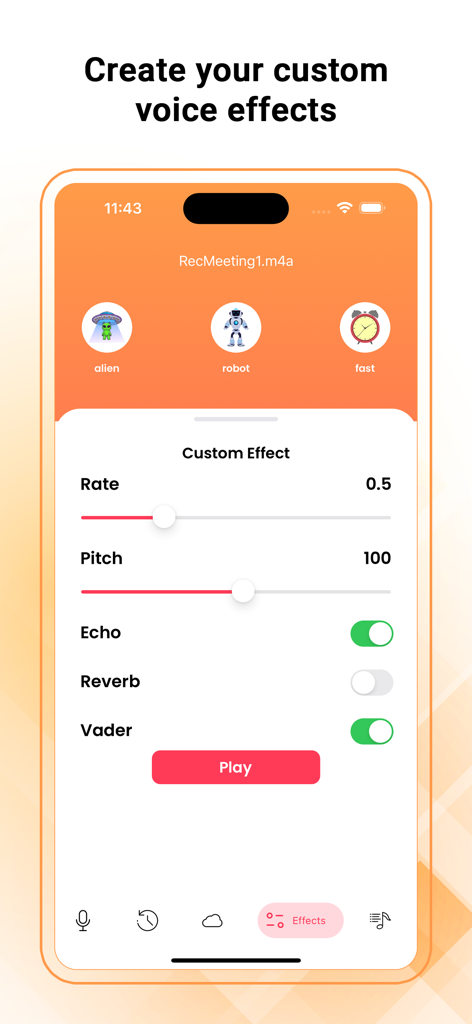
Voice Recorder app interface showing custom audio effects settings for pitch rate and echo
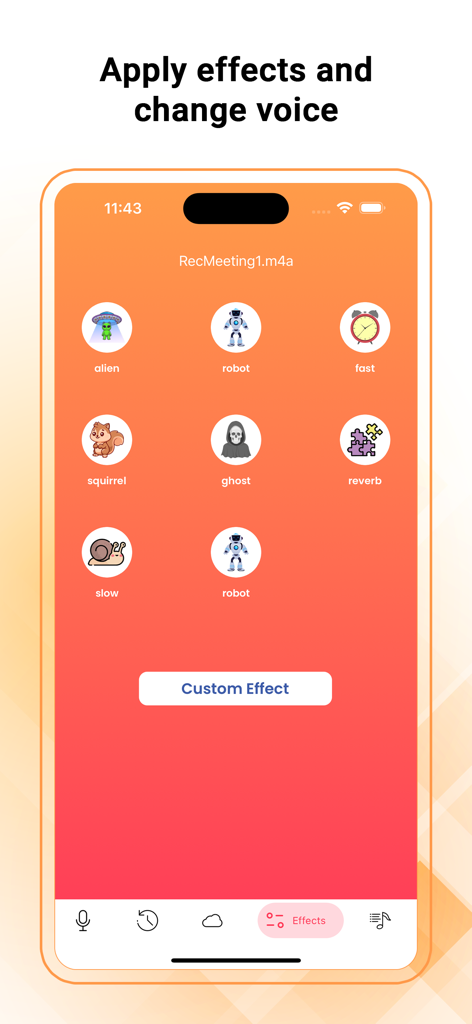
A screenshot of the Voice Recorder app interface showing various voice effects like robot, alien, and squirrel.
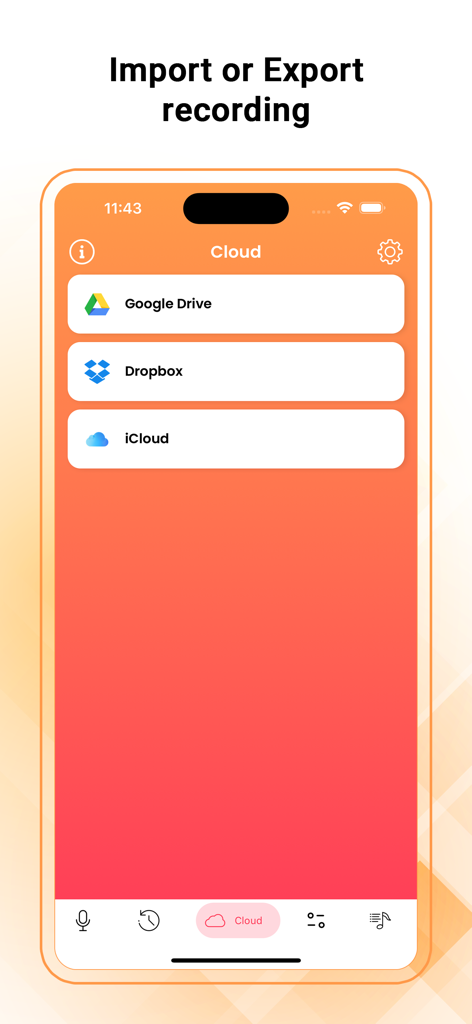
Interface showing cloud storage options for importing and exporting audio recordings via Google Drive Dropbox and iCloud
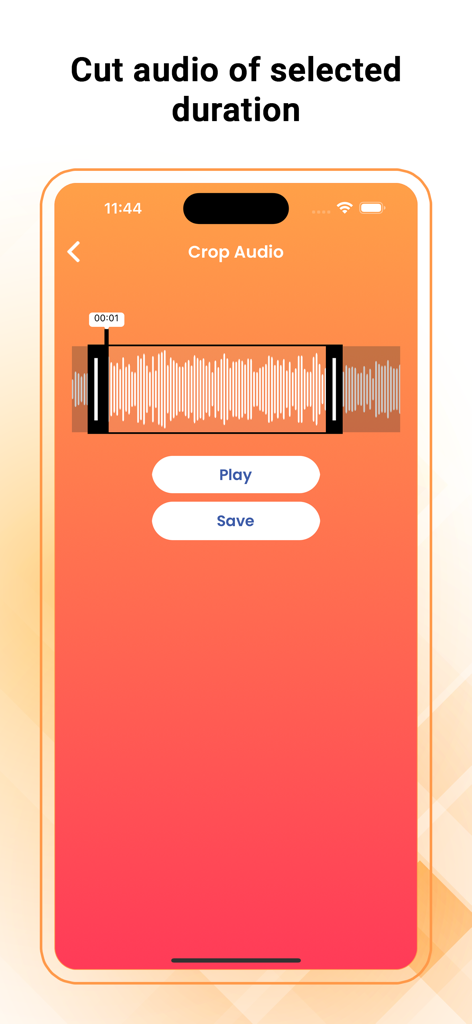
Interface of the Voice Recorder app showing the audio cropping tool with a waveform and play and save buttons
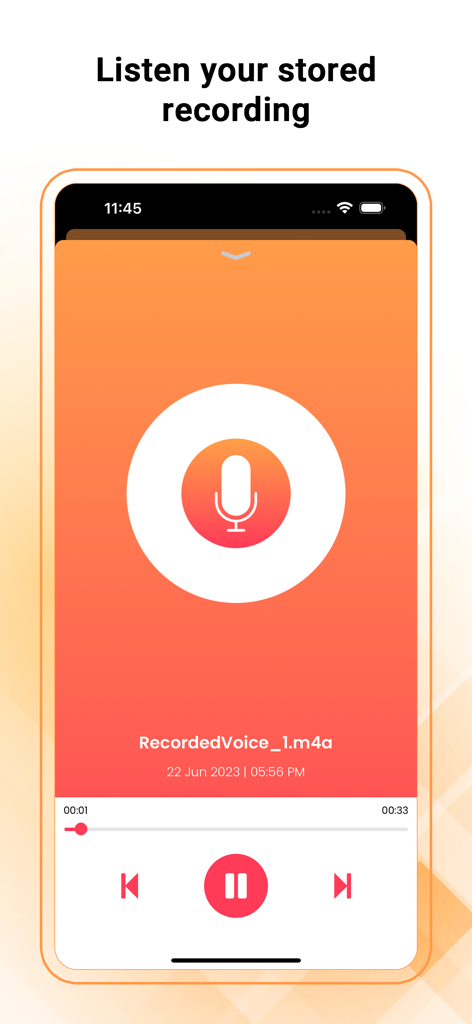
Smartphone interface for playing back stored audio memos in the Voice Recorder app featuring playback controls and a large microphone icon
Description
Download
More Like This
Top-ranked apps in the same category

Google LLC

Google Chrome
Google LLC

中国移动(手机营业厅)
China Mobile Online Services Co., Ltd.

Google Authenticator
Google LLC

Cleanup: Phone Storage Cleaner
DEEP FLOW SOFTWARE SERVICES - FZCO

CNH do Brasil
Servicos e Informacoes do Brasil

gov.br
Servicos e Informacoes do Brasil

Super VPN Fly 2026
YUNFAN TECHNOLOGY CO., LIMITED

Microsoft Edge: AI Browser
Microsoft Corporation
This page is not an official page of the app or its developer, but an independent editorial publication created for informational and commentary purposes. Unless expressly stated otherwise, neither the app nor its developer is affiliated with, endorsed by, sponsored by, authorized by, or otherwise officially connected with MWM, Apple, Google Play, the app publisher, or the app's developer, and nothing on this page implies that the app was developed using MWM's services. Any trademarks, logos, screenshots, and other content remain the property of their respective owners.