Voice Recorder - Dictaphone
Download on App Store

This page is not an official page of the app or its developer, but an independent editorial publication created for informational and commentary purposes. Unless expressly stated otherwise, neither the app nor its developer is affiliated with, endorsed by, sponsored by, authorized by, or otherwise officially connected with MWM, Apple, Google Play, the app publisher, or the app's developer, and nothing on this page implies that the app was developed using MWM's services. Any trademarks, logos, screenshots, and other content remain the property of their respective owners.

Logo of Voice Recorder - Dictaphone
Download on App Store

Voice Recorder - Dictaphone

Experience studio-quality recording with the power to overwrite on the fly. Whether capturing lectures, meetings, or melodies, enjoy total control with adjustable playback speeds and automatic saving.

Key Figures

Downloads

0

User Rating

4.4/5

Total Ratings

0

Publisher

DigitAlchemy LLC

Category

Utilities

Locales

27

Latest Version

1.6.2

Size

79.5 MB

First Released

Feb 23, 2021
Features

Master Your Audio Productivity

Go beyond basic voice memos with professional-grade tools designed for students, professionals, and creators who need total control over their sound.

Smart Playback Speeds

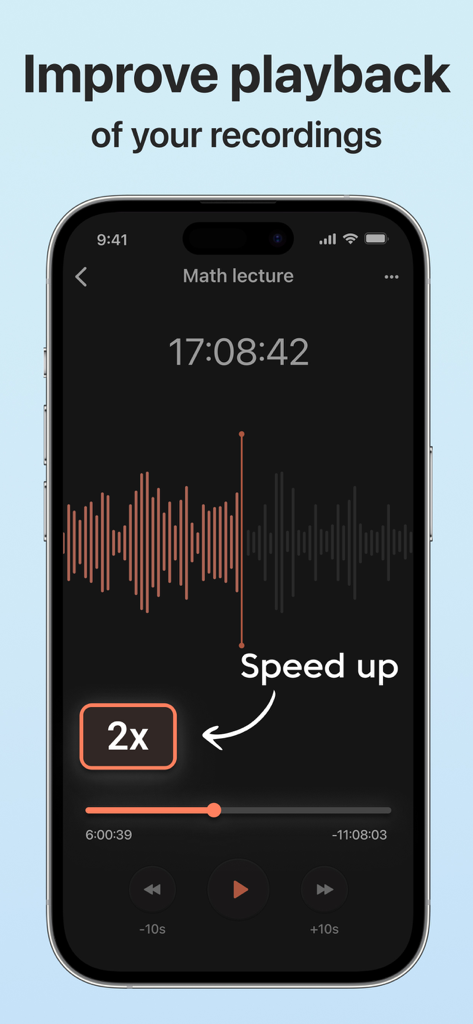
Review 60-minute meetings in half the time or slow down complex lectures for easier transcription with adjustable speeds from 0.25x to 2.0x.

Fail-Safe Recording

Never lose a brilliant idea. Your audio is automatically saved if a call comes in or your battery runs low, ensuring your most important moments are always protected.

The following screenshots and description are sourced directly from the app's official store listing and are the property of the app developer.

App Store

Screenshots
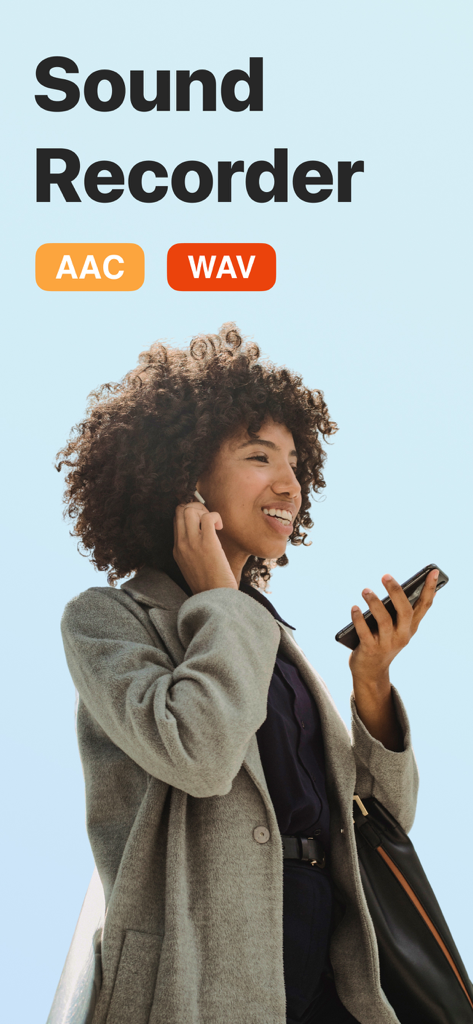
Voice Recorder - Dictaphone - A professional woman using the Sound Recorder app to capture high quality audio in AAC and WAV formats.
A professional woman using the Sound Recorder app to capture high quality audio in AAC and WAV formats.

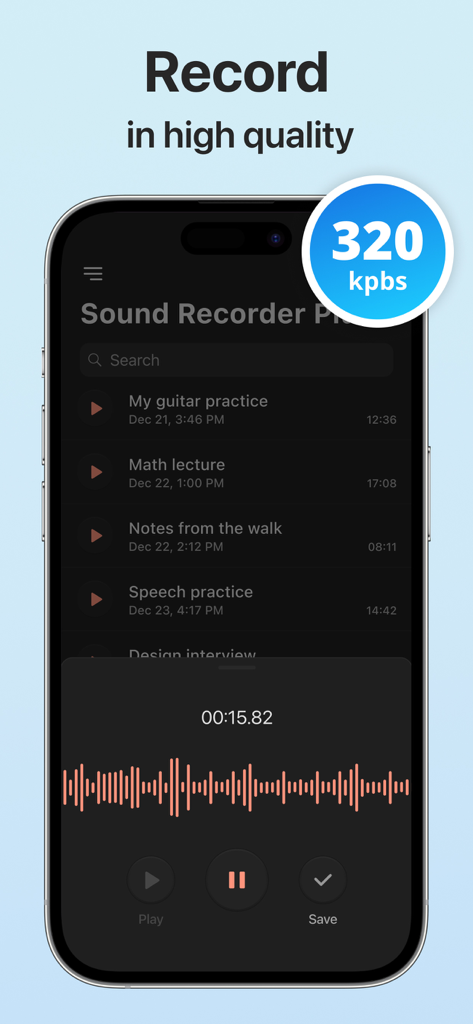
Voice Recorder - Dictaphone - Voice Recorder app interface highlighting high quality 320 kbps recording with an active audio waveform and list of saved memos
Voice Recorder app interface highlighting high quality 320 kbps recording with an active audio waveform and list of saved memos

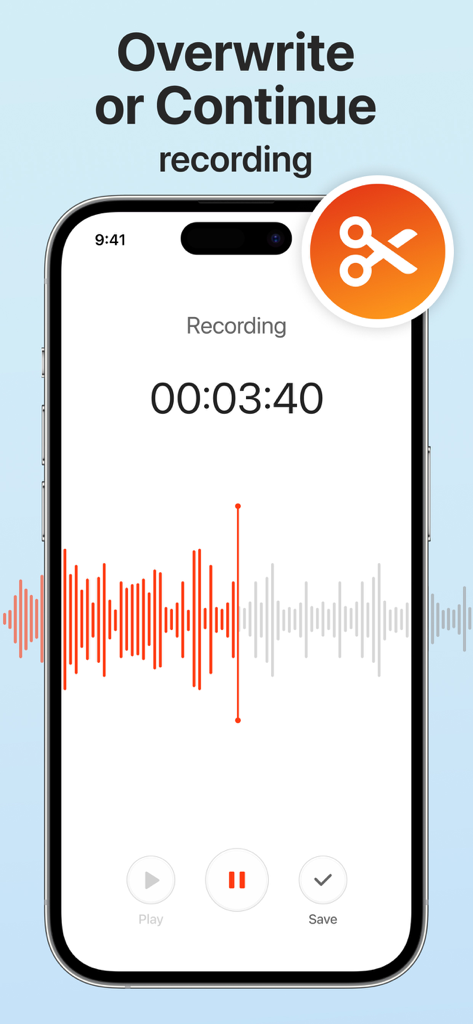
Voice Recorder - Dictaphone - Interface of the Voice Recorder app showing the overwrite and continue recording feature with a red waveform and timer
Interface of the Voice Recorder app showing the overwrite and continue recording feature with a red waveform and timer

Voice Recorder - Dictaphone - Smartphone screen showing the Voice Recorder app with 2x playback speed enabled for a lecture recording
Smartphone screen showing the Voice Recorder app with 2x playback speed enabled for a lecture recording

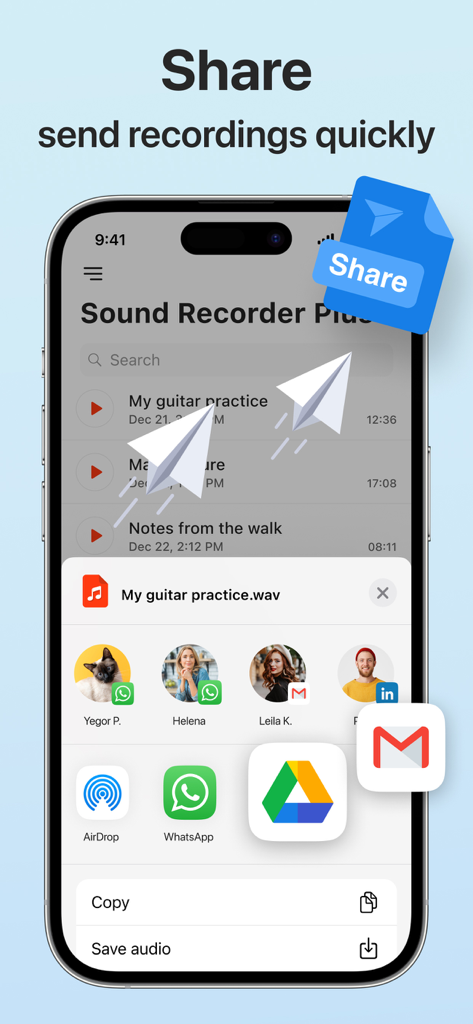
Voice Recorder - Dictaphone - A smartphone screen showing the share menu in the Sound Recorder Plus app with options to send audio recordings via WhatsApp and Gmail
A smartphone screen showing the share menu in the Sound Recorder Plus app with options to send audio recordings via WhatsApp and Gmail

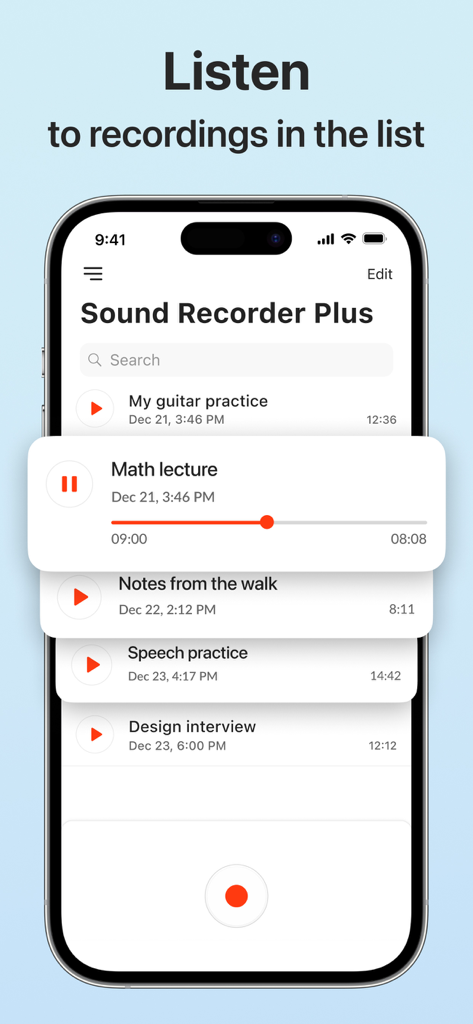
Voice Recorder - Dictaphone - A smartphone screen displaying a list of audio recordings in the Sound Recorder Plus app, featuring a mini-player for a math lecture recording.
A smartphone screen displaying a list of audio recordings in the Sound Recorder Plus app, featuring a mini-player for a math lecture recording.

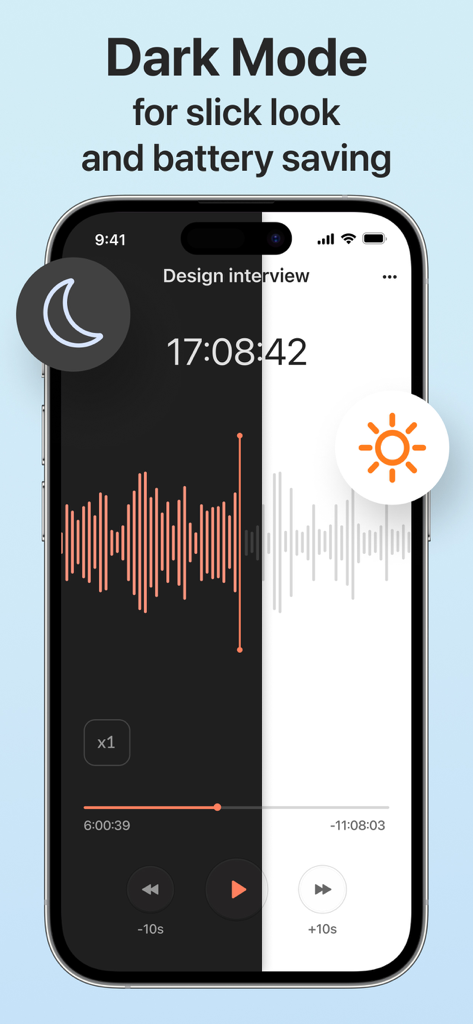
Voice Recorder - Dictaphone - Voice Recorder app interface showing a split screen comparison between dark mode and light mode

Voice Recorder app interface showing a split screen comparison between dark mode and light mode

Description

Sound Recorder Plus is a clean and well-designed audio recording app that is easy-to-use and captures terrific sound. Recording a voice message, memo, lovely song, audio note or even birds singing will always be at your fingertips with our audio recorder. Sound Recorder Plus has a solid set of useful features for recording, playback, and social media sharing: RECORDING Overwrite recordings on the fly Just pause the current recording, rewind it, dragging the progress plumb line back, and overwrite the audio from the selected point. Impressive audio quality with mono and stereo sound options The Sound Recorder Plus supports the AAC and WAV voice recording formats. Recording in the background Continue recording even if the screen is off - when you press the Home button, the recording controls will move to the notification bar for fast access. Automatic saving If the recording is interrupted, it is automatically saved with the default name, so you don't lose the captured voice or music. Otherwise, you can always save the recording on your terms, or discard the recording if you want to give it another try. Unlimited recording time Capture audio files of any length - the only limit to how long you can record is your desire and the size of your phone’s memory. PLAYBACK A mini-player and a full-screen player A mini-player available in the Recordings list allows listening to the recording right away, and the full-screen player offers an advanced playback feature set. Adjustable playback speeds Slow down to 0.25x speed, and speed up by twice the normal playback speed to 2.0x using the embedded audio player. Social media sharing Share your special moments, notes, talents, and ideas with others. Convenient audio playback controls Drag the progress plumb line to jump to a specific point in the recording. You can use the Sound Recorder Plus for a wide range of activities that involve recording audio and listening to the captured voice or music: For work Record important meetings in real life and zoom Practice your speeches before presenting in public. Create voice memos to capture brilliant ideas that pop up out of the blue. Record interviews or conversations to transcribe them later. For study Get the highest grades with the recordings of lectures and seminars in your pocket. Even if the speaker is far and background noise interferes, the microphone configurations in the app ensure the high quality of the audio. For music practice Record yourself and others playing musical instruments and singing, whether it's a practice session, lesson, audition, or live concert. Capture melodies before they go out of your mind to share them with the world. The Sound Recorder Plus will perfectly replace your microphone in this situation. For everyday situations Use Sound Recorder Plus for situations where it is important to have exact details recorded, such as a doctor's visit. Capture the sound of special moments in your life or have fun making ringtones. If you look for a free voice recording app but don’t want to mess up with complicated features, Sound Recorder Plus is your ticket. It is quick, responsive, and handy, and it lets you record in virtually any situation without fuss and hassle.

Download

Download on App Store

This page is not an official page of the app or its developer, but an independent editorial publication created for informational and commentary purposes. Unless expressly stated otherwise, neither the app nor its developer is affiliated with, endorsed by, sponsored by, authorized by, or otherwise officially connected with MWM, Apple, Google Play, the app publisher, or the app's developer, and nothing on this page implies that the app was developed using MWM's services. Any trademarks, logos, screenshots, and other content remain the property of their respective owners.








