
This page is not an official page of the app or its developer, but an independent editorial publication created for informational and commentary purposes. Unless expressly stated otherwise, neither the app nor its developer is affiliated with, endorsed by, sponsored by, authorized by, or otherwise officially connected with MWM, Apple, Google Play, the app publisher, or the app's developer, and nothing on this page implies that the app was developed using MWM's services. Any trademarks, logos, screenshots, and other content remain the property of their respective owners.

Voice recorder & editor Pro
Capture lectures, meetings, and creative ideas in high-quality MP3. Trim, organize, and share your audio effortlessly with no time limits and pro-level sensitivity control.
Downloads
0User Rating
Total Ratings
0Publisher
Category
UtilitiesLocales
32Latest Version
1.0Size
7.0 MBFirst Released
Aug 23, 2019Capture, Edit, and Share Without Limits
The essential audio toolkit for students and professionals who need high-quality recording and mobile editing in one place.
Crystal Clear & Limitless
Record long-form lectures or meetings in high-quality MP3 format without worrying about restrictive time limits.
Pro Editing on the Go
Trim and cut your recordings directly in the app to remove dead air and keep only the most important highlights.
The following screenshots and description are sourced directly from the app's official store listing and are the property of the app developer.
App Store
Screenshots
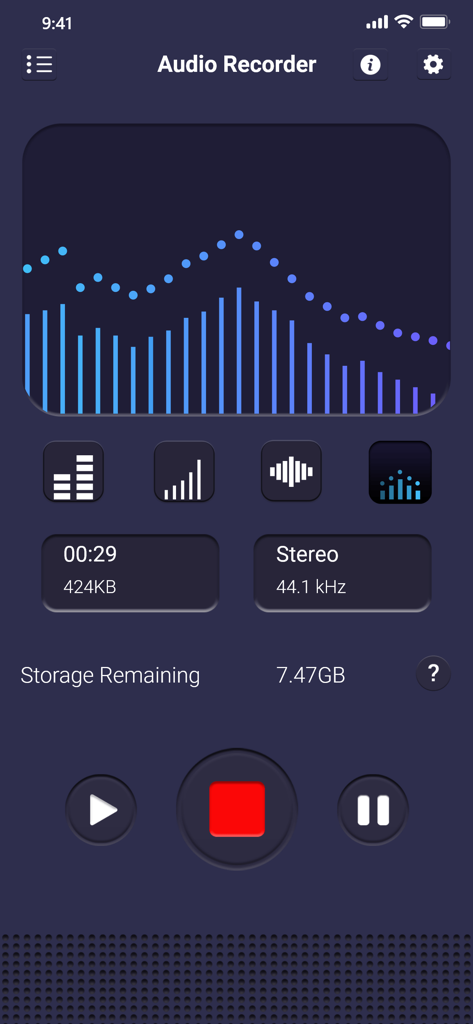
Interface of Voice recorder and editor Pro showing a recording in progress with a blue audio visualizer and stereo settings.
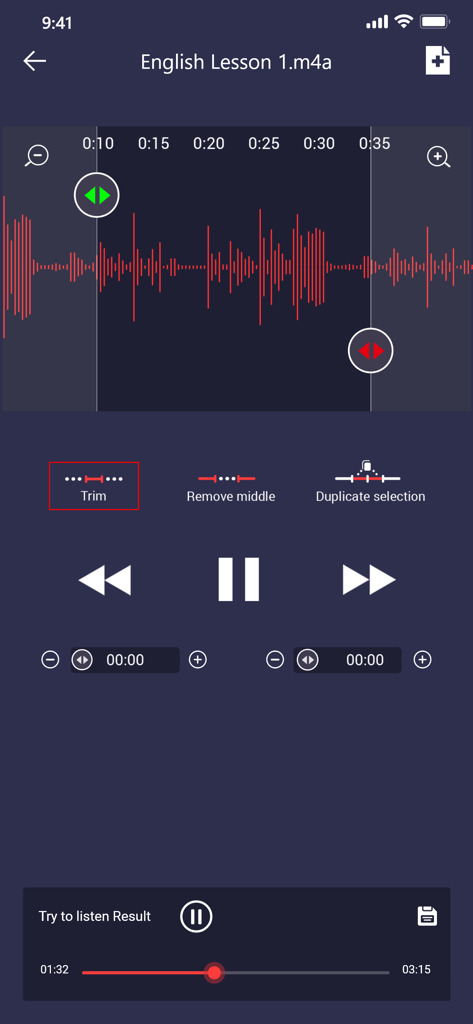
Screenshot of Voice recorder and editor Pro showing the audio editing interface with a waveform and trim tool for an English lesson recording
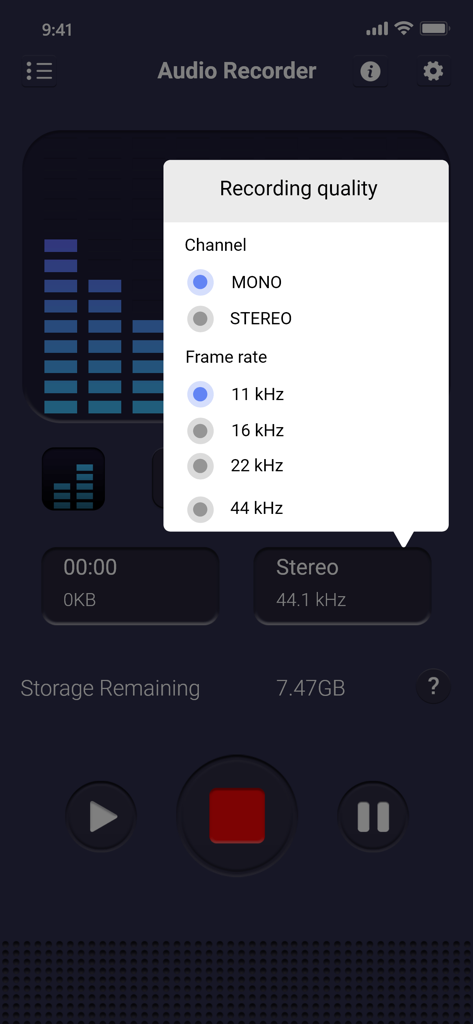
Recording quality settings menu showing mono stereo and frame rate options in Voice recorder and editor Pro app
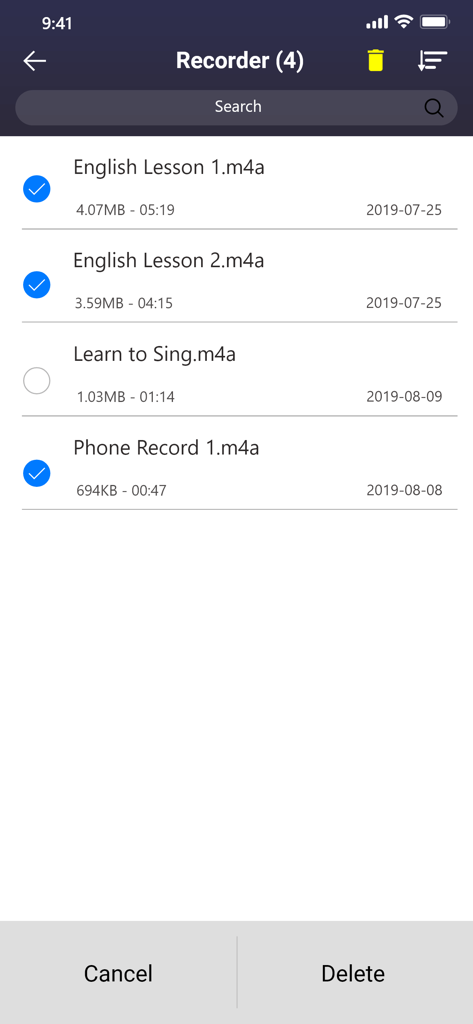
Voice recorder app screen showing a list of saved audio recordings with checkboxes for multiple selection and a delete option
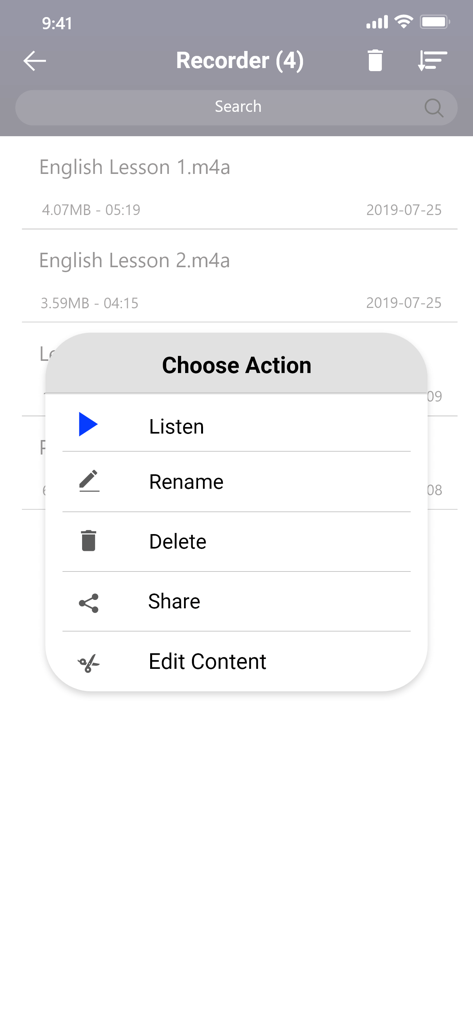
Voice recorder app interface showing a menu with options to listen rename delete share and edit recordings
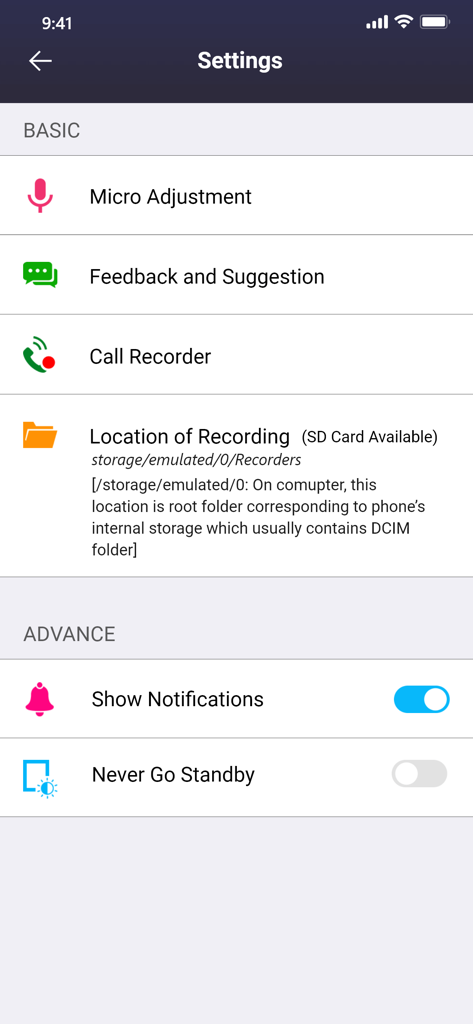
Settings menu of the Voice recorder and editor Pro app showing audio configuration options
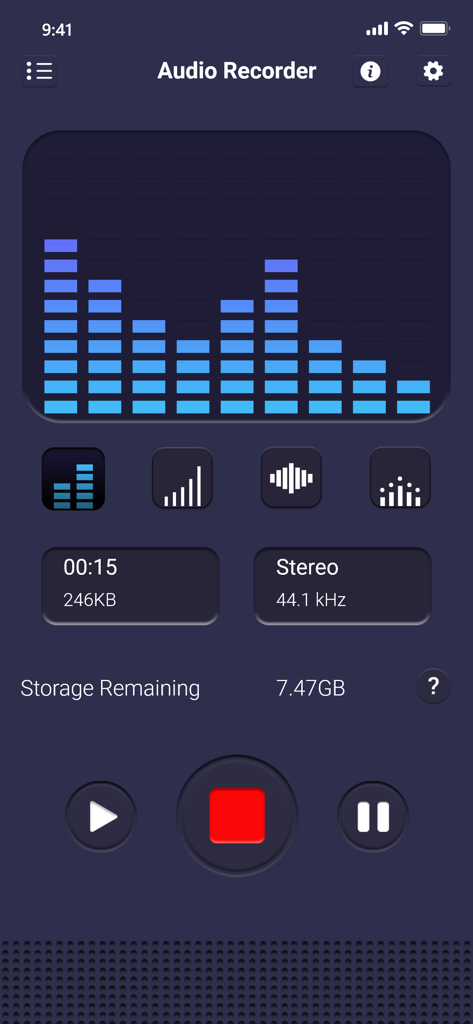
Main recording screen of the Voice Recorder and Editor Pro app featuring a blue frequency visualizer and stereo settings
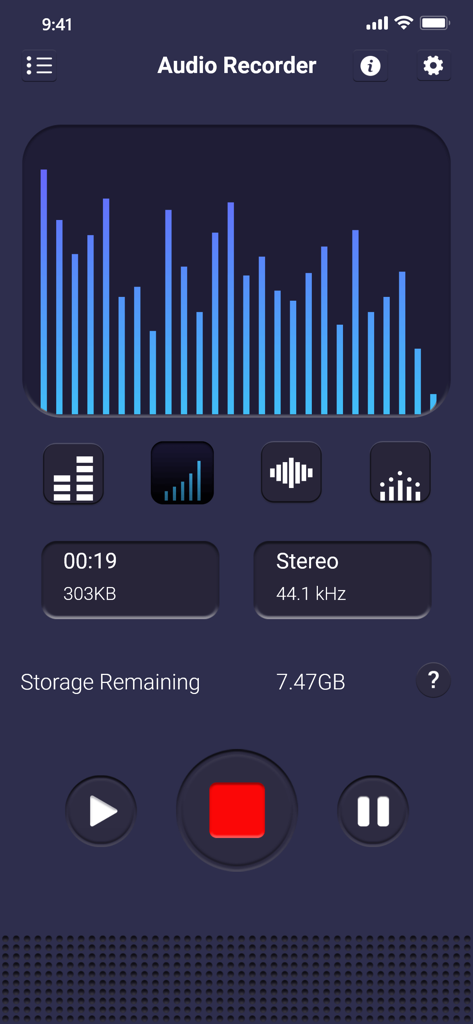
Voice recorder and editor Pro app main recording screen with audio visualization
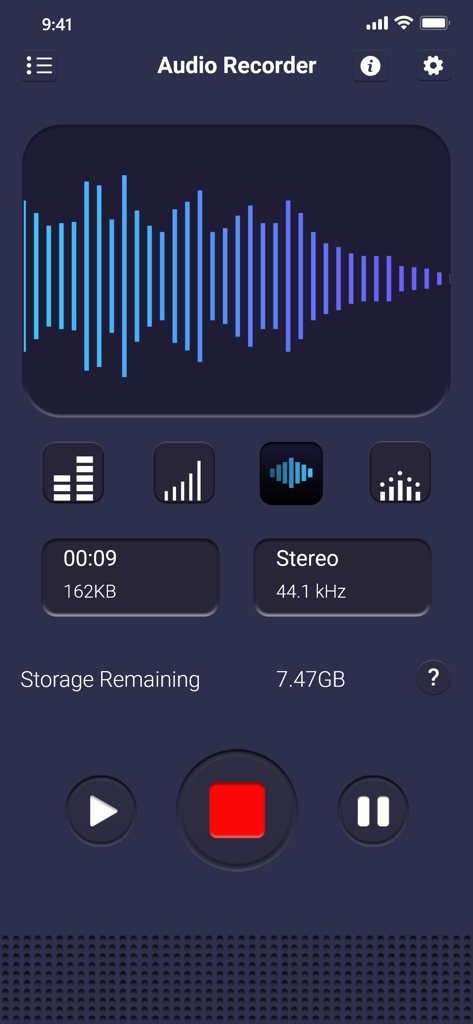
Interface of the Voice recorder and editor Pro app showing audio waveform and recording buttons
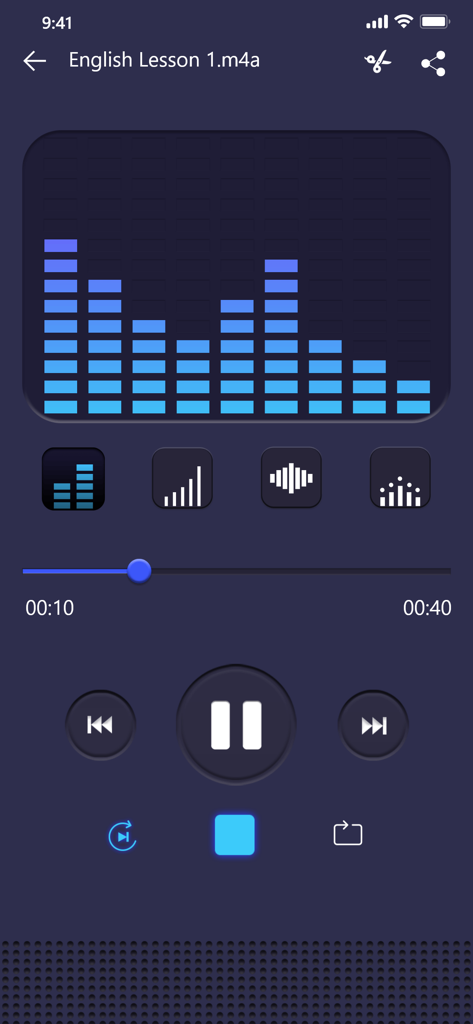
Voice recorder and editor Pro playback screen showing audio waveform and playback controls for an English lesson.
Description
Download
More Like This
Top-ranked apps in the same category

Google LLC

Google Chrome
Google LLC

中国移动(手机营业厅)
China Mobile Online Services Co., Ltd.

Google Authenticator
Google LLC

Cleanup: Phone Storage Cleaner
DEEP FLOW SOFTWARE SERVICES - FZCO

gov.br
Servicos e Informacoes do Brasil

CNH do Brasil
Servicos e Informacoes do Brasil

Super VPN Fly 2026
YUNFAN TECHNOLOGY CO., LIMITED

Microsoft Edge: AI Browser
Microsoft Corporation
This page is not an official page of the app or its developer, but an independent editorial publication created for informational and commentary purposes. Unless expressly stated otherwise, neither the app nor its developer is affiliated with, endorsed by, sponsored by, authorized by, or otherwise officially connected with MWM, Apple, Google Play, the app publisher, or the app's developer, and nothing on this page implies that the app was developed using MWM's services. Any trademarks, logos, screenshots, and other content remain the property of their respective owners.