
This page is not an official page of the app or its developer, but an independent editorial publication created for informational and commentary purposes. Unless expressly stated otherwise, neither the app nor its developer is affiliated with, endorsed by, sponsored by, authorized by, or otherwise officially connected with MWM, Apple, Google Play, the app publisher, or the app's developer, and nothing on this page implies that the app was developed using MWM's services. Any trademarks, logos, screenshots, and other content remain the property of their respective owners.

VR360 Player
Stop viewing distorted flat files in your gallery. Experience full immersion with gyro-tracking and customizable VR modes for your iPhone, Mac, and Vision Pro.
Downloads
1K+User Rating
Total Ratings
0Publisher
Category
Photo & VideoLocales
2Latest Version
1.2Size
296.2 MBFirst Released
Nov 5, 2024Relive Your Moments in Full Immersion
Stop viewing your 360° captures as flat, distorted files. VR360 Player transforms your panoramas and spatial videos into interactive experiences across all your Apple devices.
Interactive 360° & 180° Playback
Instantly convert flat equirectangular files into navigable worlds. Explore every angle of your Insta360 or GoPro footage using touch or gyro sensors.
Universal VR Headset Mode
Enable side-by-side viewing for total immersion. Features a custom width slider to ensure a perfect, distortion-free fit for any VR goggles or Cardboard.
The following screenshots and description are sourced directly from the app's official store listing and are the property of the app developer.
App Store
Screenshots
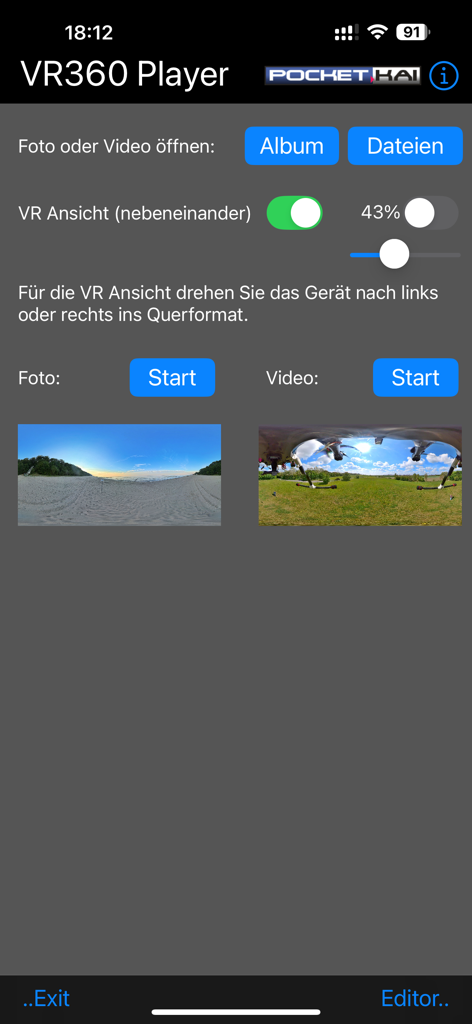
Interface of the VR360 Player app showing buttons to open photos and videos with a VR view adjustment slider
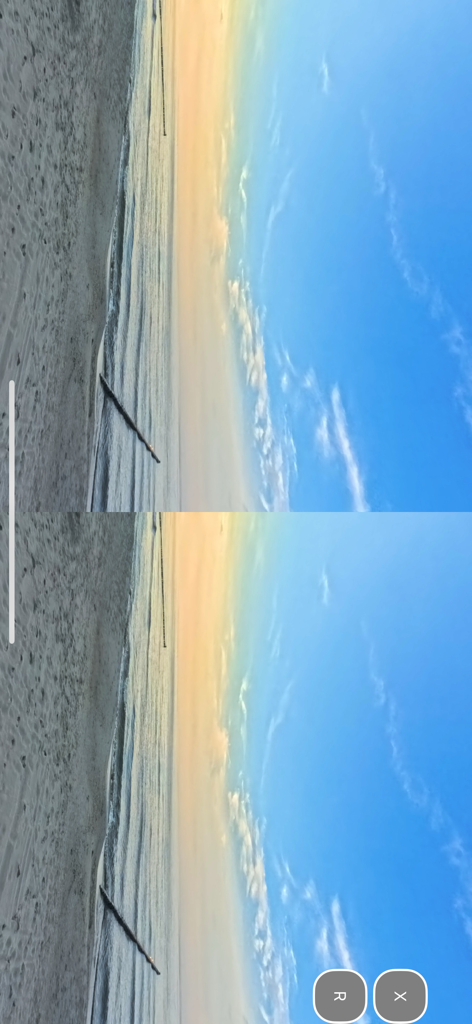
Side by side VR view of a coastal beach at sunset within the VR360 Player app interface.
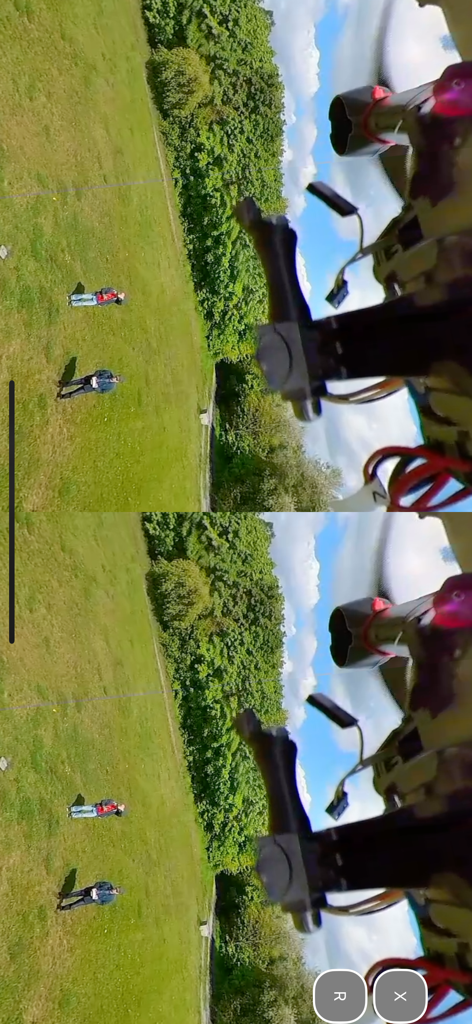
Side by side VR playback mode showing two identical views of a park for VR headsets
Description
Download
More Like This
Top-ranked apps in the same category

CapCut: Photo & Video Editor
BYTEDANCE PTE. LTD.

Instagram, Inc.

YouTube
Google LLC

Canva: AI Photo & Video Editor
Canva Pty Ltd

Snapchat
Snap, Inc.

快手
Beijing Kwai Technology Co., Ltd.

Edits: Video Editor
Instagram, Inc.

Meitu- AI Photo & Video Editor
Xiamen Meitu Technology Co., Ltd.

Google Photos: Backup & Edit
Google LLC
This page is not an official page of the app or its developer, but an independent editorial publication created for informational and commentary purposes. Unless expressly stated otherwise, neither the app nor its developer is affiliated with, endorsed by, sponsored by, authorized by, or otherwise officially connected with MWM, Apple, Google Play, the app publisher, or the app's developer, and nothing on this page implies that the app was developed using MWM's services. Any trademarks, logos, screenshots, and other content remain the property of their respective owners.