
This page is not an official page of the app or its developer, but an independent editorial publication created for informational and commentary purposes. Unless expressly stated otherwise, neither the app nor its developer is affiliated with, endorsed by, sponsored by, authorized by, or otherwise officially connected with MWM, Apple, Google Play, the app publisher, or the app's developer, and nothing on this page implies that the app was developed using MWM's services. Any trademarks, logos, screenshots, and other content remain the property of their respective owners.
WakeNow: Loud Alarm Clock
Stop hitting snooze and start winning your mornings. Activate your brain and body with forced missions, movement challenges, and anti-oversleep protection built for the ambitious high-performer.
Downloads
5K+User Rating
Total Ratings
300Publisher
Category
UtilitiesLocales
33Latest Version
1.0.10Size
80.4 MBFirst Released
Jan 26, 2026Break the Snooze Habit Forever
Standard alarms are too easy to ignore. WakeNow uses cognitive challenges and physical movement to jumpstart your brain and get you out of bed—guaranteed.
Cognitive Kickstart Missions
Wake your prefrontal cortex instantly by solving math problems or memory patterns. By the time the alarm stops, your brain is fully online.
Forced Physical Accountability
Silence the siren by completing push-ups or scanning a barcode in another room. No more hitting snooze from under the covers.
The following screenshots and description are sourced directly from the app's official store listing and are the property of the app developer.
App Store
Screenshots
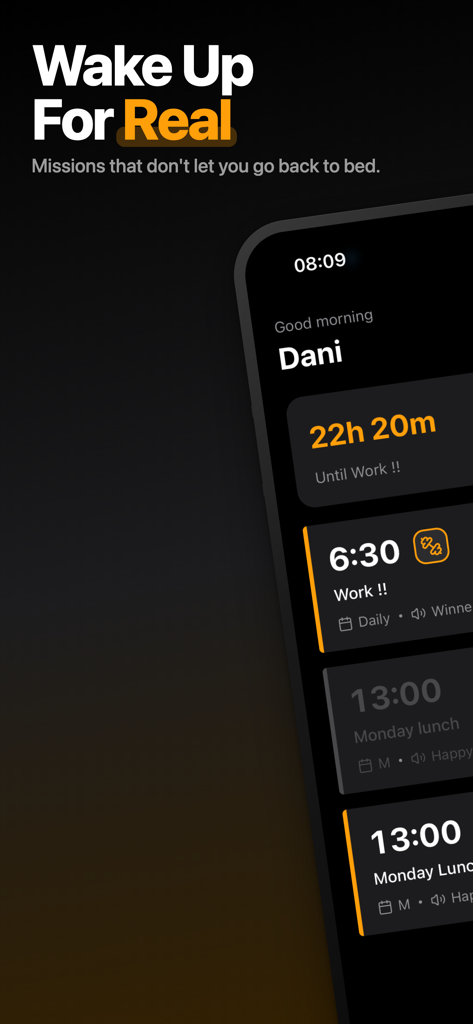
WakeNow app interface showing a list of scheduled alarms with mission icons and a countdown timer
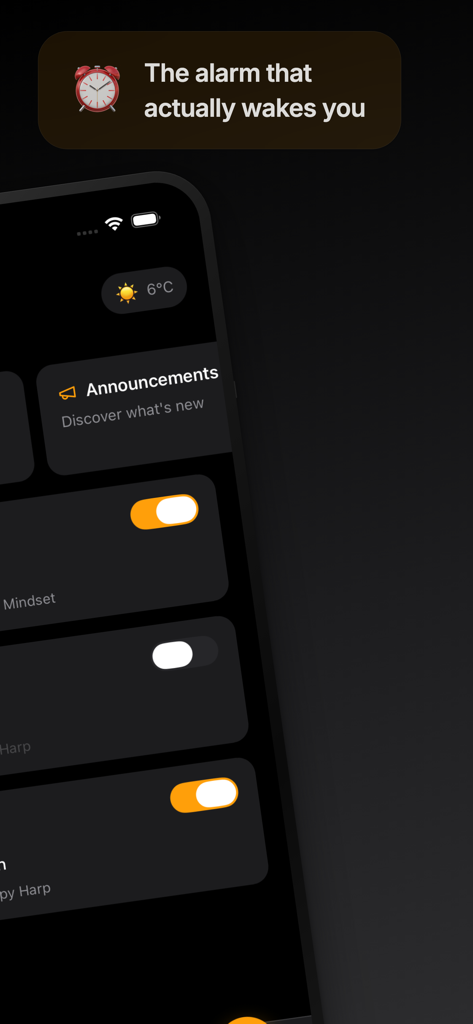
WakeNow alarm clock app interface showing a list of alarms in dark mode.
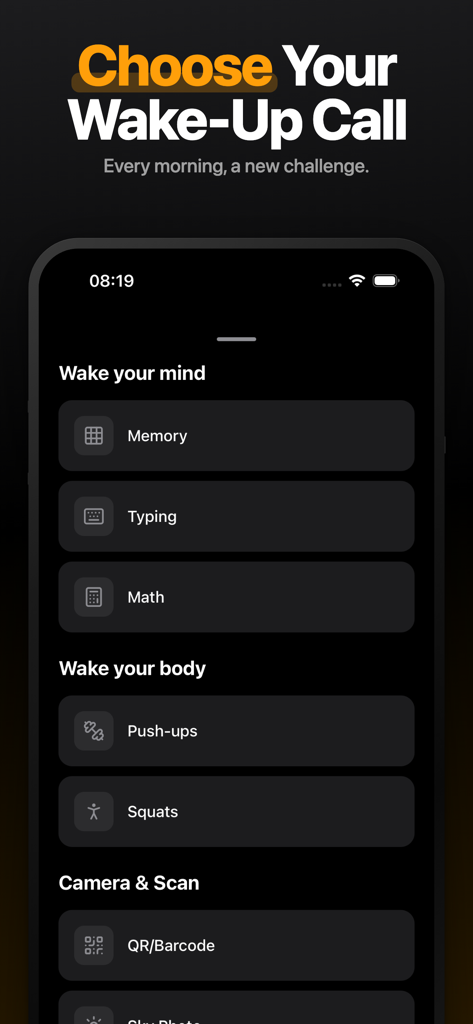
WakeNow app screen showing a menu of wake-up challenges including mind, body, and camera missions.
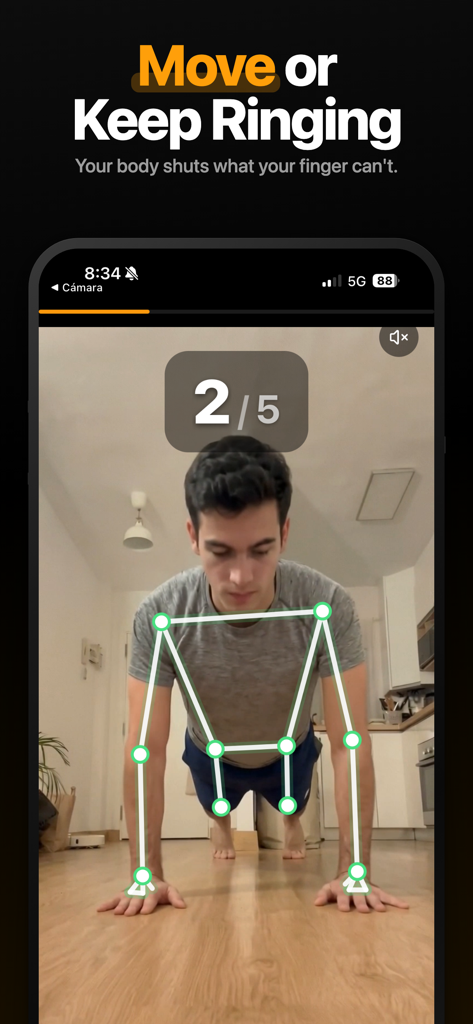
A man performing push ups in front of a phone to silence the WakeNow alarm clock.
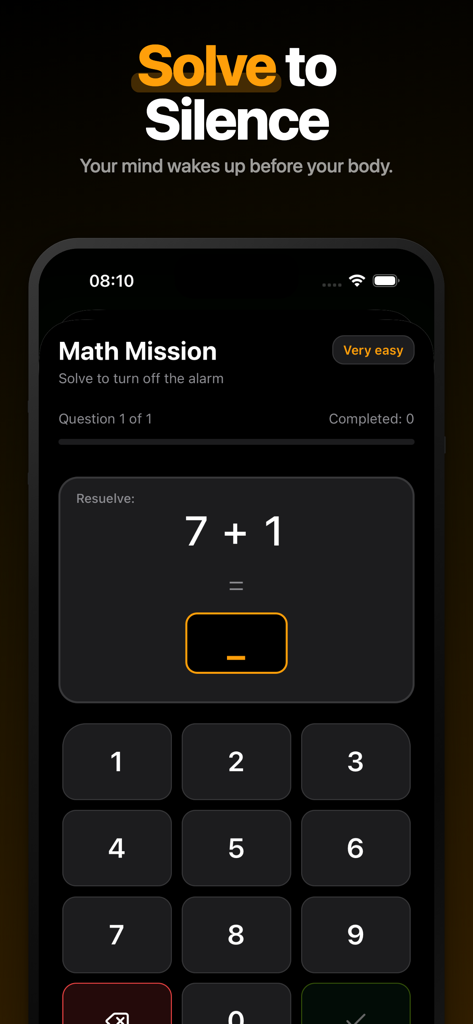
WakeNow alarm clock app showing a math mission where users must solve an addition problem to silence the alarm.
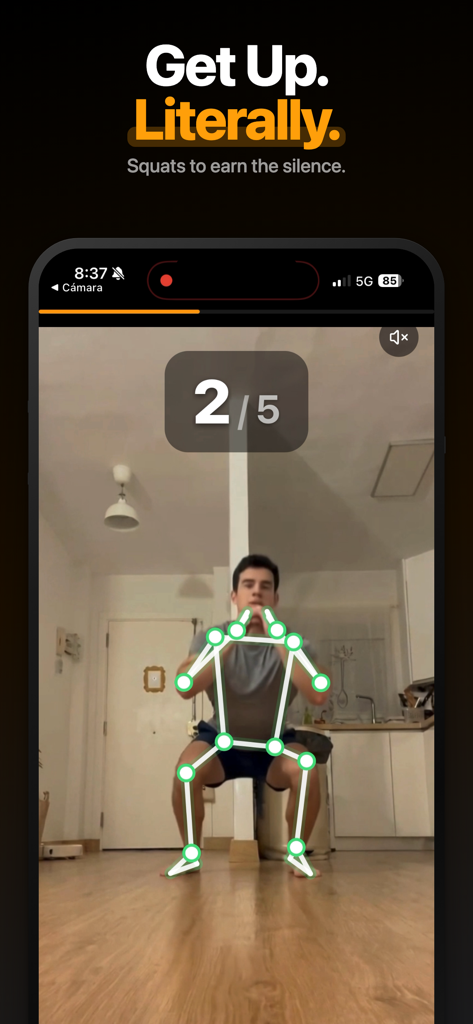
A person performing squats tracked by the app to silence the WakeNow alarm clock
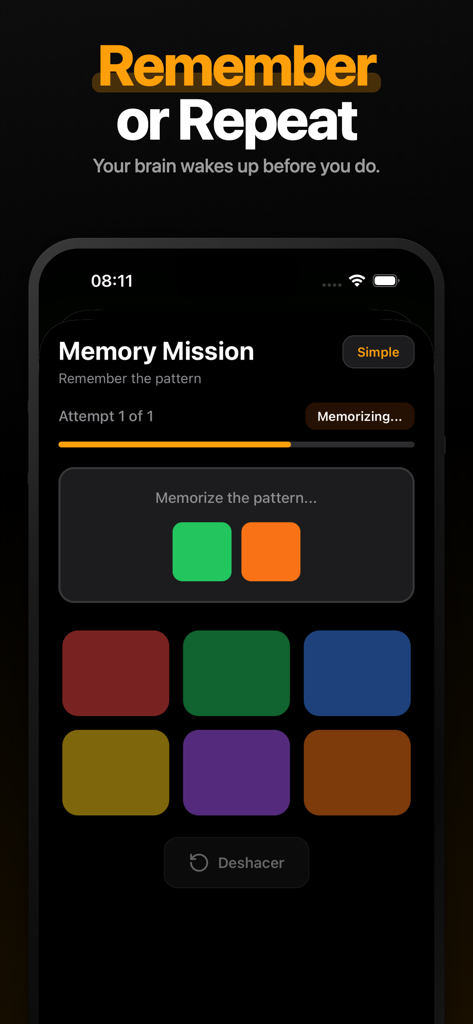
Memory mission screen in the WakeNow alarm clock app showing a color pattern challenge to wake up the brain.
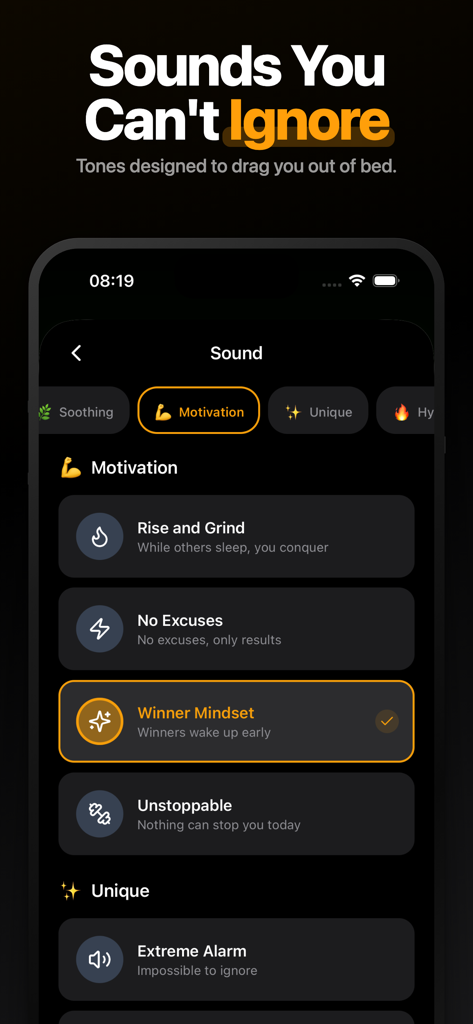
WakeNow app interface showing motivational alarm sound options such as Winner Mindset and Rise and Grind
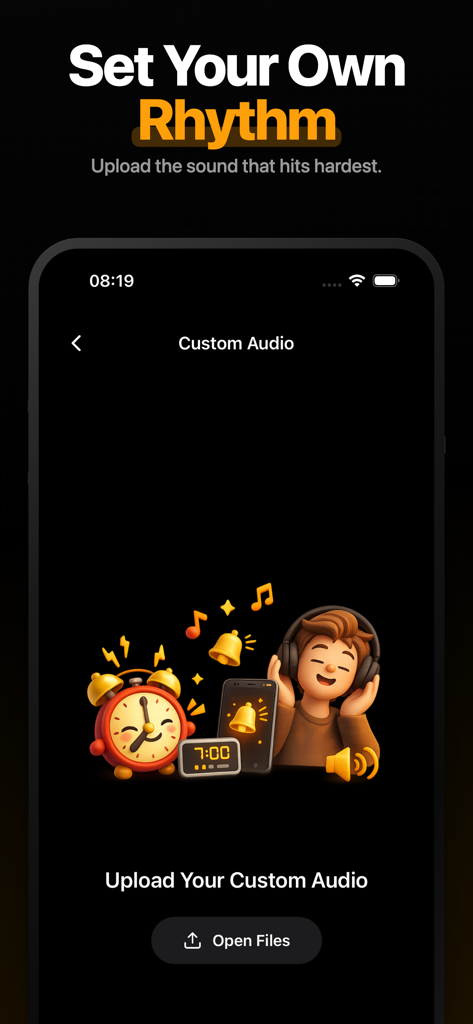
WakeNow app screen for uploading custom alarm sounds with a Set Your Own Rhythm headline
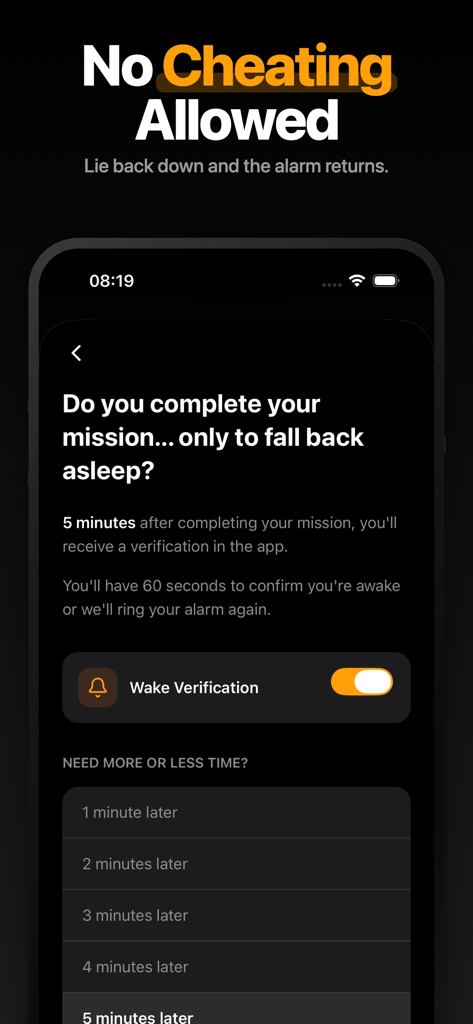
WakeNow app screen showing the Wake Verification feature settings to prevent falling back asleep after an alarm
Description
Download
More Like This
Top-ranked apps in the same category

Google LLC

Google Chrome
Google LLC

中国移动(手机营业厅)
China Mobile Online Services Co., Ltd.

Google Authenticator
Google LLC

gov.br
Servicos e Informacoes do Brasil

Buddy VPN
Frederic Hennes Sprl

Microsoft Edge: AI Browser
Microsoft Corporation

Meu Social - Gás do Povo
Servicos e Informacoes do Brasil

Cleanup: Phone Storage Cleaner
DEEP FLOW SOFTWARE SERVICES - FZCO
This page is not an official page of the app or its developer, but an independent editorial publication created for informational and commentary purposes. Unless expressly stated otherwise, neither the app nor its developer is affiliated with, endorsed by, sponsored by, authorized by, or otherwise officially connected with MWM, Apple, Google Play, the app publisher, or the app's developer, and nothing on this page implies that the app was developed using MWM's services. Any trademarks, logos, screenshots, and other content remain the property of their respective owners.