
This page is not an official page of the app or its developer, but an independent editorial publication created for informational and commentary purposes. Unless expressly stated otherwise, neither the app nor its developer is affiliated with, endorsed by, sponsored by, authorized by, or otherwise officially connected with MWM, Apple, Google Play, the app publisher, or the app's developer, and nothing on this page implies that the app was developed using MWM's services. Any trademarks, logos, screenshots, and other content remain the property of their respective owners.

网络测试工具
Master your connectivity with a comprehensive suite of Ping, TCP, UDP, and Traceroute tools. Designed for engineers who demand precision, privacy, and performance on every device.
Downloads
0User Rating
Total Ratings
0Publisher
Category
Developer ToolsLocales
1Latest Version
5.1Size
1.1 MBFirst Released
Jan 16, 2026Professional Network Diagnostics at Your Fingertips
The ultimate mobile toolkit for engineers and developers to analyze connectivity, debug servers, and optimize network performance with precision.
Comprehensive Toolset
Access Ping, Traceroute, TCP, and UDP tests in one unified interface. Eliminate tool-switching and streamline your debugging workflow.
Deep-Dive Analytics
Get precise metrics on latency, packet loss, and hop paths. View detailed reports designed for server optimization and API troubleshooting.
The following screenshots and description are sourced directly from the app's official store listing and are the property of the app developer.
App Store
Screenshots
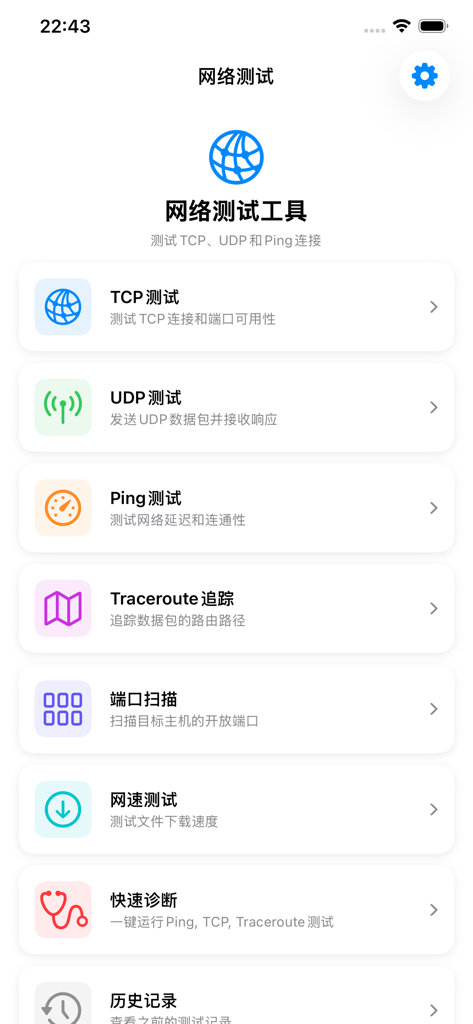
Main menu of the network diagnostic app showing TCP UDP Ping and Traceroute options
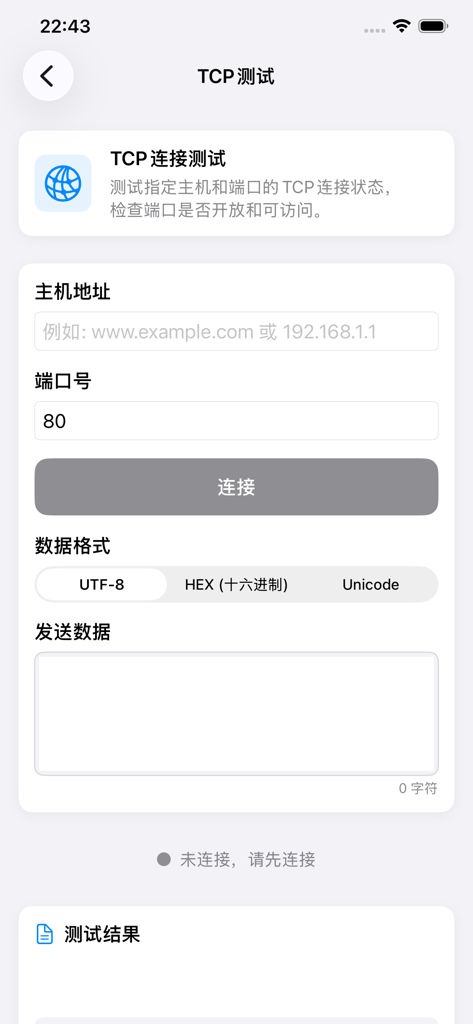
Interface for TCP connection testing in the Network Test Tool app featuring host address and port number input fields
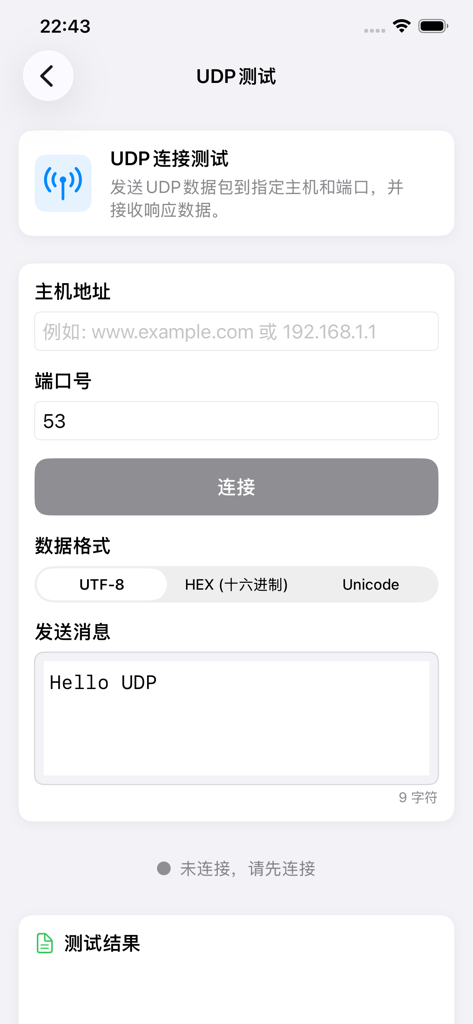
UDP connection test interface in the Network Test Tool app showing fields for host address port and message input.
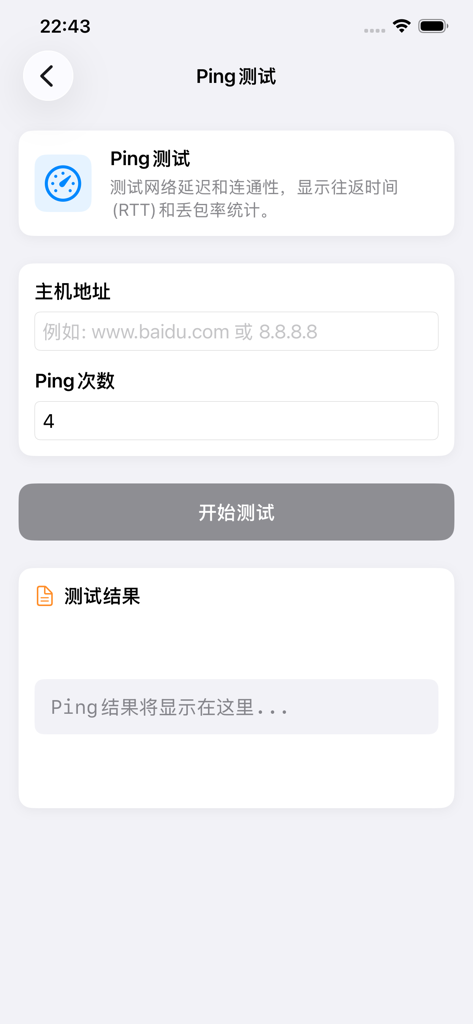
Ping test configuration screen showing host address and ping count inputs
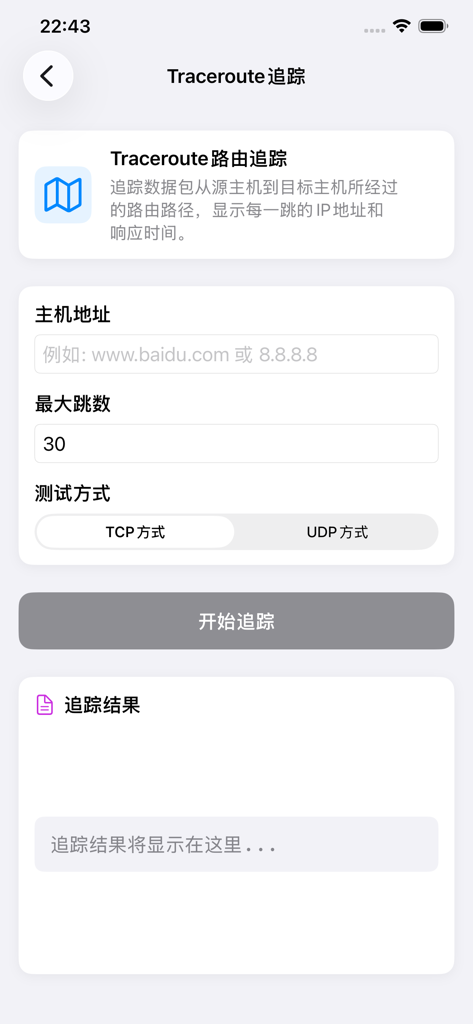
Traceroute diagnostic screen in the Network Test Tool app with host address and hop settings
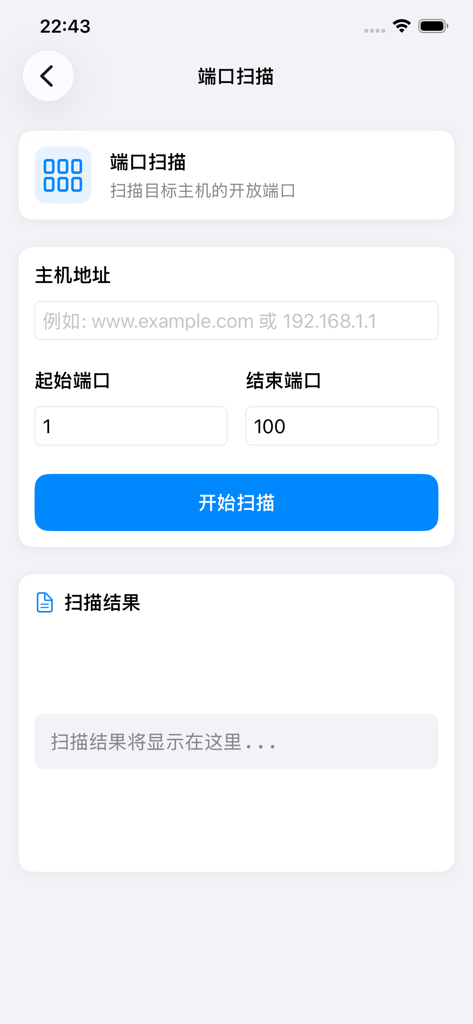
Port scanning interface for network diagnostic tool showing host and port range inputs
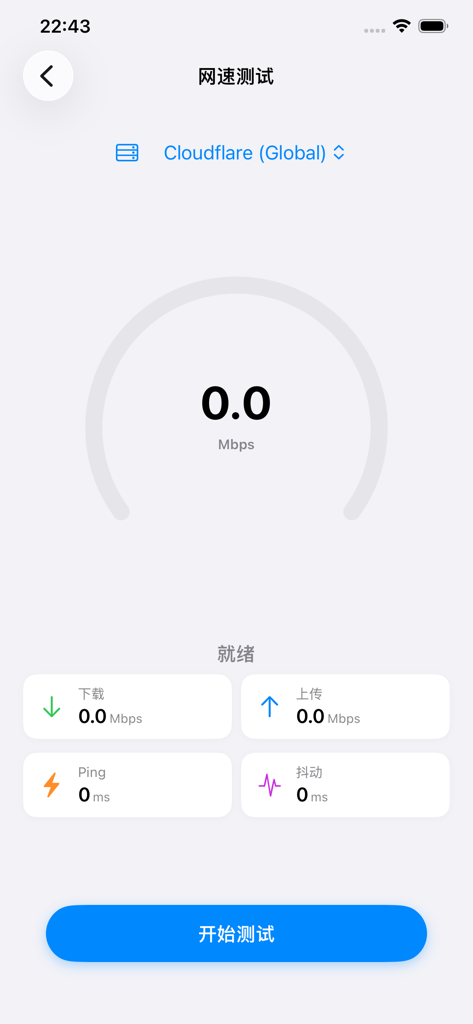
Network speed test interface showing metrics for download upload ping and jitter
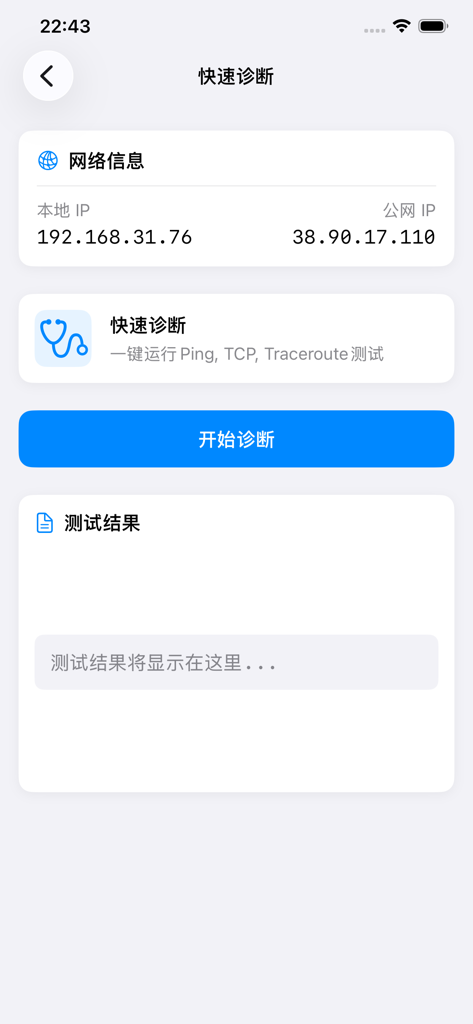
Mobile app interface showing network information with local and public IP addresses and a quick diagnosis button for Ping and Traceroute tests
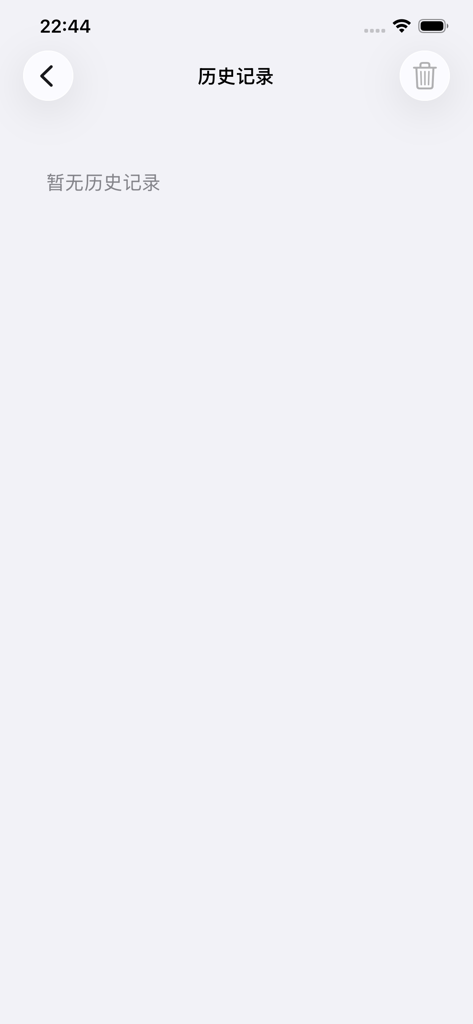
Empty history record screen in the network diagnostic tool app
Description
Download
More Like This
Top-ranked apps in the same category

TestFlight
Apple Inc.

Replit: Vibe Code Apps
Replit, Inc

GitHub
GitHub

O-KAM Pro
Shenzhen VeePai IoT Intelligent Technology LLC

Apple Developer
Apple Inc.

Expo Go
650 Industries, Inc.

Scriptable
Simon Stovring

Stream - Network Debug Tool
Stream Lab Inc.

App Store Connect
Apple Inc.
This page is not an official page of the app or its developer, but an independent editorial publication created for informational and commentary purposes. Unless expressly stated otherwise, neither the app nor its developer is affiliated with, endorsed by, sponsored by, authorized by, or otherwise officially connected with MWM, Apple, Google Play, the app publisher, or the app's developer, and nothing on this page implies that the app was developed using MWM's services. Any trademarks, logos, screenshots, and other content remain the property of their respective owners.