
This page is not an official page of the app or its developer, but an independent editorial publication created for informational and commentary purposes. Unless expressly stated otherwise, neither the app nor its developer is affiliated with, endorsed by, sponsored by, authorized by, or otherwise officially connected with MWM, Apple, Google Play, the app publisher, or the app's developer, and nothing on this page implies that the app was developed using MWM's services. Any trademarks, logos, screenshots, and other content remain the property of their respective owners.

Watch Faces Gallery - Widgets.
Express your individuality with thousands of custom faces and interactive widgets. From minimalist aesthetics to vibrant themes, transform your iWatch to match every mood and outfit.
Downloads
903K+User Rating
Total Ratings
12K+Publisher
Category
LifestyleLocales
34Latest Version
3.4.6Size
377.1 MBFirst Released
Sep 17, 2020Make Every Glance Iconic
Your Apple Watch is an extension of your personal brand. Watchfacely empowers you to customize every pixel with designer themes, interactive widgets, and seamless social connectivity.
Aesthetic Daily Refreshes
Discover a massive library of premium designs updated daily to match your outfit, mood, or the latest social trends.
Smart Interactive Widgets
Blend style with utility by adding custom complications for fitness, weather, and calendar events directly to your wrist.
Frequently Asked Questions
Everything you need to know about Watch Faces Gallery - Widgets.
What is Watchfacely?
Watchfacely is an application providing a vast gallery of custom Apple Watch faces, screen widgets, and dynamic themes to personalize iWatch devices. It offers both free and premium options.
What types of Apple Watch faces does Watchfacely offer?
Watchfacely offers an extensive gallery of iWatch faces, including classic, modern, minimalistic, and vibrant designs. Users can explore various custom themes to match any mood or occasion.
Does Watchfacely include widgets for Apple Watch?
Yes, Watchfacely includes interactive screen widgets. Users can add widgets for essential information like weather, calendar, and fitness directly to their Apple Watch screen.
Can I personalize backgrounds with Watchfacely?
Yes, Watchfacely allows users to enhance their device with stunning backgrounds and effects. These dynamic options bring iWatch faces to life, adding elegance and creativity.
What is the QR Code feature in Watchfacely?
Watchfacely features an exclusive QR code function. Users can create unique QR codes for their iWatch face to share social media profiles, Wi-Fi access, email, or contact information.
Is Watchfacely compatible with my Apple Watch model?
Yes, Watchfacely is compatible with Apple Watch Series 1 to 8 and Apple Watch SE. It is also optimized for the latest iOS devices to ensure broad usability.
How often are new watch faces added to Watchfacely?
Watchfacely receives frequent updates, ensuring fresh and exclusive watch faces, widgets, and themes. Users can expect new styles continually added to stay on trend.
How many watch faces are available in Watchfacely?
Watchfacely offers a vast selection of iWatch faces. The application provides access to more than 400 distinct watch face designs to personalize Apple Watch devices.
Does Watchfacely offer free watch faces?
Yes, Watchfacely provides both free and premium iWatch faces. Users can explore a wide selection to personalize their device without immediate cost.
The following screenshots and description are sourced directly from the app's official store listing and are the property of the app developer.
App Store
Screenshots
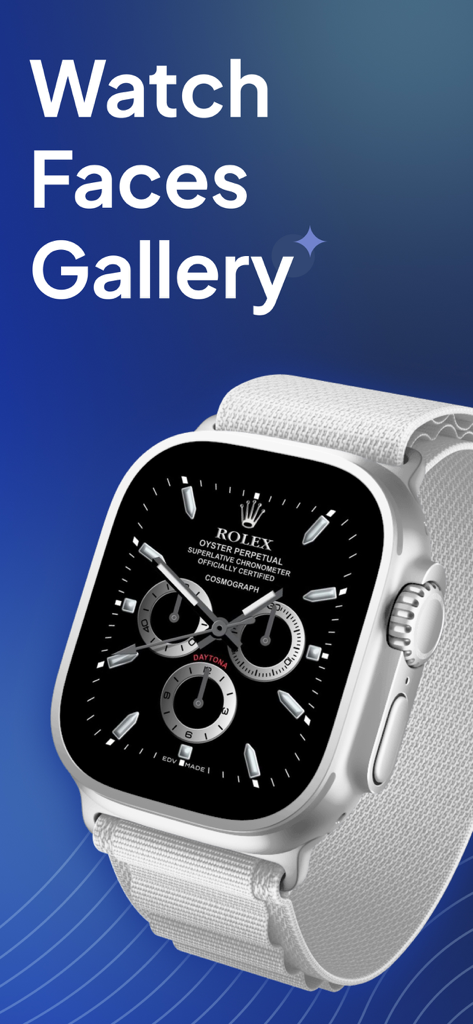
Apple Watch displaying a custom luxury watch face from the Watch Faces Gallery app
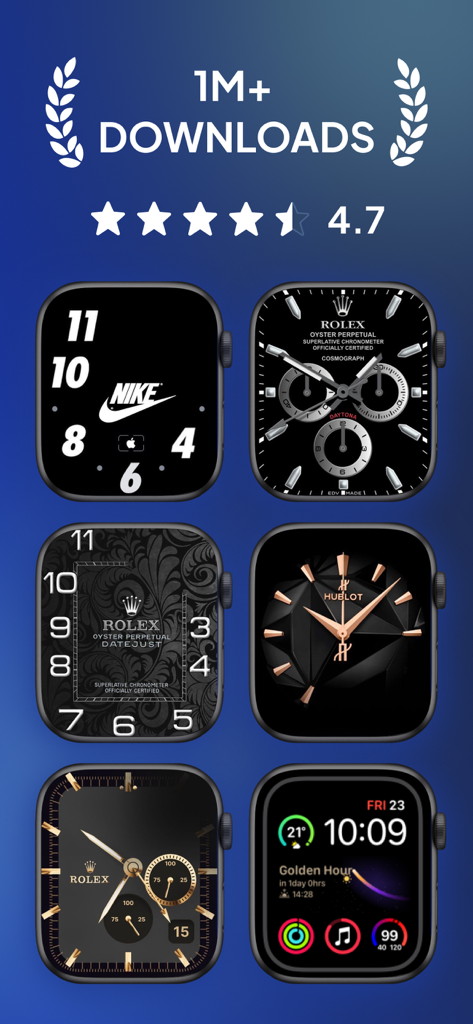
A collection of custom luxury and sporty Apple Watch faces from the Watchfacely app gallery.
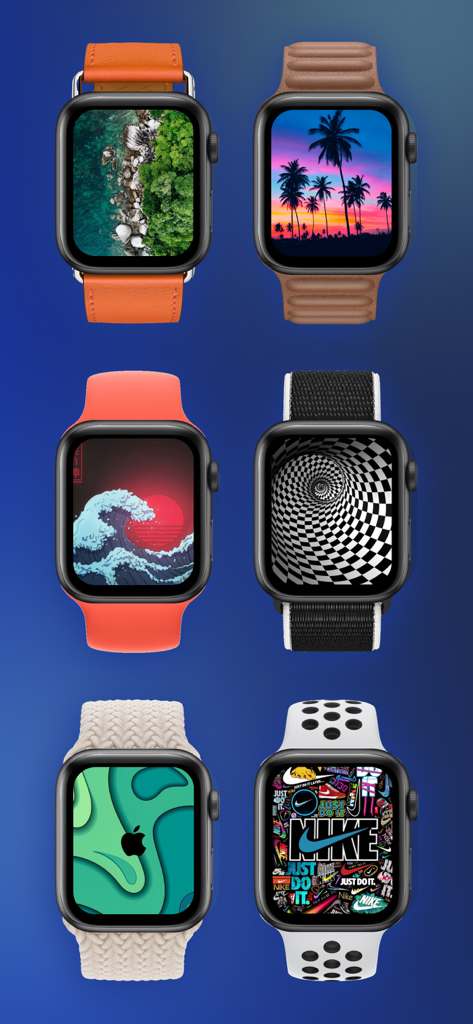
A gallery of six Apple Watches featuring diverse custom face designs and stylish watch bands.
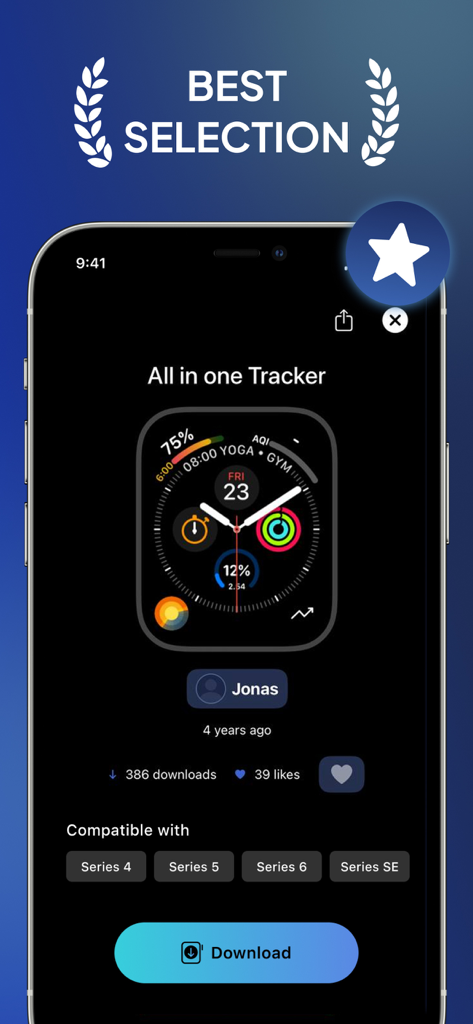
Interface of Watchfacely app showing an all in one tracker watch face for Apple Watch
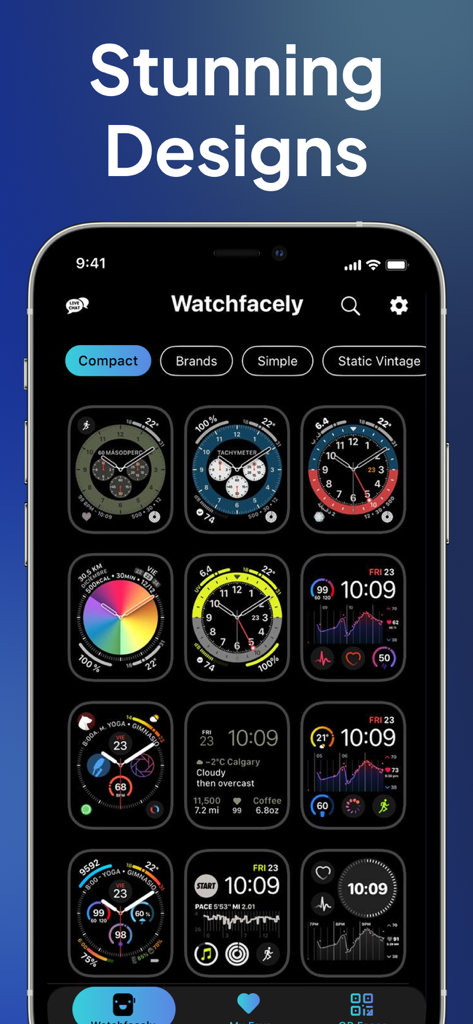
Watchfacely app interface displaying a grid of diverse and customizable Apple Watch face designs.
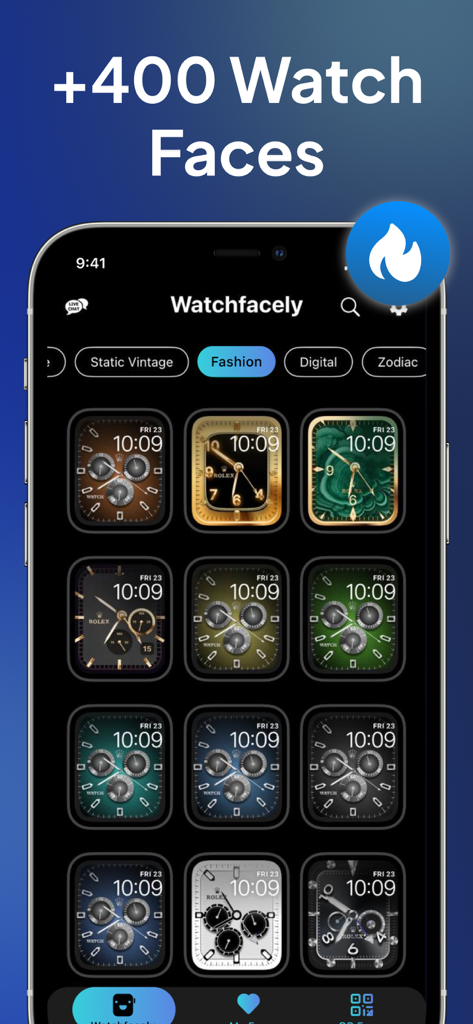
A gallery of premium fashion watch faces for Apple Watch displayed on a smartphone screen
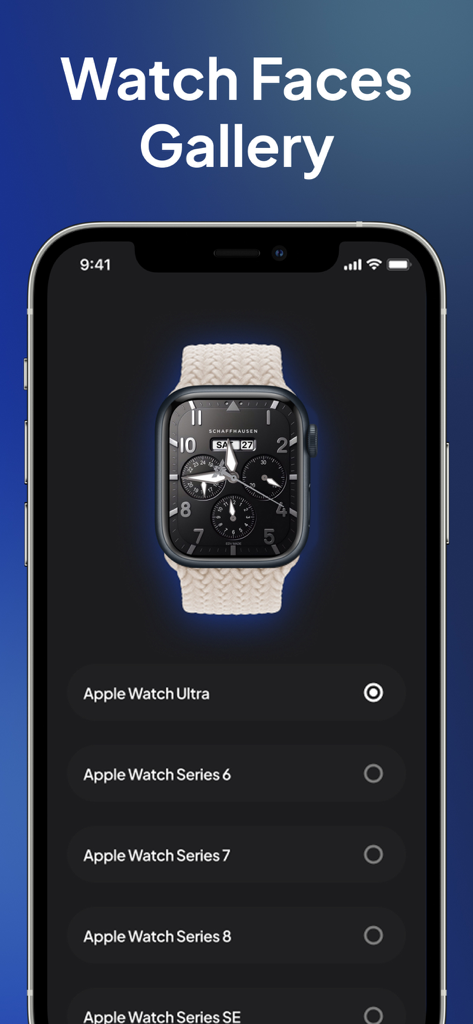
iPhone displaying Watch Faces Gallery app with Apple Watch model selection list
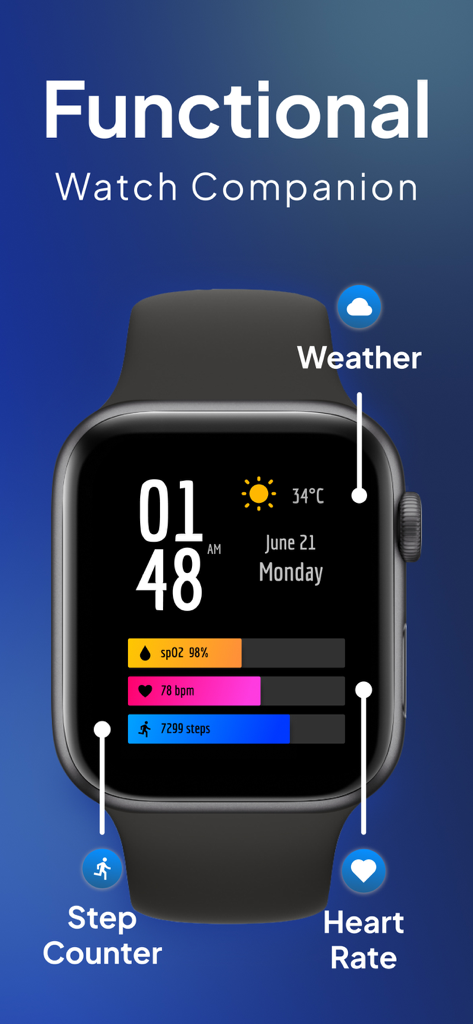
Apple Watch face showing weather heart rate and step counter widgets
Description
Download
More Like This
Apps with similar features and user experience
Walbum™ - Watch Faces Gallery
怡飞 王

Watchfaces - Watch Wallpaper
亚伦 陈

Watch Faces & Widget Gallery
Hyperday MB
Watch Faces by Facer
Little Labs, Inc.
Watch Faces & Widgets Gallery
GANYMEDES POINT SP Z O O
Buddywatch - Watch Faces
BUDDY SRLS
Watch Faces Gallery & Creator
Artem Vasiliuk

Watch Faces Gallery & Themes
Mikael Melkonyan
Watch Faces Gallery-Widget
Jinan Feiniao culture media Co., Ltd
This page is not an official page of the app or its developer, but an independent editorial publication created for informational and commentary purposes. Unless expressly stated otherwise, neither the app nor its developer is affiliated with, endorsed by, sponsored by, authorized by, or otherwise officially connected with MWM, Apple, Google Play, the app publisher, or the app's developer, and nothing on this page implies that the app was developed using MWM's services. Any trademarks, logos, screenshots, and other content remain the property of their respective owners.