
This page is not an official page of the app or its developer, but an independent editorial publication created for informational and commentary purposes. Unless expressly stated otherwise, neither the app nor its developer is affiliated with, endorsed by, sponsored by, authorized by, or otherwise officially connected with MWM, Apple, Google Play, the app publisher, or the app's developer, and nothing on this page implies that the app was developed using MWM's services. Any trademarks, logos, screenshots, and other content remain the property of their respective owners.


WaterMark
Join 154K+ creators who safeguard their creativity. Add custom logos or stylish text in 4 simple steps and export in full resolution for Instagram, Etsy, and beyond.
Downloads
154K+User Rating
Total Ratings
100Publisher
Category
Photo & VideoLocales
2Latest Version
3.4Size
9.1 MBFirst Released
Jan 13, 2011Secure Your Creative Assets in Seconds
Designed for entrepreneurs and creators, WaterMark provides a professional, high-resolution solution to protect your photos and build brand recognition across social media and e-commerce platforms.
Effortless 4-Step Workflow
Import, design, adjust, and save. Protect your product shots and digital art quickly so you can get back to growing your business.
Professional Branding Tools
Choose from over 100 premium fonts or upload your own logo. Fine-tune opacity and placement to ensure your brand stands out without distracting from the image.
Frequently Asked Questions
Everything you need to know about WaterMark
How does WaterMark protect photos?
The WaterMark app protects photos by allowing users to add their own logo image or custom text as a watermark. Users then adjust the watermark's position, size, rotation, and opacity before saving or sharing the watermarked photo.
Can I use a custom logo as a watermark in WaterMark app?
Yes, the WaterMark app allows users to select their own logo image as a watermark. This feature ensures brand protection and personalization for digital works.
What text customization options does WaterMark offer?
WaterMark offers extensive text customization. Users can choose from over 100 different fonts and define the text color using RGB sliders. It also includes white and black spirals as watermarks.
How do I adjust the watermark on my photo in WaterMark?
Users adjust the watermark by pinching to resize, dragging to reposition, and rotating it on the photo. The app also provides a bottom slider to precisely adjust the watermark's opacity.
Does WaterMark support saving photos in full resolution?
Yes, the WaterMark app saves and shares watermarked photos at full resolution. This ensures the quality of protected digital works remains high after applying a watermark.
How can I switch between text and logo watermarks in WaterMark?
Users switch between text and logo watermarks by touching the bottom left button within the WaterMark app interface. This allows for flexible watermark selection.
Where can I get support for the WaterMark app?
For any issues, questions, or suggestions regarding the WaterMark app, users can send an email to support@seb-appstore.com.
The following screenshots and description are sourced directly from the app's official store listing and are the property of the app developer.
App Store
Screenshots
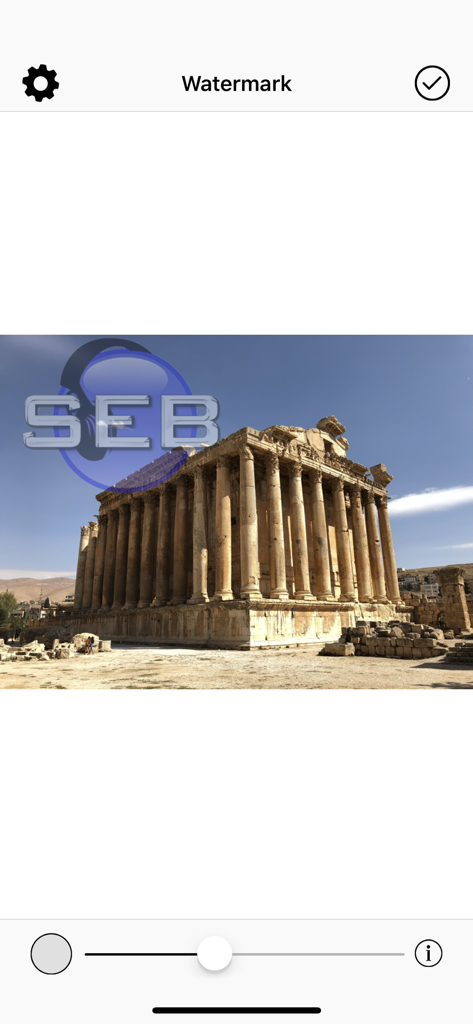
WaterMark app interface showing a custom logo overlay on a landscape photo
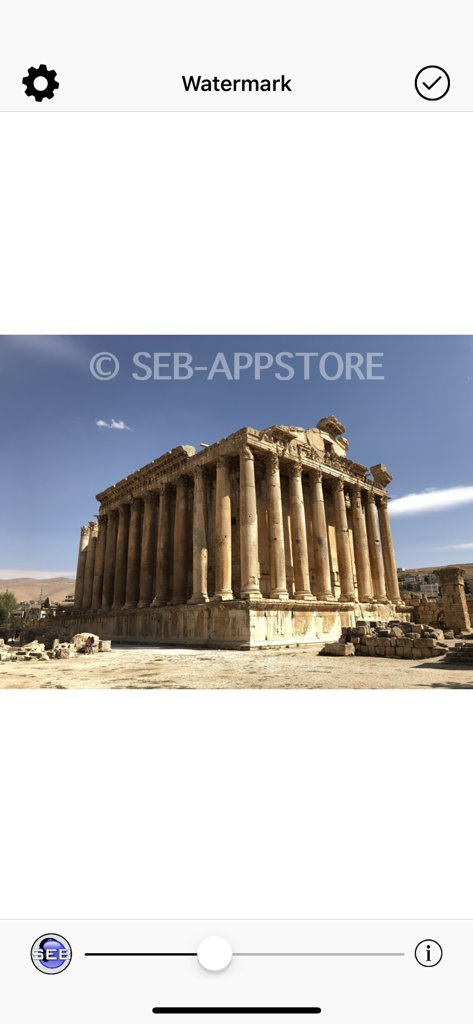
Interface of the WaterMark app showing a text watermark overlay on a photo of an ancient temple with an opacity slider
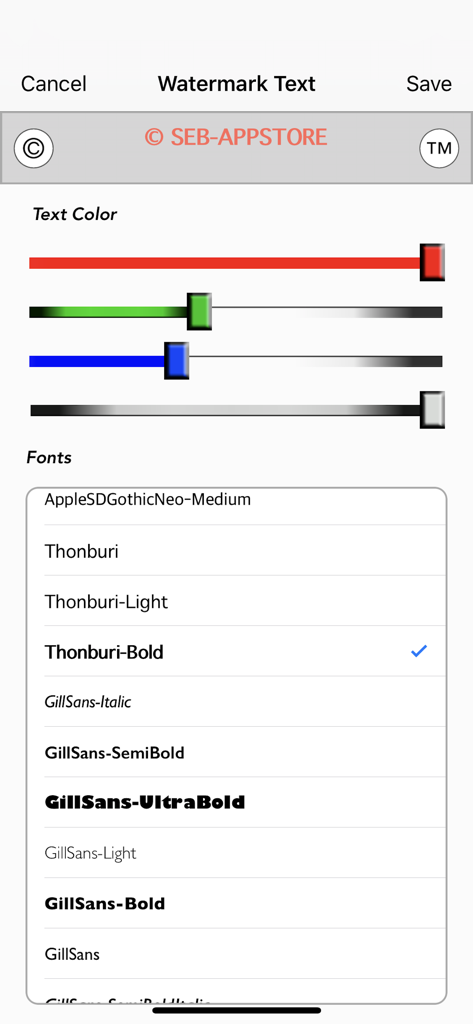
Interface for customizing watermark text with color sliders and font selection
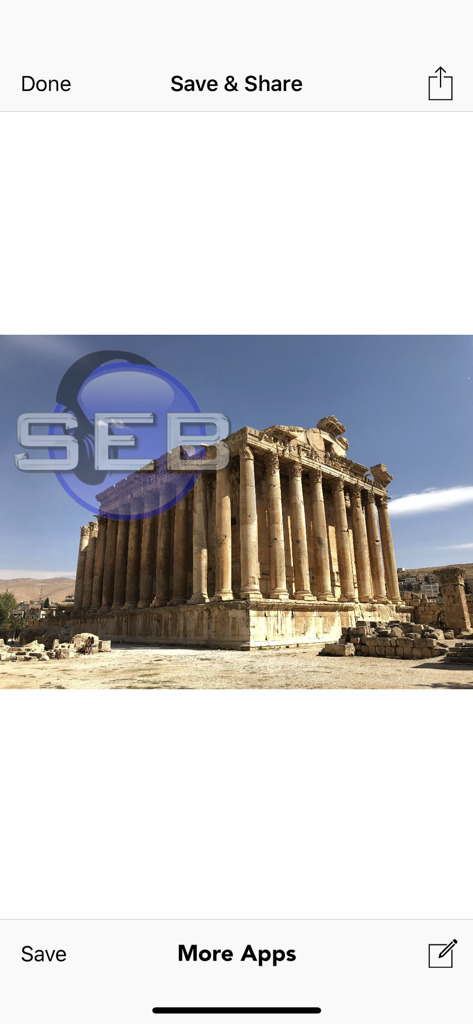
Final save and share screen of the WaterMark app showing a photo of a temple with a custom logo watermark
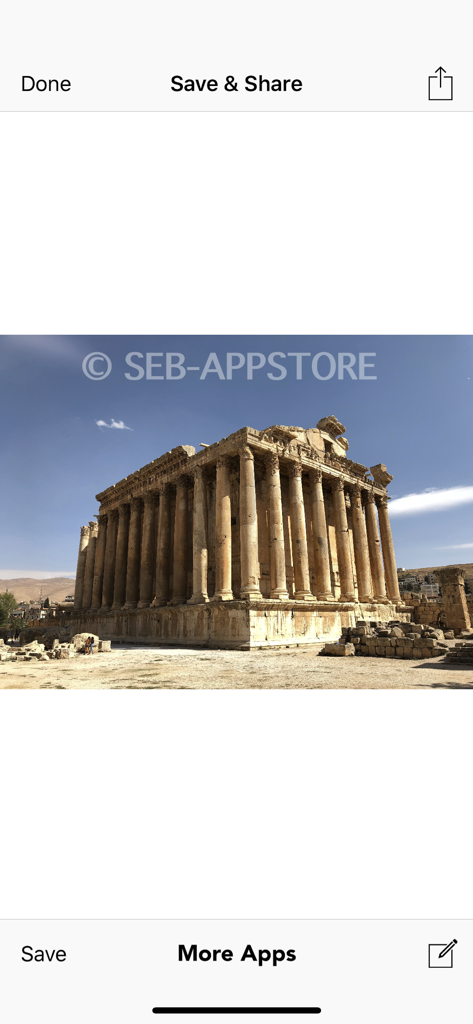
Save and share screen in the WaterMark app showing a copyrighted image of an ancient temple
Description
Download
More Like This
Top-ranked apps in the same category

CapCut: Photo & Video Editor
BYTEDANCE PTE. LTD.

Instagram, Inc.

YouTube
Google LLC

Canva: AI Photo & Video Editor
Canva Pty Ltd

Snapchat
Snap, Inc.

快手
Beijing Kwai Technology Co., Ltd.

Edits: Video Editor
Instagram, Inc.

Meitu- AI Photo & Video Editor
Xiamen Meitu Technology Co., Ltd.

Google Photos: Backup & Edit
Google LLC
This page is not an official page of the app or its developer, but an independent editorial publication created for informational and commentary purposes. Unless expressly stated otherwise, neither the app nor its developer is affiliated with, endorsed by, sponsored by, authorized by, or otherwise officially connected with MWM, Apple, Google Play, the app publisher, or the app's developer, and nothing on this page implies that the app was developed using MWM's services. Any trademarks, logos, screenshots, and other content remain the property of their respective owners.