
This page is not an official page of the app or its developer, but an independent editorial publication created for informational and commentary purposes. Unless expressly stated otherwise, neither the app nor its developer is affiliated with, endorsed by, sponsored by, authorized by, or otherwise officially connected with MWM, Apple, Google Play, the app publisher, or the app's developer, and nothing on this page implies that the app was developed using MWM's services. Any trademarks, logos, screenshots, and other content remain the property of their respective owners.


Welding Toolbox 2
The essential field-ready companion for welding engineers and QC inspectors. Calculate heat input, carbon equivalents, and PREN with professional accuracy and seamless XLSX data export.
Downloads
2K+User Rating
Total Ratings
0Publisher
Category
UtilitiesLocales
1Latest Version
2.2.0Size
29.3 MBFirst Released
Dec 29, 2020Precision Tools for Professional Welding Inspection
Streamline your technical workflow with high-accuracy calculators for Heat Input, Carbon Equivalent, and Metal Parameters. Built by engineers to eliminate guesswork on the shop floor.
Standard-Compliant Calculations
Get instant, error-free results for Heat Input (EN 1011-1), CEQ, and PCM. Ensure every weld meets rigorous safety and regulatory codes with professional-grade accuracy.
Documentation-Ready Reporting
Track your calculation history and export results directly to XLSX spreadsheets. Move from field inspection to professional reporting in seconds without manual data entry.
The following screenshots and description are sourced directly from the app's official store listing and are the property of the app developer.
App Store
Screenshots
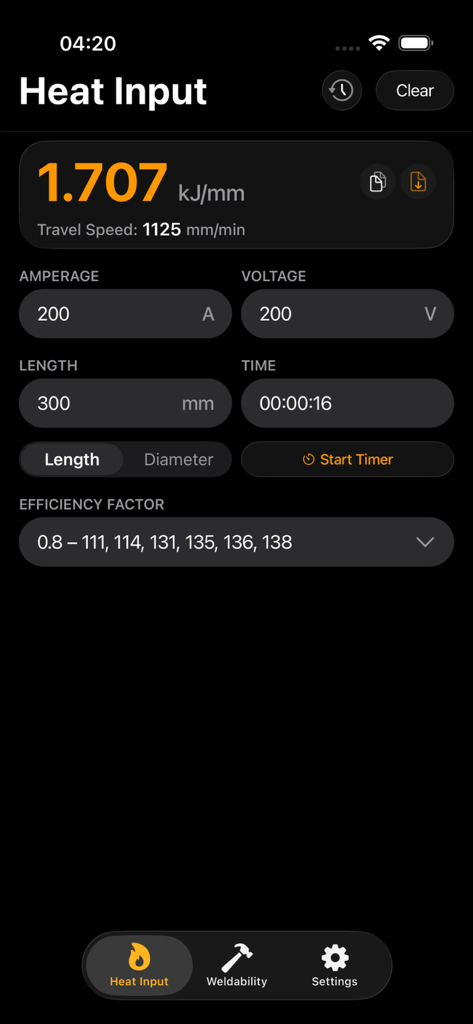
Welding Toolbox 2 app interface showing the heat input calculator with fields for amperage and voltage.
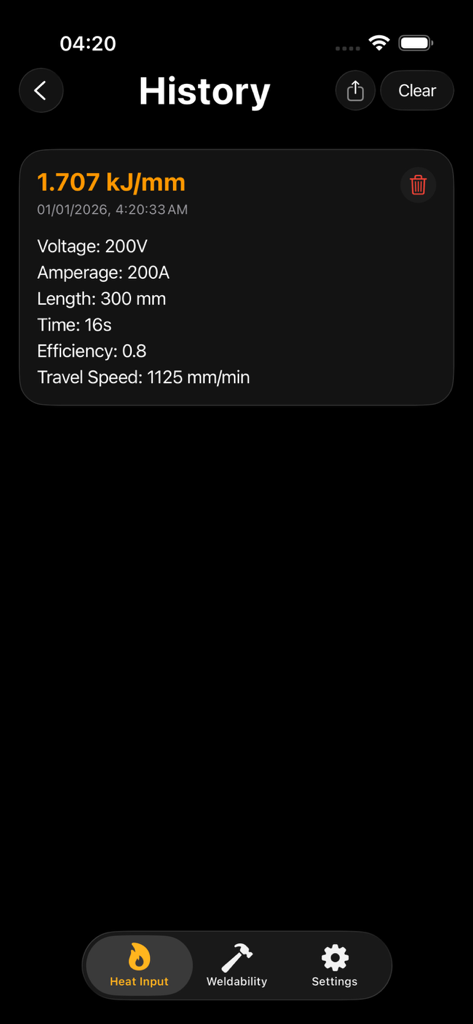
Welding Toolbox 2 app history page showing heat input calculation results including voltage and amperage
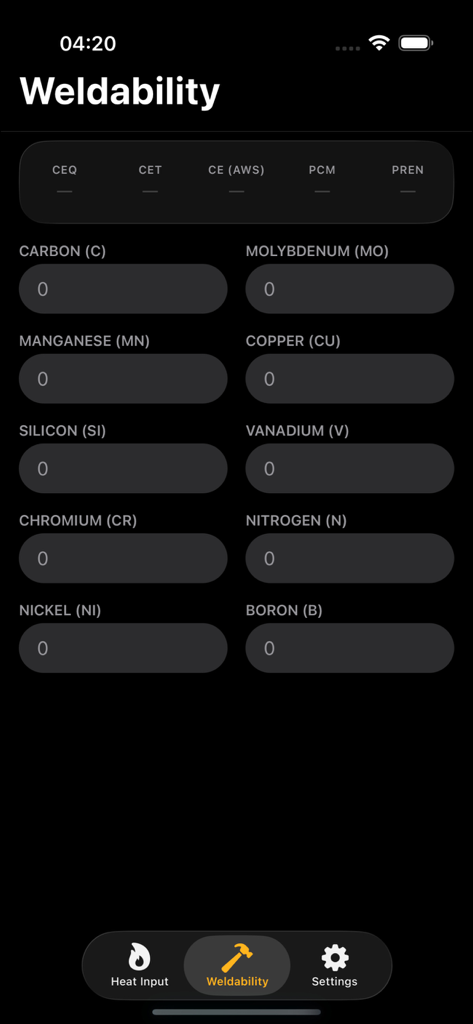
Weldability calculator screen in the Welding Toolbox 2 app showing input fields for chemical elements like carbon and manganese for CEQ and PCM calculations.
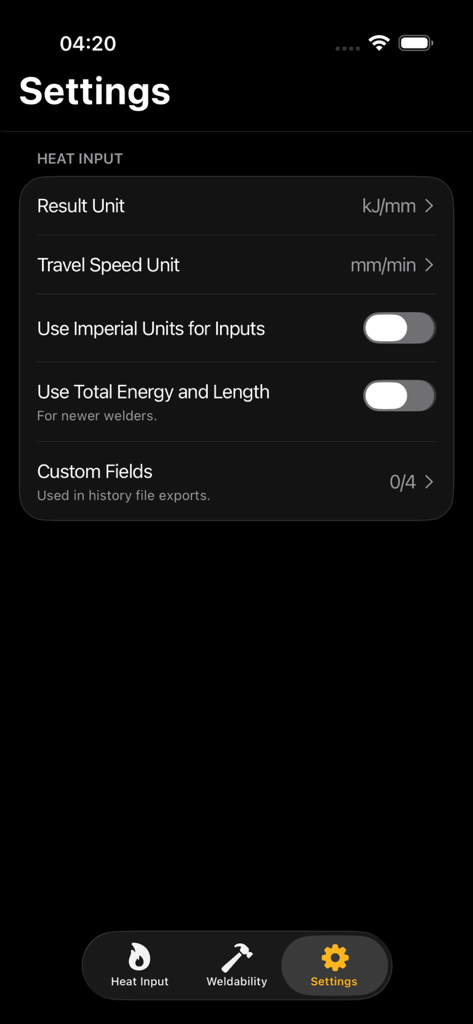
Welding Toolbox 2 settings screen showing units and heat input configuration
Description
Download
More Like This
Top-ranked apps in the same category

Google LLC

Google Chrome
Google LLC

中国移动(手机营业厅)
China Mobile Online Services Co., Ltd.

Google Authenticator
Google LLC

CNH do Brasil
Servicos e Informacoes do Brasil

Cleanup: Phone Storage Cleaner
DEEP FLOW SOFTWARE SERVICES - FZCO

gov.br
Servicos e Informacoes do Brasil

中国电信-全国统一官方服务平台
CHINA TELECOM Corporation Ltd.

Microsoft Edge: AI Browser
Microsoft Corporation
This page is not an official page of the app or its developer, but an independent editorial publication created for informational and commentary purposes. Unless expressly stated otherwise, neither the app nor its developer is affiliated with, endorsed by, sponsored by, authorized by, or otherwise officially connected with MWM, Apple, Google Play, the app publisher, or the app's developer, and nothing on this page implies that the app was developed using MWM's services. Any trademarks, logos, screenshots, and other content remain the property of their respective owners.