
This page is not an official page of the app or its developer, but an independent editorial publication created for informational and commentary purposes. Unless expressly stated otherwise, neither the app nor its developer is affiliated with, endorsed by, sponsored by, authorized by, or otherwise officially connected with MWM, Apple, Google Play, the app publisher, or the app's developer, and nothing on this page implies that the app was developed using MWM's services. Any trademarks, logos, screenshots, and other content remain the property of their respective owners.


White Balance Meter AI - KEV
Turn your iPhone into a studio-grade light meter. Get instant, AI-calibrated white balance data to nail your color in-camera and save hours of post-processing.
Downloads
108K+User Rating
Total Ratings
1K+Publisher
Category
Photo & VideoLocales
5Latest Version
7.0.1Size
13.5 MBFirst Released
Jan 30, 2020Studio-Grade Precision for Every Shot
Stop guessing and start measuring. KEV uses advanced AI to turn your iPhone into a professional-grade spectrometer, calibrated for the most demanding cinematographers and photographers.
Instant Kelvin Accuracy
Measure light temperature in real-time with AI calibrated against industry-standard Sekonic meters for near 100% accuracy.
Skip the Color Grading
Get it right in-camera. Save hours in post-processing by matching your light sources to your camera sensor perfectly on set.
The following screenshots and description are sourced directly from the app's official store listing and are the property of the app developer.
App Store
Screenshots
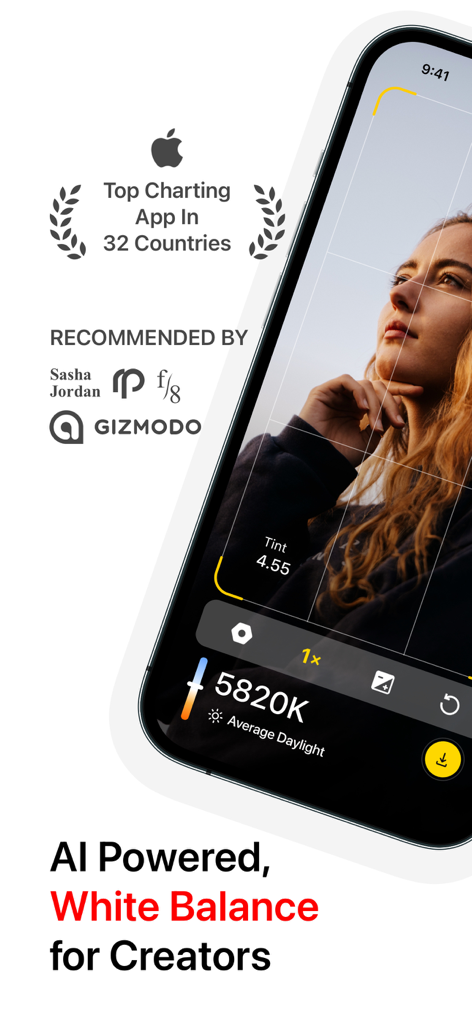
AI-powered White Balance Meter KEV app interface displaying real-time Kelvin temperature for photography and videography.
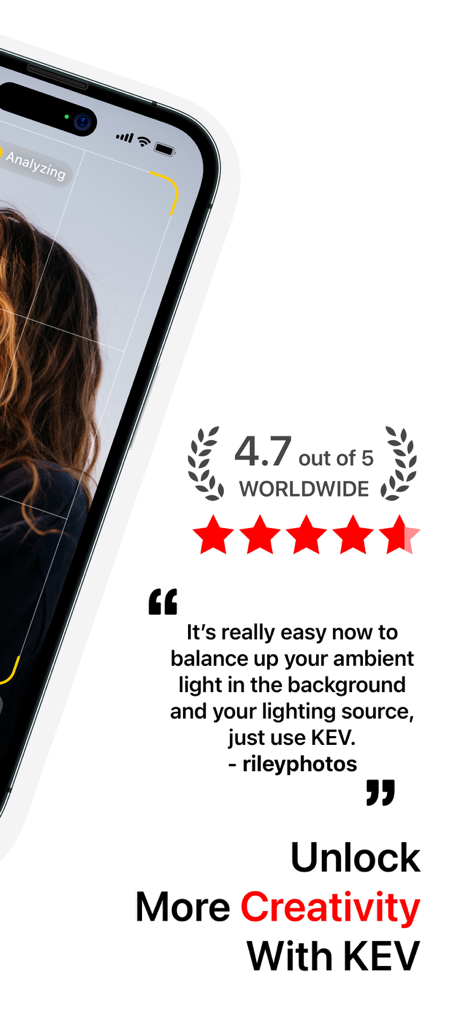
User review and 4.7-star rating for the White Balance Meter AI KEV app
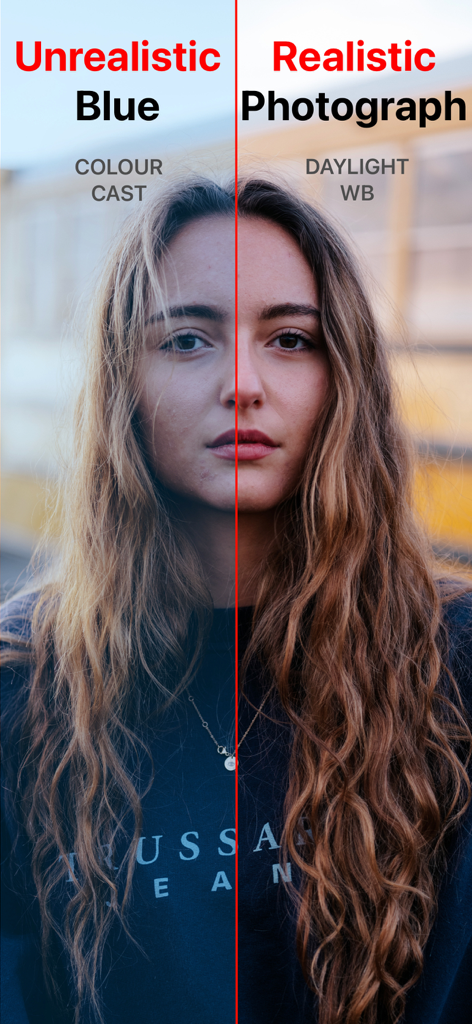
Split screen portrait showing the difference between an unrealistic blue color cast and realistic daylight white balance
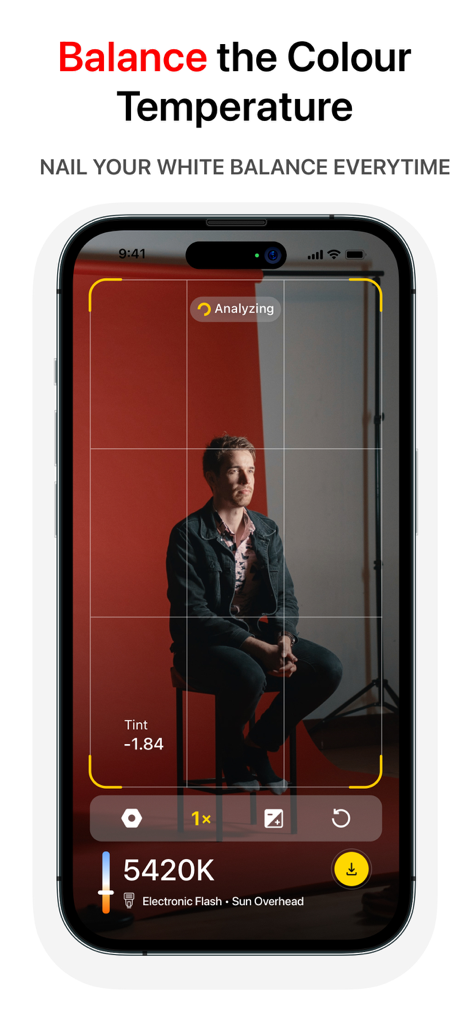
Smartphone interface of the KEV app measuring color temperature in Kelvin for a studio portrait
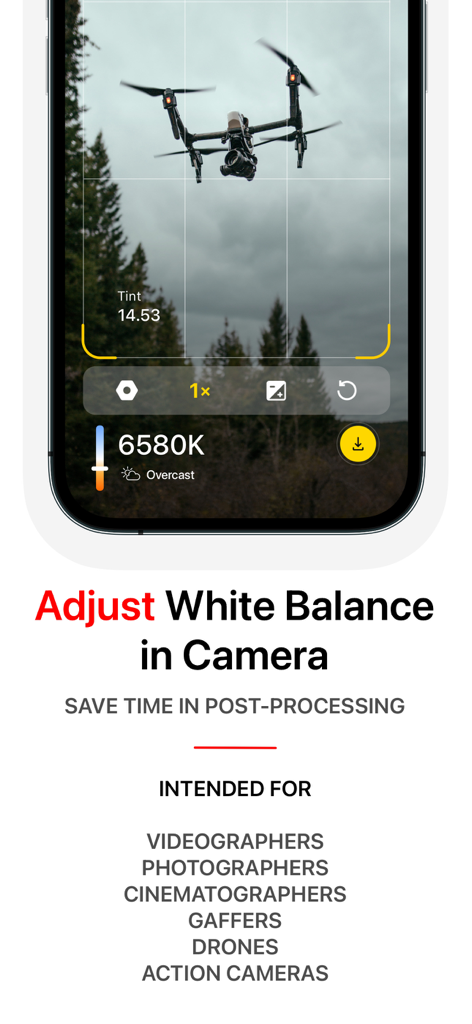
Interface of the KEV app measuring color temperature in Kelvin for a drone shot in overcast conditions
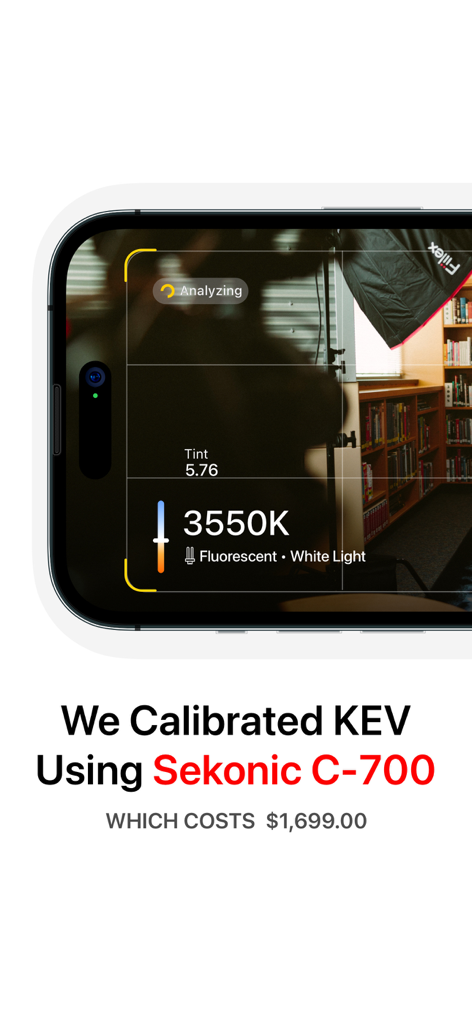
iPhone screen showing KEV app measuring color temperature at 3550K in a studio setting
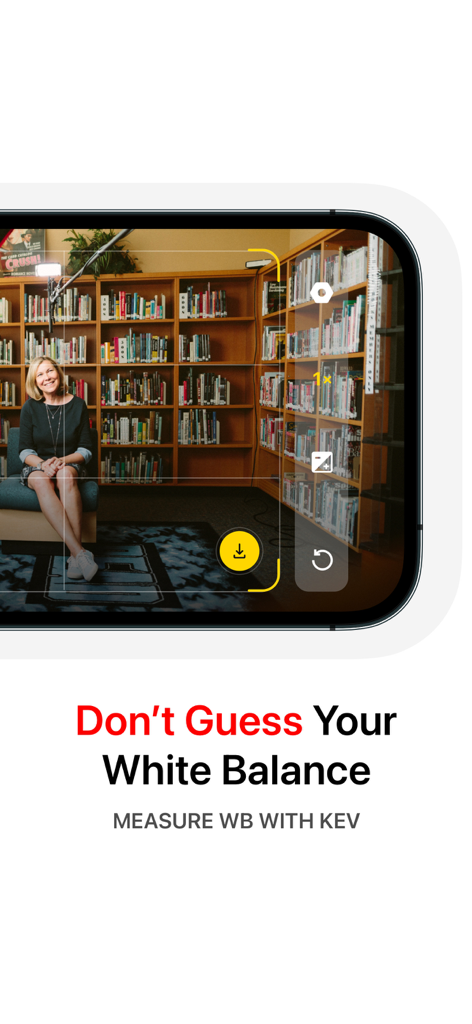
KEV app interface measuring white balance on a smartphone screen
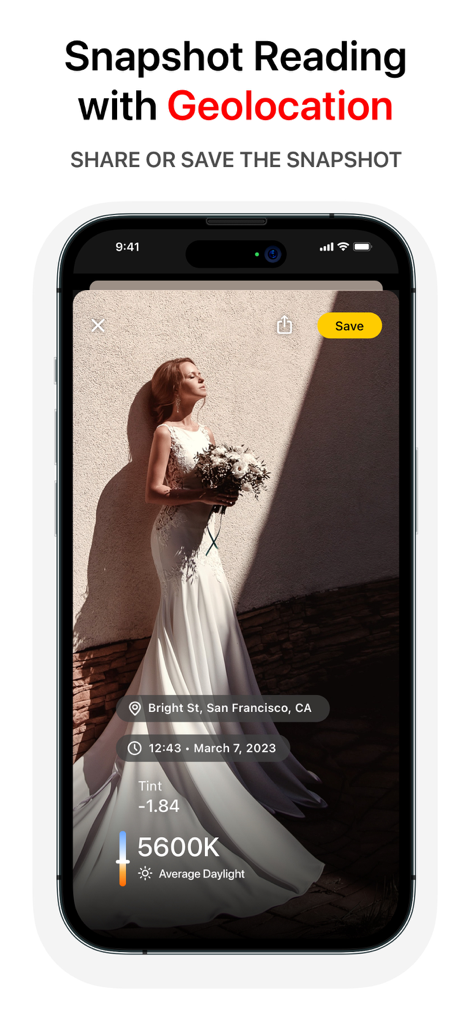
Screenshot of the KEV app showing a snapshot of a bride with color temperature data and geolocation details.
Description
Download
More Like This
Top-ranked apps in the same category

CapCut: Photo & Video Editor
BYTEDANCE PTE. LTD.

Instagram, Inc.

YouTube
Google LLC

Canva: AI Photo & Video Editor
Canva Pty Ltd

Snapchat
Snap, Inc.

快手
Beijing Kwai Technology Co., Ltd.

Edits: Video Editor
Instagram, Inc.

Meitu- AI Photo & Video Editor
Xiamen Meitu Technology Co., Ltd.

Google Photos: Backup & Edit
Google LLC
This page is not an official page of the app or its developer, but an independent editorial publication created for informational and commentary purposes. Unless expressly stated otherwise, neither the app nor its developer is affiliated with, endorsed by, sponsored by, authorized by, or otherwise officially connected with MWM, Apple, Google Play, the app publisher, or the app's developer, and nothing on this page implies that the app was developed using MWM's services. Any trademarks, logos, screenshots, and other content remain the property of their respective owners.