
中華電信Wi-Fi全屋通

Monitor network health at a glance, manage connected devices, and set smart internet schedules with our intuitive visual interface.
Publisher
Category
UtilitiesDownloads
466K+User Rating
Total Ratings
2K+Locales
1Discover the interface used by 466K+ users.
The tools that make this app stand out, trusted by 466K+ users.
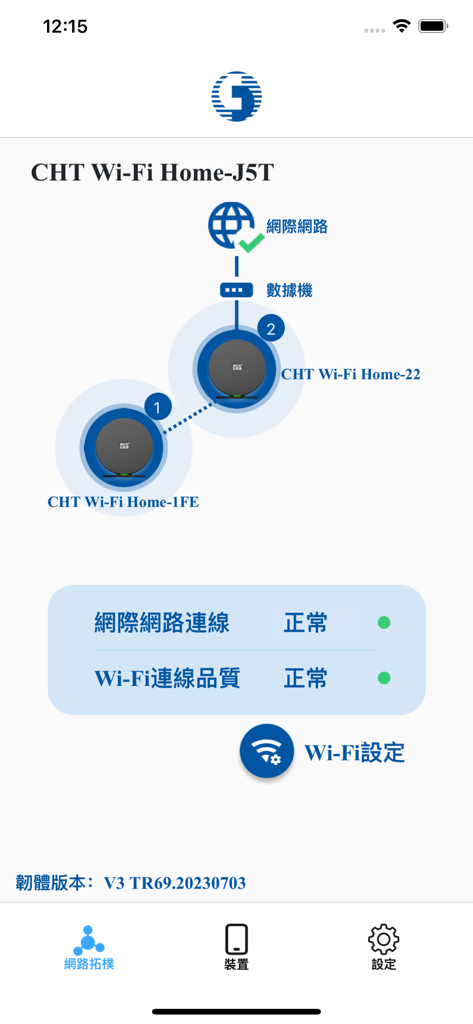
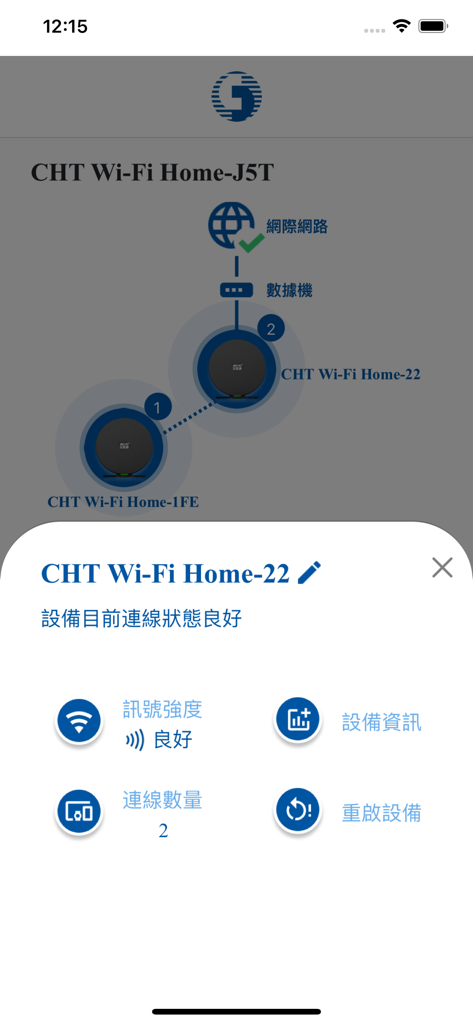
Stay informed with a graphical status map. Our color-coded interface lets you verify signal quality and node health instantly, even from across the globe.
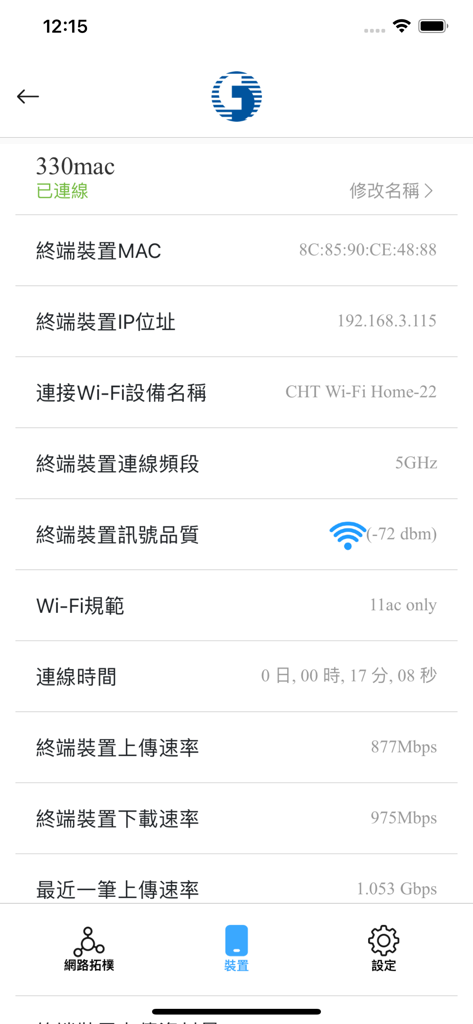
Identify every connected device in real-time. Monitor bandwidth consumption, IP addresses, and signal strength to ensure your network remains secure.
Promote healthy digital habits by setting custom internet schedules. Easily manage or restrict access for specific devices during study or sleep hours.
Everything you need to know about 中華電信Wi-Fi全屋通.
Description
Latest Version
1.0.20
Size
44.1 MB
First Released
Apr 16, 2019
From troubleshooting Mesh nodes to managing screen time, take the complexity out of your home connectivity. Join over 466,000 users and experience the peace of mind of a perfectly optimized Wi-Fi network.
Everything you need to know about 中華電信Wi-Fi全屋通
The "中華電信Wi-Fi全屋通" app allows users to manage and monitor their Chunghwa Telecom home Mesh Wi-Fi network. It provides insights into Wi-Fi status, connected devices, and offers configuration options for network settings.
The "中華電信Wi-Fi全屋通" app displays Wi-Fi signal quality through a graphical interface. It uses color-coded indicators: blue for good, green/orange for medium, and red for poor signal quality.
The "中華電信Wi-Fi全屋通" app supports Wi-Fi 5 models (WG420223-TC, WE410443-TC) and Wi-Fi 6 models (WG630223-TC, WG620443-TC) for Wi-Fi Whole Home products.
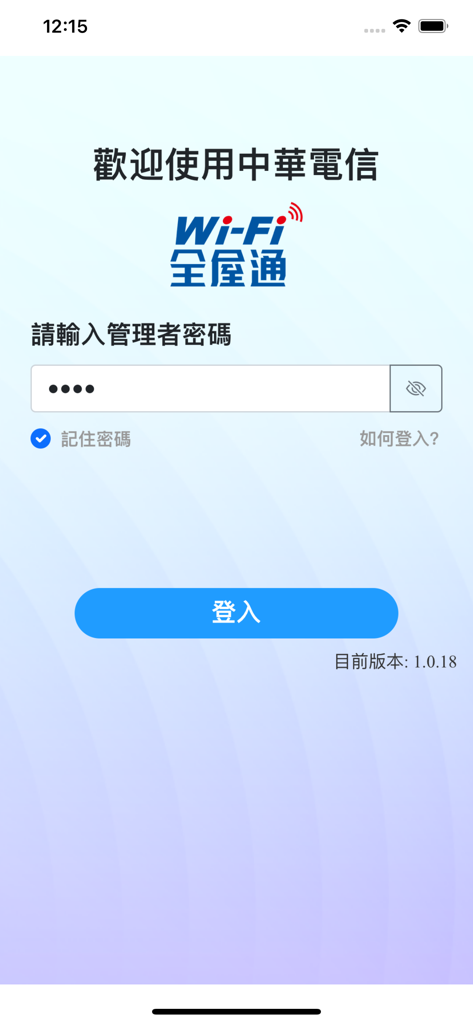
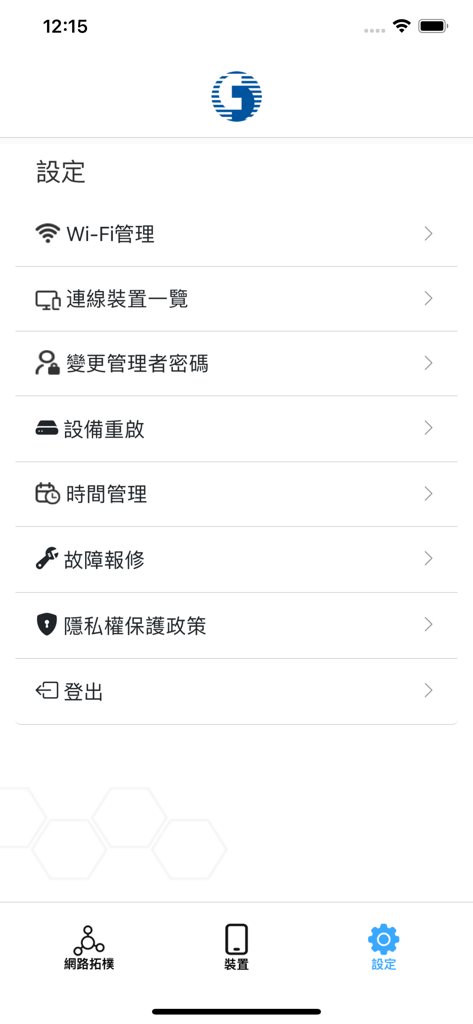
Yes, the "中華電信Wi-Fi全屋通" app allows users to easily set their Wi-Fi network name (SSID), password, and encryption protocol. This is done through the administrator password.
The "中華電信Wi-Fi全屋通" app allows users to instantly view details for connected devices. This includes the device name, IP address, signal quality, upload/download speeds, and data usage.
Yes, the "中華電信Wi-Fi全屋通" app allows users to manage the administrator account. This includes modifying the administrator password to enhance information security.
Yes, the "中華電信Wi-Fi全屋通" app includes a time management feature. It allows users to individually restrict the internet usage time for specific devices connected to the Wi-Fi network.
Yes, the "中華電信Wi-Fi全屋通" app features a graphical interface to view the Wi-Fi status and network topology. It displays the connection status between Wi-Fi access points.
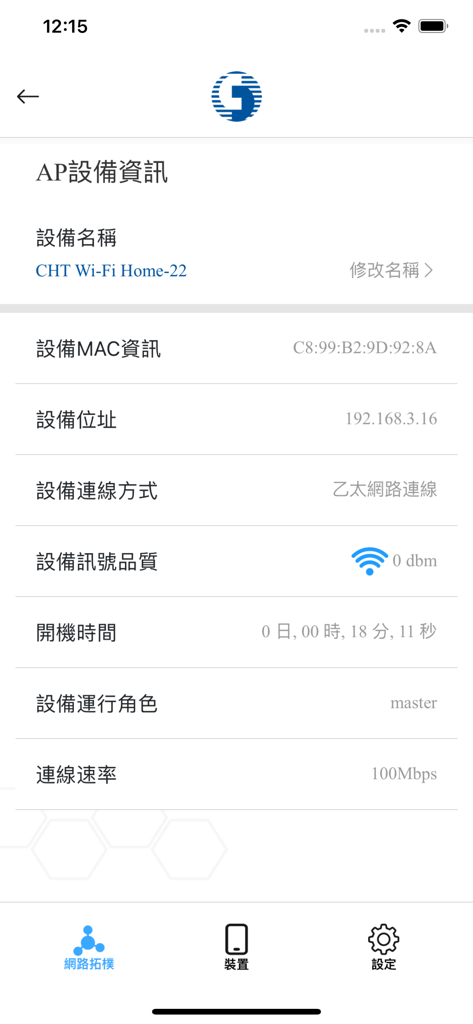
The "中華電信Wi-Fi全屋通" app displays AP information such as device name, MAC address, IP address, connection method, signal quality, uptime, operating role, and connection speed.
Apps with similar features and user experience

TP-Link Systems Inc.

AT&T Services, Inc.

TP-Link Systems Inc.

eero LLC

MERCUSYS Technologies Co., Ltd.

TP-Link Systems Inc.

eero LLC

NETGEAR, Inc.

Ubiquiti Inc.
App information, icons, screenshots, and descriptions displayed on this page are sourced from the Apple App Store and are the property of their respective developers. Download estimates and rankings are based on MWM's proprietary models and may not reflect actual figures. This page is provided for informational and analytical purposes only.
Believe this page infringes your intellectual property? File a dispute