
This page is not an official page of the app or its developer, but an independent editorial publication created for informational and commentary purposes. Unless expressly stated otherwise, neither the app nor its developer is affiliated with, endorsed by, sponsored by, authorized by, or otherwise officially connected with MWM, Apple, Google Play, the app publisher, or the app's developer, and nothing on this page implies that the app was developed using MWM's services. Any trademarks, logos, screenshots, and other content remain the property of their respective owners.


WIFI Analyzer - DNS Speed Test
Optimize your connection with DNS speed tests, discover every device on your LAN, and troubleshoot like an expert with built-in Traceroute, Ping, and Port Scanning tools.
Downloads
33K+User Rating
Total Ratings
0Publisher
Category
Developer ToolsLocales
5Latest Version
26.1Size
25.3 MBFirst Released
Jun 24, 2024Master Your Network Environment
A professional-grade suite of diagnostic tools designed for IT experts, gamers, and power users who demand peak connectivity and security.
Optimize Speed & Latency
Benchmark DNS response times and discover the fastest servers using DoH and DoT protocols to slash ping in games and speed up browsing.
Complete Network Visibility
Instantly scan your LAN to identify every connected device, detect unauthorized users, and troubleshoot signal strength with real-time data.
The following screenshots and description are sourced directly from the app's official store listing and are the property of the app developer.
App Store
Screenshots
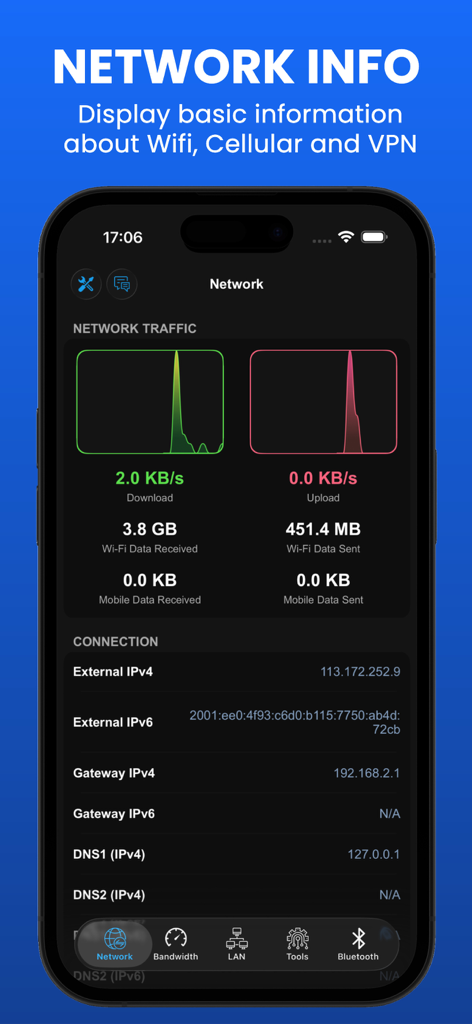
Interface of the WIFI Analyzer app showing network traffic graphs and detailed connection information like IP addresses and DNS servers.
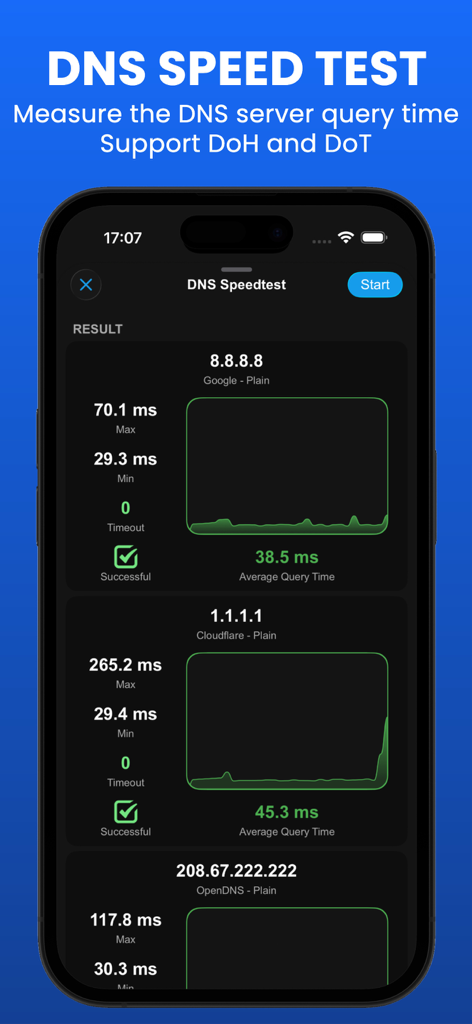
DNS speed test results showing query times for Google and Cloudflare servers
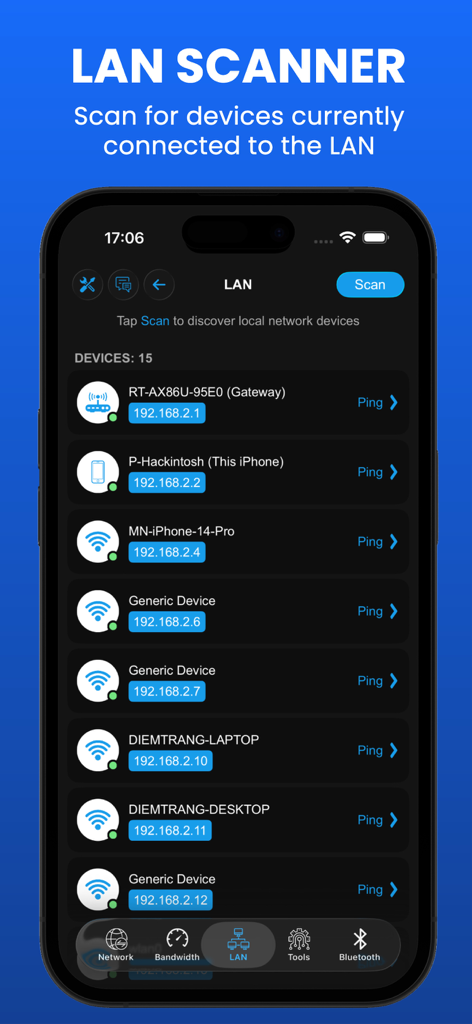
LAN scanner interface showing connected network devices and IP addresses
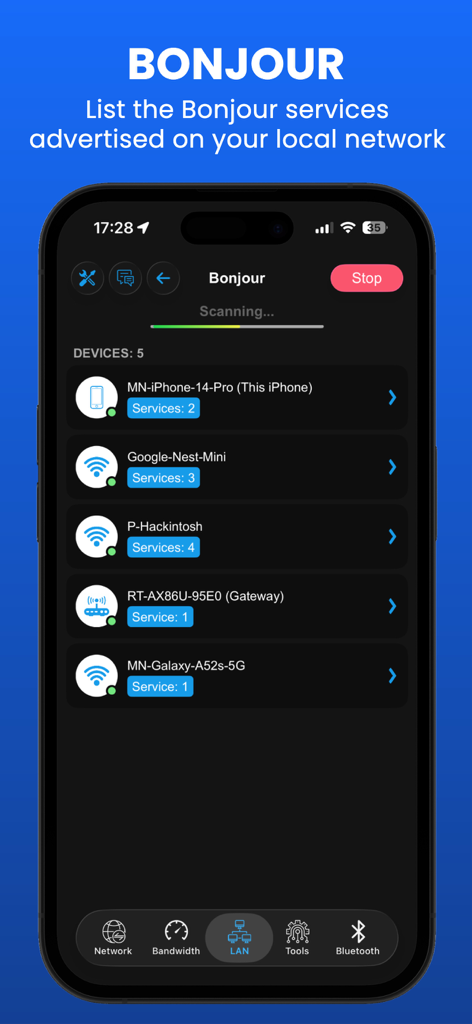
A screenshot of the Bonjour service browser displaying a list of connected devices and their active services on a local network.
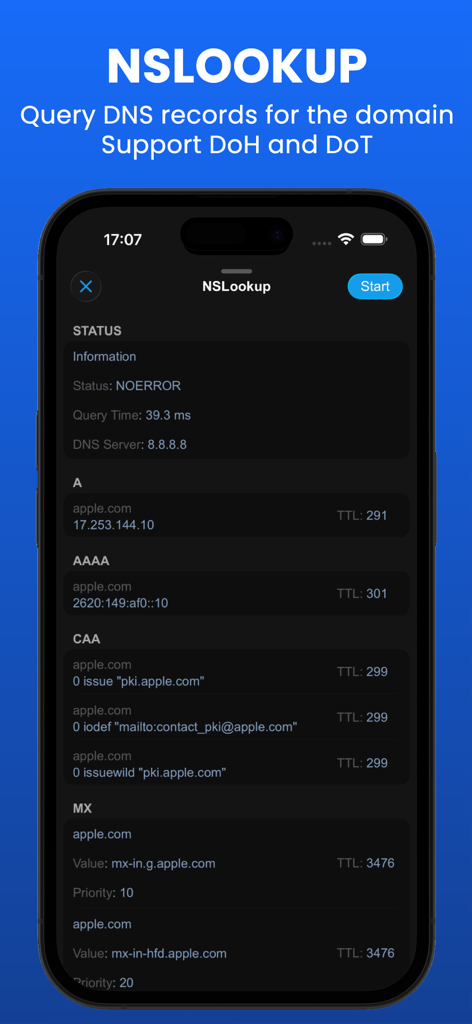
NSLookup interface showing detailed DNS records for a domain including A, AAAA, and MX entries
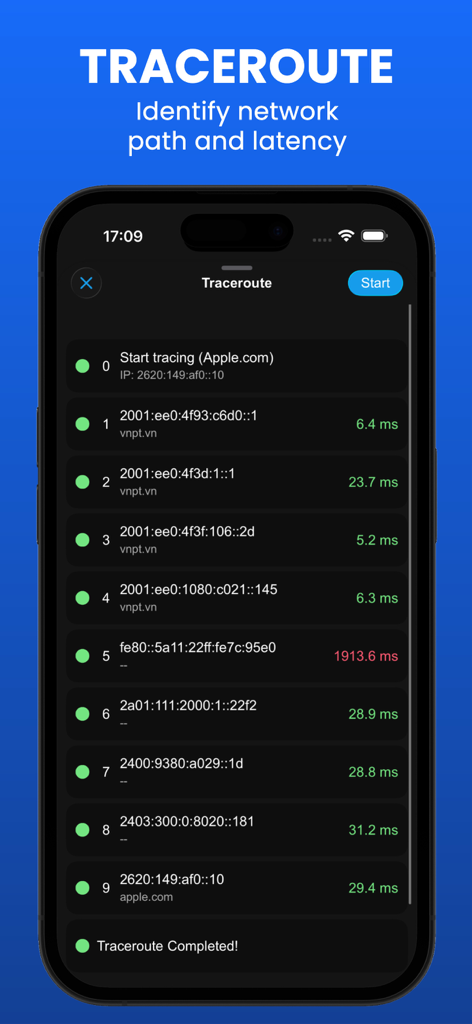
Screenshot of the traceroute feature identifying network path and latency hops for a domain
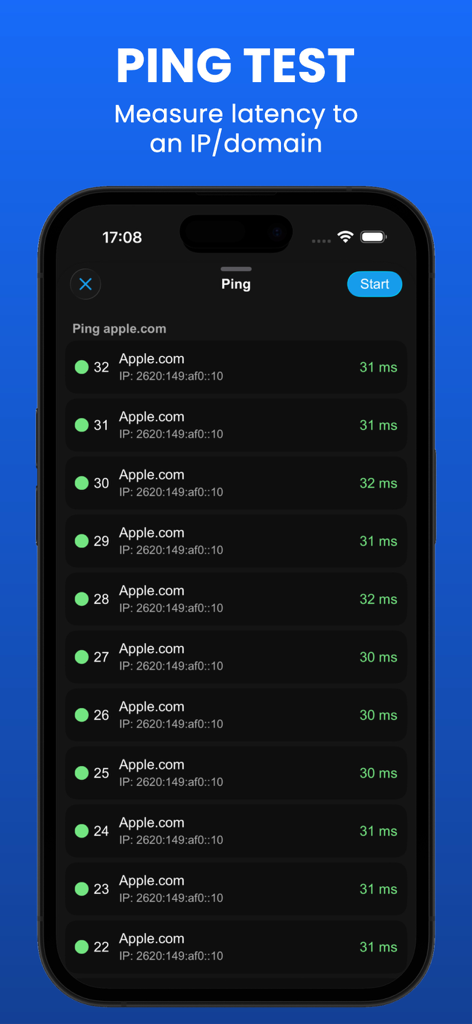
Smartphone screen showing a network ping test results for a domain with latency measurements in milliseconds.
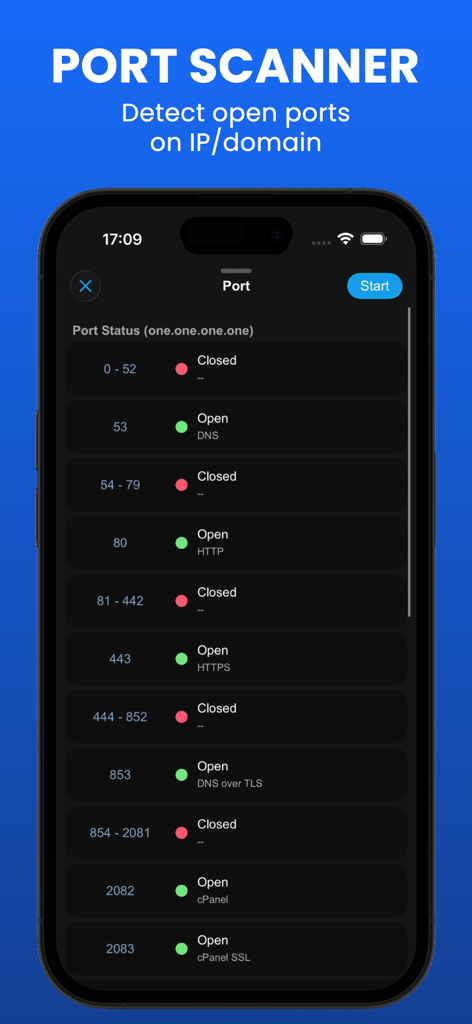
WIFI Analyzer port scanner interface showing open and closed ports for an IP address on an iPhone screen
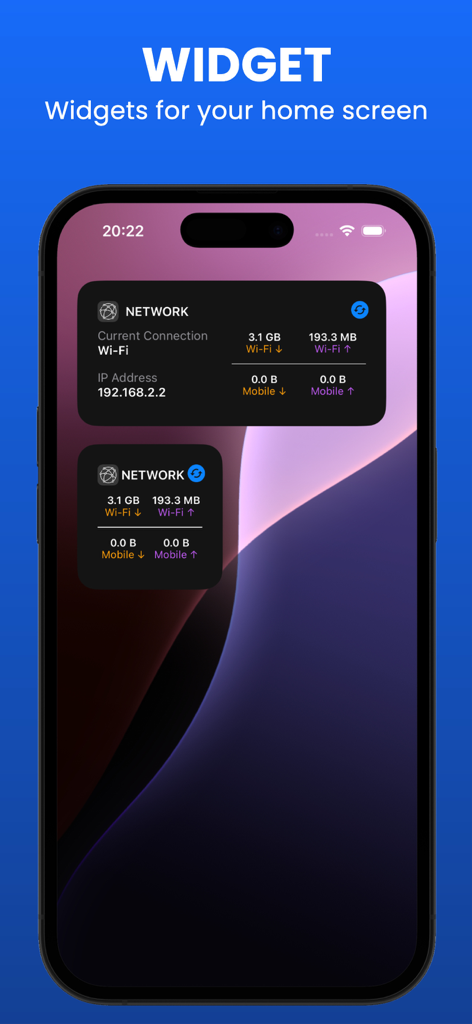
iPhone home screen displaying network information widgets with real-time Wi-Fi and mobile data monitoring
Description
Download
More Like This
Top-ranked apps in the same category

TestFlight
Apple Inc.

Replit: Vibe Code Apps
Replit, Inc

GitHub
GitHub

O-KAM Pro
Shenzhen VeePai IoT Intelligent Technology LLC

Apple Developer
Apple Inc.

Expo Go
650 Industries, Inc.

Scriptable
Simon Stovring

App Store Connect
Apple Inc.

Sekai: Create · Remix · Play
Versa AI, Inc.
This page is not an official page of the app or its developer, but an independent editorial publication created for informational and commentary purposes. Unless expressly stated otherwise, neither the app nor its developer is affiliated with, endorsed by, sponsored by, authorized by, or otherwise officially connected with MWM, Apple, Google Play, the app publisher, or the app's developer, and nothing on this page implies that the app was developed using MWM's services. Any trademarks, logos, screenshots, and other content remain the property of their respective owners.