
Windows App Mobile


Access Windows 365, Azure Virtual Desktop, and your remote PCs with a unified, high-performance experience tailored for the modern professional.
Publisher
Category
BusinessDownloads
10M+User Rating
Total Ratings
42K+Locales
21Discover the interface used by 10M+ users.
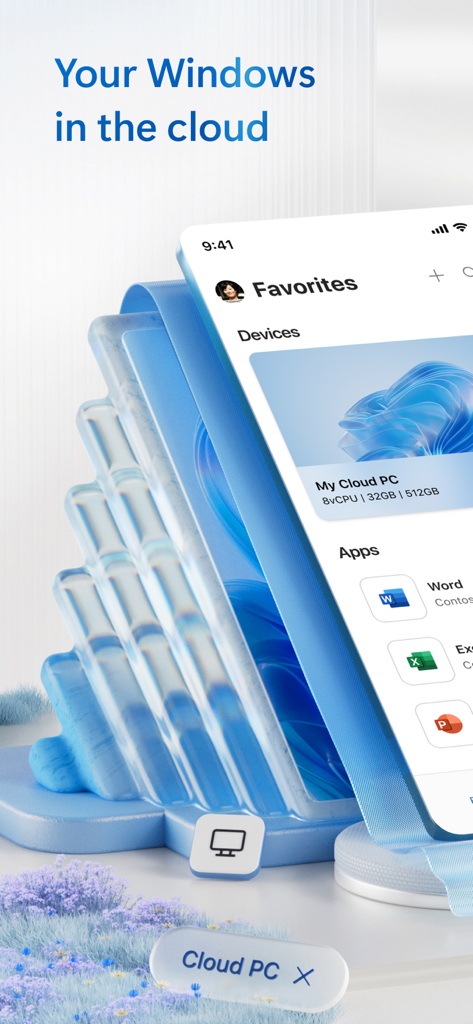
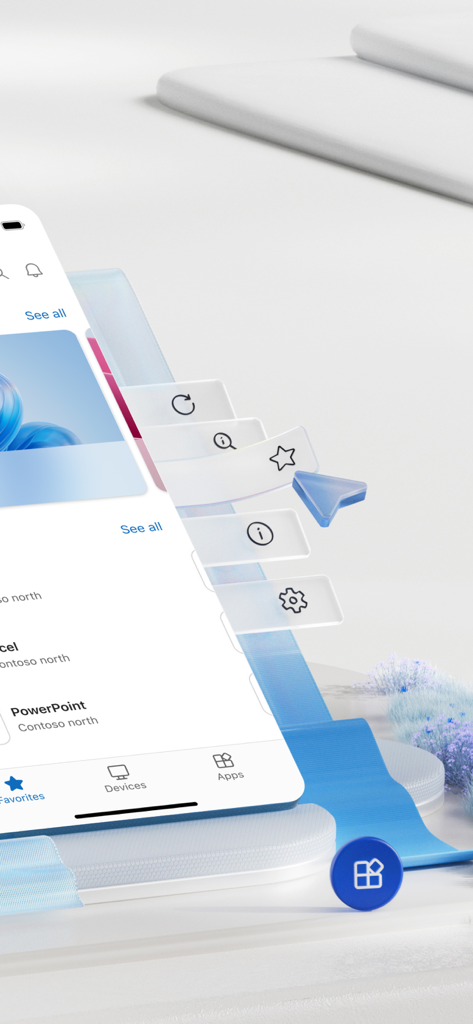
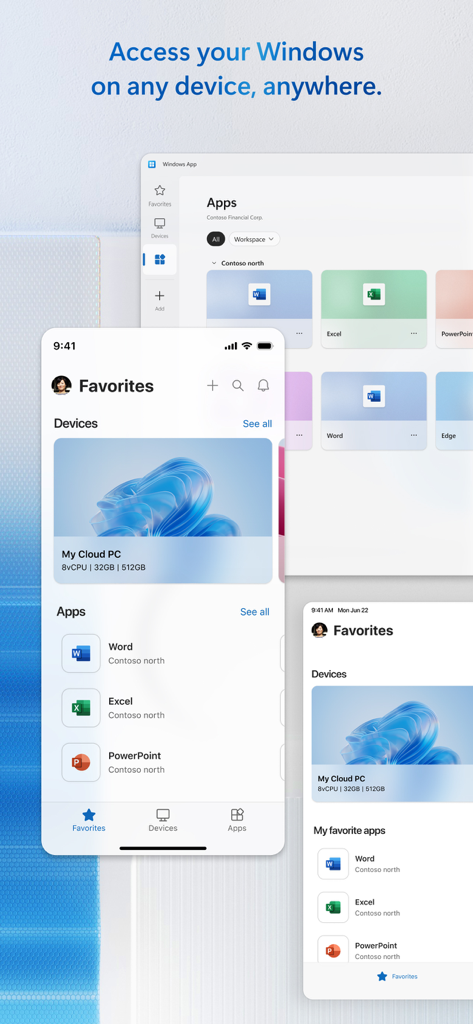
The tools that make this app stand out, trusted by 10M+ users.
Access your Windows 365, Azure Virtual Desktop, or Dev Box environment with enterprise-level security from anywhere in the world.
Turn your iPad into a full workstation with external monitor support and redirection for your microphone, camera, and local folders.
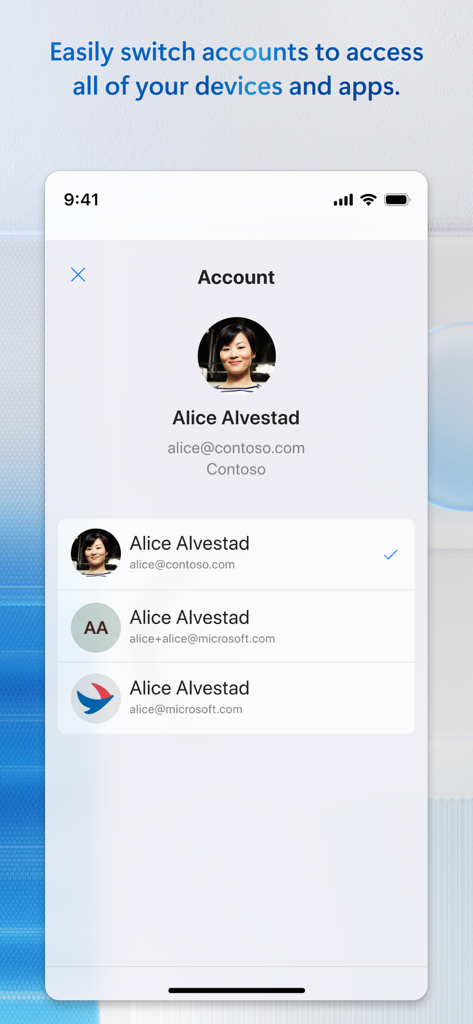
Effortlessly switch between Entra accounts and manage complex connections through a secure Remote Desktop Gateway with ease.
Insights from user reviews.
Sentiment Score
Summary
The app receives mixed to largely negative feedback. While some users praise its general functionality, ease of use, and ability to handle multiple connections across devices like iPads and iPhones, a significant portion report critical issues. Key problems include frequent connectivity failures, authentication difficulties, and various new bugs introduced by recent updates, such as lost favorites and specific connection errors (e.g., 0x907, 0x4). Users also frequently highlight severe limitations with keyboard input, mouse control, and external display support, particularly on iOS and iPadOS versions 26 and 26.0.1, where issues like VPN disconnections and input delays are noted.
Common Themes
Everything you need to know about Windows App Mobile.
Description
Latest Version
11.2.5
Size
191.1 MB
First Released
Oct 18, 2013
Securely connect to Windows 365, Azure Virtual Desktop, and your remote PCs. Your professional workspace is now as mobile as you are.
Everything you need to know about Windows App Mobile
Windows App Mobile is an application for iOS and iPadOS that securely connects users to Windows, including remote PCs and virtual apps/desktops across Windows 365, Azure Virtual Desktop, Dev Box, and Remote Desktop Services.
Yes, Windows App Mobile allows users to securely connect to their Cloud PC. The app provides a unified client experience for accessing Windows environments in the cloud from an iOS or iPadOS device.
Windows App Mobile supports remote access to PCs running Windows Professional or Enterprise, and Windows Server. It also connects to admin-provided virtual apps and desktops.
Yes, Windows App Mobile allows users to easily switch between Entra accounts. This feature provides access to all associated devices and apps under different accounts.
Yes, Windows App Mobile supports the redirection of local devices. Users can redirect their microphones and cameras, along with folders and the clipboard, to the remote Windows environment.
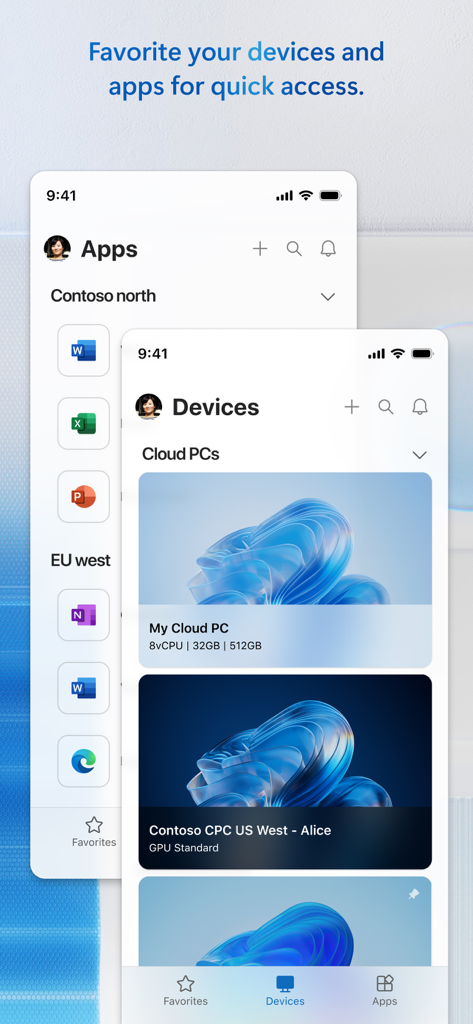
Windows App Mobile simplifies connection management through its Connection Center. It includes a Favorites page, allowing users to easily manage connections and credentials for their unique workflow needs.
Yes, Windows App Mobile allows users to connect their iPhone or iPad to an external monitor. This expands the viewing and interaction possibilities for remote Windows sessions.
Yes, Windows App Mobile provides audio and video streaming capabilities. This allows for a richer remote experience when accessing Windows environments from your mobile device.
Apps with similar features and user experience

Shanghai best oray information s&t co.,ltd

Guangzhou NetEase Computer System Co.Ltd

AWERAY PTE. LTD.

AnyDesk Software GmbH

TeamViewer Germany GmbH

Hainan Youqu Technology Co., Ltd.

ZULER TECHNOLOGY PTE. LTD.

Termius Corporation

RealVNC Limited
App information, icons, screenshots, and descriptions displayed on this page are sourced from the Apple App Store and are the property of their respective developers. Download estimates and rankings are based on MWM's proprietary models and may not reflect actual figures. This page is provided for informational and analytical purposes only.
Believe this page infringes your intellectual property? File a dispute
