
This page is not an official page of the app or its developer, but an independent editorial publication created for informational and commentary purposes. Unless expressly stated otherwise, neither the app nor its developer is affiliated with, endorsed by, sponsored by, authorized by, or otherwise officially connected with MWM, Apple, Google Play, the app publisher, or the app's developer, and nothing on this page implies that the app was developed using MWM's services. Any trademarks, logos, screenshots, and other content remain the property of their respective owners.


Workforce Tools
Work is chaotic. This app delivers control, right to their pocket.
Downloads
1M+User Rating
Total Ratings
129.9KPublisher
Category
BusinessLocales
1Latest Version
26.3.1Size
64.5 MBFirst Released
Jul 11, 2018An analytical overview of the core functionalities impacting frontline employee productivity and convenience.
Workforce Tools App Evaluation: Key Features
Mobile Timekeeping Access
The app provides employees with instant mobile access to view and verify their time cards, ensuring accurate record-keeping and payroll verification directly from their personal devices.
Instant Schedule Review
It allows users to quickly review their work schedules anytime, anywhere, facilitating better planning for their shifts and personal lives.
Digital Time Off Requests
This tool features a streamlined process for submitting time off requests digitally, simplifying vacation and sick leave management for frontline staff.
Unified Workforce Hub
The app offers a centralized mobile experience, consolidating various work-related tasks like timekeeping, scheduling, and requests into a single, easy-to-use platform.
Seamless System Integration
It ensures smooth integration with existing workforce management systems, providing real-time data synchronization and a consistent user experience.
Customizable User Experience
The app is easily configurable to align with specific organizational needs, offering a tailored and intuitive interface for diverse work environments.
The following screenshots and description are sourced directly from the app's official store listing and are the property of the app developer.
App Store
Screenshots
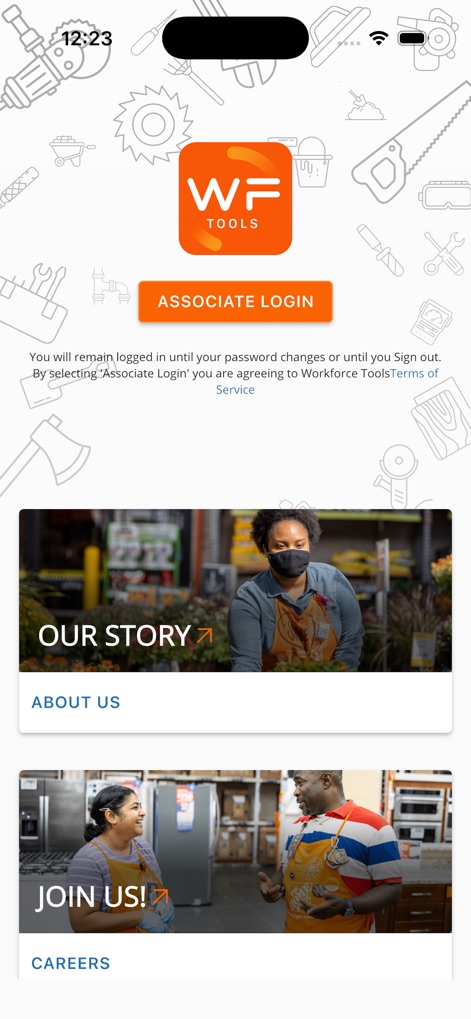
Users can easily log in via the prominent 'Associate Login' button and explore important resources such as the 'Terms of Service' or career information.
Welcome Aboard
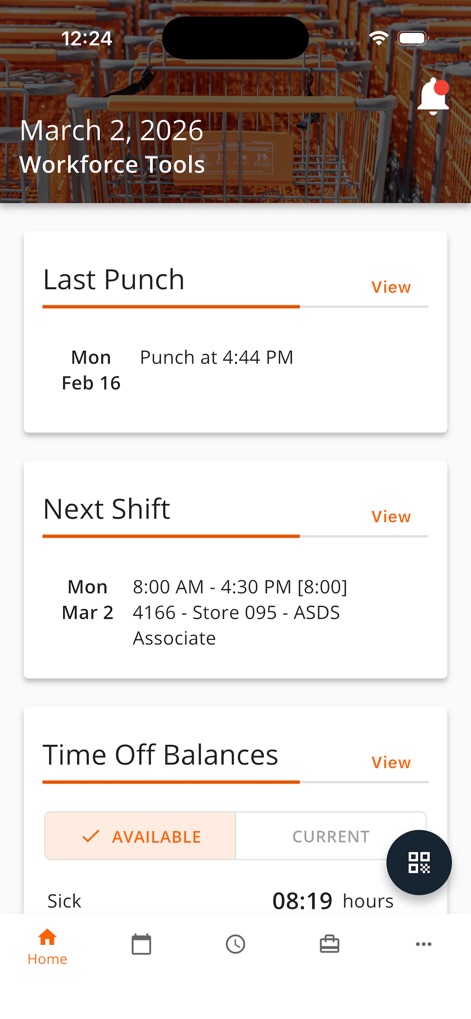
This personalized dashboard offers a quick view of key work information, displaying the 'Last Punch' details and providing a clear overview of the 'Next Shift'.
Daily Overview
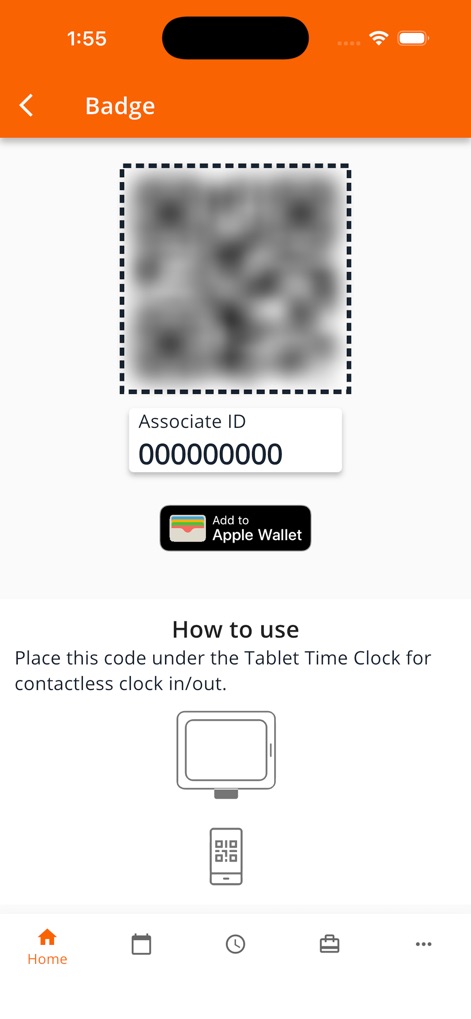
The app streamlines clock-in with a digital badge, featuring a scannable QR code and the convenient option to 'Add to Apple Wallet'.
Contactless Clock-in
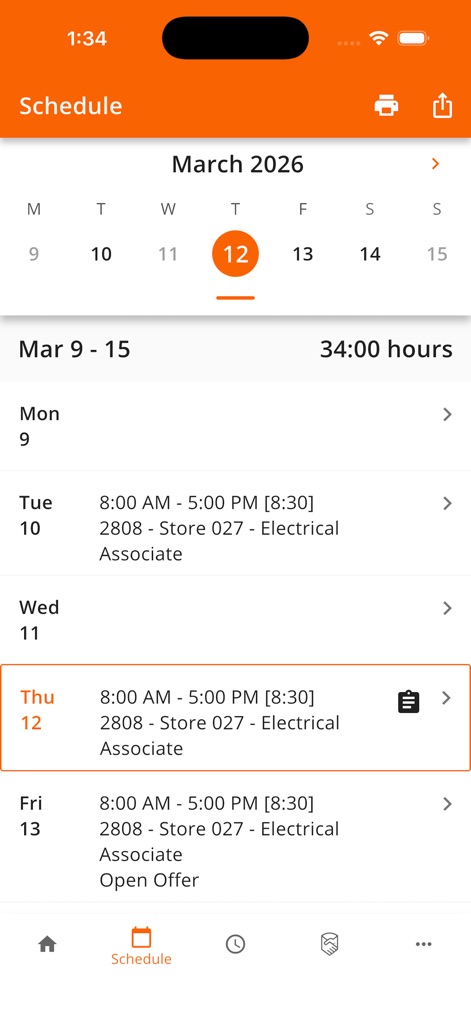
Users can effortlessly navigate their 'Weekly Schedule', viewing detailed shift timings and a clear summary of 'total hours' for the week.
Shift Planner
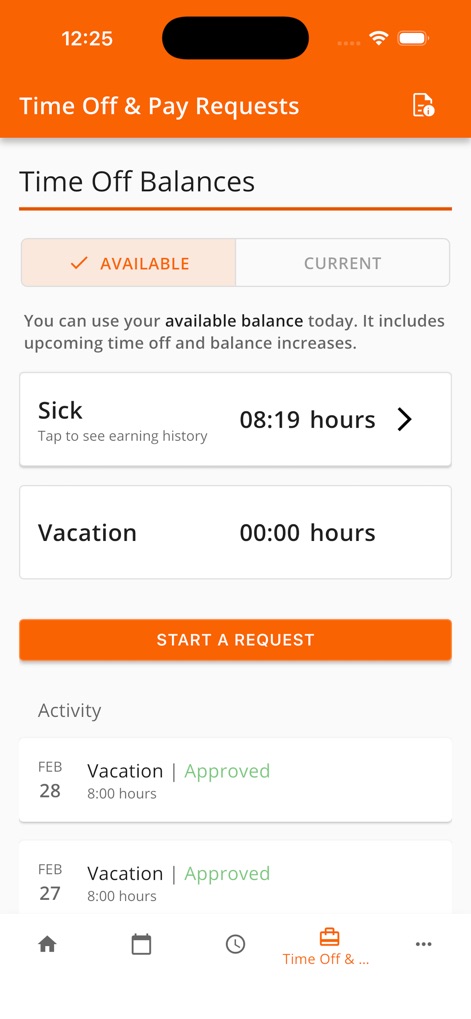
The tool empowers users to monitor their 'Time Off Balances' for sick and vacation hours, and seamlessly 'Start a Request' for leave.
Request Time Off
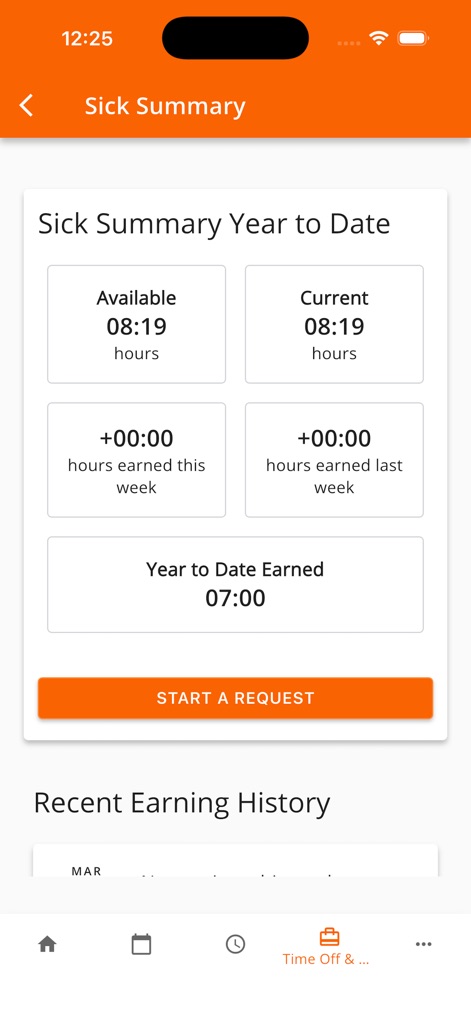
This screen provides a comprehensive 'Sick Summary', detailing 'Available' hours and displaying 'hours earned this week' for transparent tracking.
Earnings Insights
Description
Download
More Like This
Apps with similar features and user experience

Paylocity
Paylocity Corporation

Paycom
Paycom Payroll, LLC

Paychex Flex
Paychex Inc.

Gusto Mobile
Gusto, inc.

TaxDome Client Portal
TaxDome LLC

Amazon A to Z
AMZN Mobile LLC

MyWalmart
Walmart

BrightHR
Peninsula Online Services Limited

Waapi
Senior Sistemas S/A
This page is not an official page of the app or its developer, but an independent editorial publication created for informational and commentary purposes. Unless expressly stated otherwise, neither the app nor its developer is affiliated with, endorsed by, sponsored by, authorized by, or otherwise officially connected with MWM, Apple, Google Play, the app publisher, or the app's developer, and nothing on this page implies that the app was developed using MWM's services. Any trademarks, logos, screenshots, and other content remain the property of their respective owners.