
This page is not an official page of the app or its developer, but an independent editorial publication created for informational and commentary purposes. Unless expressly stated otherwise, neither the app nor its developer is affiliated with, endorsed by, sponsored by, authorized by, or otherwise officially connected with MWM, Apple, Google Play, the app publisher, or the app's developer, and nothing on this page implies that the app was developed using MWM's services. Any trademarks, logos, screenshots, and other content remain the property of their respective owners.


xTool Creative Space
From hand-drawn sketches to professional Etsy-ready products. Design, edit, and control your xTool machine wirelessly from your iPhone or iPad—no computer required.
Downloads
73K+User Rating
Total Ratings
1K+Publisher
Category
UtilitiesLocales
2Latest Version
2.1.1Size
339.1 MBFirst Released
May 25, 2023From Inspiration to Finished Craft
Turn your creative sparks into tangible masterpieces with a seamless, mobile-first design studio that controls your xTool laser wirelessly.
Snap & Process in Seconds
Capture your material with your camera and align your design perfectly on-screen—no manual measurements or computer required.
Sketch to Vector Magic
Use your Apple Pencil to draw freely and let the app convert your hand-drawn sketches into clean, professional vector paths instantly.
The following screenshots and description are sourced directly from the app's official store listing and are the property of the app developer.
App Store
Screenshots
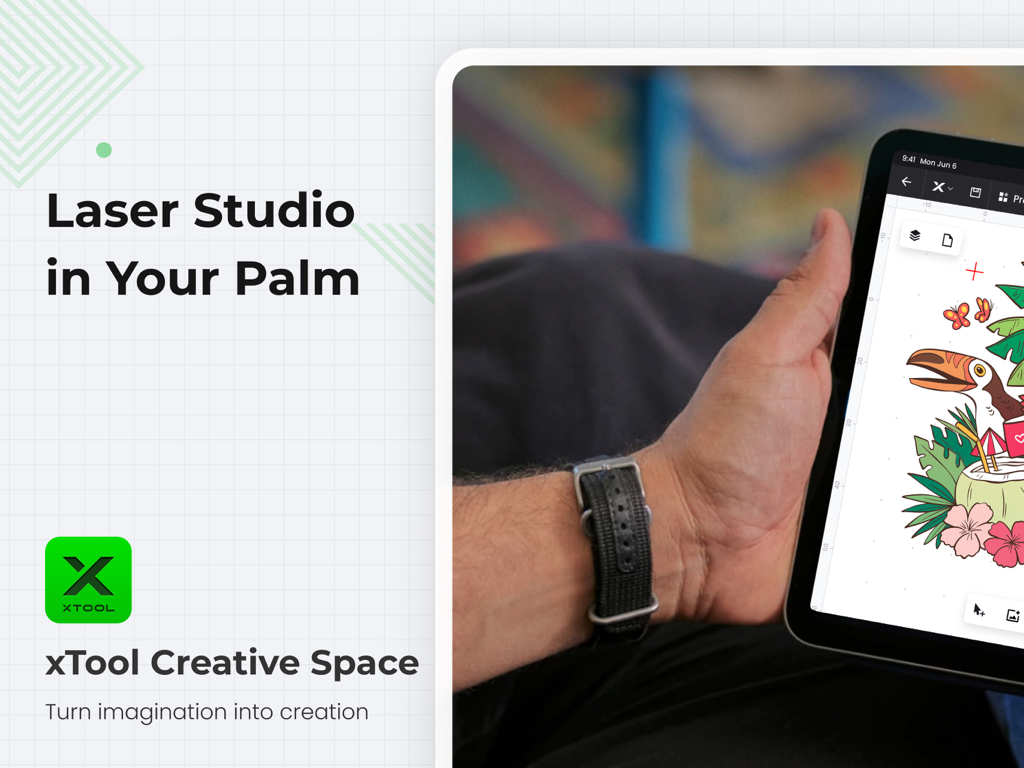
A person holding an iPad using the xTool Creative Space app to design a colorful toucan illustration for laser engraving

A user adjusting processing settings for a colorful tropical design on the xTool Creative Space iPad app

iPad showing xTool Creative Space app interface with M1 Ultra multi-craft machine options.
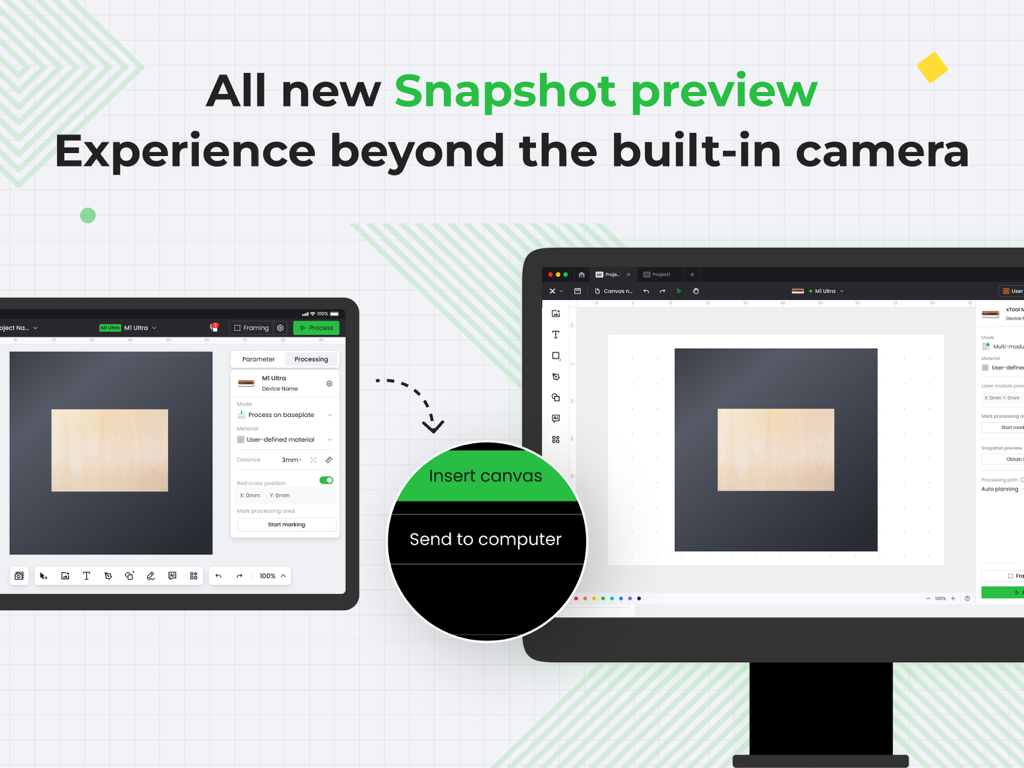
xTool Creative Space app showing snapshot preview and mobile to desktop design sync

Interface of the xTool Creative Space app on iPad showing advanced design tools and layer management for laser engraving

xTool Creative Space interface showing hotspot connection settings for wireless laser machine control on an iPad.

xTool Creative Space app displaying a laser safety awareness training certificate of completion on an iPad screen
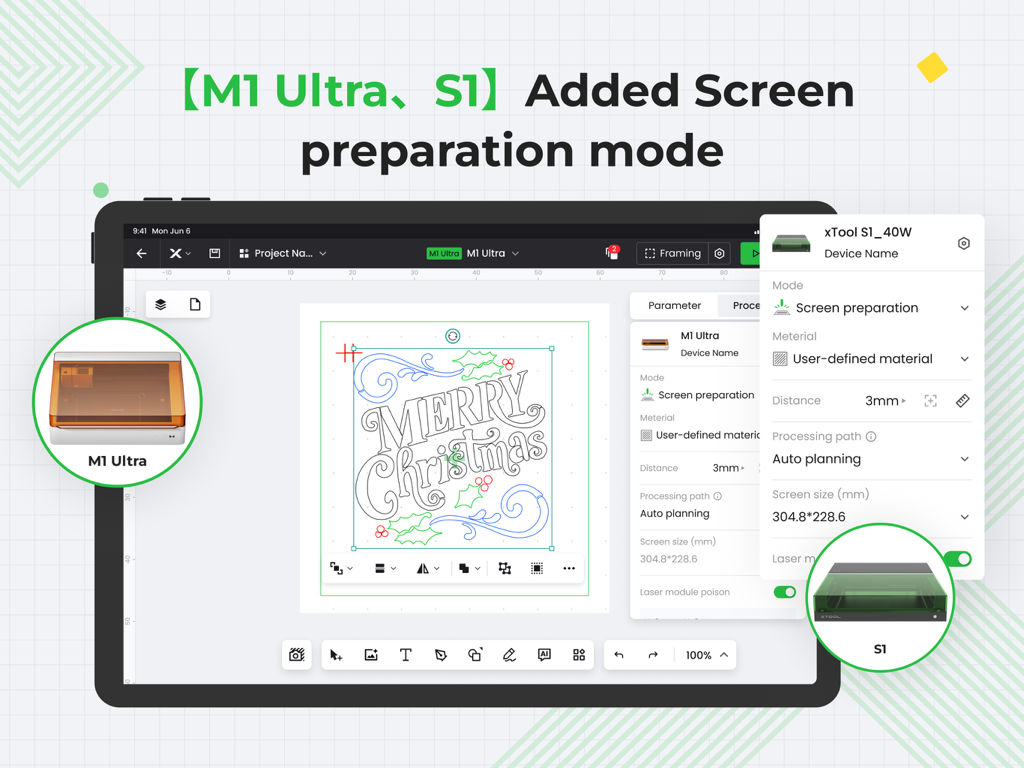
xTool Creative Space iPad app interface showing the screen preparation mode for M1 Ultra and S1 laser machines
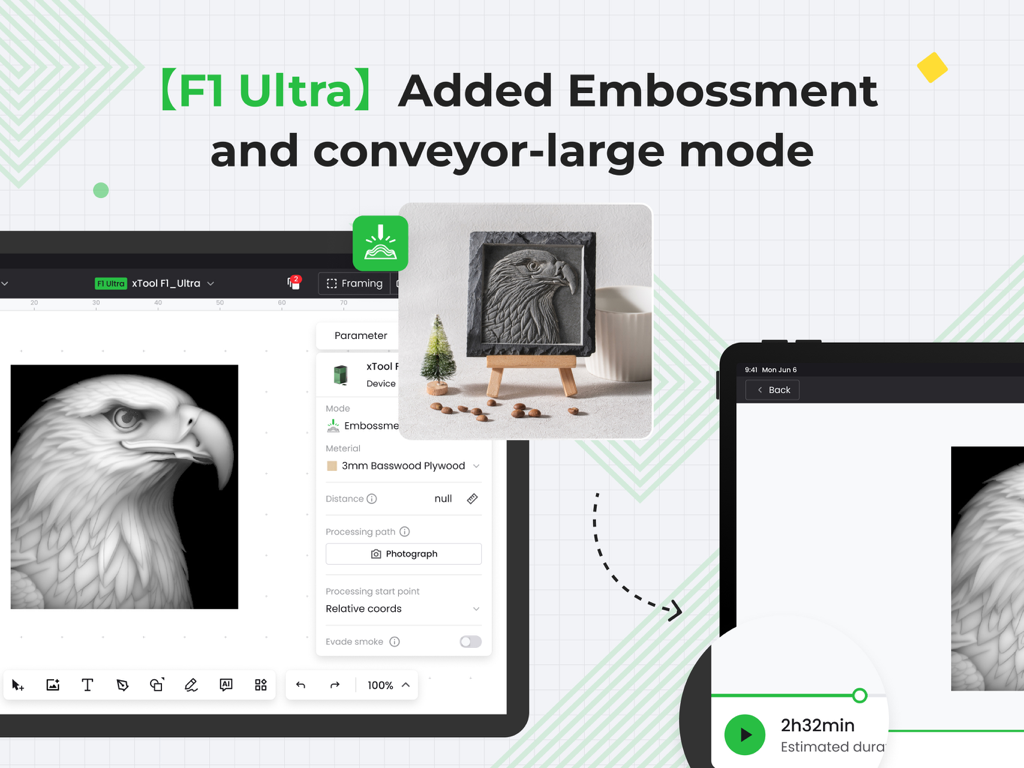
xTool Creative Space app displaying the F1 Ultra embossment and large conveyor mode for laser engraving.
Description
Download
More Like This
Top-ranked apps in the same category

Google LLC

Google Chrome
Google LLC

中国移动(手机营业厅)
China Mobile Online Services Co., Ltd.

Google Authenticator
Google LLC

CNH do Brasil
Servicos e Informacoes do Brasil

Cleanup: Phone Storage Cleaner
DEEP FLOW SOFTWARE SERVICES - FZCO

gov.br
Servicos e Informacoes do Brasil

中国电信-全国统一官方服务平台
CHINA TELECOM Corporation Ltd.

Microsoft Edge: AI Browser
Microsoft Corporation
This page is not an official page of the app or its developer, but an independent editorial publication created for informational and commentary purposes. Unless expressly stated otherwise, neither the app nor its developer is affiliated with, endorsed by, sponsored by, authorized by, or otherwise officially connected with MWM, Apple, Google Play, the app publisher, or the app's developer, and nothing on this page implies that the app was developed using MWM's services. Any trademarks, logos, screenshots, and other content remain the property of their respective owners.