
This page is not an official page of the app or its developer, but an independent editorial publication created for informational and commentary purposes. Unless expressly stated otherwise, neither the app nor its developer is affiliated with, endorsed by, sponsored by, authorized by, or otherwise officially connected with MWM, Apple, Google Play, the app publisher, or the app's developer, and nothing on this page implies that the app was developed using MWM's services. Any trademarks, logos, screenshots, and other content remain the property of their respective owners.


zero-z1
Stop memorizing cryptic command codes. Arm, disarm, and manage your security system with one-tap automation designed for homeowners who value reliability.
Downloads
3K+User Rating
Total Ratings
0Publisher
Category
Developer ToolsLocales
1Latest Version
2.0.2Size
43.9 MBFirst Released
May 29, 2024Smart Security, Simplified
Take full control of your Zero-series alarm system without ever typing an SMS code again. Secure your home or business with a single tap.
One-Tap Command Control
Stop memorizing cryptic SMS codes. Arm, disarm, or check your system status instantly through a clean, intuitive interface designed for high-stress situations.
Reliable SMS Technology
Perfect for rural homes, cabins, or warehouses. Manage your security via cellular signals, ensuring total control even in areas with spotty Wi-Fi or during internet outages.
The following screenshots and description are sourced directly from the app's official store listing and are the property of the app developer.
App Store
Screenshots
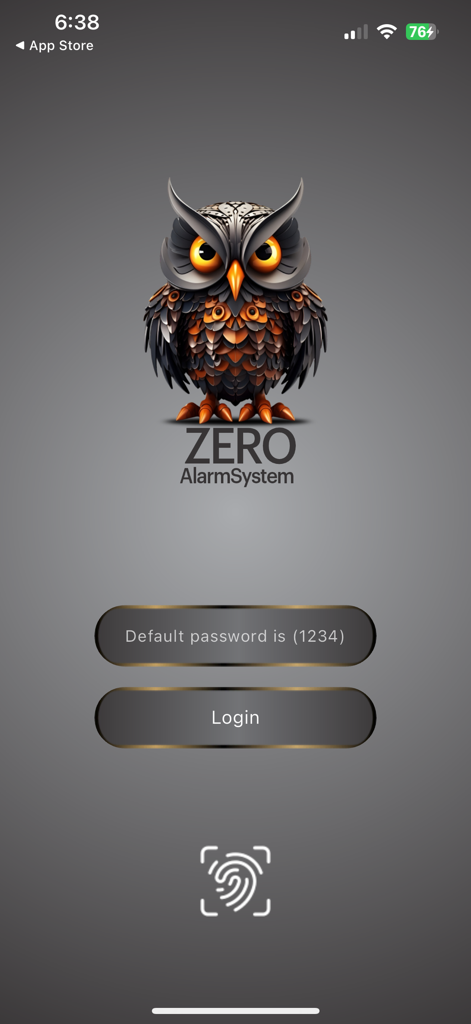
Login screen of the zero-z1 alarm system app featuring an owl logo and fingerprint icon
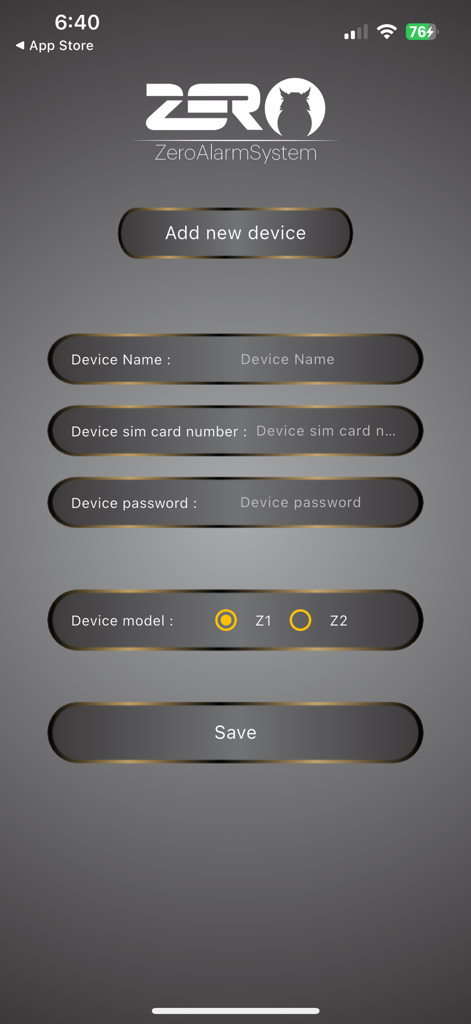
The add new device screen for the Zero Alarm System app with input fields for device configuration
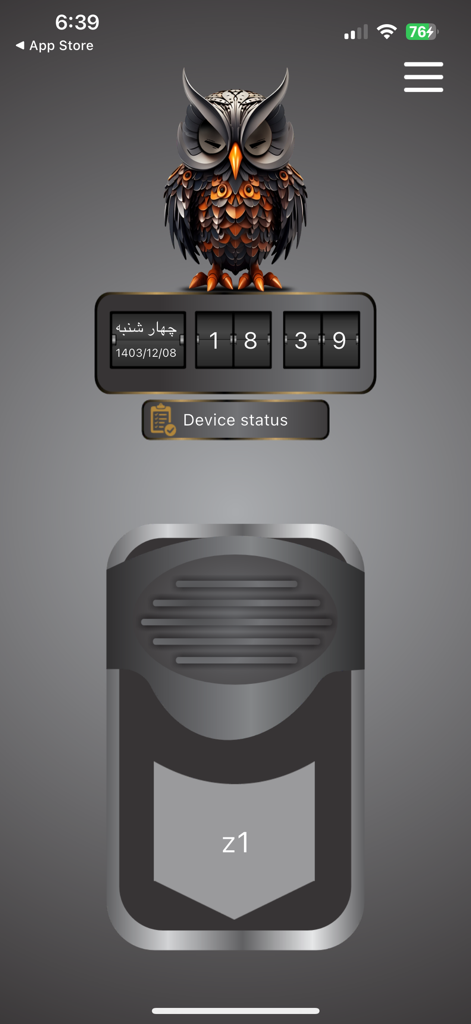
Dashboard of zero-z1 security app featuring an owl icon and device status button
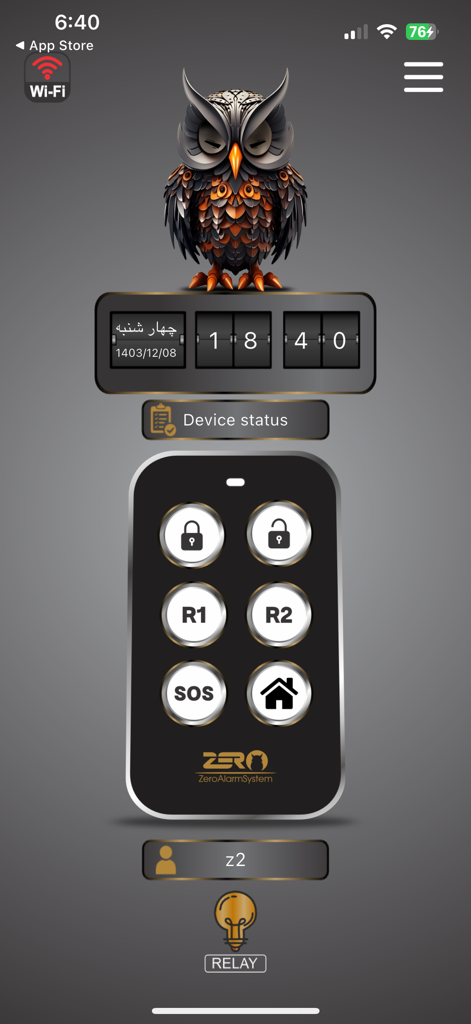
Zero-Z1 mobile app dashboard showing security remote controls and alarm status indicators.
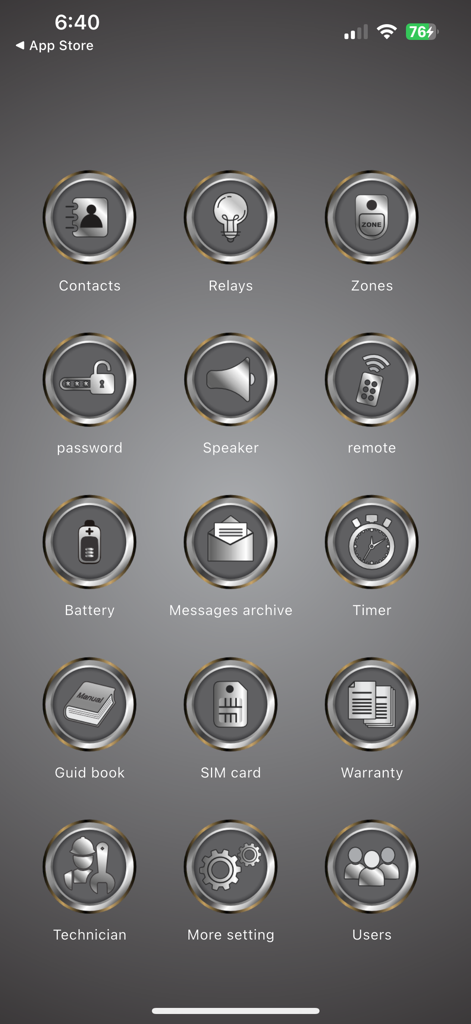
Settings dashboard of the zero-z1 security app featuring metallic icons for system configuration and user management
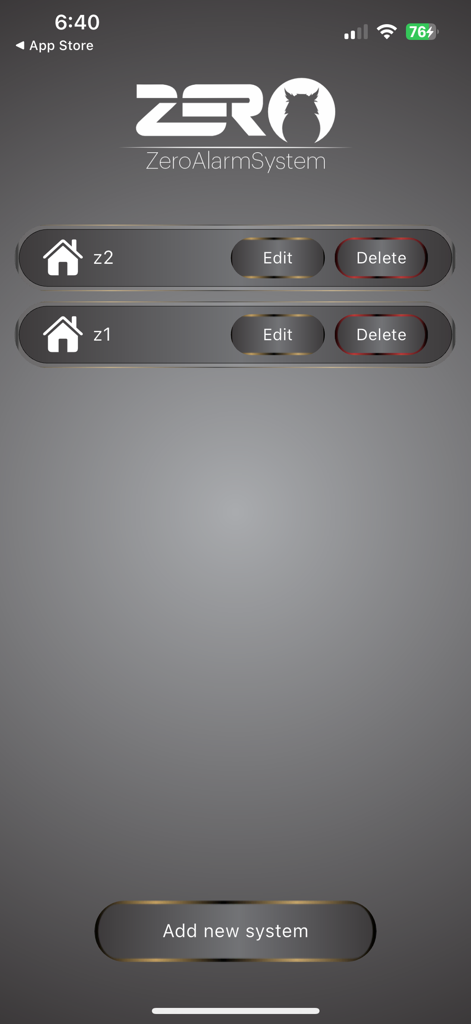
Interface of the zero-z1 app displaying a list of managed alarm systems with options to add, edit, or delete configurations.
Description
Download
More Like This
Top-ranked apps in the same category

TestFlight
Apple Inc.

Replit: Vibe Code Apps
Replit, Inc

GitHub
GitHub

O-KAM Pro
Shenzhen VeePai IoT Intelligent Technology LLC

Apple Developer
Apple Inc.

Expo Go
650 Industries, Inc.

Scriptable
Simon Stovring

App Store Connect
Apple Inc.

Sekai: Create · Remix · Play
Versa AI, Inc.
This page is not an official page of the app or its developer, but an independent editorial publication created for informational and commentary purposes. Unless expressly stated otherwise, neither the app nor its developer is affiliated with, endorsed by, sponsored by, authorized by, or otherwise officially connected with MWM, Apple, Google Play, the app publisher, or the app's developer, and nothing on this page implies that the app was developed using MWM's services. Any trademarks, logos, screenshots, and other content remain the property of their respective owners.