
This page is not an official page of the app or its developer, but an independent editorial publication created for informational and commentary purposes. Unless expressly stated otherwise, neither the app nor its developer is affiliated with, endorsed by, sponsored by, authorized by, or otherwise officially connected with MWM, Apple, Google Play, the app publisher, or the app's developer, and nothing on this page implies that the app was developed using MWM's services. Any trademarks, logos, screenshots, and other content remain the property of their respective owners.

Angle & Ratio
Analyze range of motion, body inclination, and anatomical proportions directly from your photos. Turn your device into a clinical-grade tool for biomechanics, coaching, and data-driven documentation.
Downloads
0User Rating
Total Ratings
0Publisher
Category
ProductivityLocales
2Latest Version
3.3.5Size
2.2 MBFirst Released
Dec 9, 2014Precision Measurement for Evidence-Based Practitioners
Transform your device into a clinical-grade instrument to quantify movement, body mechanics, and anatomical proportions with absolute accuracy.
Advanced Angle Analysis
Precisely measure range of motion, limb extension, and body inclination using adjustable four-point segments for clinical or athletic assessment.
Proportional Ratio Tracking
Automatically calculate symmetry and body ratios to monitor physical recovery progress or ensure perfect anatomical proportions in design.
The following screenshots and description are sourced directly from the app's official store listing and are the property of the app developer.
App Store
Screenshots
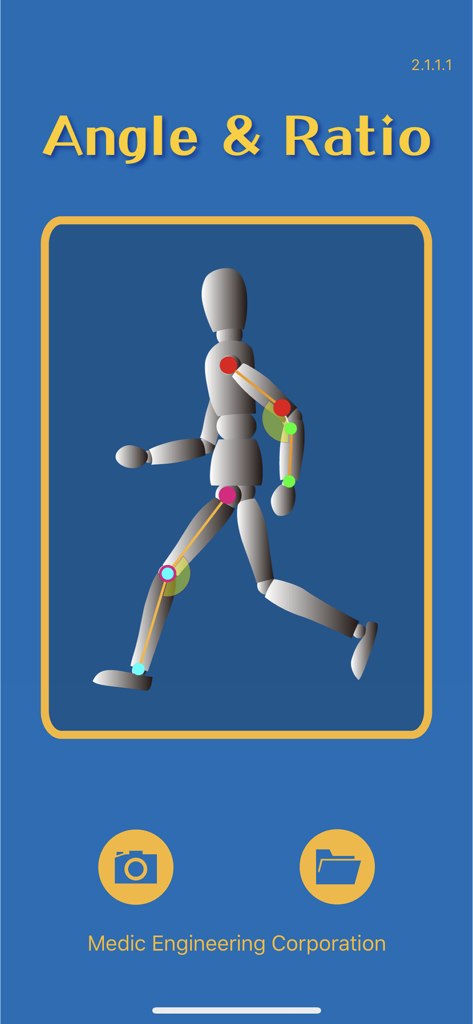
Angle and Ratio app home screen showing a mannequin with joint angle measurements.
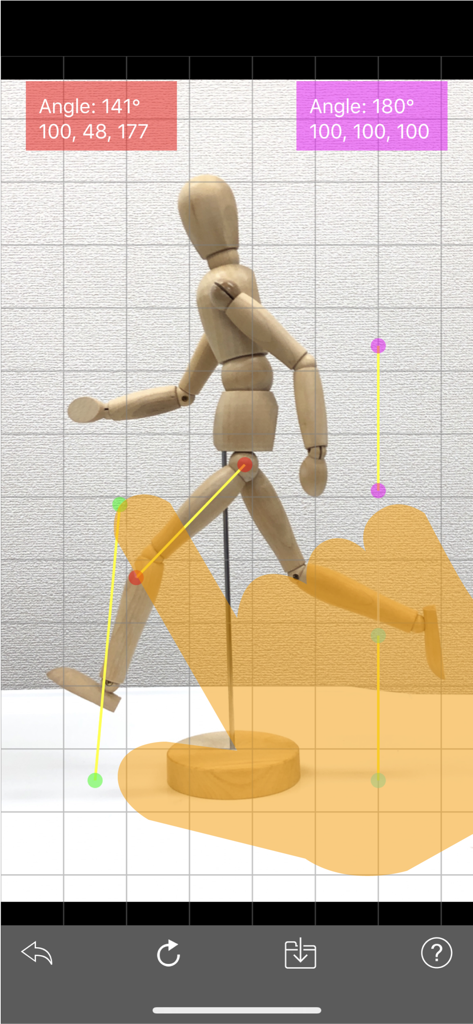
Measuring angles and ratios on an anatomical mannequin using the Angle and Ratio app.
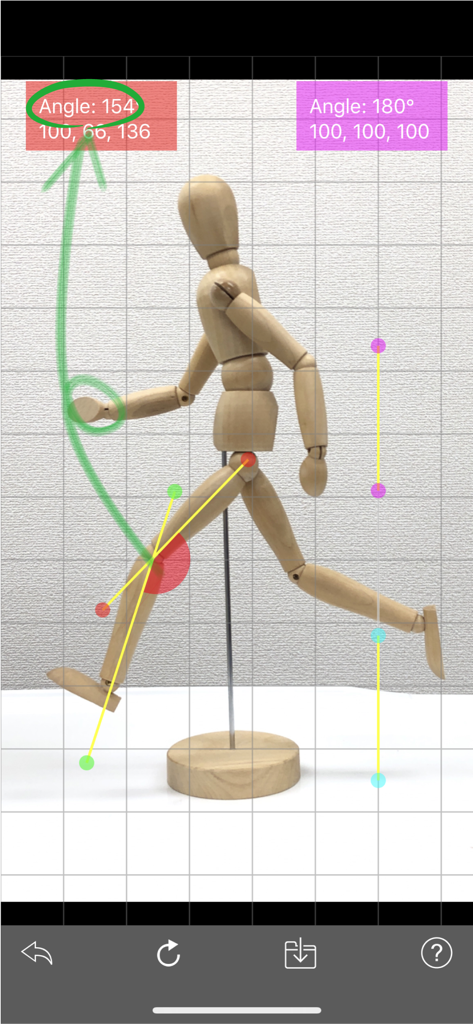
Using the Angle and Ratio app to measure the joint angle of a wooden mannequin in a running pose.
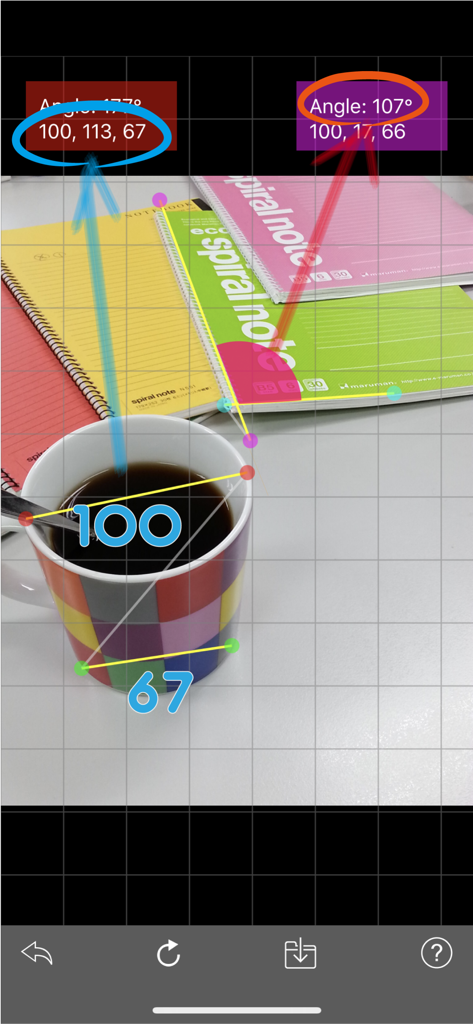
Angle and Ratio app displaying angle and distance measurements on a photograph of a desk with a mug and notebooks
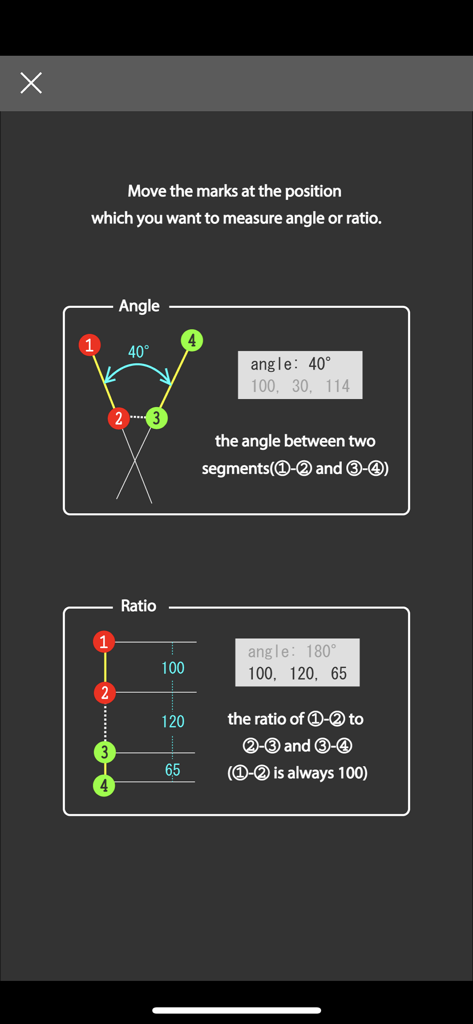
Instructional screen showing how to measure angles and ratios using four numbered points
Description
Download
More Like This
Top-ranked apps in the same category

ChatGPT
OpenAI OpCo, LLC

Google Gemini
Google LLC

Grok
X.AI Corporation

Gmail - Email by Google
Google LLC

千问 - 阿里最强大模型官方AI助手
Shanghai Zhixin Puhui Technology Co., Ltd.

Google Drive
Google LLC

Microsoft Authenticator
Microsoft Corporation

Google Sheets
Google LLC

Google Docs
Google LLC
This page is not an official page of the app or its developer, but an independent editorial publication created for informational and commentary purposes. Unless expressly stated otherwise, neither the app nor its developer is affiliated with, endorsed by, sponsored by, authorized by, or otherwise officially connected with MWM, Apple, Google Play, the app publisher, or the app's developer, and nothing on this page implies that the app was developed using MWM's services. Any trademarks, logos, screenshots, and other content remain the property of their respective owners.