
このページはアプリまたはその開発者の公式ページではなく、情報提供および論評を目的として作成された独立した編集出版物です。明示的に別段の記載がない限り、アプリおよびその開発者は、MWM、Apple、Google Play、アプリのパブリッシャー、またはアプリの開発者と提携、承認、後援、認可、またはその他の公式的な関係はなく、このページのいかなる内容も、アプリがMWMのサービスを使用して開発されたことを意味するものではありません。すべての商標、ロゴ、スクリーンショット、その他のコンテンツはそれぞれの所有者の財産です。

JPG Image Converter PNG/JPEG
HEICをJPG、PNG、PDFに変換するオールインワンユーティリティ。バッチ変換、高速共有のための圧縮、モバイルワークフロー向けに設計されたプロ品質のツールでファイルを整理します。
ダウンロード
85K+ユーザー評価
評価数
700開発元
カテゴリ
Utilities対応言語
8最新バージョン
6.5.1サイズ
165.4 MBリリース日
2021年9月7日ポケットに入るプロ仕様の画像ツール
互換性のないフォーマットや巨大なファイルサイズに悩むのをやめましょう。HEIC変換からスマート圧縮まで、モバイルファーストのワークフローに合わせたあらゆる処理を、このオールインワンユーティリティでこなします。
ユニバーサルフォーマット変換
AppleのHEICと、JPG、PNG、PDFなどの業界標準とのギャップを即座に解消します。政府機関のポータル、学校のウェブサイト、Windows PCへのアップロードに最適です。
スマートサイズ最適化
高品質を維持しながらファイルサイズを縮小します。iPhoneのストレージを大幅に節約し、ソーシャルメディアやウェブサイトで画像が即座に読み込まれるようにします。
よくある質問
について知っておくべきこと JPG Image Converter PNG/JPEG
JPG画像変換PNG/JPEGはどの画像形式に変換できますか?
JPG画像変換PNG/JPEGは、JPG、PNG、PDF、GIF、WEBP、PSD、EXR、ICO、TIFF、WBMP、BMPに変換できます。さまざまな画像ニーズに対応する幅広い互換性を保証します。
JPG画像変換PNG/JPEGで画像のサイズを変更できますか?
はい、JPG画像変換PNG/JPEGでは画像のサイズを変更できます。このアプリでは、ピクセル、インチ、センチメートル、ミリメートル単位で寸法を調整するオプションが提供されています。
JPG画像変換PNG/JPEGはバッチ画像変換をサポートしていますか?
はい、JPG画像変換PNG/JPEGは複数の画像を同時に変換できます。ユーザーは効率的なワークフローのために複数の写真を一度に選択して処理できます。
JPG画像変換PNG/JPEGの料金はいくらですか?
JPG画像変換PNG/JPEGは、週払いサブスクリプションが2.99ドル、月払いサブスクリプションが4.99ドル、永続ライセンスが29.99ドルで提供されています。これらの価格は米国のお客様に適用されます。
JPG画像変換PNG/JPEGで画像ファイルのサイズを縮小できますか?
はい、JPG画像変換PNG/JPEGには圧縮ツールが含まれています。ユーザーは画質を維持しながら画像ファイルのサイズを縮小し、圧縮レベルを調整できます。
JPG画像変換PNG/JPEGにはフォトエディターが搭載されていますか?
はい、JPG画像変換PNG/JPEGには組み込みのフォトエディターが搭載されています。このエディターを使用すると、ユーザーは変換に進む前に画像をトリミングおよび調整できます。
JPG画像変換PNG/JPEGを使用して、変換されたファイルを直接デバイスに保存できますか?
はい、JPG画像変換PNG/JPEGでは、変換されたファイルを直接デバイスに保存できます。このアプリは、メッセージング、メール、またはクラウドサービスを介した共有もサポートしています。
JPG画像変換PNG/JPEGは、変換や圧縮以外にどのような追加機能を提供しますか?
JPG画像変換PNG/JPEGは、画像のサイズ変更、画像のステッチング、ビデオフレームの画像への変換などの追加機能を提供します。これらのツールは、画像管理のためのその有用性を高めます。
JPG画像変換PNG/JPEGのサブスクリプションはどのように管理しますか?
ユーザーは、購入後にiTunesアカウント設定を通じてJPG画像変換PNG/JPEGサブスクリプションを管理し、自動更新をオフにすることができます。自動更新は、現在の期間の終了前に24時間無効にする必要があります。
以下のスクリーンショットと説明は、アプリの公式ストアリスティングから直接取得されたものであり、アプリ開発者の所有物です。
アプリストア
スクリーンショット
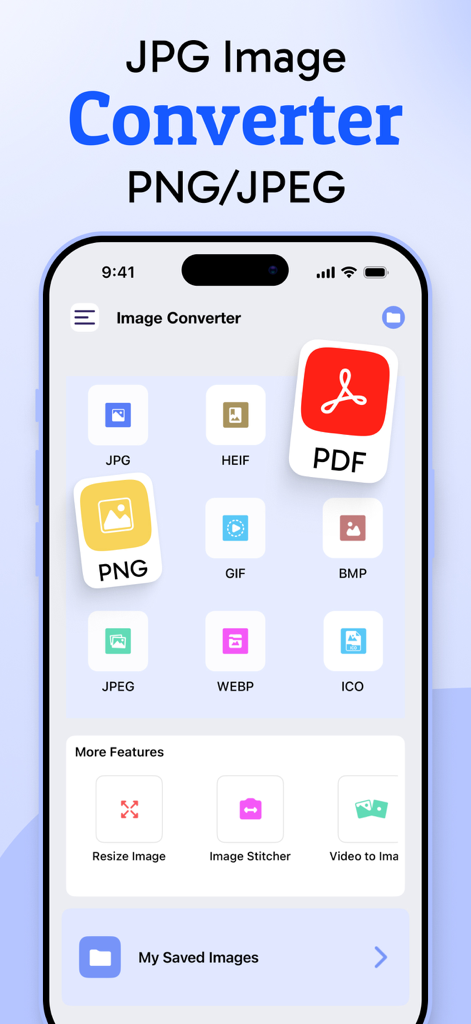
PNGやPDFなどの画像フォーマット変換アイコンが表示されたJPG画像変換アプリのホーム画面
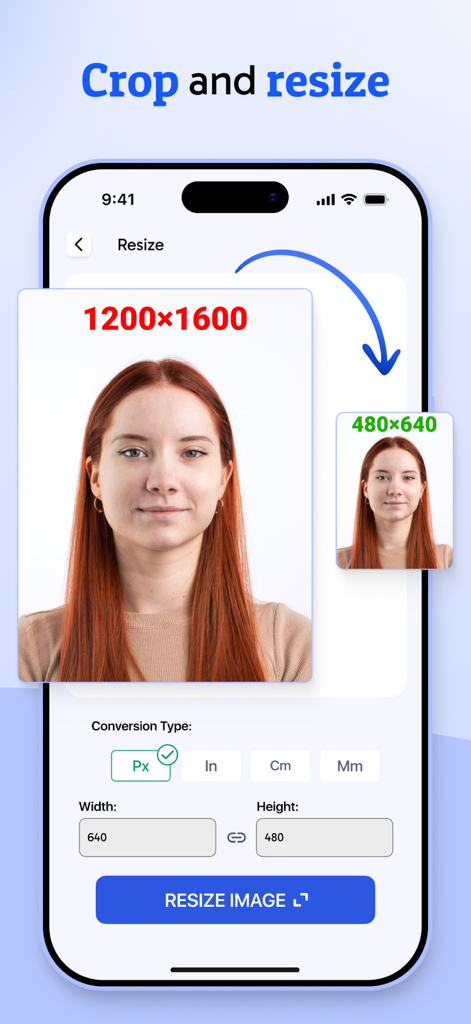
JPG変換アプリで画像のトリミングとリサイズ機能を示すスマートフォンの画面
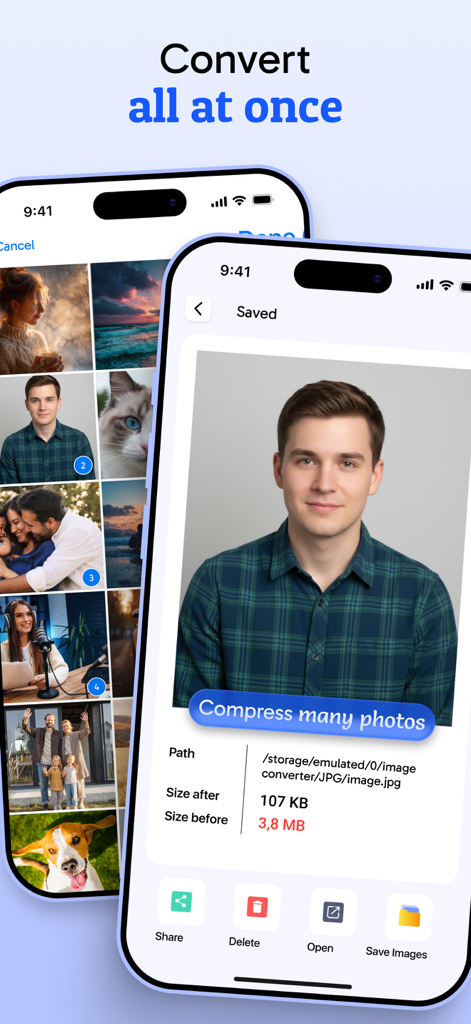
JPG画像変換アプリのインターフェースで、写真の一括変換と圧縮の詳細が表示されている
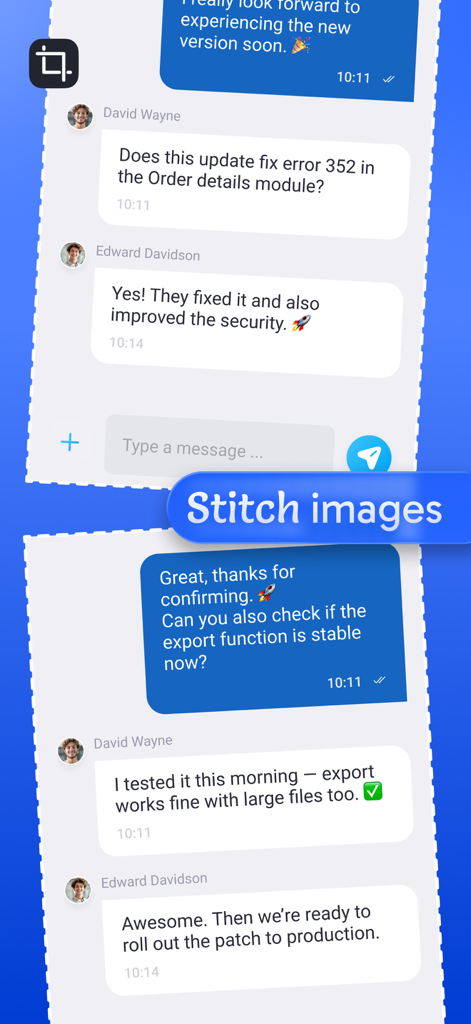
複数の画像やスクリーンショットを1つの連続したファイルに結合する
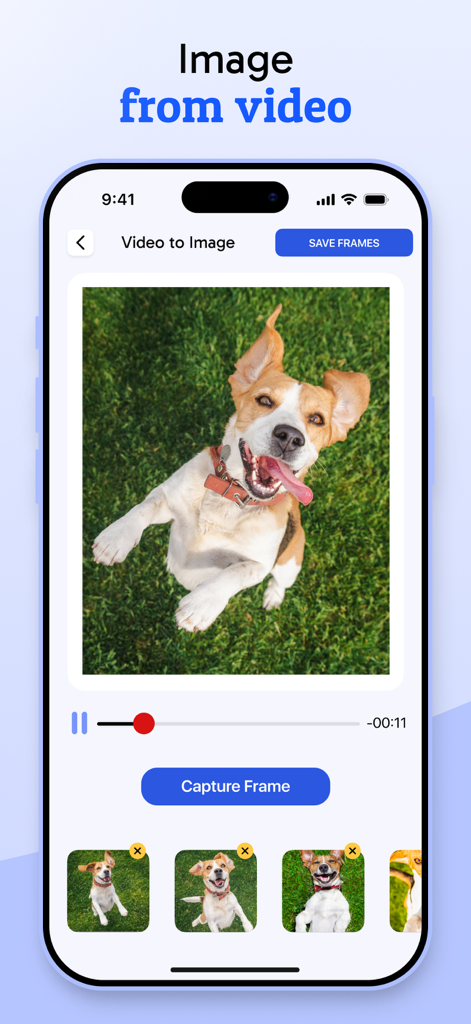
犬の動画から静止画を抽出する機能を、キャプチャフレームボタンとともに示すモバイルアプリの画面
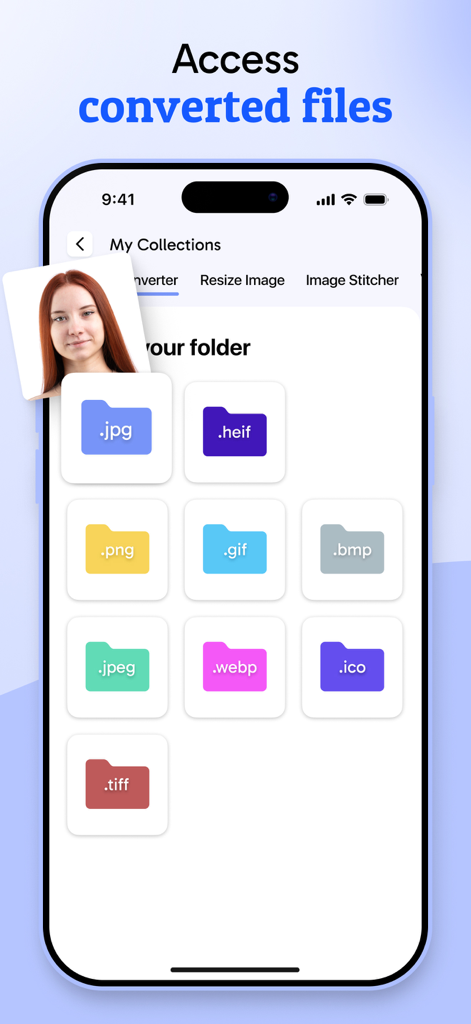
JPG、PNG、WEBPなどの変換済み画像ファイル形式のフォルダを表示するモバイルアプリのインターフェース
説明
Download
類似アプリ
似た機能とユーザー体験を持つアプリ

Square Fit Photo Video Editor
Honk Honk Punch Pty Ltd

Image Size
Vitalij Schaefer

Compress Photos & Pictures
New Marketing Lab, Inc

JPEG-PNG Image file converter
handyCloset Inc.

Compress Photos, Resize Image
SMDA GROUP SP. Z OO

Photo Resizer: resize image
Ryoichi Fukugawa

Photo Compress - Shrink Pics
Brachmann Online Marketing GmbH & Co. KG

Size Image
Abdullah Albalawi

Photo & Picture Resizer
Farluner Apps Grzegorz Balcerzak
このページはアプリまたはその開発者の公式ページではなく、情報提供および論評を目的として作成された独立した編集出版物です。明示的に別段の記載がない限り、アプリおよびその開発者は、MWM、Apple、Google Play、アプリのパブリッシャー、またはアプリの開発者と提携、承認、後援、認可、またはその他の公式的な関係はなく、このページのいかなる内容も、アプリがMWMのサービスを使用して開発されたことを意味するものではありません。すべての商標、ロゴ、スクリーンショット、その他のコンテンツはそれぞれの所有者の財産です。