Jupyter Notebook - JuNote
Download on App Store

This page is not an official page of the app or its developer, but an independent editorial publication created for informational and commentary purposes. Unless expressly stated otherwise, neither the app nor its developer is affiliated with, endorsed by, sponsored by, authorized by, or otherwise officially connected with MWM, Apple, Google Play, the app publisher, or the app's developer, and nothing on this page implies that the app was developed using MWM's services. Any trademarks, logos, screenshots, and other content remain the property of their respective owners.


Logo of Jupyter Notebook - JuNote
Download on App Store

Jupyter Notebook - JuNote

Run Jupyter and Google Colab locally with zero setup. Master data analysis with NumPy and Pandas, and let AI fix your bugs instantly—all from your mobile device.

Key Figures

Downloads

35K+

User Rating

4.4/5

Total Ratings

0

Publisher

FREE AI UTILS COMPANY LIMITED

Category

Developer Tools

Locales

1

Latest Version

1.1.4

Size

73.4 MB

First Released

Mar 9, 2025
Features

Professional Coding, Anywhere

JuNote brings a full-featured Python environment to your mobile device. Experience desktop-grade data science and machine learning capabilities with zero setup required.

AI-Powered Intelligence

Never get stuck again. Our integrated AI automatically detects Python errors and provides instant explanations and code fixes to streamline your workflow.

Pro Data Science Stack

Harness the power of industry-standard libraries like NumPy, Pandas, and Scikit-learn. Perform complex data analysis and visualization right on your iPad or iPhone.

The following screenshots and description are sourced directly from the app's official store listing and are the property of the app developer.

App Store

Screenshots
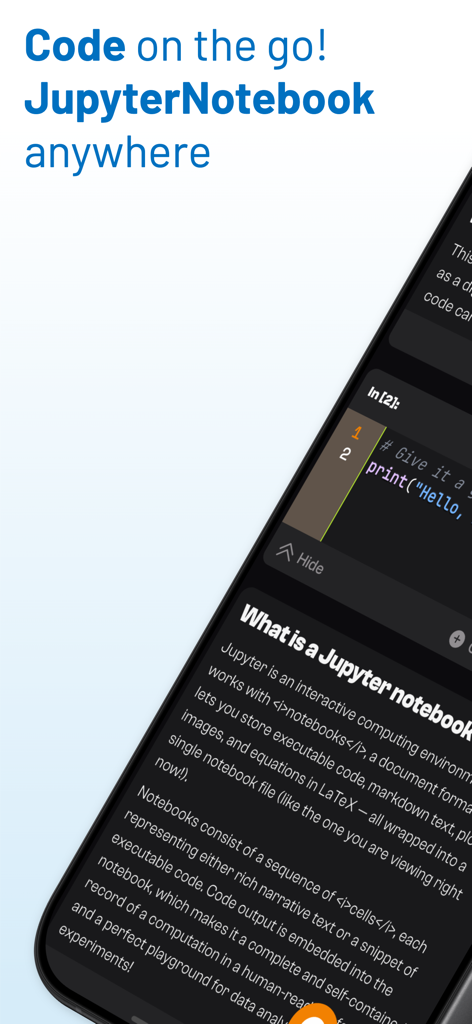
Jupyter Notebook - JuNote - Mobile screen displaying JuNote app with a Python code cell and notebook explanation
Mobile screen displaying JuNote app with a Python code cell and notebook explanation

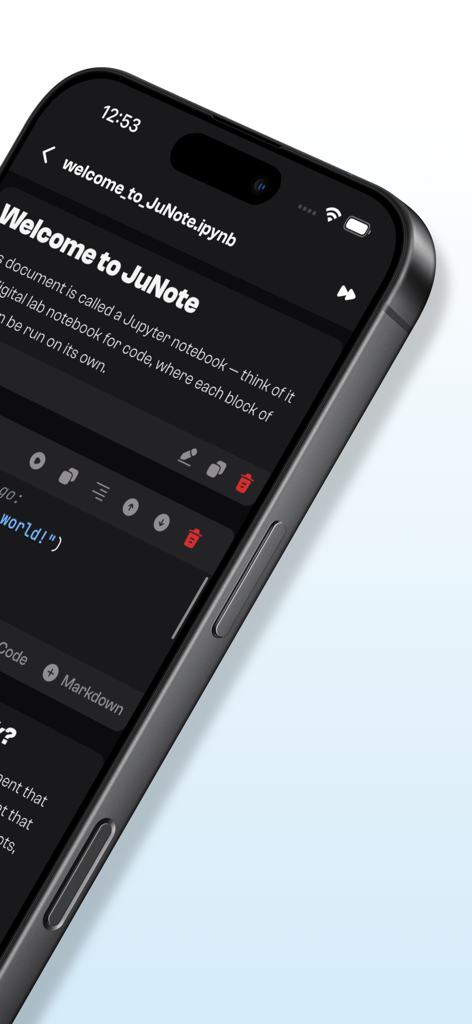
Jupyter Notebook - JuNote - JuNote app interface showing a Jupyter notebook on an iPhone with a Python code cell
JuNote app interface showing a Jupyter notebook on an iPhone with a Python code cell

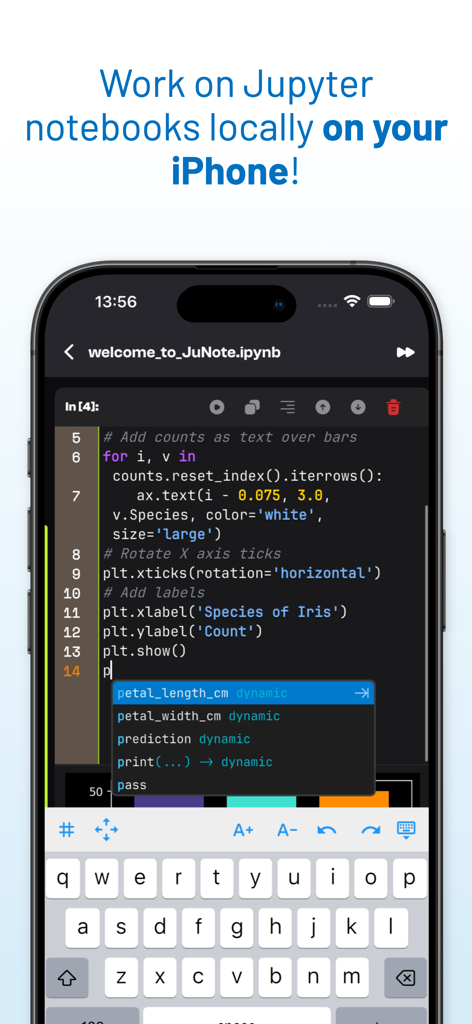
Jupyter Notebook - JuNote - Jupyter Notebook code editor on iPhone showing Python script and intelligent code completion.
Jupyter Notebook code editor on iPhone showing Python script and intelligent code completion.

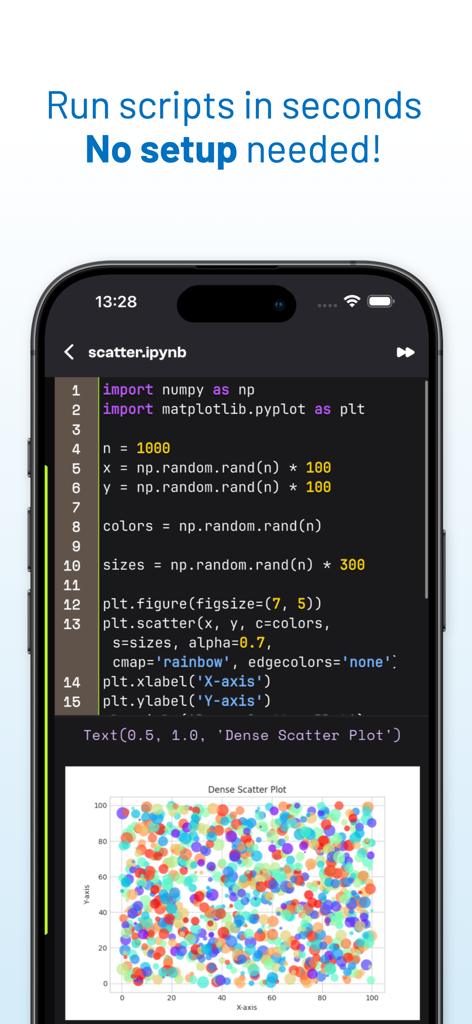
Jupyter Notebook - JuNote - A mobile screen showing Python code and a generated scatter plot in the JuNote app.
A mobile screen showing Python code and a generated scatter plot in the JuNote app.

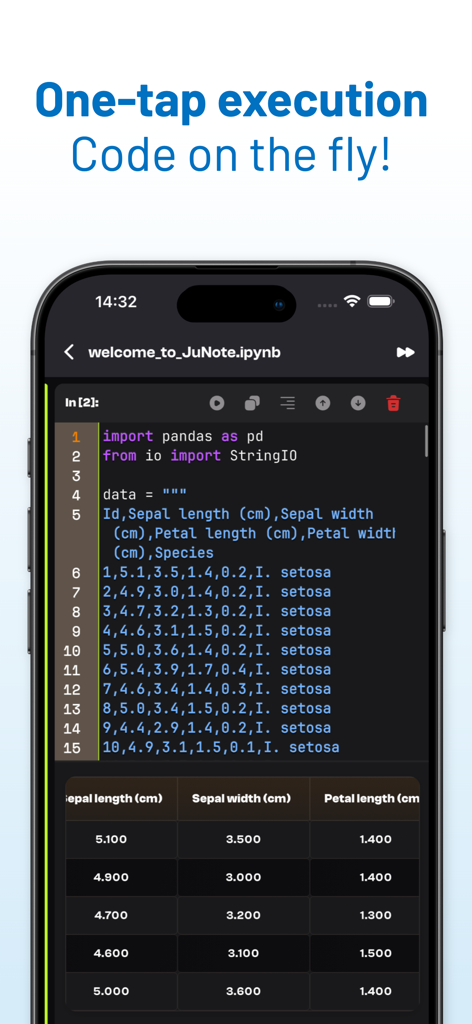
Jupyter Notebook - JuNote - JuNote app interface showing Python code execution with a Pandas data table on a smartphone
JuNote app interface showing Python code execution with a Pandas data table on a smartphone

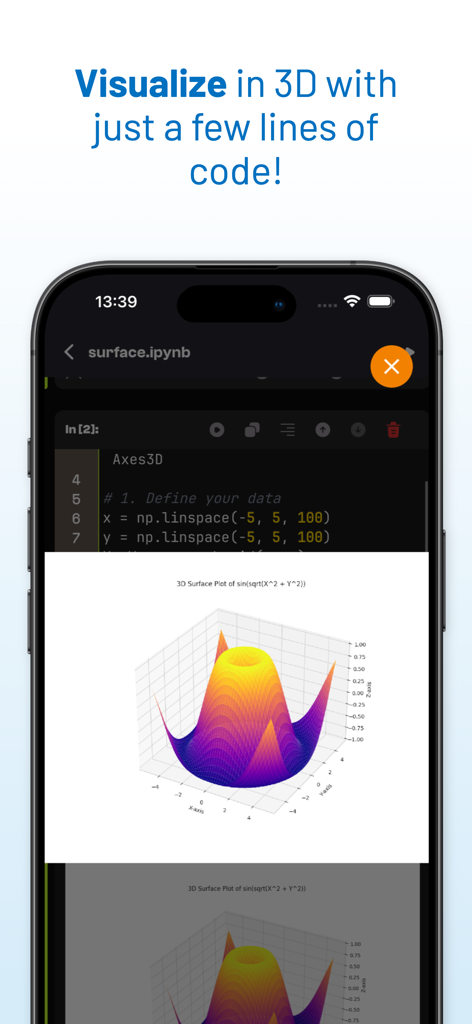
Jupyter Notebook - JuNote - A 3D surface plot visualization generated from Python code in the JuNote app interface
A 3D surface plot visualization generated from Python code in the JuNote app interface

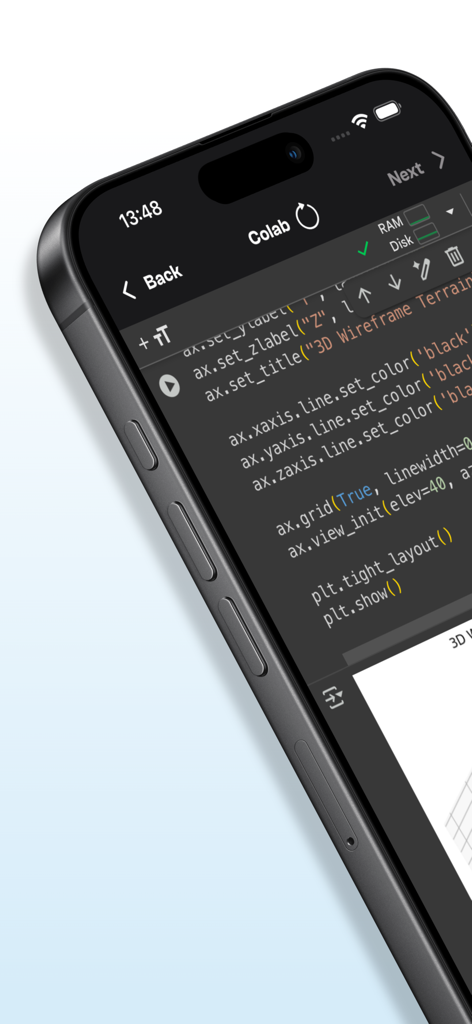
Jupyter Notebook - JuNote - Mobile interface of JuNote app displaying Python code for 3D data visualization
Mobile interface of JuNote app displaying Python code for 3D data visualization

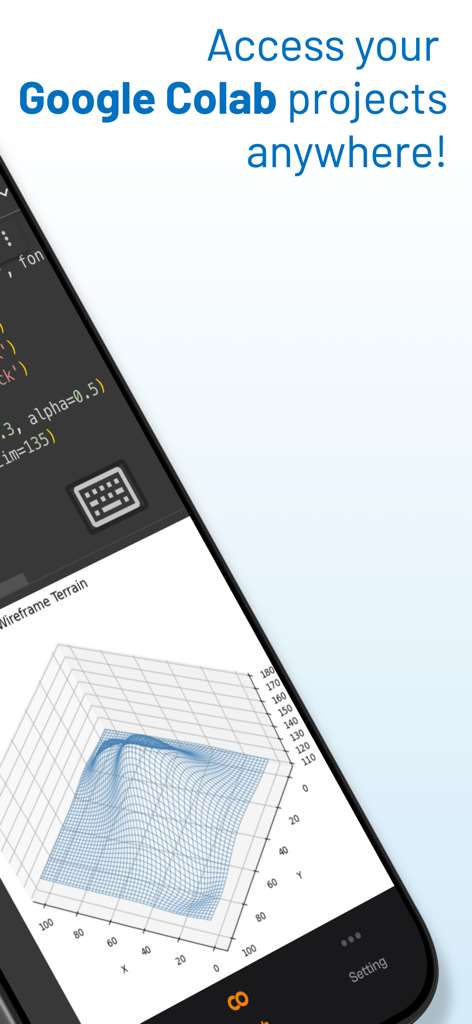
Jupyter Notebook - JuNote - Jupyter Notebook JuNote mobile app interface displaying code and a 3D wireframe terrain data visualization

Jupyter Notebook JuNote mobile app interface displaying code and a 3D wireframe terrain data visualization

Description

Jupyter Notebook - JuNote A zero-setup Python environment & developer toolbox for mobile devices, designed for data analysis, machine learning, and software development. --- Key Features: File & Code Management - Browse and manage files & folders, with quick document and media previews. - Syntax highlighting for scripts, JSON, XML, and other text-based formats. - Access external file system locations or open documents in place. Jupyter Notebook & Google Colab Support - Run Jupyter notebooks and Google Colab locally on your device. - Full notebook editing experience with interactive execution and live outputs. - Supports Python for data science & machine learning: NumPy, Matplotlib, SciPy, Scikit-learn, Pandas, LXML, etc. AI-Powered Bug Fixing - Automatically detects and suggests fixes for Python errors. - Provides AI-powered explanations to help users understand and resolve issues. - Enhances debugging efficiency, making Python coding smoother and faster. Developer Experience - Intelligent code completion with fast execution. - Versatile text editor with syntax highlighting for multiple formats. - Effortless package management – No installations needed, just import and use. --- Who is JuNote for? - Python developers & students who need an on-the-go coding environment. - Data scientists & researchers working with Jupyter notebooks. - Developers looking for an AI-assisted Python IDE to debug and enhance their code efficiently. --- This AI-powered feature makes JuNote a next-gen Python Notebook IDE for mobile devices. SUBSCRIPTION: We offer auto-renewing subscription: - Length: Yearly - Payment will be charged to iTunes Account at confirmation of purchase - You will be able to access the Premium features of the app for the duration of the subscription - Subscription automatically renews for the same price and duration period as the original period unless auto-renew is turned off at least 24-hours before the end of the current period - The account will be charged for renewal within 24-hours prior to the end of the current period at the cost of the chosen package. - Subscriptions may be managed by the user and auto-renewal may be turned off by going to the user's iTunes Account Settings after purchase - No cancellation of the current subscription is allowed during the active subscription period - You may cancel a subscription during its free trial period via the subscription setting through your Apple account. This must be done 24 hours before the end of the subscription period to avoid being charged. Please visit https://support.apple.com/HT202039 for more information on how to proceed. - You may turn off the auto-renewal of your subscription via your Apple Account Settings. However, you are not able to cancel the current subscription during its active period Privacy Policy : https://mcanswers.ai/jupyter-notebook/privacy-policy Terms of Use : https://mcanswers.ai/jupyter-notebook/terms-of-use

Download

Download on App Store

This page is not an official page of the app or its developer, but an independent editorial publication created for informational and commentary purposes. Unless expressly stated otherwise, neither the app nor its developer is affiliated with, endorsed by, sponsored by, authorized by, or otherwise officially connected with MWM, Apple, Google Play, the app publisher, or the app's developer, and nothing on this page implies that the app was developed using MWM's services. Any trademarks, logos, screenshots, and other content remain the property of their respective owners.








