
This page is not an official page of the app or its developer, but an independent editorial publication created for informational and commentary purposes. Unless expressly stated otherwise, neither the app nor its developer is affiliated with, endorsed by, sponsored by, authorized by, or otherwise officially connected with MWM, Apple, Google Play, the app publisher, or the app's developer, and nothing on this page implies that the app was developed using MWM's services. Any trademarks, logos, screenshots, and other content remain the property of their respective owners.

LELink Scanner
Take full control of your vehicle’s health with real-time sensor tracking, customizable gauges, and advanced code clearing. Built for DIY mechanics and performance enthusiasts who want professional-grade tools without the monthly subscription fees.
Downloads
0User Rating
Total Ratings
0Publisher
Category
UtilitiesLocales
23Latest Version
2.0Size
10.9 MBFirst Released
Jan 2, 2025Take Full Control of Your Vehicle’s Health
Turn your iPhone into a professional-grade diagnostic tool. Access real-time sensor data, clear engine codes, and track performance with zero subscription fees—forever.
Pro-Level Diagnostics & Code Clearing
Instantly identify Check Engine Lights and reset trouble codes. Save hundreds on dealership fees by knowing exactly what is wrong before you pick up a wrench.
Fully Customizable Real-Time Gauges
Design your own dashboard with dial, bar, and plot gauges. Monitor transmission temperatures, fuel trim, and boost levels exactly how you want to see them.
The following screenshots and description are sourced directly from the app's official store listing and are the property of the app developer.
App Store
Screenshots
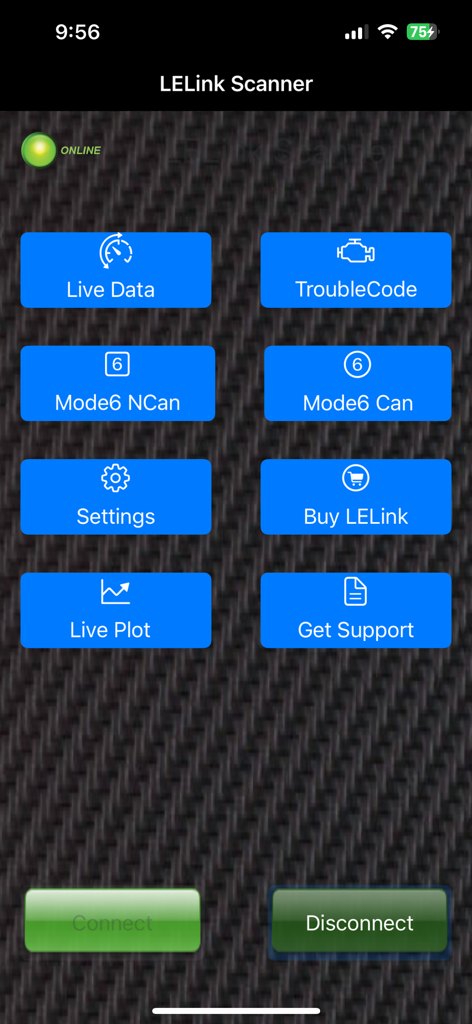
Main dashboard of the LELink Scanner app showing buttons for Live Data Trouble Code and Mode 6 diagnostics over a carbon fiber background
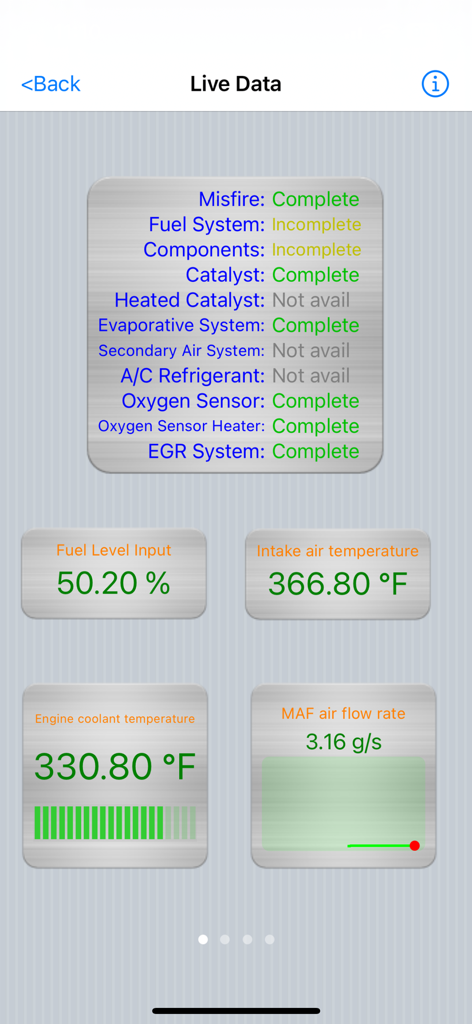
LELink Scanner app interface showing real time vehicle sensor data and diagnostic system statuses
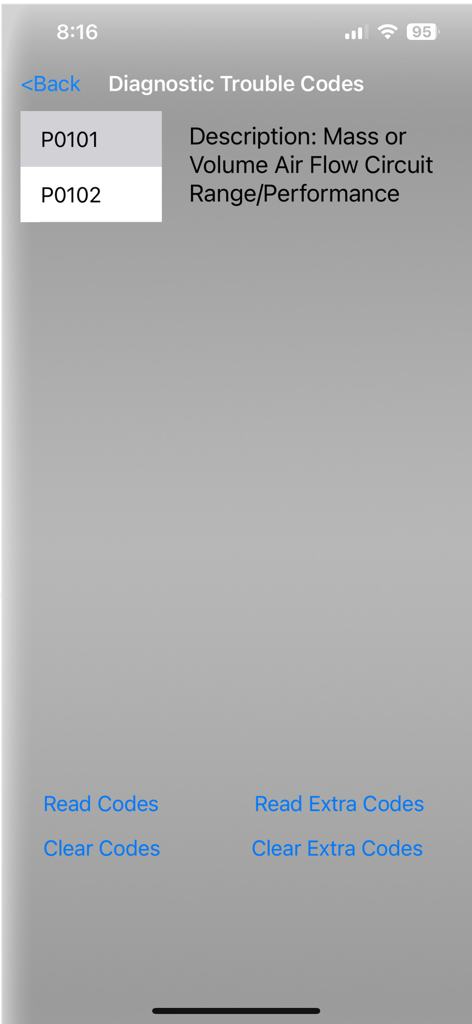
LELink Scanner app diagnostic trouble codes screen showing error codes and repair options
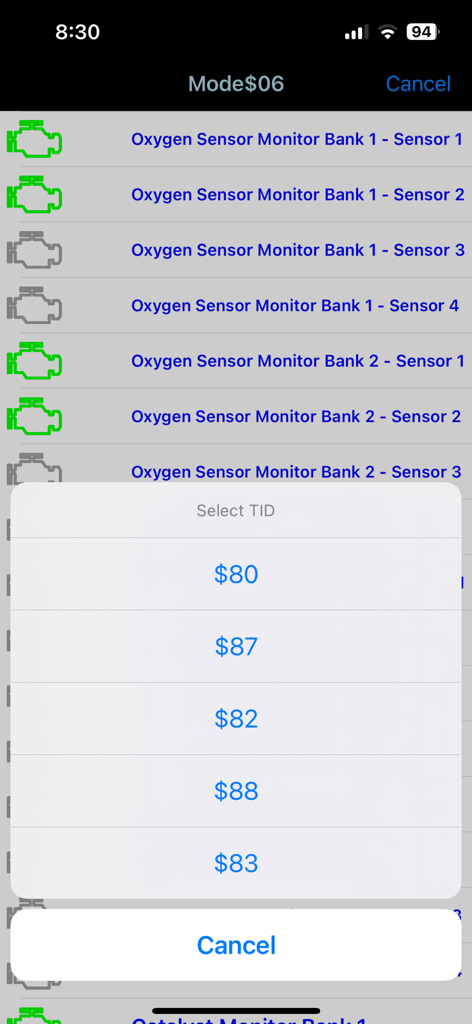
LELink Scanner app displaying Mode 6 oxygen sensor monitor data and Test ID selection.
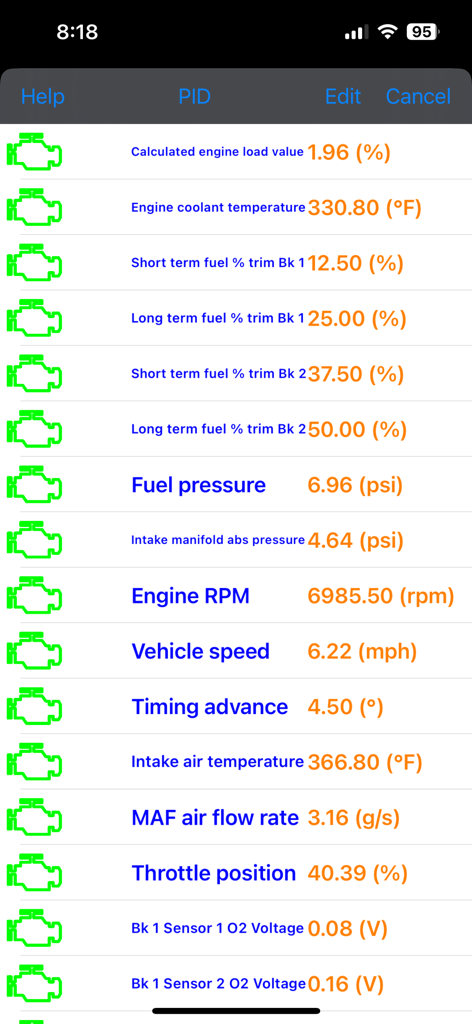
Real-time engine performance parameters and sensor readings on the LELink Scanner app screen.
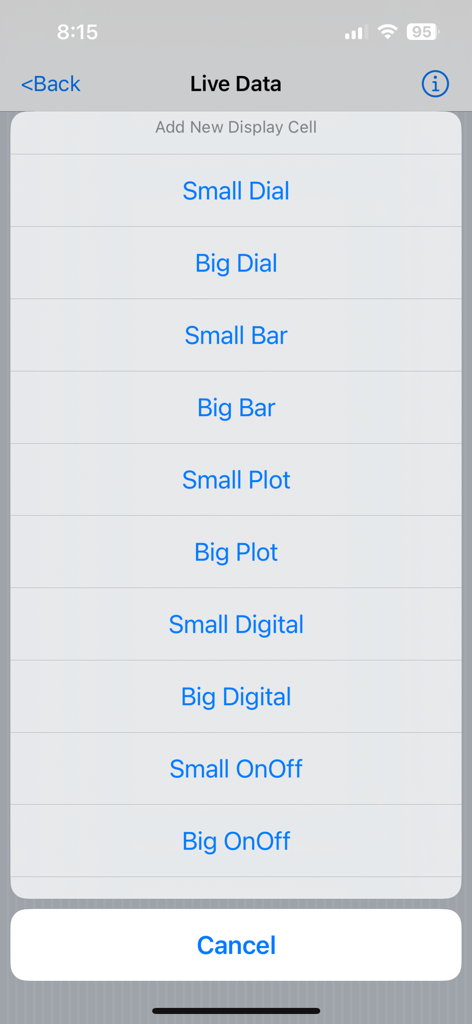
Menu for adding and customizing live data display cells like dials bars and plots.
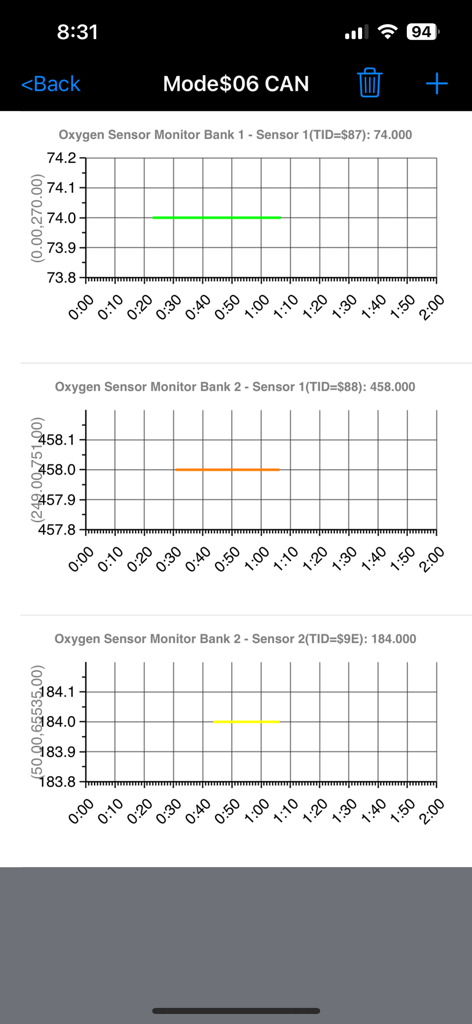
LELink Scanner app showing Mode 6 oxygen sensor monitor data and graphs for a vehicle
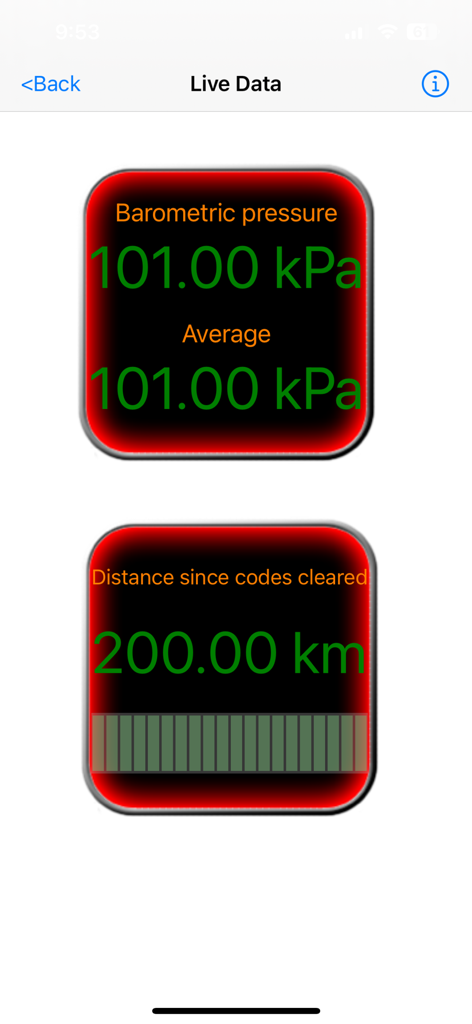
LELink Scanner app showing live engine data for barometric pressure and distance since codes cleared on digital gauges
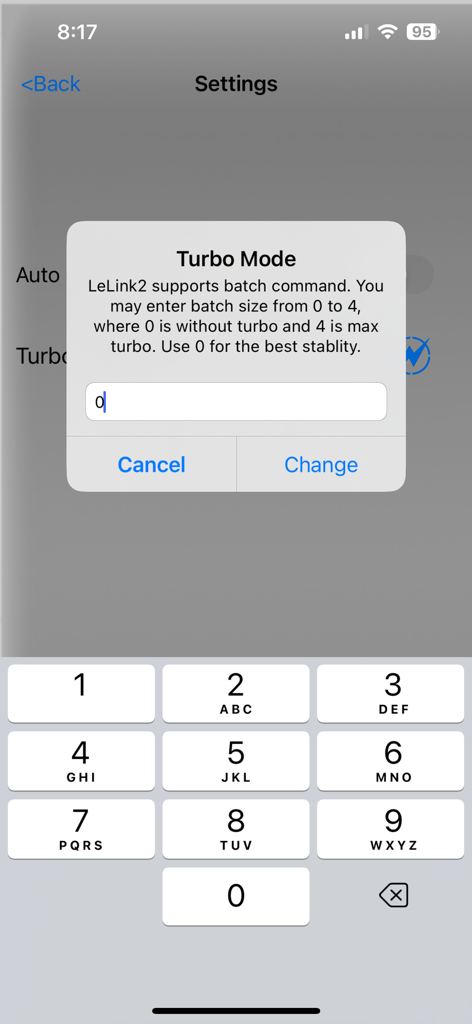
LELink Scanner app Turbo Mode configuration popup for batch commands
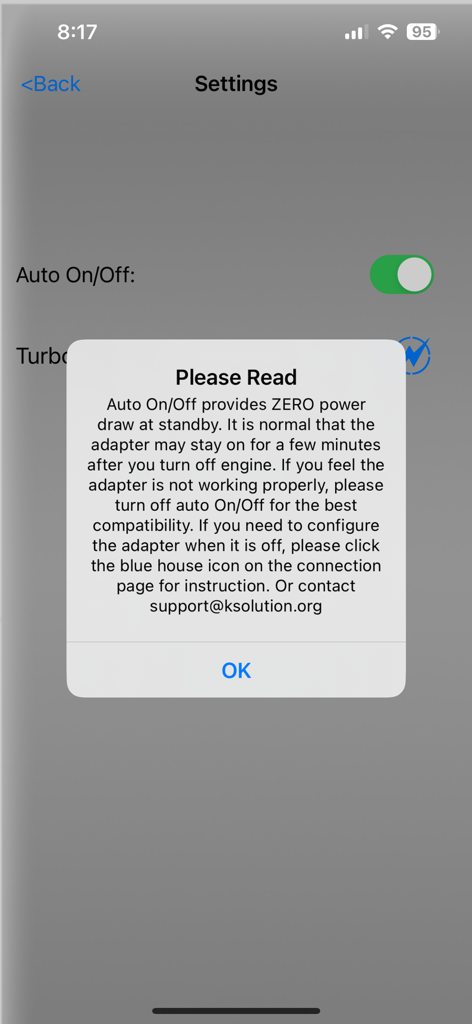
LELink Scanner settings screen showing an information pop-up about the auto on off power feature for the OBD2 adapter
Description
Download
More Like This
Top-ranked apps in the same category

Google LLC

Google Chrome
Google LLC

中国移动(手机营业厅)
China Mobile Online Services Co., Ltd.

Google Authenticator
Google LLC

Super VPN Fly 2026
YUNFAN TECHNOLOGY CO., LIMITED

Cleanup: Phone Storage Cleaner
DEEP FLOW SOFTWARE SERVICES - FZCO

gov.br
Servicos e Informacoes do Brasil

百度-AI智能搜索
Beijing Baidu Netcom Science & Technology Co.,Ltd

Microsoft Edge: AI Browser
Microsoft Corporation
This page is not an official page of the app or its developer, but an independent editorial publication created for informational and commentary purposes. Unless expressly stated otherwise, neither the app nor its developer is affiliated with, endorsed by, sponsored by, authorized by, or otherwise officially connected with MWM, Apple, Google Play, the app publisher, or the app's developer, and nothing on this page implies that the app was developed using MWM's services. Any trademarks, logos, screenshots, and other content remain the property of their respective owners.