
このページはアプリまたはその開発者の公式ページではなく、情報提供および論評を目的として作成された独立した編集出版物です。明示的に別段の記載がない限り、アプリおよびその開発者は、MWM、Apple、Google Play、アプリのパブリッシャー、またはアプリの開発者と提携、承認、後援、認可、またはその他の公式的な関係はなく、このページのいかなる内容も、アプリがMWMのサービスを使用して開発されたことを意味するものではありません。すべての商標、ロゴ、スクリーンショット、その他のコンテンツはそれぞれの所有者の財産です。

SSH Client - Secure ShellFish
iPadとiPhoneを強力なコマンドセンターに変えましょう。外出先でデスクトップクラスの生産性を求める開発者のために設計された、驚異的な速度のSSHアクセス、シームレスなファイルアプリ連携、ネイティブジェスチャーサポートを体験してください。
ダウンロード
94K+ユーザー評価
評価数
2K+開発元
カテゴリ
Developer Tools対応言語
1最新バージョン
2026.2サイズ
104.7 MBリリース日
2019年6月28日モダンモバイルエンジニアのために構築
iOSとの深い連携、永続的なセッション、ネイティブな感覚のターミナルで、iPadとiPhoneを強力なワークステーションに変えましょう。
ネイティブファイルアプリ連携
サーバーがローカルドライブとして表示されます。オフラインキャッシュとドラッグ&ドロップサポートにより、TextasticやiA WriterのようなiOSアプリでリモートファイルを直接編集できます。
プロワークフローに最適化
パワーユーザーのために作られたターミナル。カスタムジェスチャー、専用キーボードバー、Appleデバイス間でのHandoffサポートにより、VimとEmacsをマスターしましょう。
以下のスクリーンショットと説明は、アプリの公式ストアリスティングから直接取得されたものであり、アプリ開発者の所有物です。
アプリストア
スクリーンショット
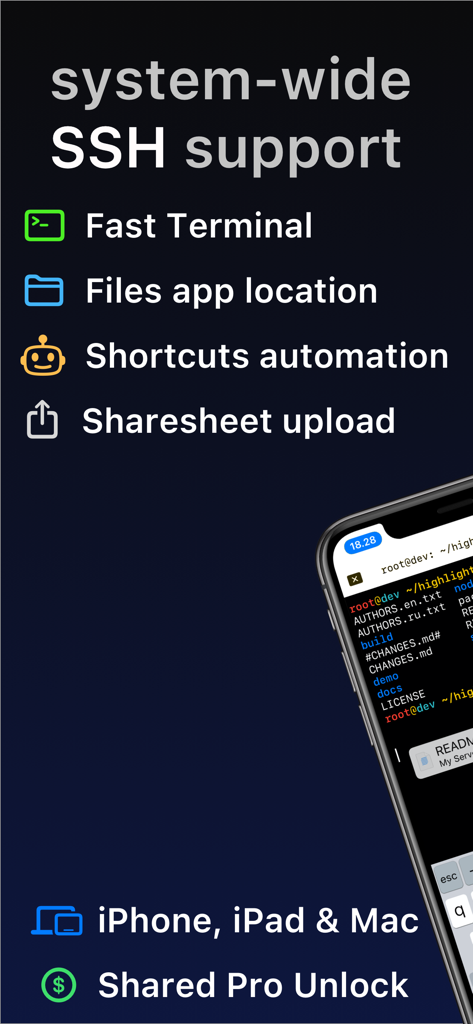
Secure ShellFishアプリの概要。システム全体のSSHサポートとファイルアプリ連携を強調しています。
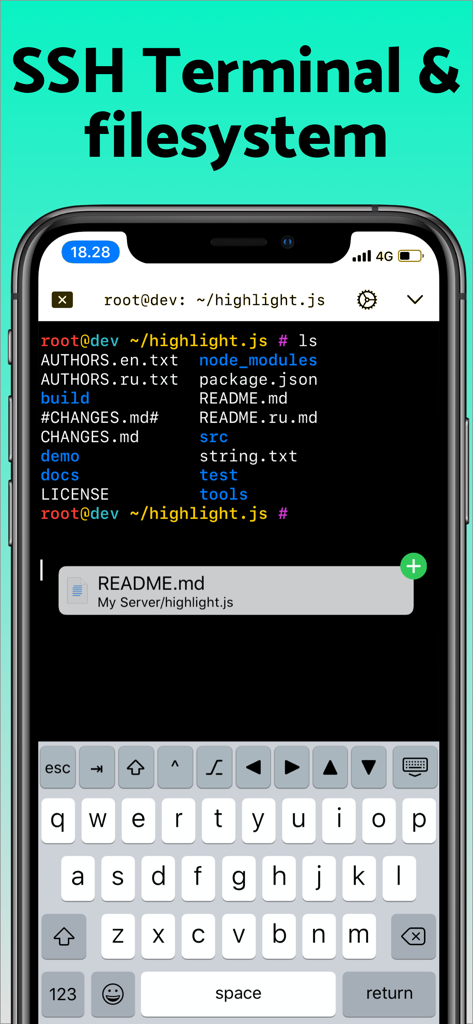
iPhone画面にSecure ShellFish SSHターミナルインターフェイスが表示され、リモートファイルリストとカスタム開発者キーボードが含まれています。
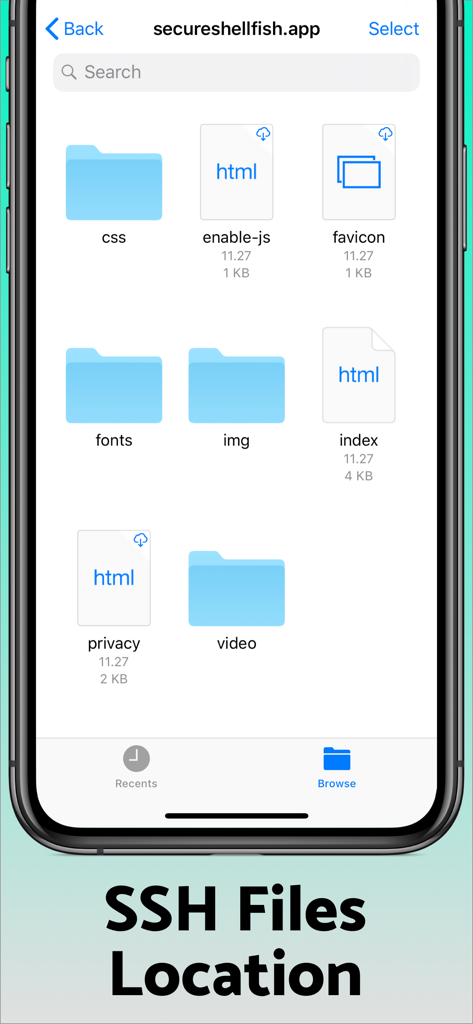
Secure ShellFishモバイルアプリインターフェイスに、リモートSSHサーバーのファイルとフォルダが表示されています。
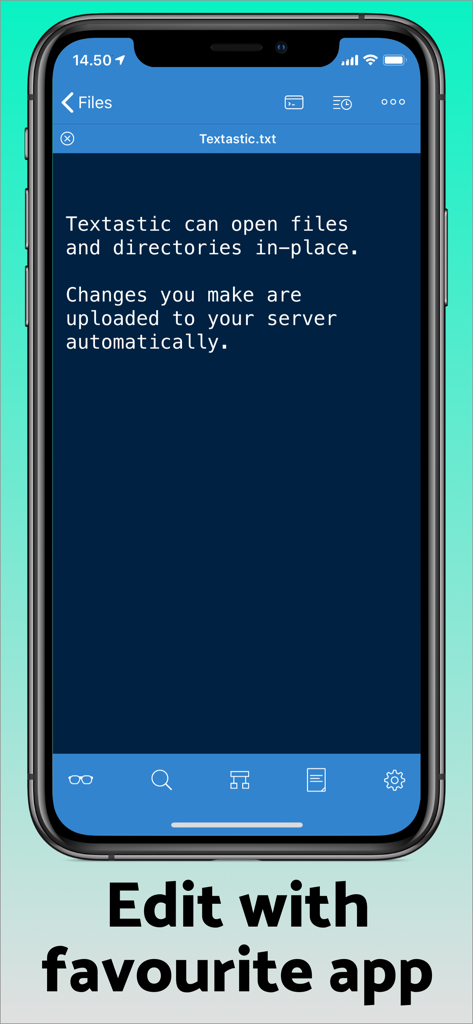
Secure ShellFishインターフェイスに、iPhone上のTextasticアプリとのリモートファイル編集連携が表示されています。
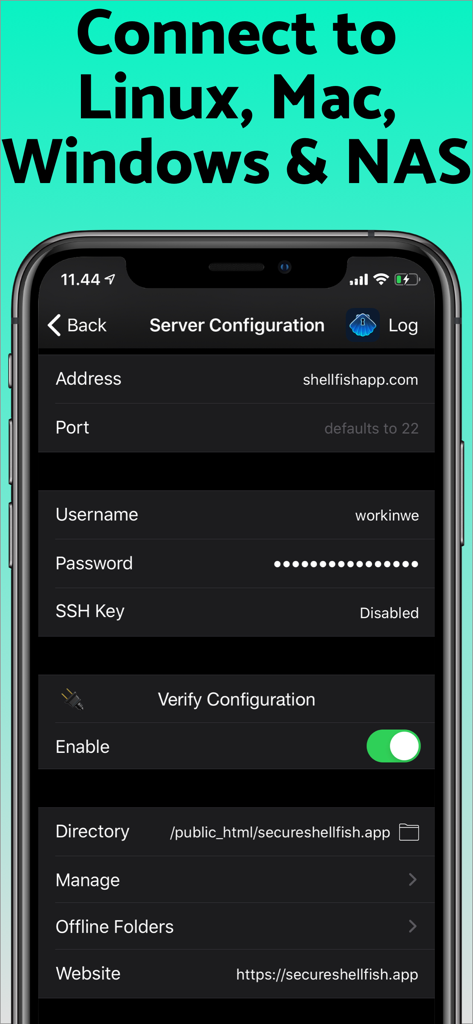
Secure ShellFishアプリ画面に、リモートサーバーへの接続のためのSSHサーバー設定が表示されています。
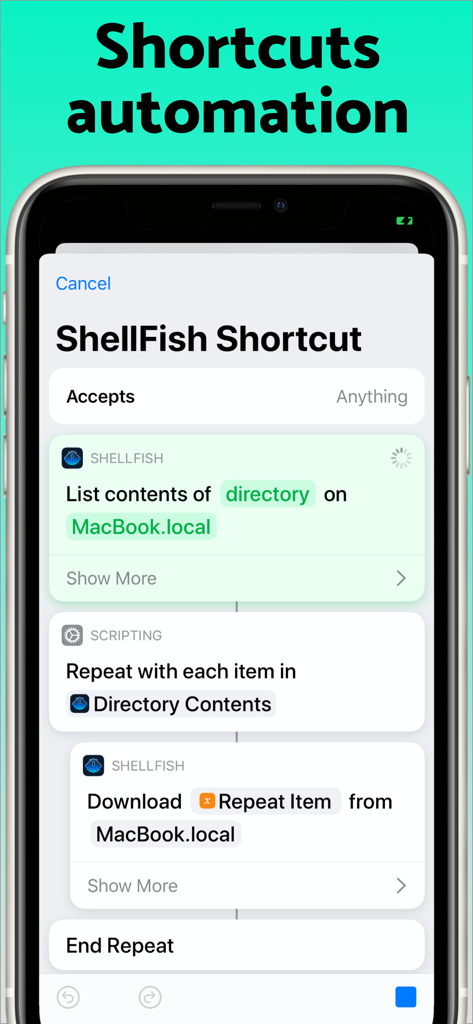
Secure ShellFishアプリインターフェイスに、リモートサーバーからファイルをリストしダウンロードするためのiOSショートカット自動化が表示されています。
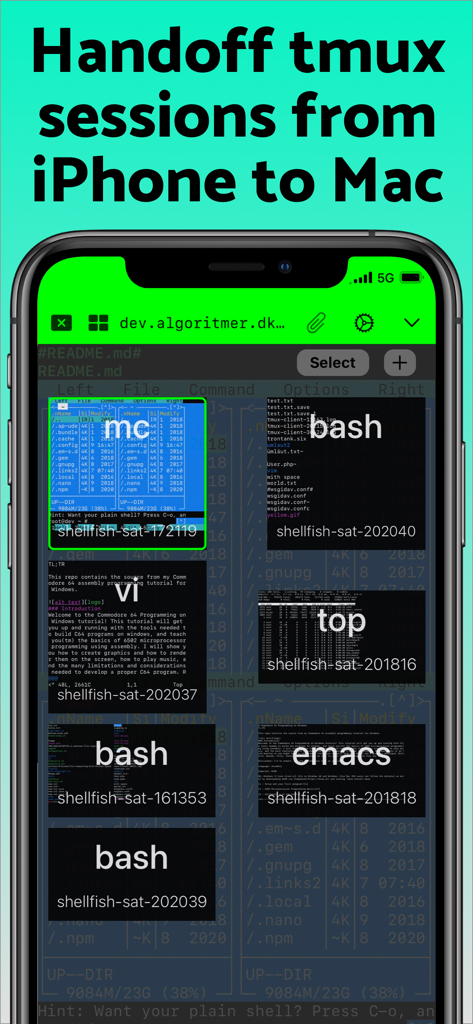
Secure ShellFishアプリに、iPhone上のtmuxセッションとターミナルプレビューが表示されています。
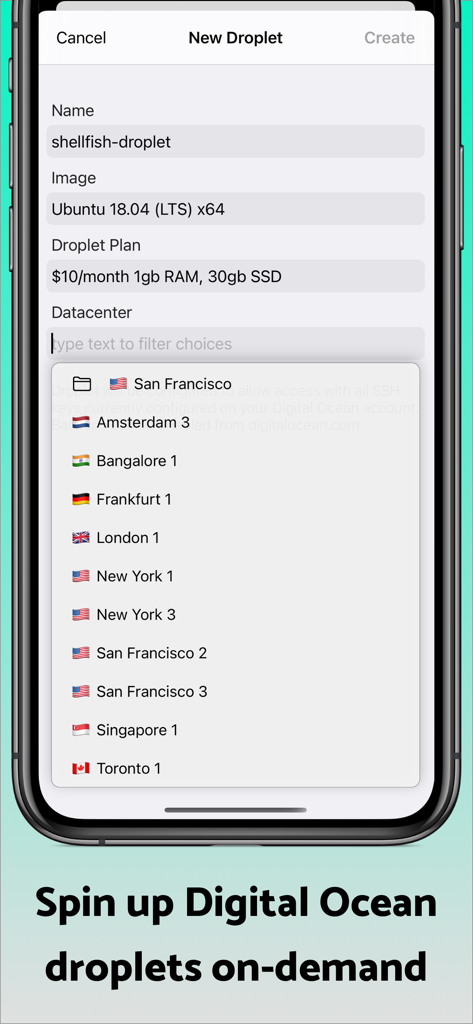
Secure ShellFishアプリインターフェイスに、新しいDigital Oceanドロップレットサーバーを作成するための画面が表示されています。
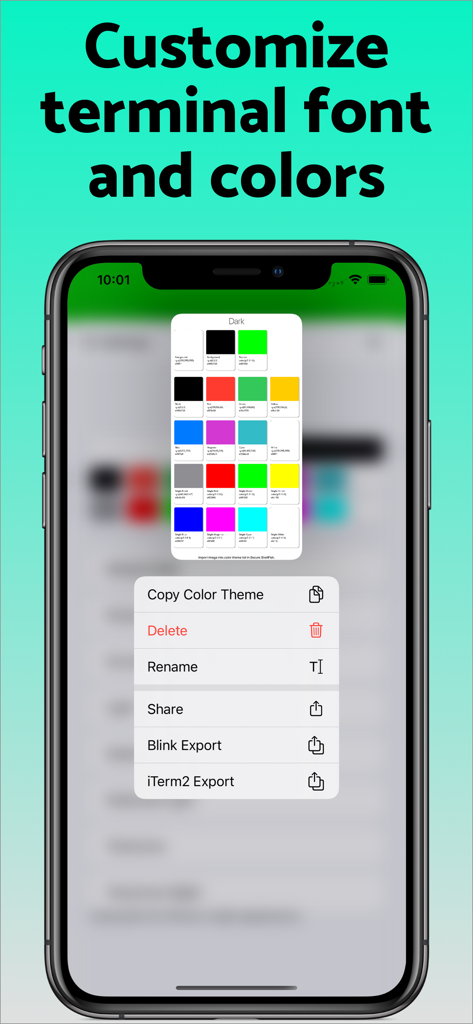
Secure ShellFishアプリインターフェイスに、カラーパレットとエクスポートメニューによるターミナルフォントとカラーのカスタマイズオプションが表示されています。
説明
Download
類似アプリ
似た機能とユーザー体験を持つアプリ
xTerminal - SSH Terminal Shell
婉媚 邵
FTPManager - FTP, SFTP client
Skyjos Co., Ltd.
FTP Client Pro
Anders Havn
Termux
FREE AI UTILS COMPANY LIMITED
TN5250
Jan Frydendal

Blink Shell, Build & Code
Blink Shell, Inc
Terminal#
Vasiliy Shaydullin
Prompt 3
Panic, Inc.
NovaAccess - Tailnet Tools
GalaxNet Ltd.
このページはアプリまたはその開発者の公式ページではなく、情報提供および論評を目的として作成された独立した編集出版物です。明示的に別段の記載がない限り、アプリおよびその開発者は、MWM、Apple、Google Play、アプリのパブリッシャー、またはアプリの開発者と提携、承認、後援、認可、またはその他の公式的な関係はなく、このページのいかなる内容も、アプリがMWMのサービスを使用して開発されたことを意味するものではありません。すべての商標、ロゴ、スクリーンショット、その他のコンテンツはそれぞれの所有者の財産です。