Watch Accuracy Checker
Download on App Store

This page is not an official page of the app or its developer, but an independent editorial publication created for informational and commentary purposes. Unless expressly stated otherwise, neither the app nor its developer is affiliated with, endorsed by, sponsored by, authorized by, or otherwise officially connected with MWM, Apple, Google Play, the app publisher, or the app's developer, and nothing on this page implies that the app was developed using MWM's services. Any trademarks, logos, screenshots, and other content remain the property of their respective owners.

Logo of Watch Accuracy Checker
Download on App Store

Watch Accuracy Checker

The definitive DIY timegrapher for horology enthusiasts. Monitor your mechanical, automatic, and quartz movements with visual tracking, historical performance logs, and verified screenshot evidence.

Key Figures

Downloads

500

User Rating

1.0/5

Total Ratings

0

Publisher

Cogniter Technologies Pvt Ltd

Category

Utilities

Locales

1

Latest Version

1.3

Size

13.8 MB

First Released

Mar 4, 2024
Features

Precision Tracking for Your Collection

Ensure your mechanical and automatic timepieces perform to COSC standards. Monitor accuracy and health with professional-grade visual diagnostics designed for the serious watch enthusiast.

Visual Accuracy Diagnostics

Skip the expensive hardware. Use our high-precision reference clock to superimpose and measure seconds lost or gained with photographic proof.

Unlimited Collection Management

No limits on your passion. Track your entire rotation of luxury watches in one interface to identify which movements need servicing or winding.

The following screenshots and description are sourced directly from the app's official store listing and are the property of the app developer.

App Store

Screenshots
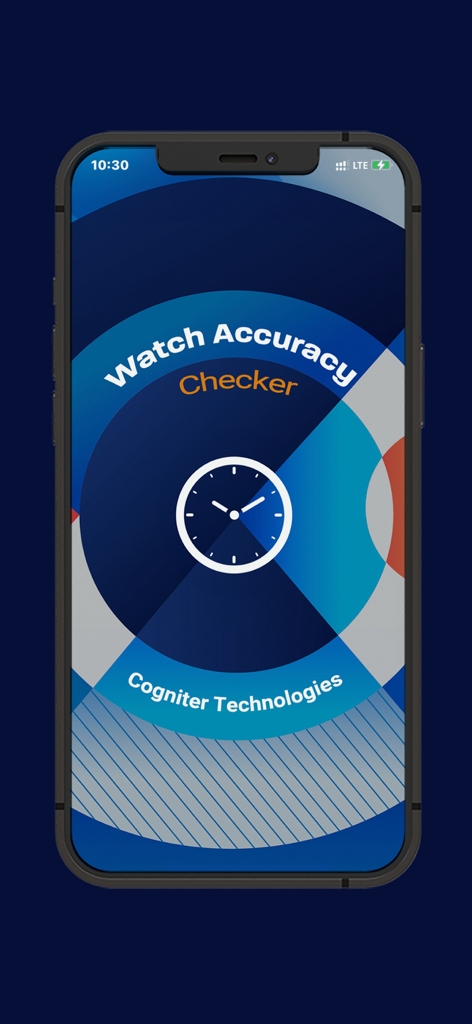
Watch Accuracy Checker - Splash screen of the Watch Accuracy Checker app featuring a clock icon and developer logo
Splash screen of the Watch Accuracy Checker app featuring a clock icon and developer logo

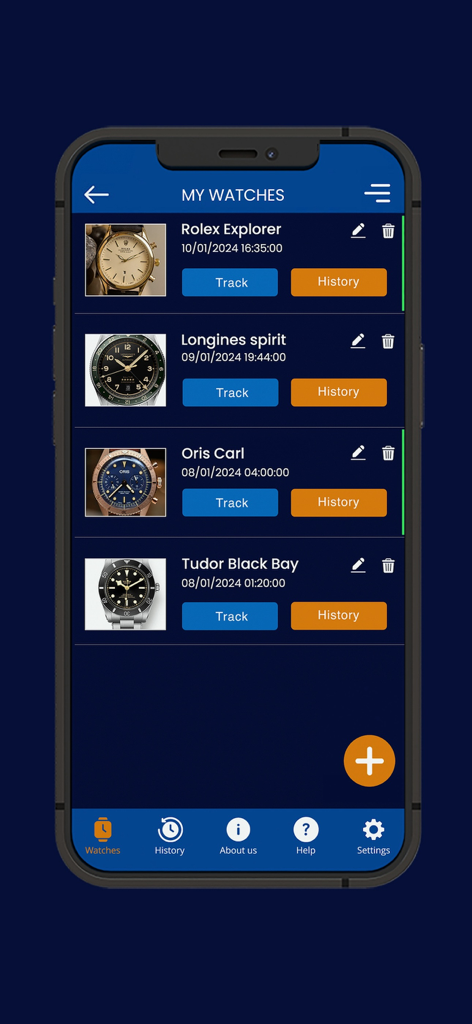
Watch Accuracy Checker - The My Watches screen displaying a list of luxury timepieces with options to track and view history
The My Watches screen displaying a list of luxury timepieces with options to track and view history

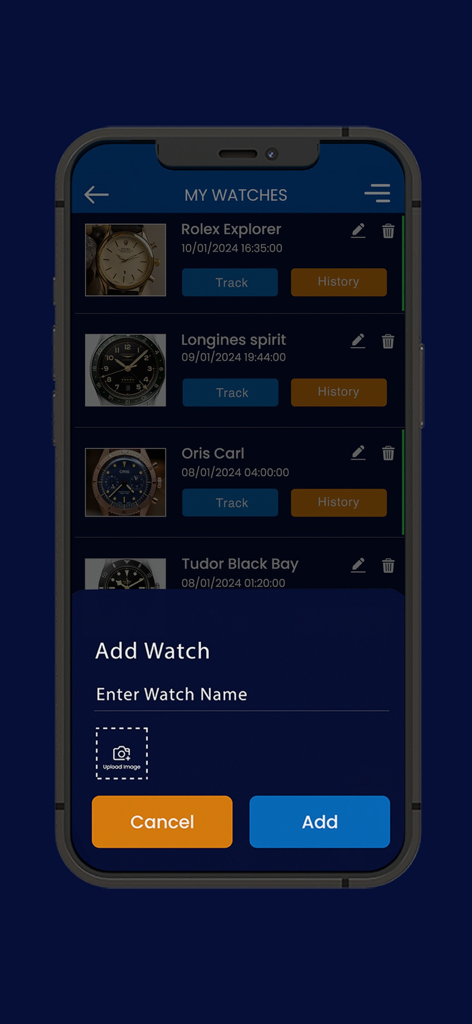
Watch Accuracy Checker - Watch Accuracy Checker mobile app interface showing the My Watches list and an Add Watch overlay for entering a watch name and uploading an image
Watch Accuracy Checker mobile app interface showing the My Watches list and an Add Watch overlay for entering a watch name and uploading an image

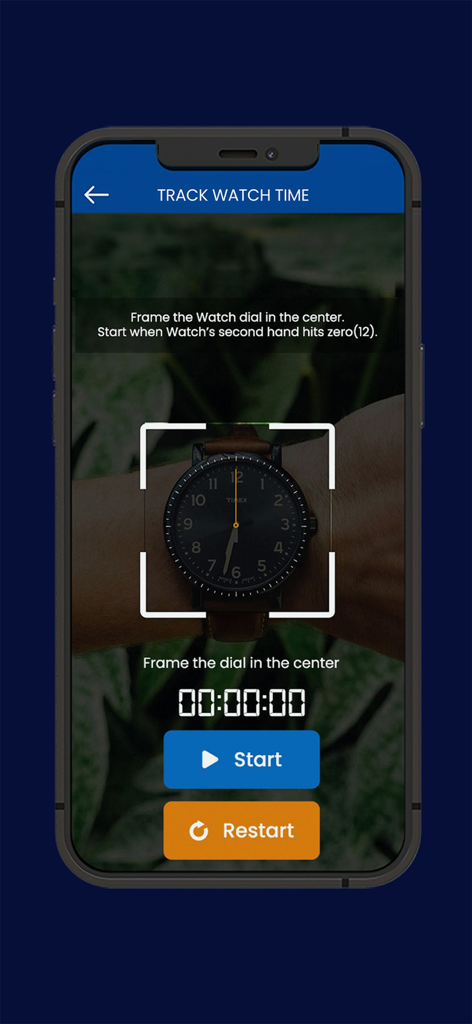
Watch Accuracy Checker - Watch Accuracy Checker app tracking screen showing a watch dial framed by the phone camera interface
Watch Accuracy Checker app tracking screen showing a watch dial framed by the phone camera interface

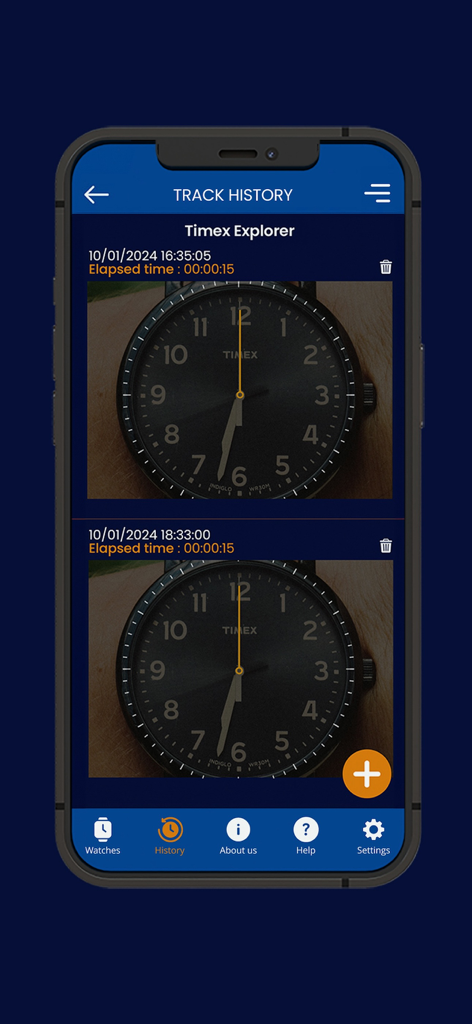
Watch Accuracy Checker - The track history screen of the Watch Accuracy Checker app showing a log of time entries and photos for a Timex Explorer watch
The track history screen of the Watch Accuracy Checker app showing a log of time entries and photos for a Timex Explorer watch

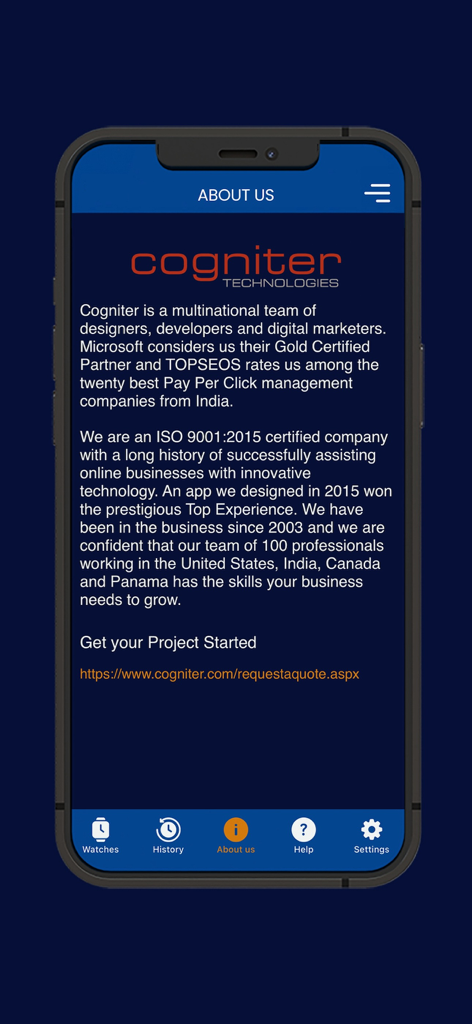
Watch Accuracy Checker - About Us screen of the Watch Accuracy Checker app displaying information about the developer Cogniter Technologies
About Us screen of the Watch Accuracy Checker app displaying information about the developer Cogniter Technologies

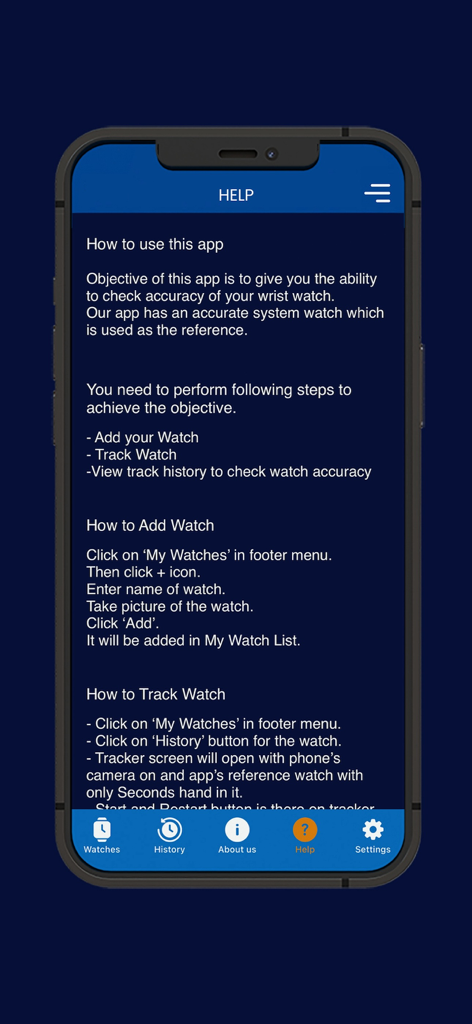
Watch Accuracy Checker - Help screen of the Watch Accuracy Checker app with instructions on how to track watch accuracy.
Help screen of the Watch Accuracy Checker app with instructions on how to track watch accuracy.

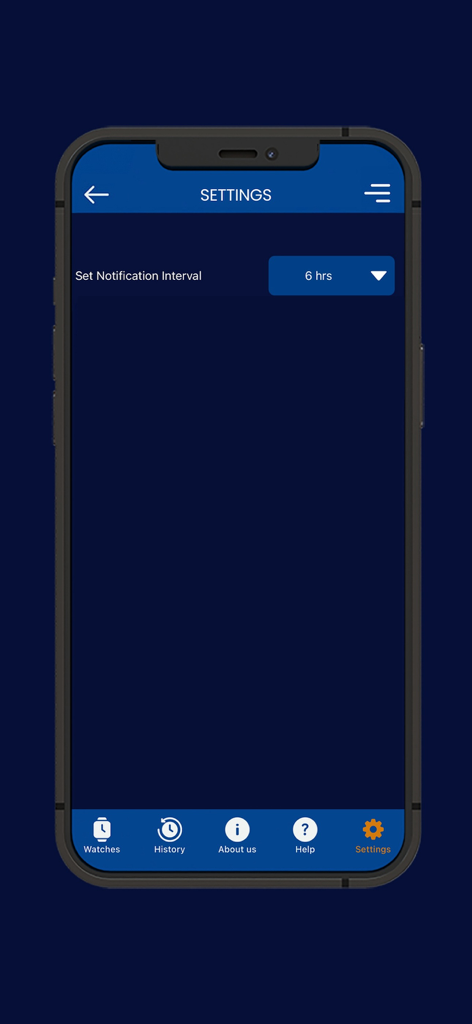
Watch Accuracy Checker - Settings screen of the Watch Accuracy Checker app showing the notification interval selection.

Settings screen of the Watch Accuracy Checker app showing the notification interval selection.

Description

This simple, free and easy to use app will help you measure and track the accuracy of your Mechanical, Automatic or Quartz wrist watches. Features of the app: - Take a snap and add a watch you want to check for accuracy. - Edit Watch if needed. - No restrictions on number of watches that can be added and tracked. - Check accuracy of your watch in against current global time. - Start and Stop timer as per your requirement. - Timer runs in foreground and background as well. - Ability to run tracker for multiple watches. - Ability to reset the timer in case it is needed. - Screenshot is captured when timer is stopped which makes it easy to compare seconds lost or gained. - History of tracking is maintained in the app. - Time elapsed along with time stamp is shown in tracking history. - Notifications to the user about running tracker so user knows how long tracker has been on. - Settings available to set the notification interval for the tracker. How to use this app? Objective of this app is to give you the ability to check accuracy of your wrist watch. Our app has an accurate system watch which is used as the reference. You need to perform following steps to achieve the objective. 1. Add your Watch 2. Track Watch 3. View track history to check watch accuracy How to Add Watch? - Click on ‘My Watches’ in footer menu. - The click + icon. - Enter name of watch. - Take picture of the watch. - Click ‘Add’. - It will be added in My Watch List. How to Track Watch? - Click on ‘My Watches’ in footer menu. - Click on ‘History’ button for the watch. - Tracker screen will open with phone’s camera on and app’s reference watch with only Seconds hand in it. - Start and Restart button is there on tracker screen. - Clicking on Start button starts the tracking and button changes to “Stop”. - Before starting tracking, you need to super impose the app’s reference watch on to your wrist watch. - As soon as your wrist watch’s second hand reaches zero and matches the static second hand of the app you need to start tracking. - After a few hours have passed, when you are ready to stop the tracking, then again, you need to super impose the app’s reference watch on to your wrist watch. - Clicking on “Stop” button will stop the tracking. - When tracking is stopped, a screenshot is taken by the app and is saved in history of the watch. - This screenshot show app’s reference watch along with your wrist watch. It will show time of tracking and elapsed time of tracking. - Based on position of ‘Seconds hand’ of your wrist watch and app’s watch in the screenshot, you can check the accuracy of your watch. - If both are on same position, your watch is accurate. How to view Tracking History of a Watch? - Click on ‘My Watches’ in footer menu. - Click on ‘History’ button for the watch. - Tracking History of the Watch will be displayed. - Record will show time of tracking and elapsed time of tracking.

Download

Download on App Store

This page is not an official page of the app or its developer, but an independent editorial publication created for informational and commentary purposes. Unless expressly stated otherwise, neither the app nor its developer is affiliated with, endorsed by, sponsored by, authorized by, or otherwise officially connected with MWM, Apple, Google Play, the app publisher, or the app's developer, and nothing on this page implies that the app was developed using MWM's services. Any trademarks, logos, screenshots, and other content remain the property of their respective owners.








