Clear Scanner

Clear Scanner

다운로드: App Store
로고: Clear Scanner

Clear Scanner: 스캔, OCR 및 전자 서명을 위한 강력한 모바일 오피스

학생 및 전문가를 위한 100% 무료, 개인 정보 보호 중심 도구입니다. 문서를 PDF로 스캔하고, OCR로 텍스트를 인식하고, 계약서에 즉시 서명하세요. 모든 것은 기기에 안전하게 저장됩니다.

개발사

Petr Polasek

카테고리

Business

다운로드

9K+

사용자 평점

4.5/5

총 평가 수

100

지원 언어

3

실제 사용 모습의 모바일 오피스

이 인터페이스를 사용하는 9K+ 명의 사용자.

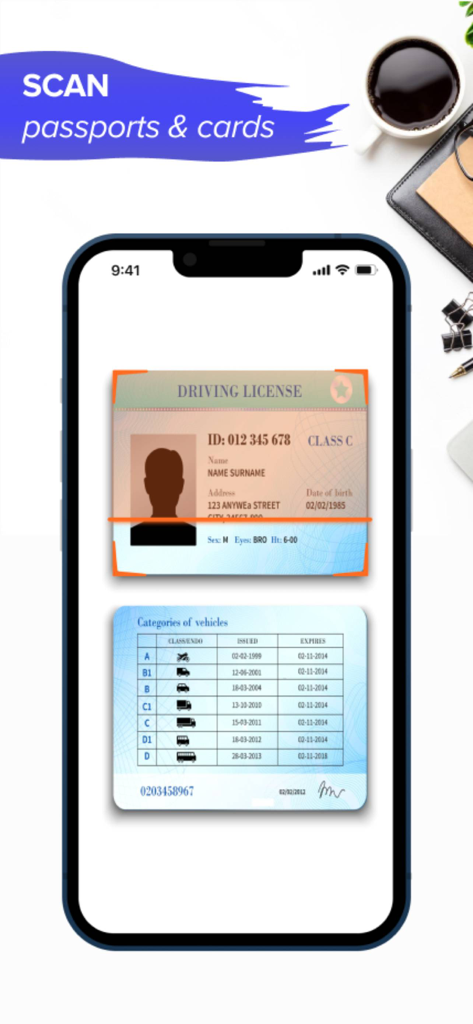
Clear Scanner 앱 인터페이스에서 운전 면허증을 스캔하는 모습
Clear Scanner 앱 인터페이스에서 운전 면허증을 스캔하는 모습

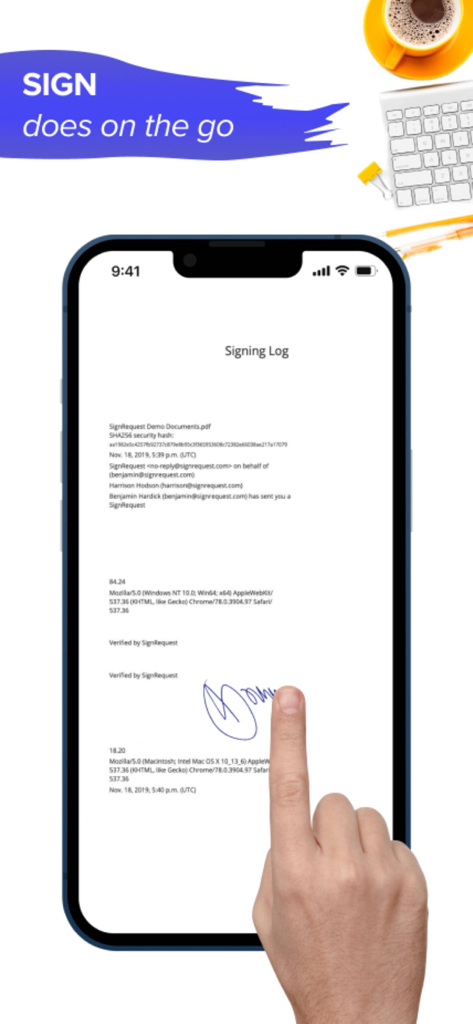
Clear Scanner 앱을 사용하여 스마트폰 화면에서 디지털 문서에 서명하는 손
Clear Scanner 앱을 사용하여 스마트폰 화면에서 디지털 문서에 서명하는 손

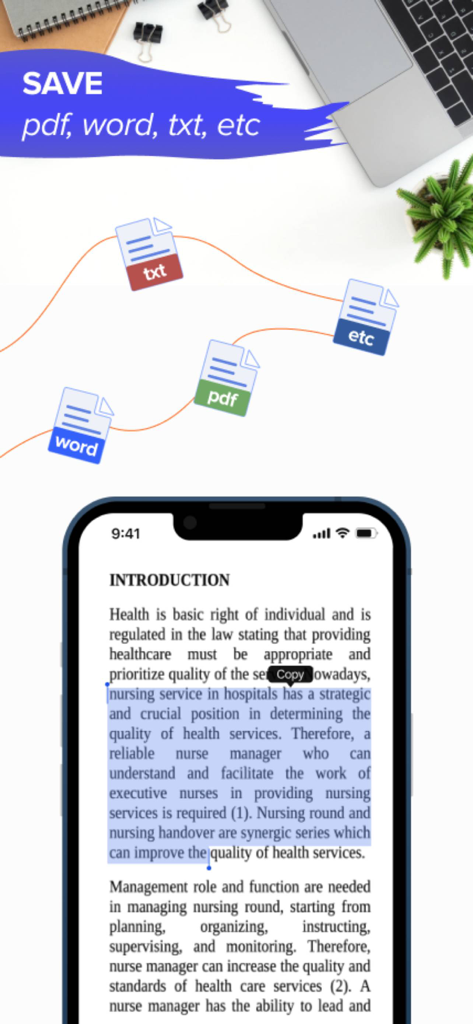
Clear Scanner 앱 인터페이스에서 PDF, Word, TXT 파일에 대한 문서 텍스트 선택 및 내보내기 옵션을 보여주는 모습
Clear Scanner 앱 인터페이스에서 PDF, Word, TXT 파일에 대한 문서 텍스트 선택 및 내보내기 옵션을 보여주는 모습

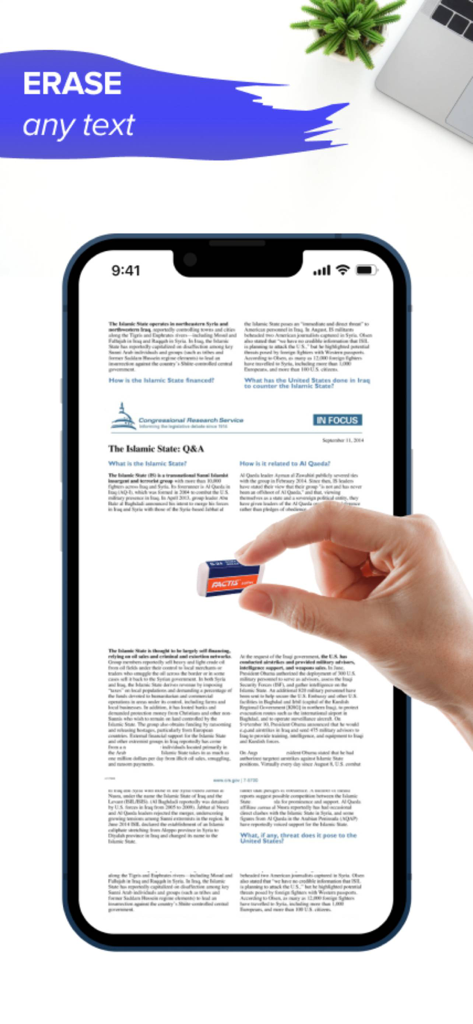
Clear Scanner 앱 인터페이스에서 사용자가 스캔된 문서의 텍스트를 지우는 모습

Clear Scanner 앱 인터페이스에서 사용자가 스캔된 문서의 텍스트를 지우는 모습

모든 사무실 업무를 주머니에 쏙

이 앱을 돋보이게 하는 도구, 9K+ 명의 사용자가 선택.

📄

스마트 스캔 및 OCR

고급 OCR 기술을 사용하여 물리적 문서, 영수증 및 메모를 검색 가능한 PDF 또는 편집 가능한 텍스트로 즉시 변환합니다.

✍️

디지털 서명 및 마크업

손가락이나 Apple Pencil을 사용하여 계약서에 서명하고 문서를 즉석에서 주석 처리하세요. 종이 없이 전문적인 워크플로우를 완성하세요.

🔒

설계상의 완벽한 개인 정보 보호

클라우드 없음, 추적기 없음. 모든 문서는 기기에 로컬로 저장되어 민감한 데이터에 대한 완전한 제어권과 은행 수준의 보안을 제공합니다.

앱 소개

에 대해 알아야 할 모든 것 Clear Scanner.

설명

Clear Scanner is the best app that you can take anywhere. It is the powerful office which assists you to become more productive in doing your work. This is 100% free scanner app which helps you to save, scan, edit and share documents instantly in PDF, JPG, or TXT formats. FEATURES OF Clear Scanner: This is a must-have scanner app for students, office managers, and anyone who are involved in small businesses You can scan any type of documents including contracts, receipts, paper nots, fax papers, and books. It helps you store your scans as multi-pages and single page PDF or JPEG files. There are lots of features of this Clear Scanner App, some of them are given below; DOCUMENT SCANNER: It is the best app to scan your most important documents that are necessary for you to take anywhere for reviewing or sending to your customers on the move. So, now you can say goodbye to big machines for scanning documents, you can do any type of scan within this Document Scanner app. INNOVATIVE PDF SCANNER – Scan all your documents and photos to PDF, JPG, or TXT – It helps you easily scan important multiple pages into one single document – It also helps in recognizing text from any scan-able object with OCR – The best feature is that you can put your electronic signature on any documents for confirmation - Use your finger or Apple Pencil to e-sign any PDF document - Use Apple Pencil with iPad Pro to improve your precision - Highlight and mark up text with annotation tools EASY DOCUMENT SHARING – Scan important documents now and share them in just a few taps – Print your contracts, invoices, and other imp documents right from this scanning app – Sharing and uploading scanned documents can be managed easily within this Clear Scanner App So, why are you still here reading the description? Download “Clear Scanner: Scanner PDF” now and enjoy scanning and saving your important documents for FREE to save them in your mobile and access them anywhere! Don’t forget to share this PDF Scanner App with your friends and family members! AAll documents are stored locally on your device, they are not available to us, nor to third parties. You can easily share documents using the export option. Privacy Policy: https://www.code4flutter.in/privacy-scan-genius/ Terms of Use: https://www.code4flutter.in/terms-scan-genius/ For any questions or requests, please use our customer support form at: info@code4flutter.in

최신 버전

1.0.33

크기

44.8 MB

출시일

2021년 9월 24일

모든 사무실 업무를 주머니에 쏙

문서를 즉시 스캔, 서명 및 공유하는 수천 명의 전문가 및 학생들과 함께하세요. 프리미엄 스캐너의 속도를 경험하세요. 100% 무료이며 완전히 개인 정보가 보호됩니다.

다운로드: App Store

App information, icons, screenshots, and descriptions displayed on this page are sourced from the Apple App Store and are the property of their respective developers. Download estimates and rankings are based on MWM's proprietary models and may not reflect actual figures. This page is provided for informational and analytical purposes only.

Believe this page infringes your intellectual property? File a dispute