Document Scanner ㅤ

Document Scanner ㅤ

다운로드: App Store
로고: Document Scanner ㅤ

문서 스캐너: 주머니 속의 전문적인 스캔, 서명 및 보안

iPhone을 고화질 모바일 사무실로 변신시키세요. 고급 이미지 처리 및 비밀번호 암호화 기술로 영수증을 스캔하고, 계약서에 서명하며, 민감한 파일을 보호하세요.

다운로드: App Store

개발사

Sofiia Koval

카테고리

Business

다운로드

596K+

사용자 평점

4.6/5

총 평가 수

2K+

지원 언어

6

실제로 사용하는 휴대용 사무실

이 인터페이스를 사용하는 596K+ 명의 사용자.

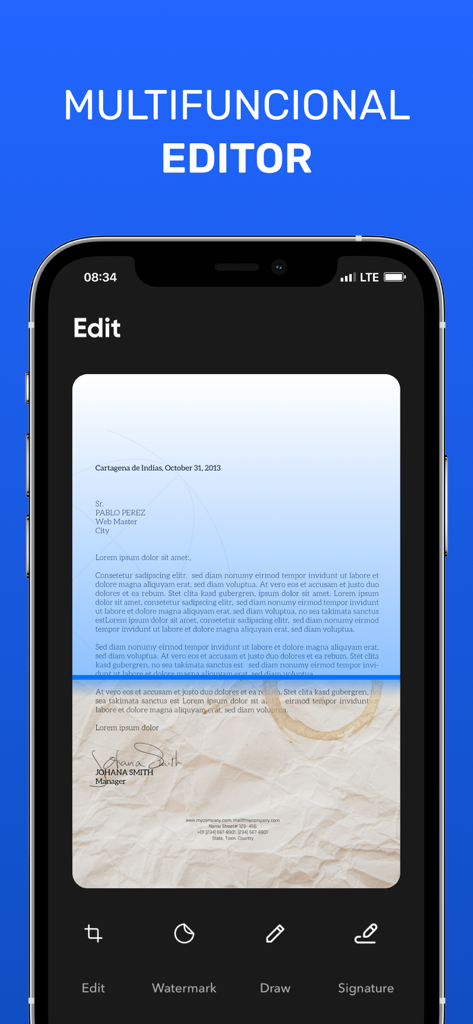
다양한 편집 도구를 보여주는 문서 스캐너 모바일 앱 인터페이스

다양한 편집 도구를 보여주는 문서 스캐너 모바일 앱 인터페이스

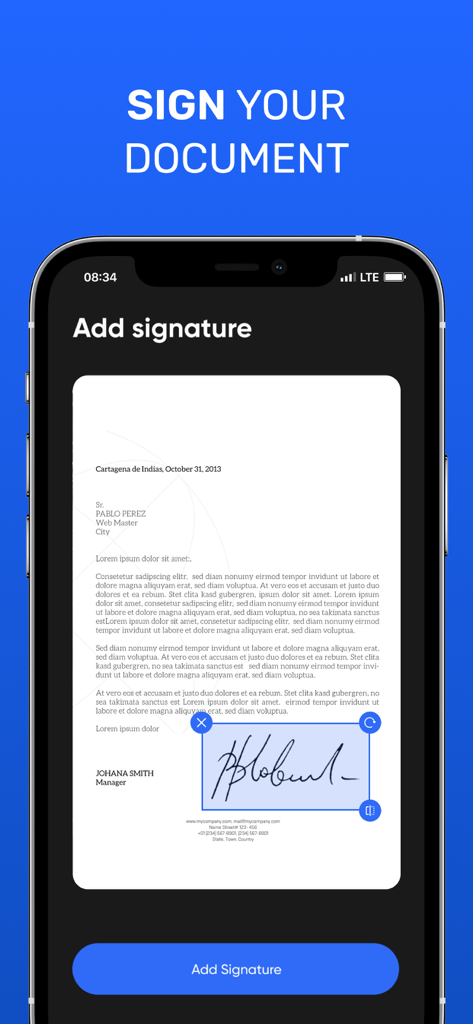
스캔한 문서에 디지털 서명을 추가하는 기능을 보여주는 스마트폰 화면
스캔한 문서에 디지털 서명을 추가하는 기능을 보여주는 스마트폰 화면

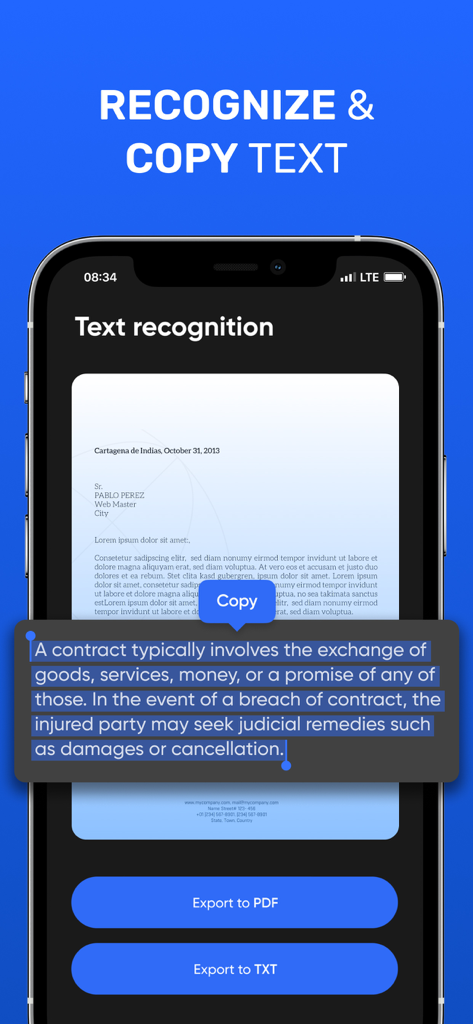
스캔한 문서의 텍스트 인식 및 복사 기능을 보여주는 모바일 앱 인터페이스
스캔한 문서의 텍스트 인식 및 복사 기능을 보여주는 모바일 앱 인터페이스

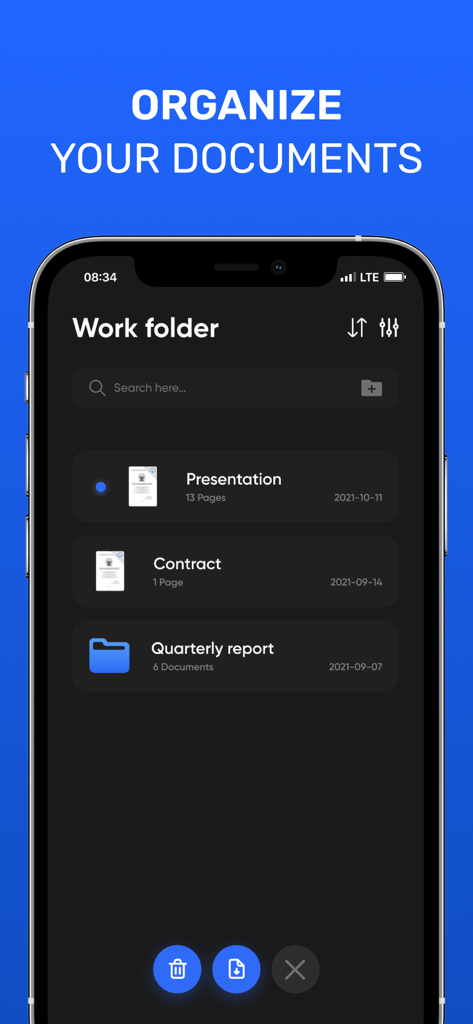
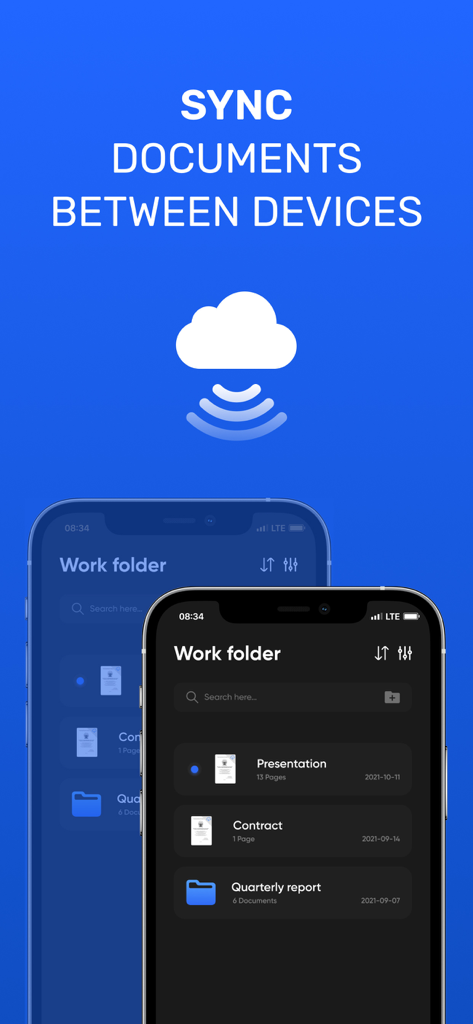
프레젠테이션 및 계약서와 같이 정리된 문서와 폴더를 보여주는 문서 스캐너 앱의 인터페이스
프레젠테이션 및 계약서와 같이 정리된 문서와 폴더를 보여주는 문서 스캐너 앱의 인터페이스

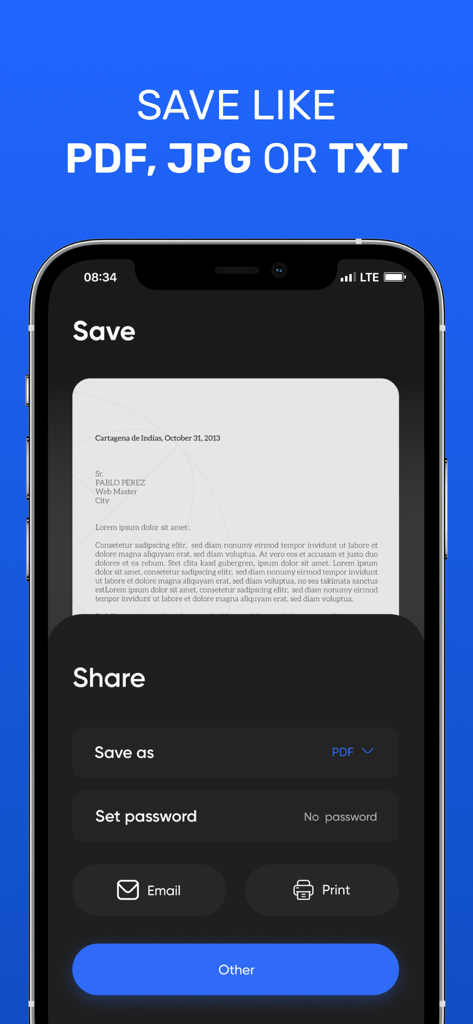
비밀번호 보호 및 공유 도구와 함께 스캔을 PDF, JPG 또는 TXT로 저장하는 옵션을 보여주는 문서 스캐너 앱 인터페이스
비밀번호 보호 및 공유 도구와 함께 스캔을 PDF, JPG 또는 TXT로 저장하는 옵션을 보여주는 문서 스캐너 앱 인터페이스

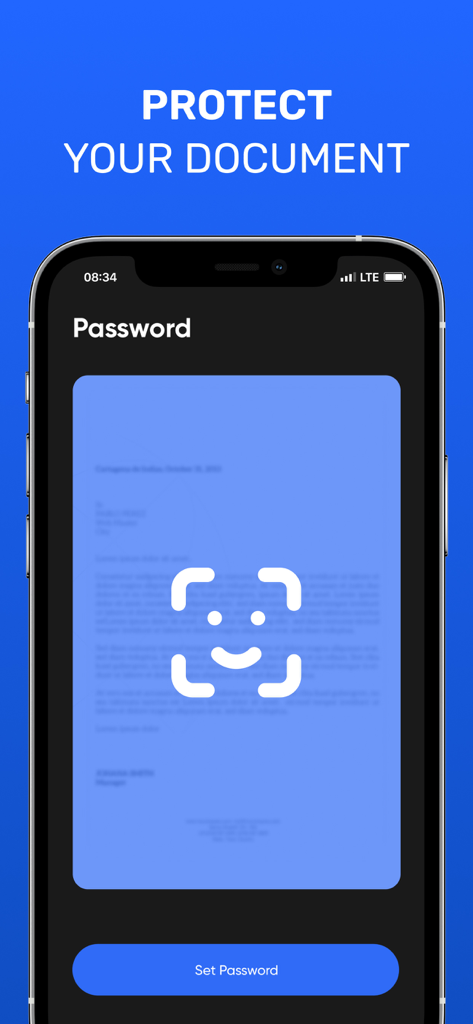
비밀번호 보호 및 문서 보안 기능을 표시하는 모바일 앱 화면
비밀번호 보호 및 문서 보안 기능을 표시하는 모바일 앱 화면

클라우드를 통해 기기 간 문서 동기화를 보여주는 문서 스캐너 앱 인터페이스

클라우드를 통해 기기 간 문서 동기화를 보여주는 문서 스캐너 앱 인터페이스

나만의 전문적인 휴대용 사무실

이 앱을 돋보이게 하는 도구, 596K+ 명의 사용자가 선택.

📄

스튜디오 품질의 스캔

자동 테두리 감지 및 그림자 제거 기능으로 이동 중에도 전문가처럼 선명하고 깔끔한 스캔이 가능합니다.

✍️

즉각적인 서명 및 편집

단 몇 초 만에 PDF나 JPEG에 서명, 워터마크 또는 주석을 직접 추가하여 계약을 더 빠르게 체결하세요.

🔐

안전한 문서 금고

강력한 비밀번호 보호 기능으로 민감한 계약서와 개인 기록을 보호하고 비즈니스 데이터를 안전하게 기밀로 유지하세요.

앱 소개

에 대해 알아야 할 모든 것 Document Scanner ㅤ.

설명

Document scanner is the best scanner app for iPhone. Scan documents, receipts, driver's licenses, books, etc. with your device and convert them to PDF / JPG / TXT files. Store and share files securely. Scan your documents in seconds. The advanced image processing in our scanner will automatically detect borders, correct perspective and distortion, remove shadows and noise, so your scans will look professional and clear. Share your scans via email or in any other way convenient for you. A functional editor, the ability to sign your documents, overlay watermarks, protect your files with a password and many other useful features. Ease of use. __________________ • Subscription gives you full access to the application. • Monthly subscription: $ 4.99
• Annual subscription: $ 25.99 • All prices are subject to change without notice. Sometimes we use promotional prices as incentives or limited time opportunities for qualified purchases made during the advertising period. Due to the time sensitivity and advertising nature of these events, we cannot offer price protection or retroactive discounts or refunds for previous purchases in the event of a price reduction or promotional offer. • Payment will be charged to iTunes Account at confirmation of purchase. • Subscription automatically renews unless auto-renew is turned off at least 24 hours before the end of the current period. • The account will be charged for renewal within 24 hours before the end of the current period, as well as to determine the cost of renewal • Subscriptions can be managed by the user, and auto-renewal can be turned off by going to the user account settings after purchase. • Any unused portion of the free trial period, if one is offered, will be canceled when the user acquires a subscription to this publication, where applicable. Have any feedback or comments? We’d love to hear from you at johhanneskoval@gmail.com Privacy Policy: https://bit.ly/3Ce07OJ Terms of Service: https://bit.ly/3chgv6g

최신 버전

3.0.3

크기

75.2 MB

출시일

2015년 8월 21일

iPhone을 전문적인 모바일 사무실로 바꾸세요

단 몇 초 만에 문서를 디지털화하고 서명하며 보안을 유지하는 596,000명 이상의 전문가와 함께하세요. 오늘 모바일 스캔의 새로운 기준을 경험해 보세요.

다운로드: App Store

App information, icons, screenshots, and descriptions displayed on this page are sourced from the Apple App Store and are the property of their respective developers. Download estimates and rankings are based on MWM's proprietary models and may not reflect actual figures. This page is provided for informational and analytical purposes only.

Believe this page infringes your intellectual property? File a dispute