Genius PDF & Document Scanner

Genius PDF & Document Scanner

다운로드: App Store
로고: Genius PDF & Document Scanner

Genius PDF & Document Scanner: 모든 문서를 스캔, 서명, 안전하게 보관

iPhone을 강력하고 광고 없는 포켓 오피스로 변환하세요. Face ID로 개인 정보를 보호하고 종이를 즉시 전문적인 PDF로 만드세요.

다운로드: App Store

개발사

Abdulla Yasin

카테고리

Business

다운로드

6K+

사용자 평점

1.0/5

총 평가 수

0

지원 언어

11

주머니 속의 정밀함

이 인터페이스를 사용하는 6K+ 명의 사용자.

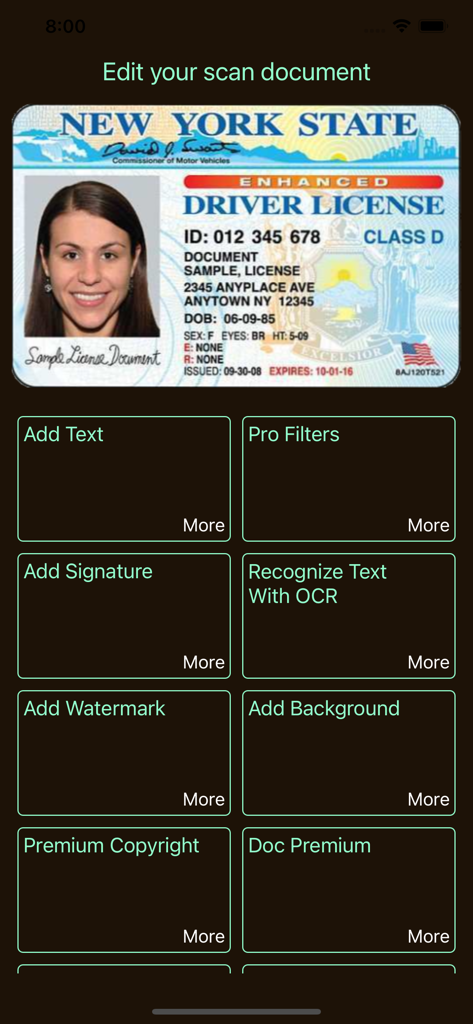
Genius PDF 스캐너 앱 인터페이스, 스캔된 운전면허증에 대한 문서 편집 도구 표시
Genius PDF 스캐너 앱 인터페이스, 스캔된 운전면허증에 대한 문서 편집 도구 표시

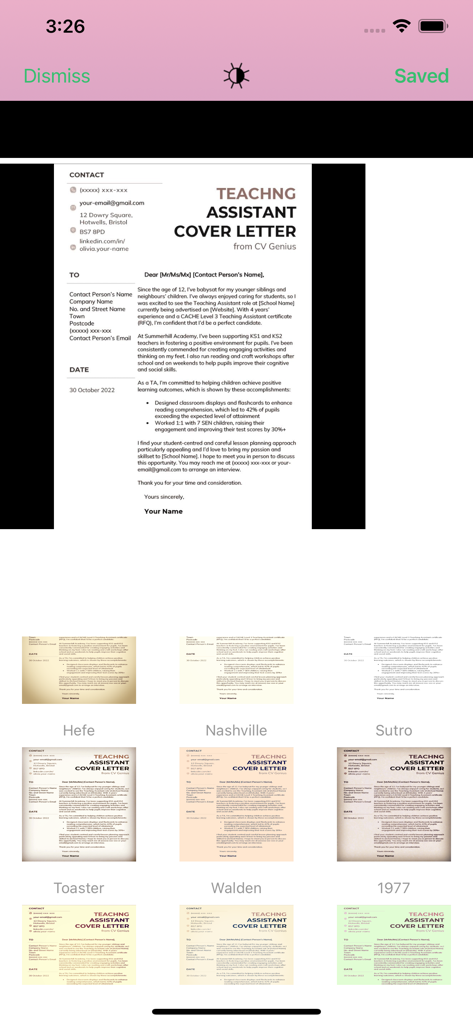
Genius PDF 스캐너 앱의 인터페이스, 스캔된 표지 서한을 향상시키기 위한 다양한 이미지 필터 표시
Genius PDF 스캐너 앱의 인터페이스, 스캔된 표지 서한을 향상시키기 위한 다양한 이미지 필터 표시

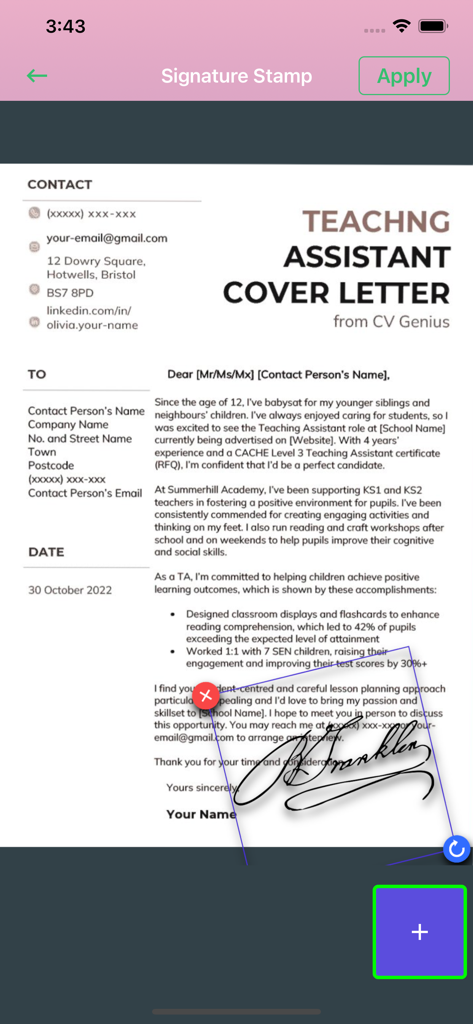
서명 스탬프 도구를 사용하여 표지 서한 문서에 손글씨 서명을 적용하는 모습을 보여주는 모바일 인터페이스
서명 스탬프 도구를 사용하여 표지 서한 문서에 손글씨 서명을 적용하는 모습을 보여주는 모바일 인터페이스

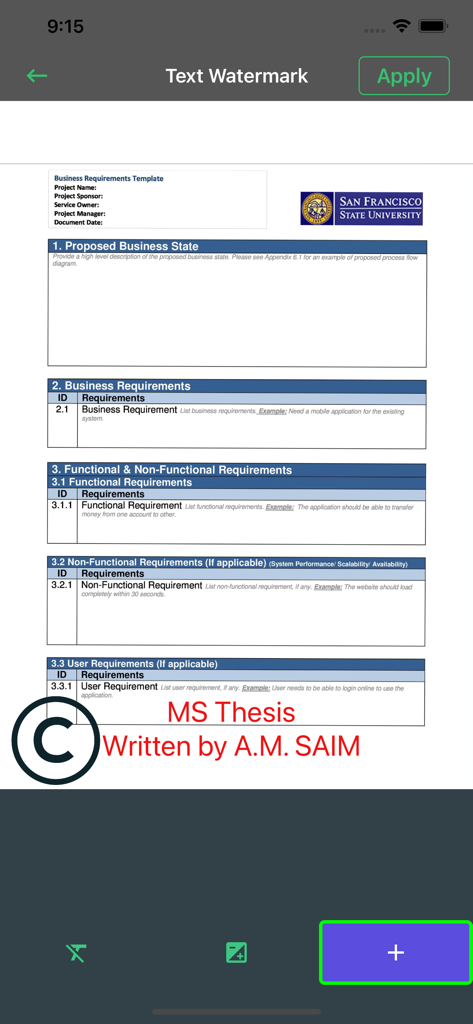
문서에 사용자 지정 텍스트 워터마크를 추가하는 방법을 보여주는 Genius PDF 앱의 인터페이스
문서에 사용자 지정 텍스트 워터마크를 추가하는 방법을 보여주는 Genius PDF 앱의 인터페이스

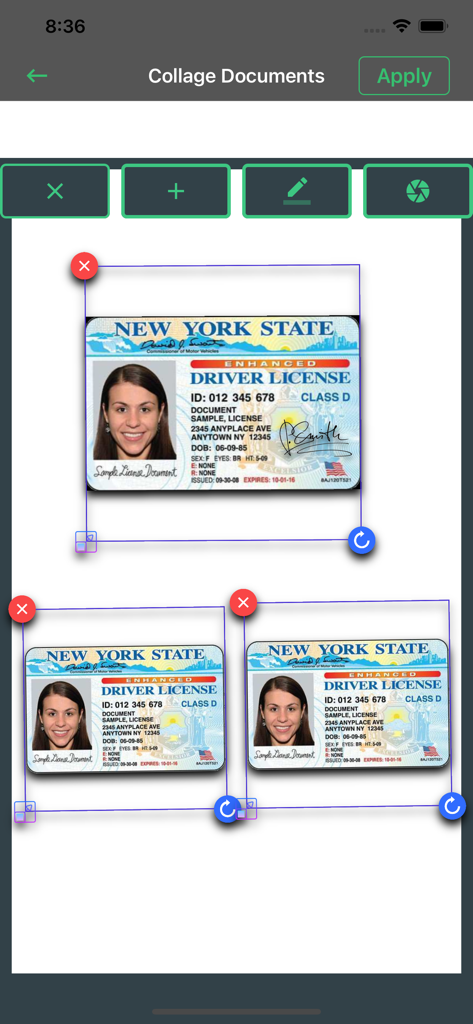
단일 페이지에 여러 스캔된 ID 카드가 배열된 문서 콜라주 기능을 보여주는 인터페이스
단일 페이지에 여러 스캔된 ID 카드가 배열된 문서 콜라주 기능을 보여주는 인터페이스

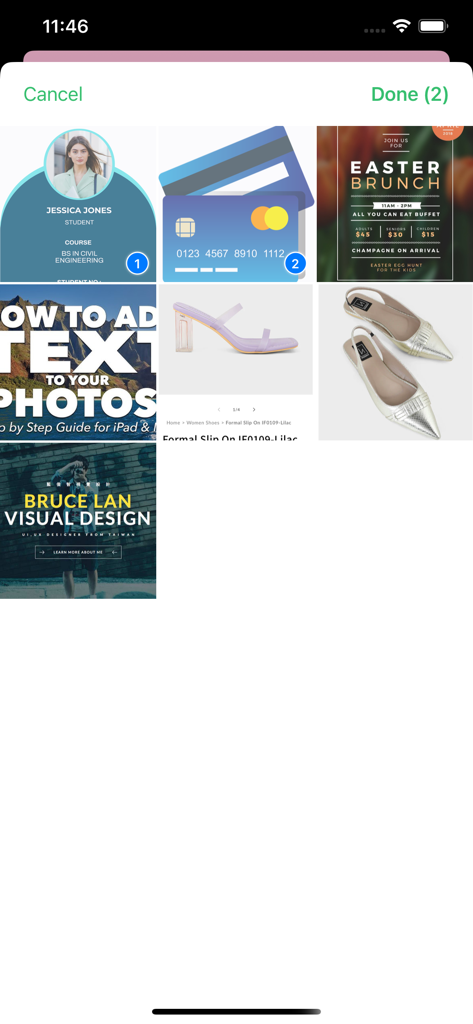
문서 및 사진 그리드를 보여주는 Genius PDF 스캐너 앱의 인터페이스, 처리할 두 항목 선택됨
문서 및 사진 그리드를 보여주는 Genius PDF 스캐너 앱의 인터페이스, 처리할 두 항목 선택됨

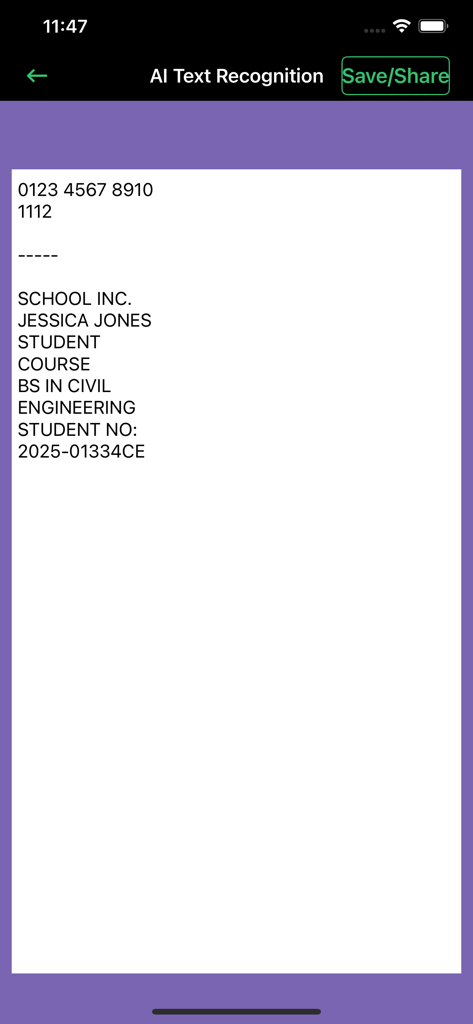
학생 문서에 대한 AI 텍스트 인식 및 OCR 결과를 표시하는 Genius PDF 스캐너 앱의 인터페이스
학생 문서에 대한 AI 텍스트 인식 및 OCR 결과를 표시하는 Genius PDF 스캐너 앱의 인터페이스

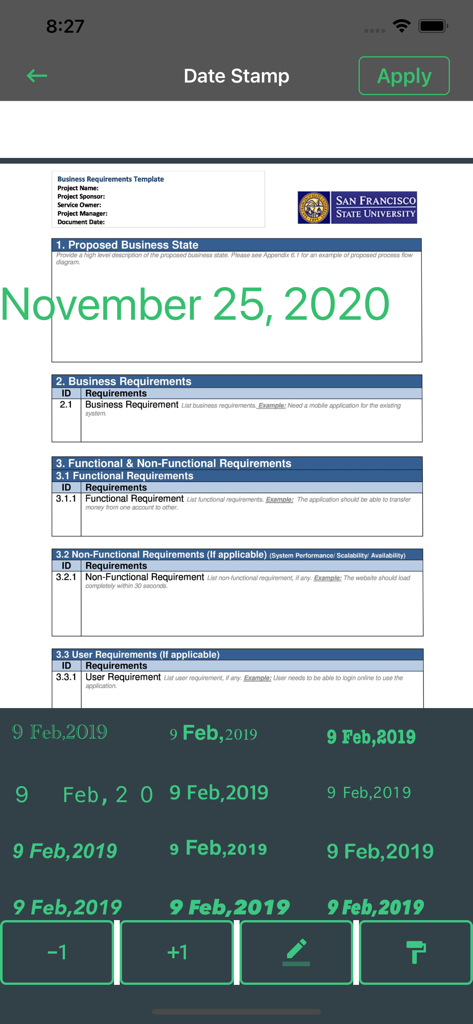
Genius PDF 스캐너 앱에서 날짜 스탬프 기능으로 편집 중인 비즈니스 문서
Genius PDF 스캐너 앱에서 날짜 스탬프 기능으로 편집 중인 비즈니스 문서

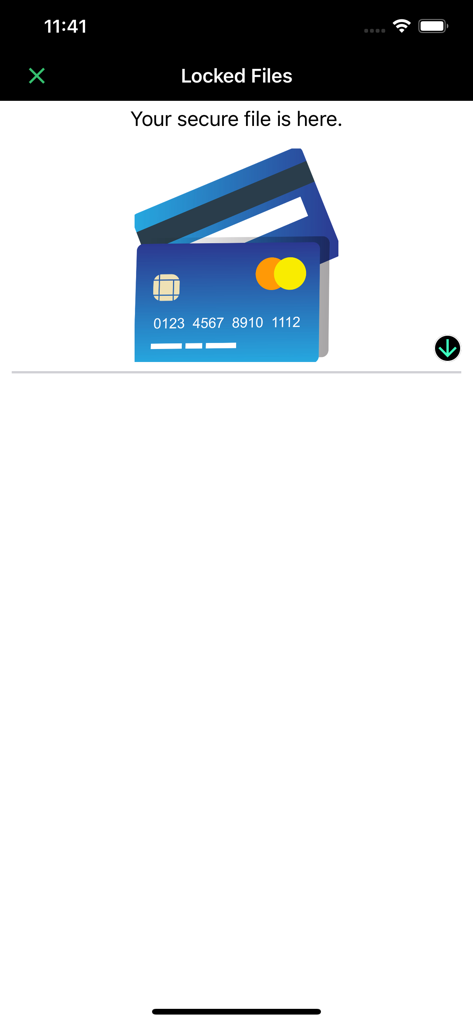
스캐너 앱의 잠긴 파일 섹션 스크린샷, 신용 카드 아이콘이 있는 안전한 문서 저장 영역 표시

스캐너 앱의 잠긴 파일 섹션 스크린샷, 신용 카드 아이콘이 있는 안전한 문서 저장 영역 표시

디지털 워크플로우를 강화하세요

이 앱을 돋보이게 하는 도구, 6K+ 명의 사용자가 선택.

🛡️

철통같은 문서 보안

Face ID 및 로컬 파일 암호 보호 기능으로 민감한 비즈니스 계약서 및 개인 신분증을 안전하게 보관하세요.

📄

고화질 다중 페이지 스캔

자동 가장자리 감지 및 전문가급 색 보정 기능으로 영수증부터 명함까지 모든 것을 배치 스캔하세요.

✍️

전문가급 편집 및 즉시 서명

OCR을 사용하여 주석을 달고, 서명하고, 텍스트를 추출한 후, 광고 없이 문서를 PDF로 변환하고 모든 플랫폼에 공유하세요.

앱 소개

에 대해 알아야 할 모든 것 Genius PDF & Document Scanner.

설명

Scan, edit, sign & secure documents with Face ID — fast, easy, and 100% ad-free! Are you in need of finding a good PDF and document scanner that works for free? Well, we bring you a unique 2 in 1 PDF & Document Scanner free of charge. It has a fantastic user interface that makes your way to scanned documents more manageable and more accessible. Welcome to a Dream document scanner where you can have your documents scanned in a matter of minutes. Just open the app and let the app do its magic. Our Dream document scanner is a social and mobile-friendly app through which you can easily access your scanned documents in a single touch. Scan documents, photos and save them on your phone entirely complimentary. Also, edit PDFs, documented, and images with the built-in document editor and iScanner. Features: Now it's time to scan your documents, pictures, and screenshots quickly and effortlessly with our app. Our scanner for the iPhone app is one of the best mobile scanners and PDF converters on the market, which is totally free of use. Browse through powerful editing features and use the PDF document scanner app in your own way. Now you can find both scanner and editor in one single fast scanner app without having to download many apps and suffocate your iPhone. Some features of this free PDF reader app are as follows: More Premium Genius Document Scanner Features: - Multiple Document scanning. - You can secure your documents using Face ID or password - Multipage Editing, OCR & More. - With one click, convert multiple documents into PDF & share with any platform. - More easy to manage, secure documents. Doc Scanner: Scan documents more accessible and faster with this free and offline app. Scanner for iPhone: Scan documents in grayscale, black, white, or colored as much as you desire. Photo Scanner: Operate this app with no hidden charges and advertisements. Document Scanner PDF Creator: Make documents in PDF and later send them to desired people. PDF Document Scanner: Scan documents with a powerful inbuilt scanner that detects high-class numbers and alphabets. iScanner: Scan pictures and images with a high-quality laser-cut scanner that works for free. Fast Scanner: Scan fast with automatic scan technology and free editing tools. Mobile Scanner: Easily scan your documents with your mobile and turn them into portable documents. Document Editor: Edit documents and share them on your social media handles for free. Photo Editing Tools: Remake photos with editing software and correct them using crop, blur control, and color correction features. PDF Editor Free: Make PDF and edit them without any troubles with our free and offline app. Free PDF Reader: Scan documents and read them before you pass them on to your professionals. Business Card Scanner: Easily scan business cards using high-quality scanning features made for you. PDF Expert: Become a master of PDF collectors and turn every receipt and written document into a portable PDF. All Document Reader: Engage with reading documents. Edit and read it as much as you want. PREMIUM SUBSCRIPTION We Offer only three auto-renewing subscription packages on either a 1, 3 or 12-month basis. Secondly, pay your payment through the iTunes account after confirmation of purchase. Terms of Use: https://www.privacypolicies.com/terms/view/68237bda8beeae140d2d63c47874716a What's unique? Why use another app when you can simply scan your ids, business cards, receipts, notes, taxes, faxes, photos, pictures, manuscripts in one single document editor. You can also keep all your data saved in this app and download it on your phone too.Save and share documents in JPEG or PDF formats with your desired people.

최신 버전

1.8

크기

24.3 MB

출시일

2019년 9월 16일

주머니 속의 천재를 휴대할 준비가 되셨나요?

Face ID로 문서를 스캔, 서명, 안전하게 보관하는 수천 명의 전문가들과 함께하세요. 지금 iPhone에서 궁극의 광고 없는 모바일 오피스를 경험해 보세요.

다운로드: App Store

App information, icons, screenshots, and descriptions displayed on this page are sourced from the Apple App Store and are the property of their respective developers. Download estimates and rankings are based on MWM's proprietary models and may not reflect actual figures. This page is provided for informational and analytical purposes only.

Believe this page infringes your intellectual property? File a dispute