Pay once, use forever! You are free to use and upgrade the App in your whole life once you pay for the download once.
Do you want to share your exciting and memorable moments with someone?
Do you want to make your own movie?
Do you want to be a director, a producer, a starring actor?
In MovieSpirit, these characters can all be done by you alone!
With MovieSpirit, you can combine various media materials, such as videos, photos, music, text, recording and finger graffiti, and according to your creativity, edit them together and add various special effects (scene switching effects, Text animation, Filter effects, video Intro, masks and so on) to create your own movie.
Main functions:
- Crop, split, merge, cut, transform, flip and scale media clips
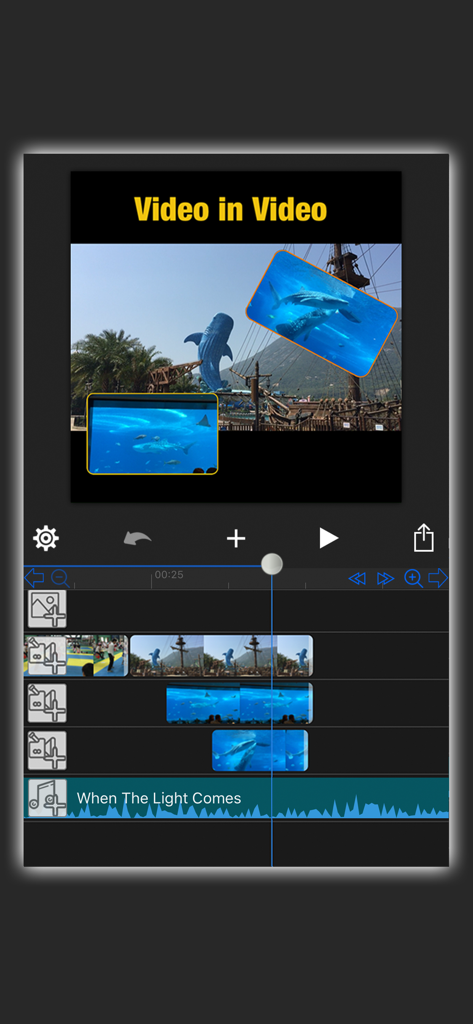
- Overlay multi-layers video (Picture-in-picture effect), no limit to the number of videos or pictures
- Professional Video Ratio, Scalable Timeline (frame by frame), Unlimited Track Layers
- Add masks (Line mask, Rectangle mask, Circle mask, Text mask and Path mask options) to hide or show parts of the video
- Video matting, remove video background
- Cutout Tool (Custom Shape Tools such as Pen Tool, Lasso Tool, Smudge Tool and Text Tool can be used for image matting)
- Replace background for green/blue screen video, chroma key compositing
- up to 50 special effects options, such as Blur, Snow, Rain, Bubble, Flower, Earthquake, Mirror, Fireworks, Smoke, Vortex, flame, Starry Sky and so on
- Gradual Opaque
- Fast-Forward, Slow-Motion and reverse video (1/12 Slow to 16-fold Speed)
- Text-to-Voice function (dozens of language options)
- 360 Degrees rotating video
- Multiple Image Blending modes
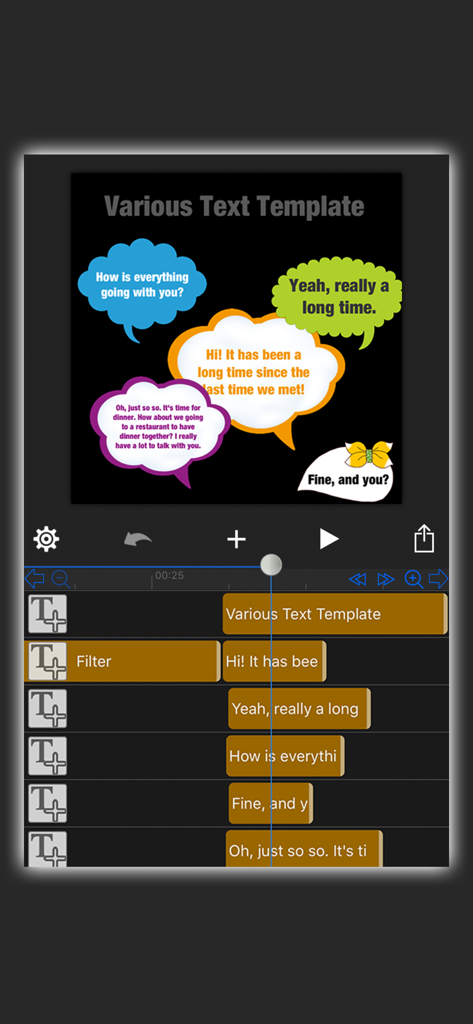
- Various fonts, text templates, text colors, vertical text, emojis, shadows, text strokes, alignment etc., supports downloading new fonts from Internet or icloud
- Built-in free music and sound effects in various styles, adding music from your computer or from iTunes, and extracting audio from videos
- Voice recording
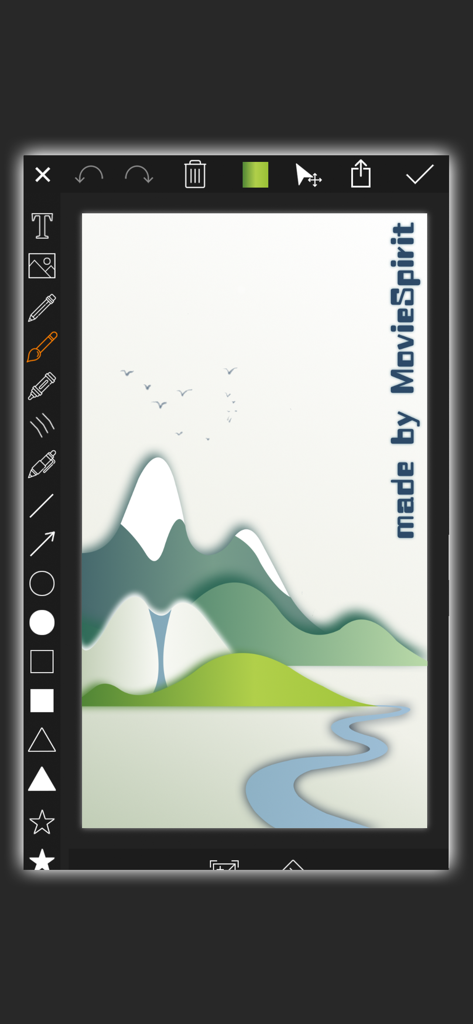
- Draw graffiti with your finger directly on the film, variety of auxiliary drawing shape tools that can be freely selected such as straight line, curve, arrow, circle, square, triangle, star, heart, colorful text and so on
- Simple automatic tracking function
- Add movable mosaic
- Custom Background Color, such as solid color, gradient color and extract color from picture
- Dozens of Animation effects
- Adjustable Brightness, Contrast, Saturation, Exposure, White Balance, Gamma
- Create your own GIF animation
- Private Custom Intro titles (sold separately)
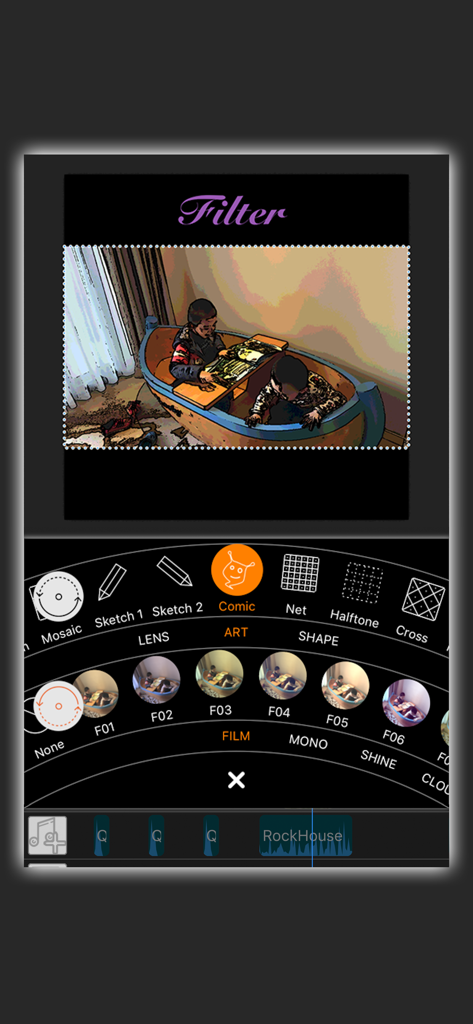
- Up to 80 filter effects (sketch, comics, fisheye, magnifiers, glass, background blur, rotation blur, vortex, various color filter and so on
- Up to 60 scene switching effects
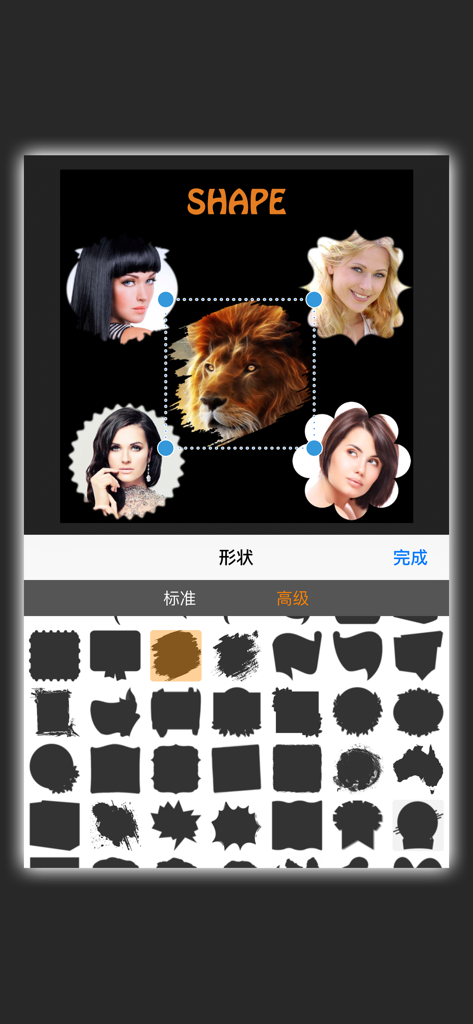
- dozens of appearance shapes can be set for video/picture such as circle, heart, diamond, star, various irregular shapes and even customize unique shapes
- Can turn the video/photo into black and white, highlight the part that needs to be highlighted (Color Splash)
- Free to deform video/photo into irregular shapes
- Add motion points to video/photo/text to make them move, zoom, rotate and move together to create a variety of gorgeous effects, such as fade-in and fade-out effect and up to 100 multiple phantom effect
- Real-time preview, high resolution video output (HD)
- Import multimedia material directly from your computer via Wi-Fi: videos, photos, music and GIF animations
- Save and share videos directly to social networks such as Facebook, Instagram, Twitter, iCloud, WeChat, Mailbox and so on
- Helpful video tutorials
We're looking forward to any feedback and comments on MovieSpirit, and if you have any query or problem, please feel free to contact us via email verytools2006@gmail.com
We are committed to your long-term satisfaction. Thanks!