PDF App: Convert, Create, Sign
다운로드: App Store

이 페이지는 앱이나 개발자의 공식 페이지가 아니며, 정보 제공 및 논평을 목적으로 작성된 독립 편집 간행물입니다. 명시적으로 달리 언급되지 않는 한, 해당 앱이나 개발자는 MWM, Apple, Google Play, 앱 퍼블리셔 또는 앱 개발자와 제휴, 보증, 후원, 승인 또는 공식적으로 연결되어 있지 않으며, 이 페이지의 어떤 내용도 해당 앱이 MWM의 서비스를 사용하여 개발되었음을 의미하지 않습니다. 모든 상표, 로고, 스크린샷 및 기타 콘텐츠는 해당 소유자의 자산입니다.

로고: PDF App: Convert, Create, Sign
다운로드: App Store

PDF App: Convert, Create, Sign

이동 중에 문서를 생성, 편집 및 서명하는 가장 빠른 방법. 현대적이고 민첩한 전문가를 위해 설계된 강력한 도구로 워크플로를 간소화하세요.

주요 수치

다운로드

57K+

사용자 평점

4.7/5

총 평가 수

800

개발사

Minimodev Technologies LTD

카테고리

Productivity

지원 언어

1

최신 버전

1.0.6

크기

72.8 MB

출시일

2024년 6월 26일
기능

이동 중에도 워크플로 마스터하기

여러 도구를 찾아 헤매지 마세요. 전문적인 문서를 생성, 변환 및 서명하는 데 필요한 모든 것이 주머니에 있으며 모바일 우선 전문가를 위해 제작되었습니다.

즉시 디지털 서명

몇 초 만에 계약서 및 법률 문서에 서명하세요. 서명을 한 번 생성하고 어디에나 적용하여 프린터 없이도 더 빠르게 거래를 성사시키세요.

다양한 파일 변환

이미지, Word 문서 및 스프레드시트를 즉시 전문적인 PDF로 변환하세요. 모든 문서를 사진으로 찍어 즉석에서 고품질 파일로 만드세요.

다음 스크린샷과 설명은 앱의 공식 스토어 목록에서 직접 가져온 것이며 앱 개발자의 자산입니다.

앱 스토어

스크린샷
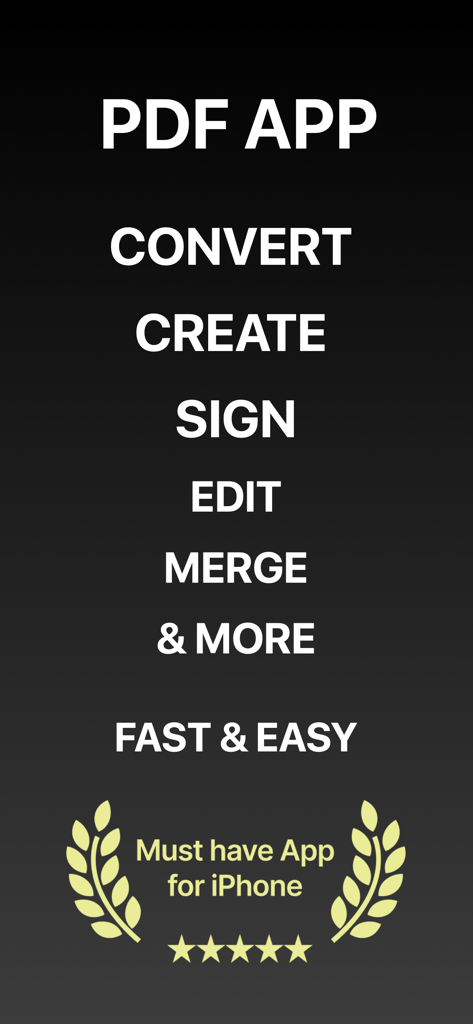
PDF App: Convert, Create, Sign - PDF 앱 스크린샷에는 변환, 생성, 서명, 편집, 병합 기능과 iPhone에 대한 5성급 평가가 표시됩니다.
PDF 앱 스크린샷에는 변환, 생성, 서명, 편집, 병합 기능과 iPhone에 대한 5성급 평가가 표시됩니다.

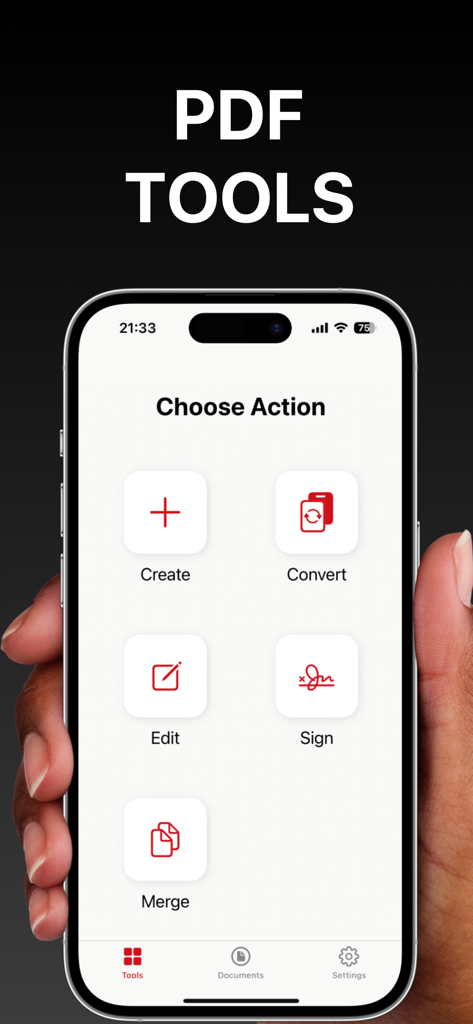
PDF App: Convert, Create, Sign - iPhone 화면에는 문서 생성, 변환, 편집, 서명 및 병합 옵션이 있는 PDF 앱의 기본 대시보드가 표시됩니다.
iPhone 화면에는 문서 생성, 변환, 편집, 서명 및 병합 옵션이 있는 PDF 앱의 기본 대시보드가 표시됩니다.

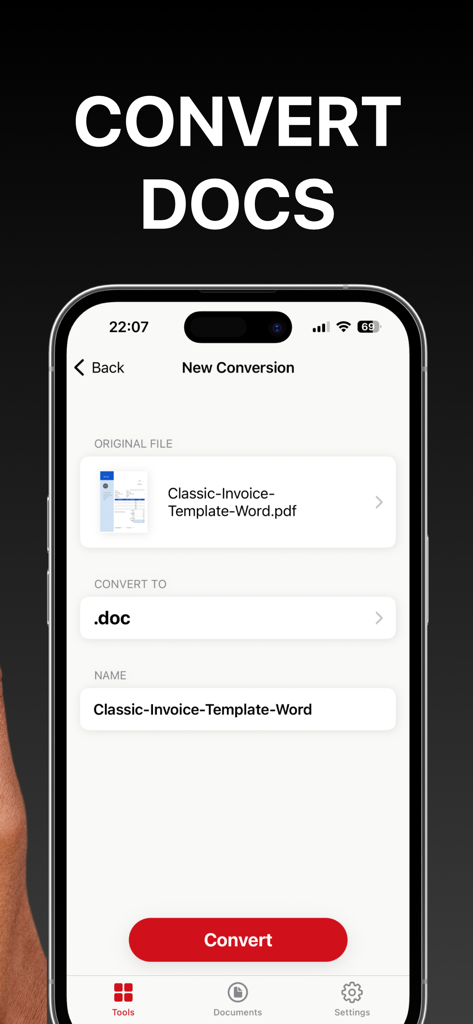
PDF App: Convert, Create, Sign - PDF 문서를 Word 파일로 변환하는 모바일 앱 인터페이스.

PDF 문서를 Word 파일로 변환하는 모바일 앱 인터페이스.

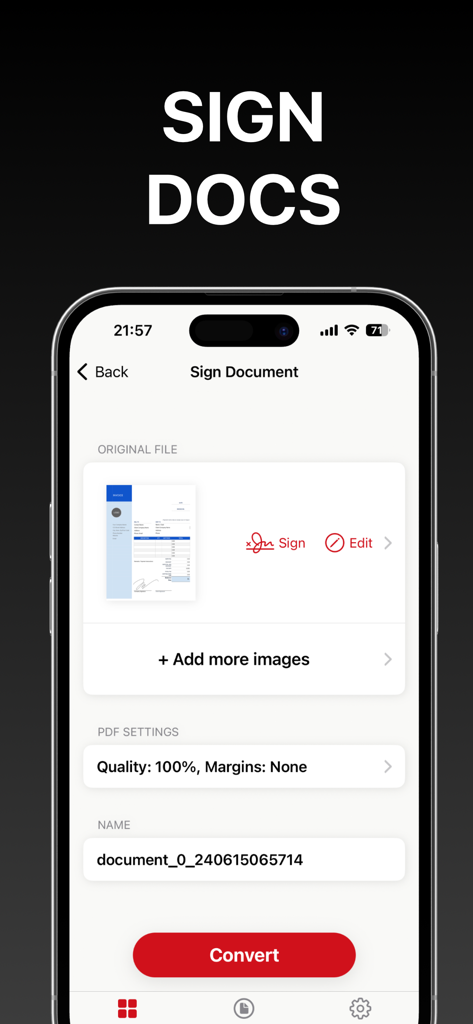
PDF App: Convert, Create, Sign - iPhone에서 PDF 문서에 서명하고 변환하는 모바일 인터페이스.
iPhone에서 PDF 문서에 서명하고 변환하는 모바일 인터페이스.

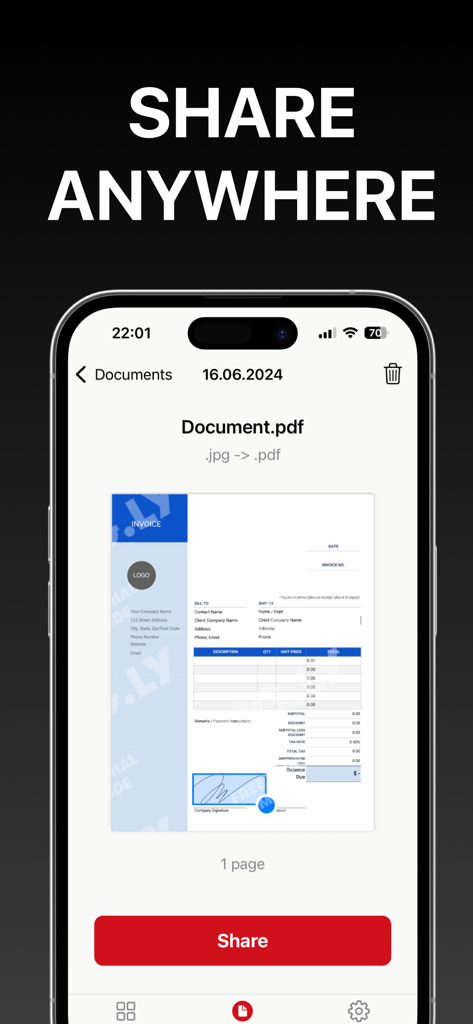
PDF App: Convert, Create, Sign - iPhone의 PDF 앱 인터페이스에는 문서 미리 보기와 쉬운 문서 내보내기를 위한 눈에 띄는 빨간색 공유 버튼이 표시됩니다.

iPhone의 PDF 앱 인터페이스에는 문서 미리 보기와 쉬운 문서 내보내기를 위한 눈에 띄는 빨간색 공유 버튼이 표시됩니다.

설명

Introducing PDF App: Convert, Create, Sign – your all-in-one solution for seamless PDF management. Elevate your productivity with our powerful and intuitive tool. - Create PDFs with Ease: Effortlessly create professional PDF documents using pre-installed layouts. Import images from your gallery or snap new photos directly within the app. Customize and format your documents to perfection. - Convert with Versatility: Transform various file formats into PDF and vice versa. Whether it's a Word document, an image, or a spreadsheet, convert it to PDF with just a few taps. - Sign Documents Quickly: Create your signature and place it on any document with ease. Simplify your workflow and ensure your documents are signed and ready. - Edit Existing PDFs: Make corrections and updates to your existing PDF files with our easy-to-use editing tools. - Combine Documents: Merge multiple PDF files into a single document. Organize and consolidate your files for better management and accessibility. - Export Effortlessly: Export your PDFs quickly and efficiently. Share your documents via email, cloud services, or other applications directly from the app. Transform your PDF experience with PDF App: Convert, Create, Sign – the ultimate tool for creating, converting, signing, editing, and exporting PDFs. Download now and unlock the full potential of your documents! Information about the auto-renewal of subscription: - Payment will be charged to iTunes Account at confirmation of purchase; – Subscriptions are billed weekly, monthly, quarterly, or annually at the rate based on the subscription plan - Subscription automatically renews unless auto-renew is turned off at least 24 hours before the end of the current period; - The account will be charged for renewal within 24 hours before the end of the current period. The cost depends on the selected plan; - Subscriptions may be managed by the user, and auto-renewal may be turned off by going to the user’s Account Settings after purchase; Privacy Policy: https://minimodev.com/pdf_app/privacy Terms of Use: https://minimodev.com/pdf_app/terms For any questions or inquiries, please get in touch: support@minimodev.com

Download

다운로드: App Store

이 페이지는 앱이나 개발자의 공식 페이지가 아니며, 정보 제공 및 논평을 목적으로 작성된 독립 편집 간행물입니다. 명시적으로 달리 언급되지 않는 한, 해당 앱이나 개발자는 MWM, Apple, Google Play, 앱 퍼블리셔 또는 앱 개발자와 제휴, 보증, 후원, 승인 또는 공식적으로 연결되어 있지 않으며, 이 페이지의 어떤 내용도 해당 앱이 MWM의 서비스를 사용하여 개발되었음을 의미하지 않습니다. 모든 상표, 로고, 스크린샷 및 기타 콘텐츠는 해당 소유자의 자산입니다.