PDF Doc Scanner: Scan Cloud
다운로드: App Store

이 페이지는 앱이나 개발자의 공식 페이지가 아니며, 정보 제공 및 논평을 목적으로 작성된 독립 편집 간행물입니다. 명시적으로 달리 언급되지 않는 한, 해당 앱이나 개발자는 MWM, Apple, Google Play, 앱 퍼블리셔 또는 앱 개발자와 제휴, 보증, 후원, 승인 또는 공식적으로 연결되어 있지 않으며, 이 페이지의 어떤 내용도 해당 앱이 MWM의 서비스를 사용하여 개발되었음을 의미하지 않습니다. 모든 상표, 로고, 스크린샷 및 기타 콘텐츠는 해당 소유자의 자산입니다.

로고: PDF Doc Scanner: Scan Cloud
다운로드: App Store

PDF Doc Scanner: Scan Cloud

iPhone을 강력한 모바일 오피스로 바꾸세요. 고품질 PDF 캡처, 디지털 서명 추가, Face ID 및 암호화된 클라우드 스토리지로 민감한 문서 보호.

주요 수치

다운로드

669K+

사용자 평점

2.9/5

총 평가 수

400

개발사

SHARE YAZILIM LIMITED SIRKETI

카테고리

Utilities

지원 언어

23

최신 버전

2.1

크기

62.0 MB

출시일

2020년 4월 27일
기능

어디서든 당신의 전문적인 오피스

부피가 큰 하드웨어를 버린 수천 명의 모바일 전문가와 함께하세요. 속도와 개인 정보 보호를 위해 제작된 도구로 문서를 스캔, 서명 및 보호하세요.

스마트 자동 감지

자동 테두리 감지 및 AI 최적화를 통해 고해상도 문서를 즉시 캡처하여 완벽하고 전문적인 스캔을 보장합니다.

통합 전자 서명

이동 중에 계약서 및 양식을 마무리하세요. 인쇄기 없이도 앱에 직접 서명을 추가하고 몇 초 안에 다시 이메일로 보낼 수 있습니다.

다음 스크린샷과 설명은 앱의 공식 스토어 목록에서 직접 가져온 것이며 앱 개발자의 자산입니다.

앱 스토어

스크린샷
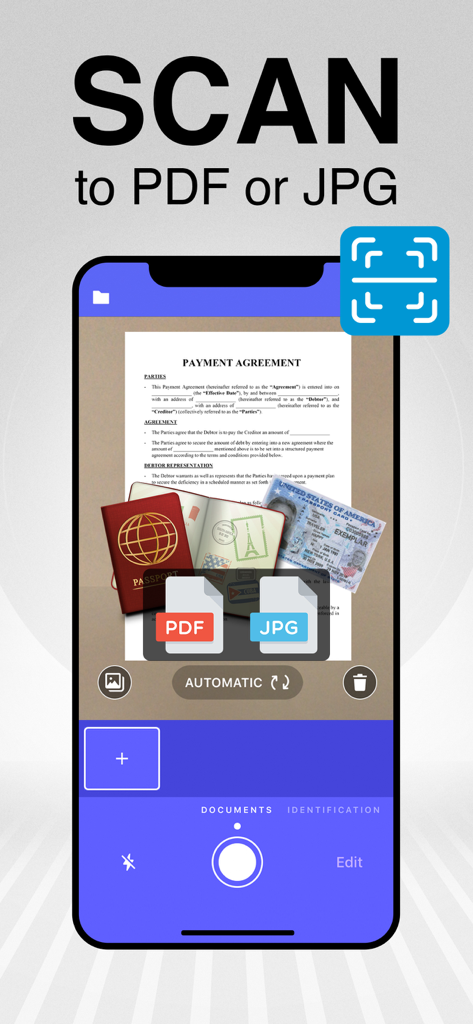
PDF Doc Scanner: Scan Cloud - Scan Cloud 앱의 PDF 또는 JPG 스캔 기능을 보여주는 스마트폰. 문서와 여권이 스캔되는 모습.
Scan Cloud 앱의 PDF 또는 JPG 스캔 기능을 보여주는 스마트폰. 문서와 여권이 스캔되는 모습.

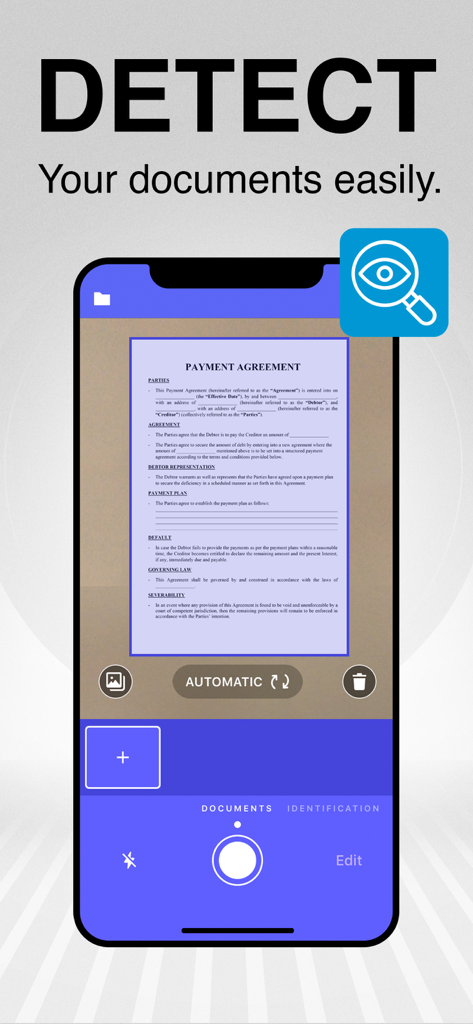
PDF Doc Scanner: Scan Cloud - 스마트폰 앱 인터페이스에서 스캔을 위해 문서의 자동 테두리 감지 기능 표시
스마트폰 앱 인터페이스에서 스캔을 위해 문서의 자동 테두리 감지 기능 표시

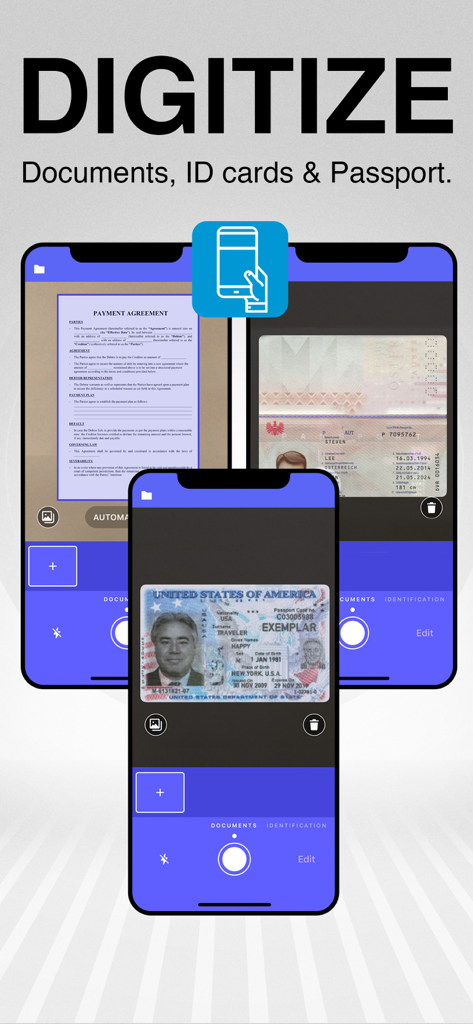
PDF Doc Scanner: Scan Cloud - 스마트폰 카메라를 사용하여 물리적 문서 및 신분증을 디지털화하는 방법을 보여주는 모바일 앱 인터페이스
스마트폰 카메라를 사용하여 물리적 문서 및 신분증을 디지털화하는 방법을 보여주는 모바일 앱 인터페이스

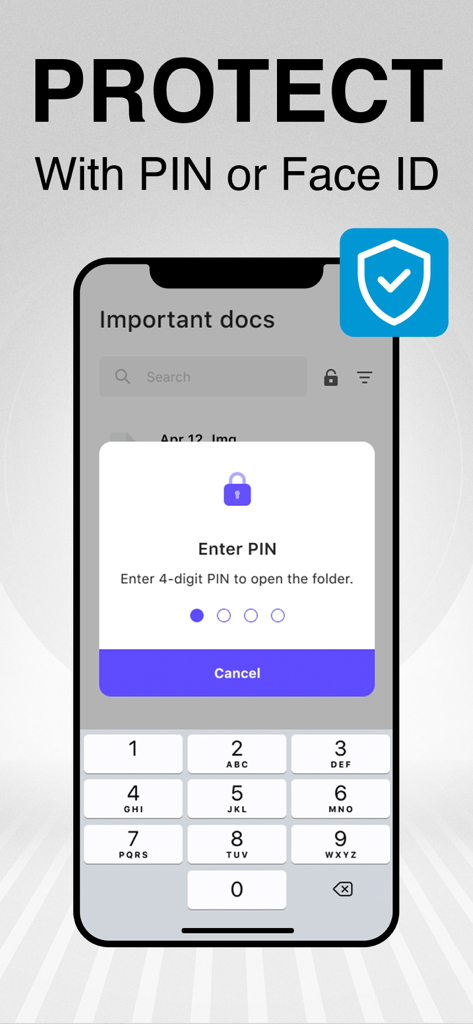
PDF Doc Scanner: Scan Cloud - Scan Cloud에서 PIN 또는 Face ID로 스캔한 문서를 보호하세요
Scan Cloud에서 PIN 또는 Face ID로 스캔한 문서를 보호하세요

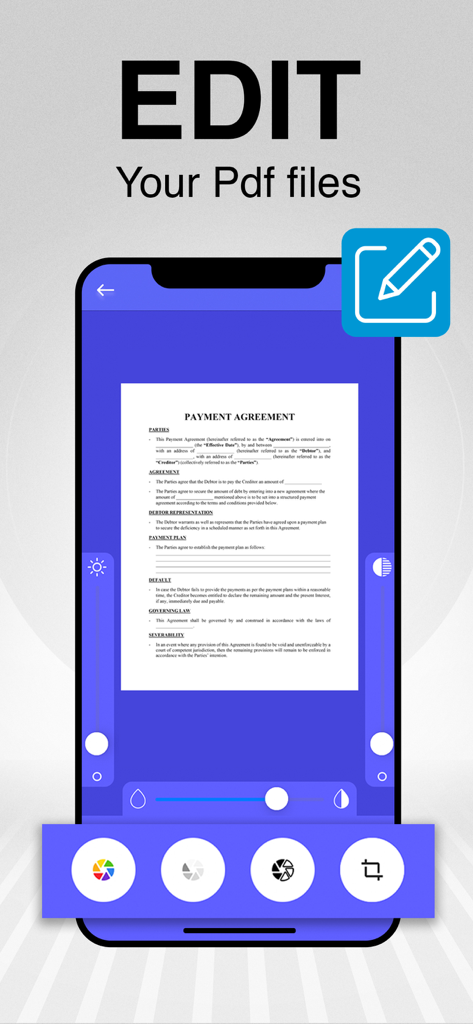
PDF Doc Scanner: Scan Cloud - 다양한 디지털 도구로 결제 계약서 문서를 편집하는 모습을 보여주는 모바일 앱 인터페이스
다양한 디지털 도구로 결제 계약서 문서를 편집하는 모습을 보여주는 모바일 앱 인터페이스

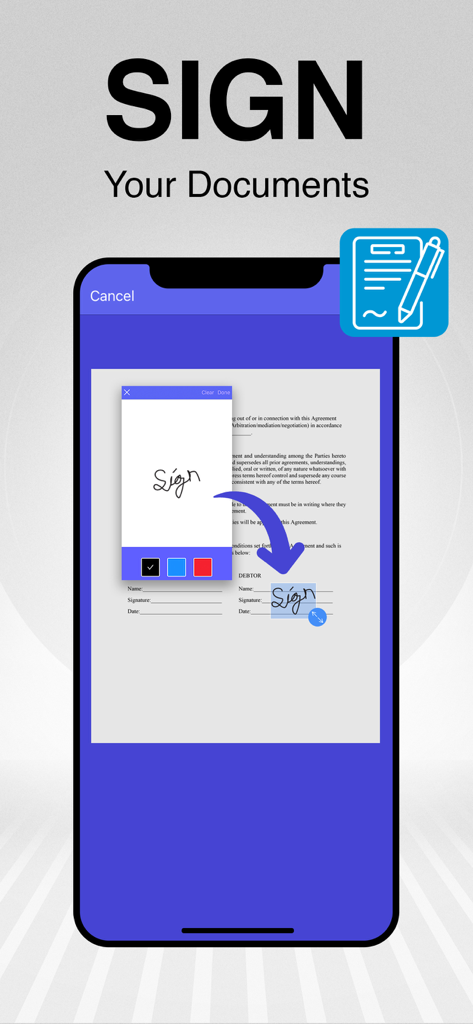
PDF Doc Scanner: Scan Cloud - 스캔된 PDF 문서에 디지털 서명을 추가하는 방법을 보여주는 모바일 앱 인터페이스
스캔된 PDF 문서에 디지털 서명을 추가하는 방법을 보여주는 모바일 앱 인터페이스

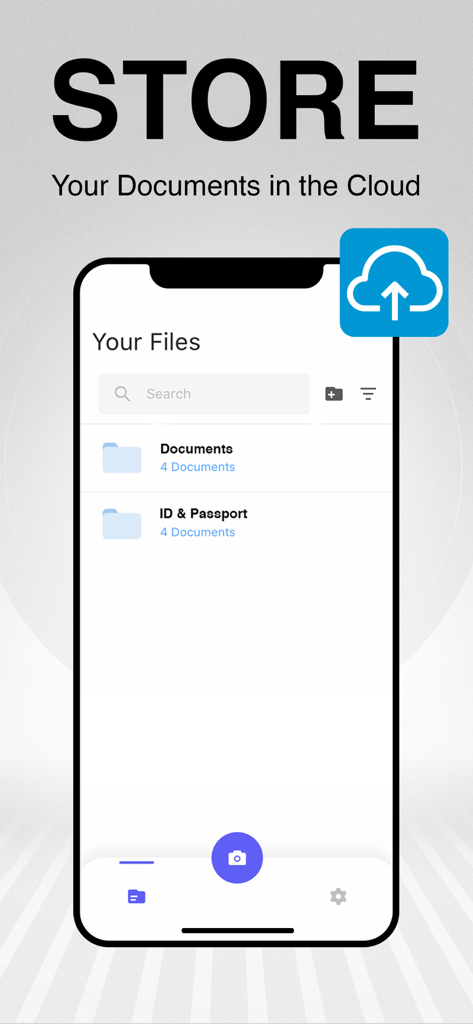
PDF Doc Scanner: Scan Cloud - 스캔한 문서 및 클라우드 백업 옵션에 대한 정리된 폴더를 보여주는 모바일 앱 인터페이스
스캔한 문서 및 클라우드 백업 옵션에 대한 정리된 폴더를 보여주는 모바일 앱 인터페이스

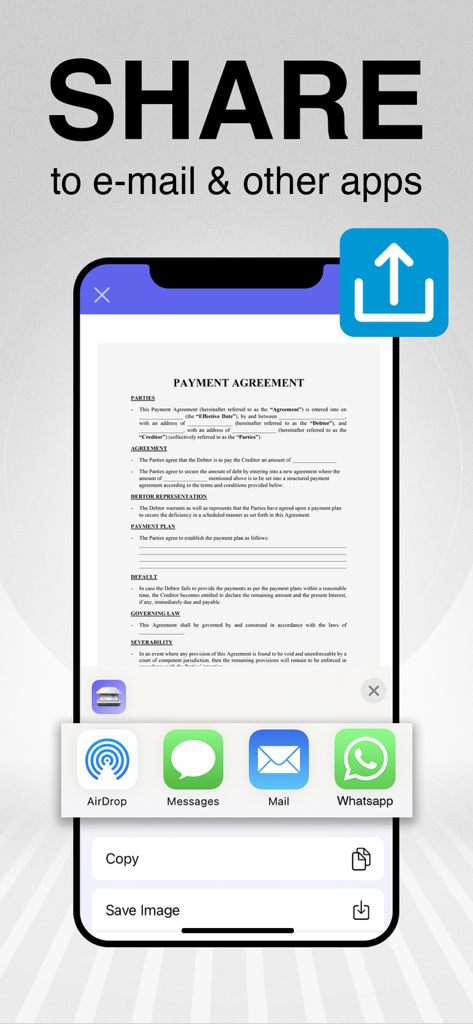
PDF Doc Scanner: Scan Cloud - 결제 계약서 문서를 이메일 및 기타 메시징 앱을 통해 공유하는 모습을 보여주는 스마트폰 화면

결제 계약서 문서를 이메일 및 기타 메시징 앱을 통해 공유하는 모습을 보여주는 스마트폰 화면

설명

Are you looking for a pocket scanner to scan your documents?Two talented companies have developed an excellent utility app: Scan Cloud. Scan Cloud will be an integral part of your daily life. Scan anything you want, including invoices, documents, notepapers, fax pages, even books. Save your scanned files as PDF in multiple pages or JPG. Here are some of the great skills of Scan Cloud: - Scan, print, save and manage your documents easily and quickly! - Get high resolution scanned documents in PDF or JPG format. - Scan Cloud is a mobile scanning app that will turn your iOS device into a useful scanner. - Automatic shutter and border detection for any scannable object. - Use your phone camera as a scanner to scan your bills, notes, whiteboard meeting notes, business cards, certificates, etc. - Optimize your scanned documents without losing quality. - Group your documents into files and store them in the cloud. - Protect your documents with a PIN or Face ID and keep them secure! - Add your signature and sign documents. - Convert your scanned files into greyscale, black & white or color. - Share your documents as PDF or image via email. Explore Scan Cloud Premium: - Unlimited storage space on our secure server! - Unlimited editing option. - Lock your documents with a PIN code! We are offering in-app purchases and a 7-day free trial for the premium version of Scan Cloud! You can purchase a weekly subscription for a short-term trial. We recommend you to purchase a yearly subscription to enjoy the privileges of Scan Cloud Premium more. The cost will be charged to your iTunes account and it will vary from country to country. You will be able to see the fee amount before completing the purchase. Subscriptions with in-app purchases will be renewed according to the renewal scheme of the selected payment plan. To terminate automatic subscription renewal, you must deselect the automatic subscription renewal option at most 24 hours before your subscription expires. You can cancel your automatic subscription renewal at any time from your iTunes account settings. Where applicable, the privileges granted during the free trial period that have not been used will lose their validity at the time the user purchases a subscription of the related publication. Privacy Policy: http://scancloudapp.com/ScanCloud-Privacy-Policy.pdf Terms & Conditions: http://scancloudapp.com/ScanCloudTermsOfUse.pdf

Download

다운로드: App Store

이 페이지는 앱이나 개발자의 공식 페이지가 아니며, 정보 제공 및 논평을 목적으로 작성된 독립 편집 간행물입니다. 명시적으로 달리 언급되지 않는 한, 해당 앱이나 개발자는 MWM, Apple, Google Play, 앱 퍼블리셔 또는 앱 개발자와 제휴, 보증, 후원, 승인 또는 공식적으로 연결되어 있지 않으며, 이 페이지의 어떤 내용도 해당 앱이 MWM의 서비스를 사용하여 개발되었음을 의미하지 않습니다. 모든 상표, 로고, 스크린샷 및 기타 콘텐츠는 해당 소유자의 자산입니다.








