PDF Editor : Document Reader
다운로드: App Store

이 페이지는 앱이나 개발자의 공식 페이지가 아니며, 정보 제공 및 논평을 목적으로 작성된 독립 편집 간행물입니다. 명시적으로 달리 언급되지 않는 한, 해당 앱이나 개발자는 MWM, Apple, Google Play, 앱 퍼블리셔 또는 앱 개발자와 제휴, 보증, 후원, 승인 또는 공식적으로 연결되어 있지 않으며, 이 페이지의 어떤 내용도 해당 앱이 MWM의 서비스를 사용하여 개발되었음을 의미하지 않습니다. 모든 상표, 로고, 스크린샷 및 기타 콘텐츠는 해당 소유자의 자산입니다.

로고: PDF Editor : Document Reader
다운로드: App Store

PDF Editor : Document Reader

인쇄기를 찾아 헤매는 것을 멈추세요. 이동 중인 iPhone 또는 iPad에서 바로 문서를 스캔, 서명, 편집 및 병합하세요. 바쁜 전문가와 학생을 위한 서류 작업을 처리하는 가장 빠르고 안정적인 방법입니다.

주요 수치

다운로드

98K+

사용자 평점

4.7/5

총 평가 수

2K+

개발사

Maxima Apps

카테고리

Business

지원 언어

9

최신 버전

2.9.6

크기

114.0 MB

출시일

2021년 1월 30일
기능

완벽한 모바일 오피스 스위트

인쇄기 및 스캐너를 찾아 헤매는 것을 멈추세요. 어디서든 문서를 편집, 서명 및 관리하는 데 필요한 모든 전문 도구를 받으세요.

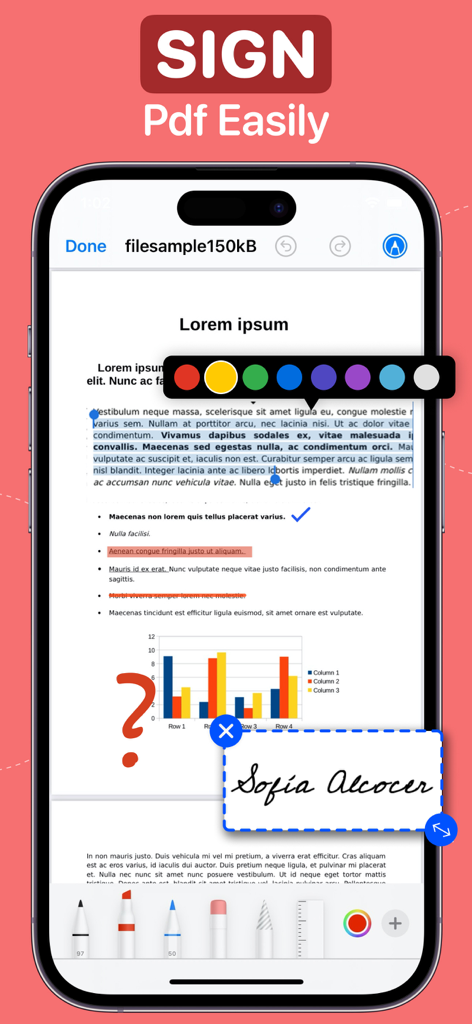
즉석에서 서명 및 작성

iPhone 또는 iPad에서 바로 계약서에 서명하고 전문 양식을 작성하여 거래를 더 빨리 완료하세요.

전문가급 모바일 스캔

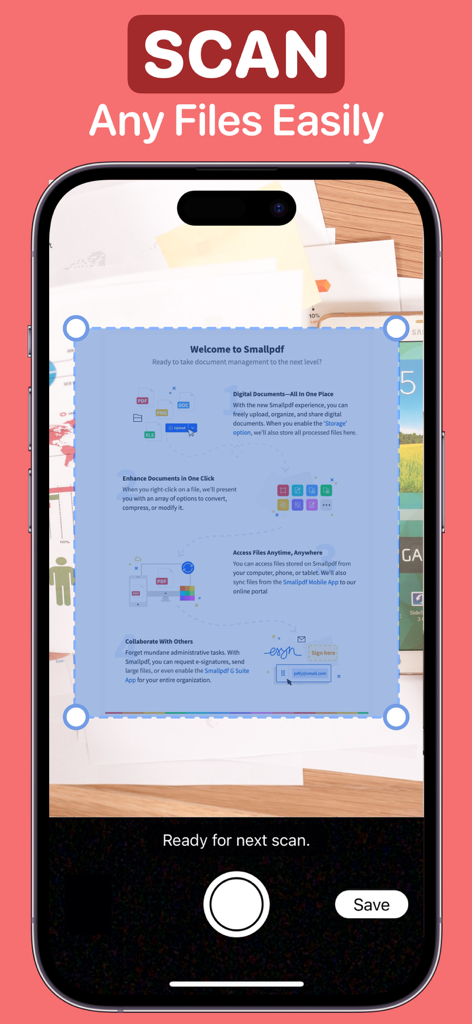
실시간 텍스트 인식이 내장된 카메라를 사용하여 실제 서류를 즉시 고품질 PDF로 변환하세요.

다음 스크린샷과 설명은 앱의 공식 스토어 목록에서 직접 가져온 것이며 앱 개발자의 자산입니다.

앱 스토어

스크린샷
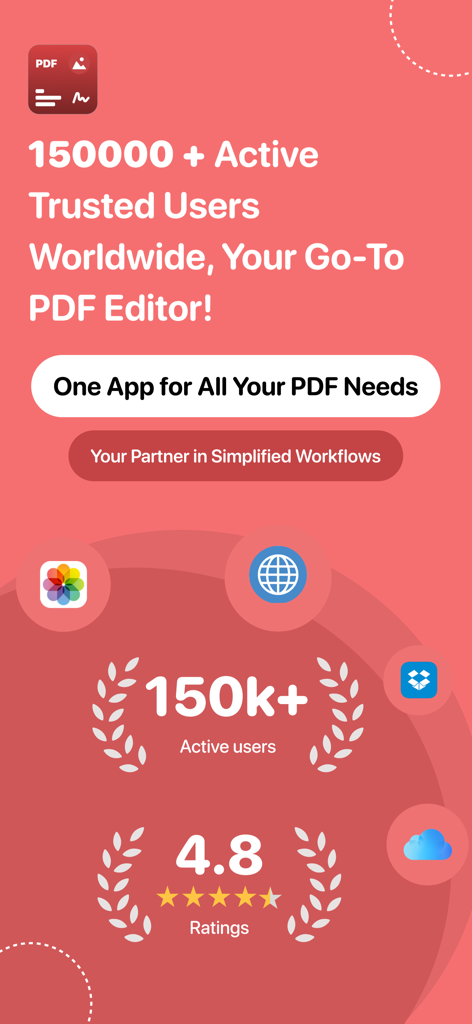
PDF Editor : Document Reader - PDF 편집기 앱의 홍보용 화면으로, 활성 사용자 150,000명과 4.8점의 평점을 보여줍니다.
PDF 편집기 앱의 홍보용 화면으로, 활성 사용자 150,000명과 4.8점의 평점을 보여줍니다.

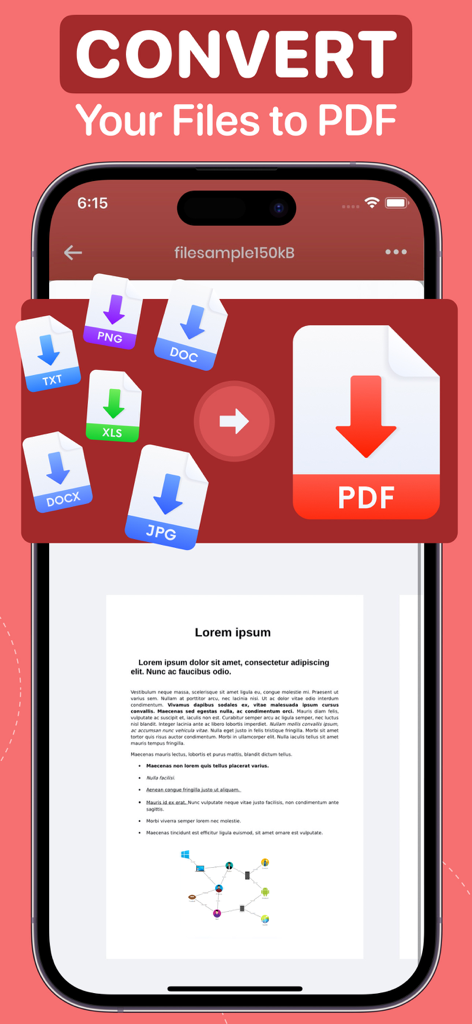
PDF Editor : Document Reader - PNG DOC TXT XLS 및 JPG 파일을 PDF 문서로 변환하는 모바일 앱 화면
PNG DOC TXT XLS 및 JPG 파일을 PDF 문서로 변환하는 모바일 앱 화면

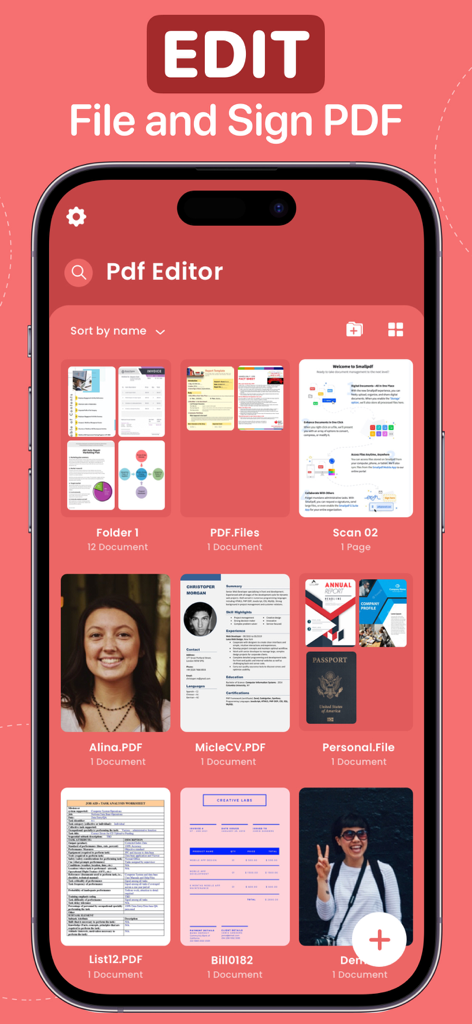
PDF Editor : Document Reader - 문서 관리를 위한 다양한 파일과 폴더를 보여주는 PDF 편집기 앱 인터페이스
문서 관리를 위한 다양한 파일과 폴더를 보여주는 PDF 편집기 앱 인터페이스

PDF Editor : Document Reader - 디지털 서명 및 주석 도구가 문서에 적용된 PDF 편집기 앱을 보여주는 iPhone 인터페이스
디지털 서명 및 주석 도구가 문서에 적용된 PDF 편집기 앱을 보여주는 iPhone 인터페이스

PDF Editor : Document Reader - 클라우드 스토리지 및 스캔에서 문서 가져오기 옵션을 보여주는 PDF 편집기 앱 인터페이스
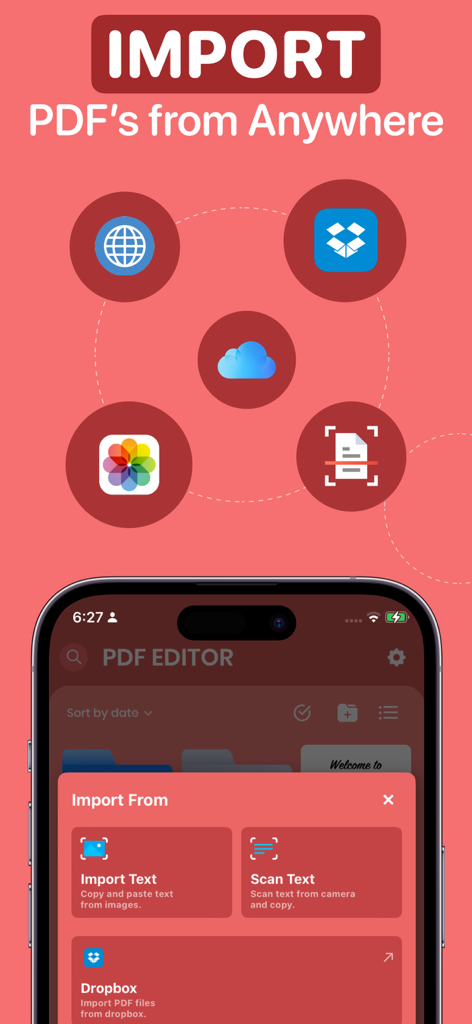
클라우드 스토리지 및 스캔에서 문서 가져오기 옵션을 보여주는 PDF 편집기 앱 인터페이스

PDF Editor : Document Reader - 텍스트 강조 표시 및 복사 및 공유를 위한 상황별 메뉴가 있는 PDF 문서 모바일 앱 인터페이스
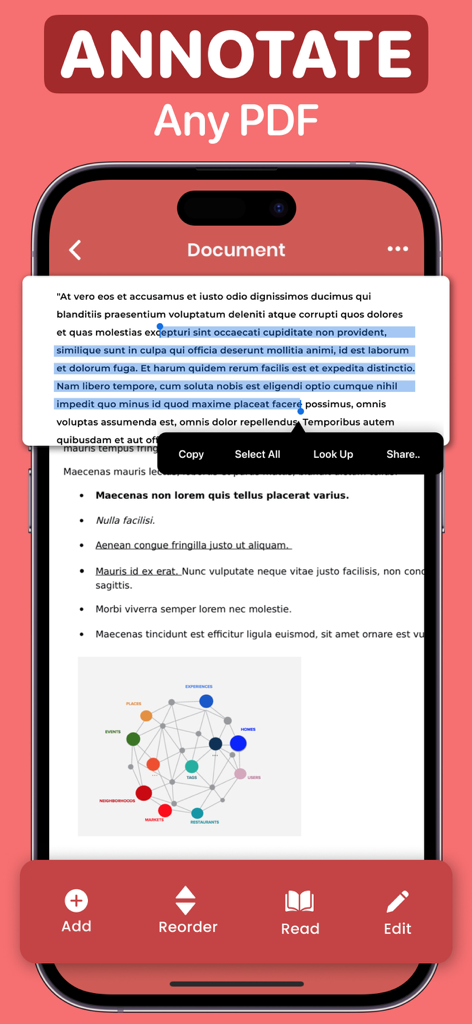
텍스트 강조 표시 및 복사 및 공유를 위한 상황별 메뉴가 있는 PDF 문서 모바일 앱 인터페이스

PDF Editor : Document Reader - PDF 편집기 앱의 문서 스캔 인터페이스를 보여주는 iPhone 화면
PDF 편집기 앱의 문서 스캔 인터페이스를 보여주는 iPhone 화면

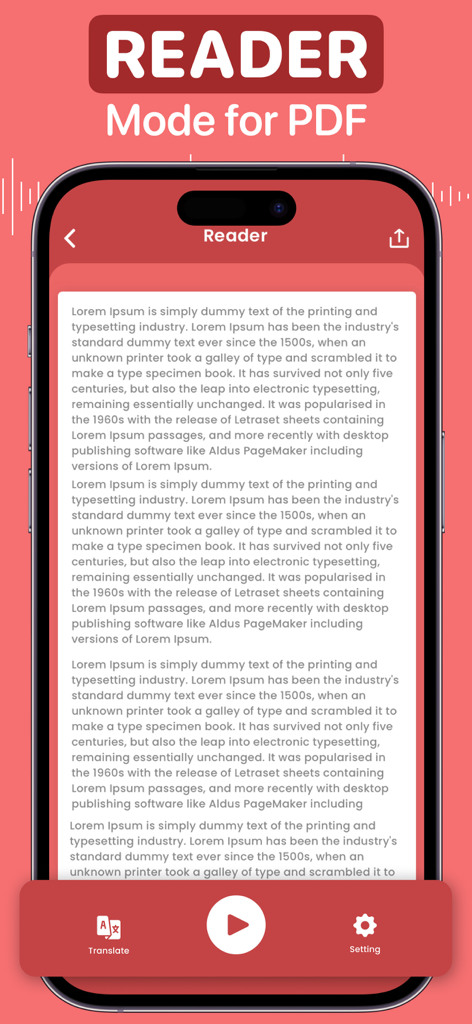
PDF Editor : Document Reader - 텍스트 음성 변환 및 번역 도구가 포함된 PDF 리더 모드용 모바일 앱 인터페이스
텍스트 음성 변환 및 번역 도구가 포함된 PDF 리더 모드용 모바일 앱 인터페이스

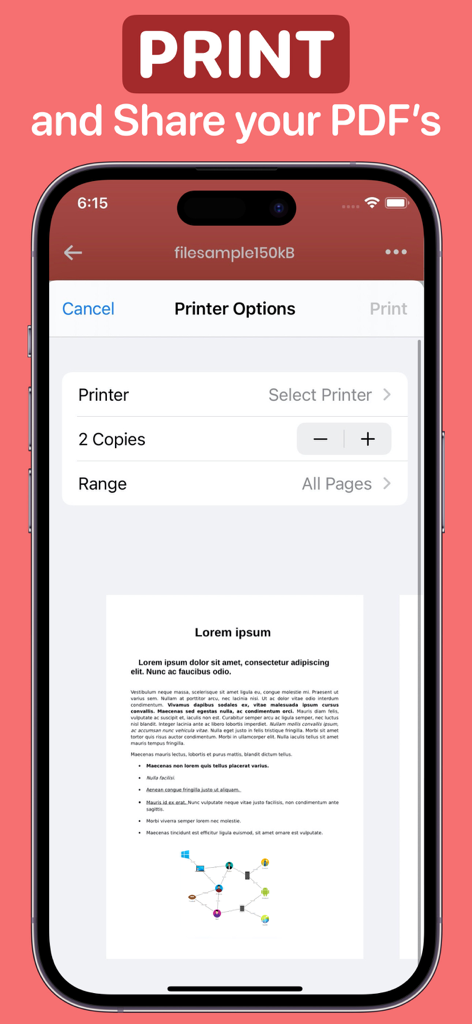
PDF Editor : Document Reader - PDF 편집기 내에서 프린터 설정 및 문서 미리 보기를 표시하는 iPhone 화면

PDF 편집기 내에서 프린터 설정 및 문서 미리 보기를 표시하는 iPhone 화면

설명

PDF EDITOR As one of the quickest ways to create a PDF from a document, the PDF Editor lets you make updates, sign, and share your document with others. You can save all of your documents in one place and sign, edit, convert, and annotate a pdf file as you see fit. Alternatively, you may scan and annotate the whole document or import it, make adjustments, and then share it with others. Forget about PDF editors and the hassle of generating signatures with stamps and dates! Now you can get a free PDF converter and editor for your notes and writings. This App has all the tools you need - • Import all the files you wish to convert from Files/iCloud, Web pages, Gallery, and Google Drive. Rename, and share; locate the files-all in just a single application. • Sign, draw, stamp, icon, magnify, date, and text functions are accessible for all imported and created files. • Live text scanning or import text from an image. • Incorporate your name, date, phone, email, and signature into a sample form. • Edit the sample and the blank document. • Scan the document and share it with others. • Merge multiple files into a single document. • Arrange the files in the document according to what you need. • Transform documents into text and then that text into speech to get the desired effect. • Sign and save your signature along with your stamps & icons to keep it secure for all your files. • Print all your files directly from the App. Now you don't have to worry about complex software or mobile access to signature programs anymore. You have a single application that can do everything. It's free to use, so why wait? Download the PDF Editor now! SUBSCRIPTION PRICING & TERMS You can be a premium user with auto-renewing subscription options: $4.99 / Month $29.99 / Year - Payment will be charged to your iTunes Account at confirmation of purchase. - Subscription automatically renews unless auto-renew is turned off for at least 24 hours before the end of the current period. - Account will be charged for renewal within 24 hours before the end of the current period at the cost of the chosen package. - The user may manage subscriptions, and auto-renewal may be turned off by going to the user's Account Settings after purchase - No cancellation of the current subscription is allowed during the active subscription period - Any unused portion of a free trial period, if offered, will be forfeited when the user purchases a subscription to that publication. Prices are equal to the value that "Apple's App Store Matrix" determines is the equivalent of the subscription price in $USD. Privacy Policy: maximaapps.com/policy/privacy_policy.html Terms of Use: maximaapps.com/policy/terms_of_use.html Contact us: If you have any issues or ideas, please get in touch with us via the App or send us an email at feedback@maximaapps.com We believe feedback is always effective! Your feedback is greatly appreciated!

Download

다운로드: App Store

이 페이지는 앱이나 개발자의 공식 페이지가 아니며, 정보 제공 및 논평을 목적으로 작성된 독립 편집 간행물입니다. 명시적으로 달리 언급되지 않는 한, 해당 앱이나 개발자는 MWM, Apple, Google Play, 앱 퍼블리셔 또는 앱 개발자와 제휴, 보증, 후원, 승인 또는 공식적으로 연결되어 있지 않으며, 이 페이지의 어떤 내용도 해당 앱이 MWM의 서비스를 사용하여 개발되었음을 의미하지 않습니다. 모든 상표, 로고, 스크린샷 및 기타 콘텐츠는 해당 소유자의 자산입니다.








