
이 페이지는 앱이나 개발자의 공식 페이지가 아니며, 정보 제공 및 논평을 목적으로 작성된 독립 편집 간행물입니다. 명시적으로 달리 언급되지 않는 한, 해당 앱이나 개발자는 MWM, Apple, Google Play, 앱 퍼블리셔 또는 앱 개발자와 제휴, 보증, 후원, 승인 또는 공식적으로 연결되어 있지 않으며, 이 페이지의 어떤 내용도 해당 앱이 MWM의 서비스를 사용하여 개발되었음을 의미하지 않습니다. 모든 상표, 로고, 스크린샷 및 기타 콘텐츠는 해당 소유자의 자산입니다.


다운로드
75k+사용자 평점
총 평가 수
42개발사
카테고리
Business지원 언어
1최신 버전
1.1.5크기
80.1 MB출시일
2024년 12월 21일모바일 문서 관리 전문가를 위한 핵심 기능 평가
'PDF Reader - Scanner app' 분석
PDF 편집
이 도구는 PDF 문서 내의 텍스트와 이미지를 직접 편집할 수 있는 기능을 제공합니다. 사용자가 오타를 수정하거나 새로운 단락을 추가하고 이미지를 조작하여 문서 내용을 신속하게 업데이트할 수 있게 해줍니다.
문서 스캔
이 앱은 영수증, 계약서, 노트 등 다양한 실물 문서를 고품질 PDF 또는 JPG 파일로 스캔하고, 여러 페이지를 하나의 문서로 통합하는 기능을 갖추고 있습니다. 사용자가 이동 중에도 종이 문서를 디지털화할 수 있게 해줍니다.
텍스트 추출 (OCR)
이 앱은 OCR(광학 문자 인식) 기술을 활용하여 스캔한 문서나 이미지에서 텍스트를 추출하고 편집 가능한 검색 가능한 콘텐츠로 변환합니다. 사용자가 수동 입력 없이 정보를 재활용하고 클라우드에 저장할 수 있게 해줍니다.
이미지-PDF 변환
이 도구는 PNG, JPG, TIFF, GIF 등 여러 이미지 파일을 하나의 PDF 문서로 쉽게 변환할 수 있는 기능을 제공합니다. 사용자가 시각 자료를 포함하는 보고서나 포트폴리오를 빠르게 구성할 수 있게 돕습니다.
문서 공유 및 클라우드 통합
이 앱은 스캔하거나 변환된 문서를 이메일, 링크 또는 클라우드 서비스(Google Drive, OneDrive 등)를 통해 쉽게 공유할 수 있는 기능을 제공합니다. 사용자가 협업하고 파일을 편리하게 전송할 수 있게 해줍니다.
PDF 페이지 관리
이 앱은 PDF 파일의 페이지를 추가, 삭제, 추출, 회전, 병합, 분할 및 재배열하는 등 다양한 방식으로 구성할 수 있는 기능을 갖추고 있습니다. 사용자가 문서를 최적화하고 원하는 대로 구조화할 수 있게 해줍니다.
자주 묻는 질문
에 대해 알아야 할 모든 것 PDF Reader - Scanner app
Can the PDF Reader - Scanner app scan documents into PDFs?
Yes, the PDF Reader - Scanner app scans documents, receipts, contracts, notes, and books into multipage PDFs or JPGs. It serves all your document needs directly from your device.
How do I convert images to PDF using the PDF Reader - Scanner app?
The PDF Reader - Scanner app creates PDF files from multiple images (PNG, JPG, TIFF, GIF). Select images within the app to easily and safely convert them into new PDF documents.
Does the PDF Reader - Scanner app include OCR for text extraction?
Yes, the PDF Reader - Scanner app uses OCR Technology to extract text from PDFs, Word documents, and images. It converts scanned text into editable and searchable content for enhanced productivity.
Can I edit text directly within a PDF using the PDF Reader - Scanner app?
Yes, the PDF Reader - Scanner app's PDF editor allows direct editing of text and images. You can fix typos, add paragraphs, or rotate images to customize your PDF documents.
Is it possible to print documents from my iPhone or iPad with the PDF Reader - Scanner app?
Yes, the PDF Reader - Scanner app enables direct printing of documents and photos from your iPhone or iPad. Adjust print sizes, page counts, and orientations easily before printing.
How can I share files using the PDF Reader - Scanner app?
The PDF Reader - Scanner app allows sharing unlimited files via email and with contacts. It also supports cloud compatibility for uploading scans, with options for attachments or direct links.
What document organization features does the PDF Reader - Scanner app offer?
The PDF Reader - Scanner app organizes PDFs by enabling users to add, delete, extract, rotate, merge, split, crop, and rearrange pages. Insert new pages or remove unnecessary ones.
What file types can the PDF Reader - Scanner app print from iPhone and iPad?
The PDF Reader - Scanner app prints PDF, Word DOC, Excel XLS, PowerPoint PPT, Photoshop PSD, JPEG, PNG, BMP, TIFF, and GIF files directly from your iPhone or iPad.
Where can I find the Privacy Policy for the PDF Reader - Scanner app?
The Privacy Policy for the PDF Reader - Scanner app is located at https://sites.google.com/view/technestitservices/pdf-reader-scanner-app/privacy-policy. Acceptance of this policy occurs upon app usage.
What are the Terms of Use for the PDF Reader - Scanner app?
The Terms of Use for the PDF Reader - Scanner app are available at https://sites.google.com/view/technestitservices/pdf-reader-scanner-app/terms-of-use. Users agree to these terms by using the application.
다음 스크린샷과 설명은 앱의 공식 스토어 목록에서 직접 가져온 것이며 앱 개발자의 자산입니다.
앱 스토어
스크린샷
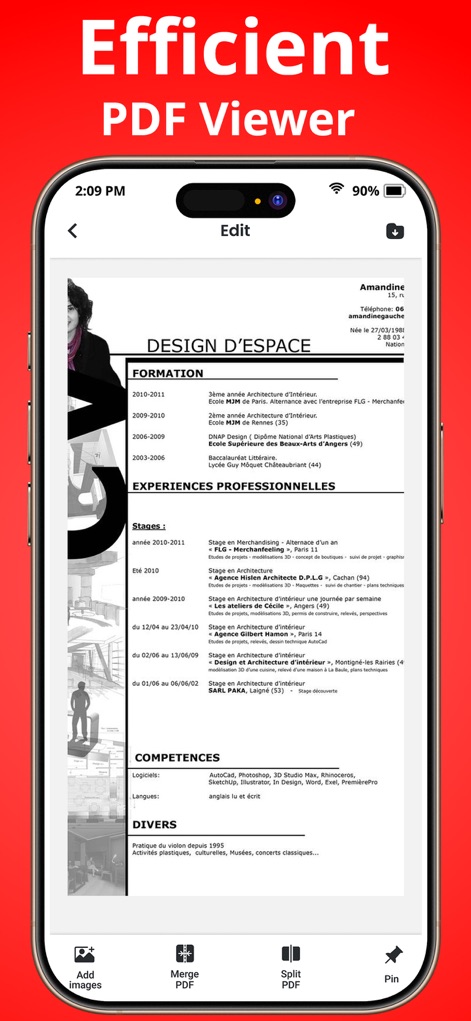
이 앱은 사용자가 PDF 문서를 열고 편집할 수 있도록 지원하며, 이미지 추가 및 PDF 병합과 같은 기능을 제공합니다.
효율적 문서 편집
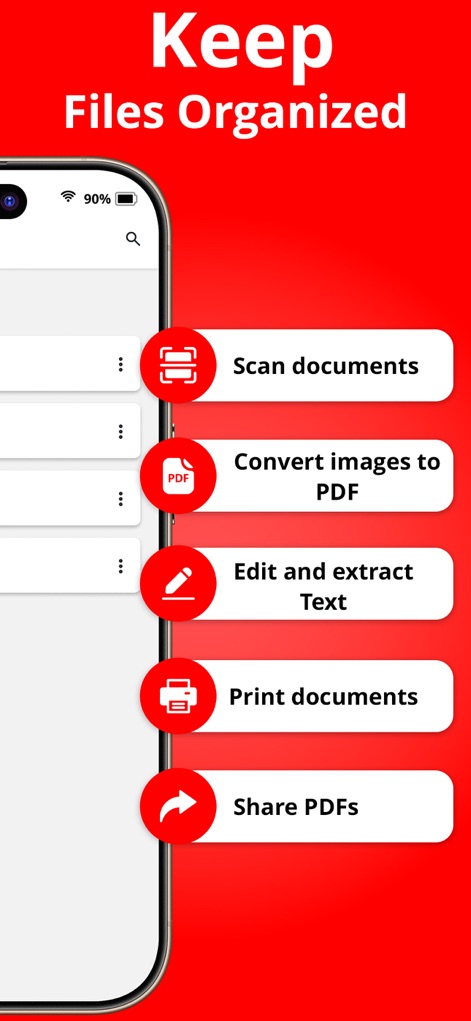
이 도구는 문서를 스캔하고 PDF로 변환하는 기능을 제공하며, 텍스트 편집 및 추출과 같은 핵심 작업을 간소화합니다.
파일 체계화
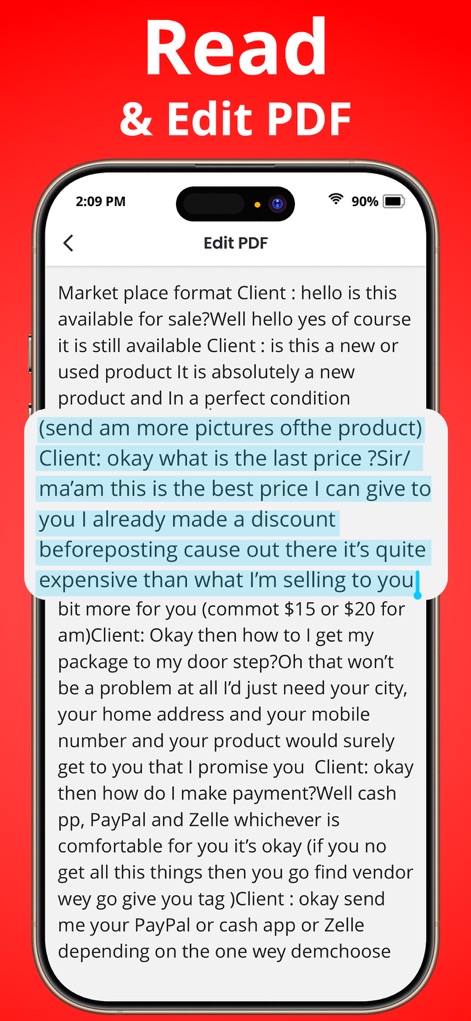
사용자는 PDF 문서의 텍스트를 직접 읽고 편집할 수 있으며, 특정 문단 강조 및 오타 수정과 같은 기능을 활용할 수 있습니다.
즉시 PDF 수정
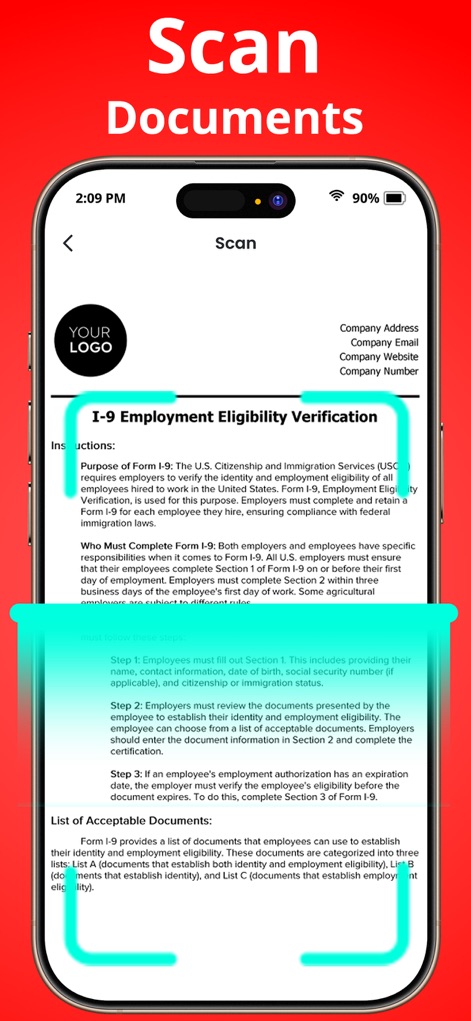
이 앱은 문서를 고정된 윤곽선 내에서 스캔할 수 있게 하여, 양식 자동 감지 및 고해상도 이미지 캡처를 가능하게 합니다.
정확한 문서 스캔
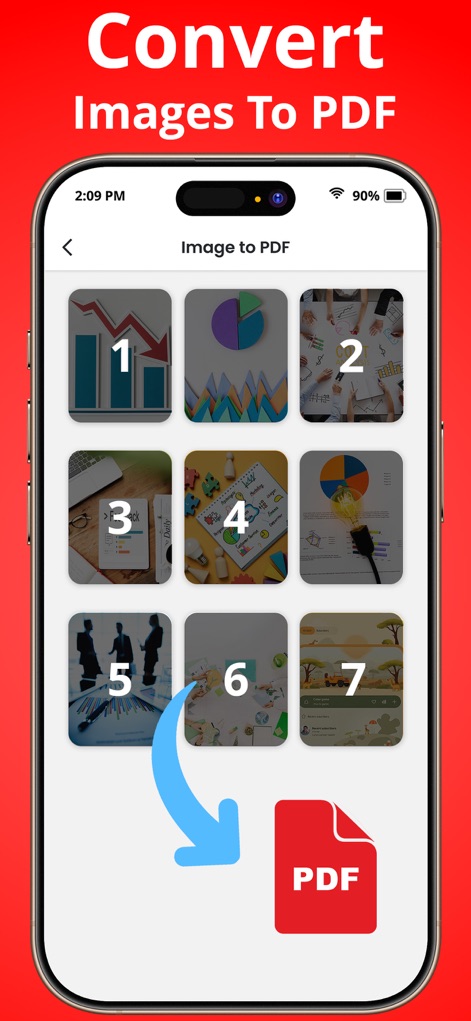
여러 이미지를 손쉽게 PDF 파일로 변환할 수 있으며, 번호 매기기된 이미지 선택 및 직관적인 변환 과정을 통해 작업을 단순화합니다.
이미지 PDF 변환
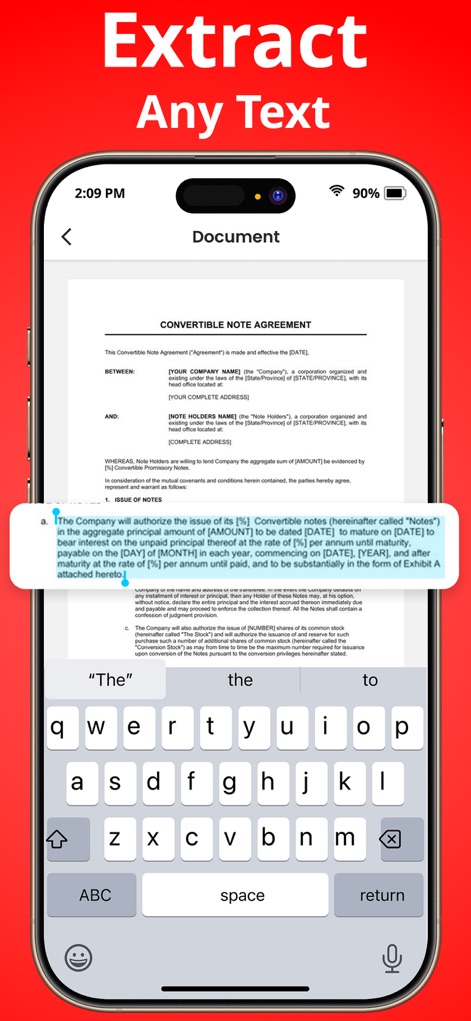
사용자는 문서 내의 텍스트를 인식하고 추출할 수 있으며, 하이라이트된 텍스트 선택 및 가상 키보드를 통한 편집 기능을 지원합니다.
텍스트 추출 기능
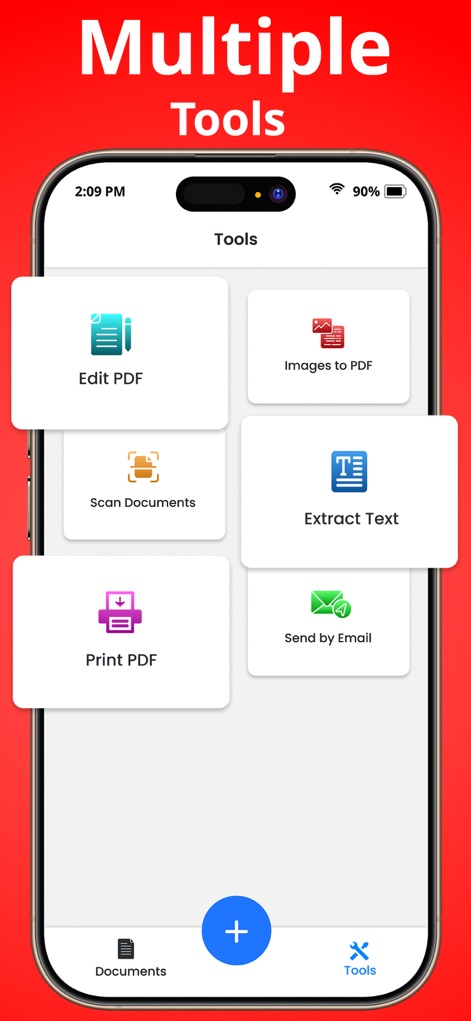
이 앱은 PDF 편집, 이미지 PDF 변환 등 다양한 핵심 기능을 한곳에 모아두어, 문서 스캔 및 인쇄 작업을 효율적으로 처리할 수 있습니다.
통합된 작업 도구
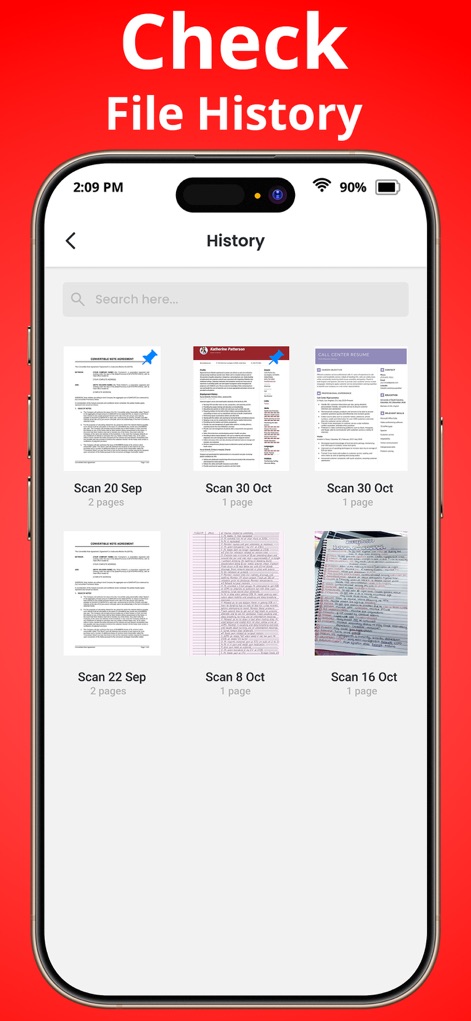
사용자는 스캔된 문서의 기록을 쉽게 확인하고 관리할 수 있으며, 날짜별 정렬 및 검색창을 활용하여 필요한 파일을 빠르게 찾을 수 있습니다.
편리한 기록 관리
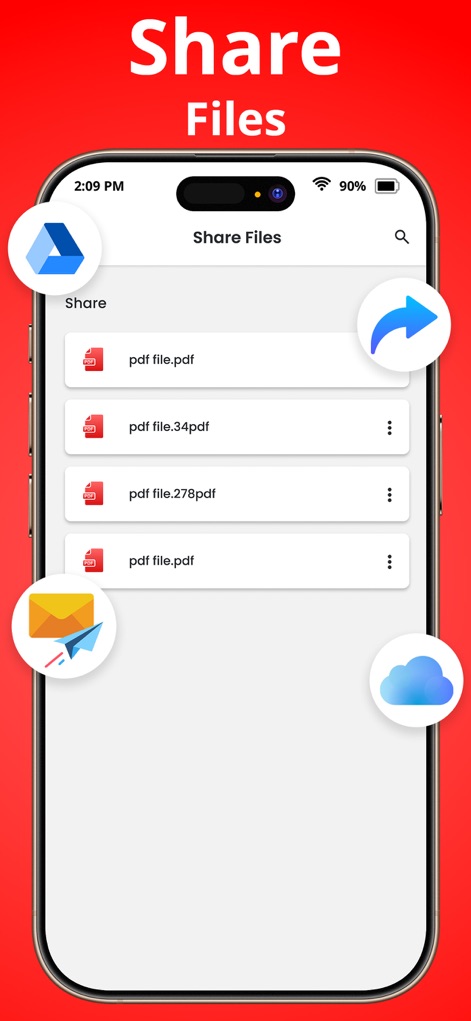
이 앱을 통해 문서를 간편하게 공유할 수 있으며, 이메일 전송 및 클라우드 서비스 통합과 같은 다양한 공유 옵션을 제공합니다.
간편한 파일 공유
설명
Download
비슷한 앱
유사한 기능과 사용자 경험을 가진 앱

PDF PRO Scan Image & Documents
Balzo srl

The PDF Scanner, PDF editor HQ
NEXT K.U.M. LTD

CamScanner - PDF Scanner App
INTSIG Information Co., Ltd

Adobe Scan: PDF & OCR Scanner
Adobe Inc.

WPS Office: PDF, Docs, Sheets
KINGSOFT OFFICE SOFTWARE CORPORATION LIMITED

iLovePDF - PDF Editor & Scan
ILOVEPDF S.L.

Scanner App: Genius Scan
The Grizzly Labs

Microsoft Lens: PDF Scanner
Microsoft Corporation

Clear Scan: Doc Scanner App
INDY MOBILE APP COMPANY LIMITED
이 페이지는 앱이나 개발자의 공식 페이지가 아니며, 정보 제공 및 논평을 목적으로 작성된 독립 편집 간행물입니다. 명시적으로 달리 언급되지 않는 한, 해당 앱이나 개발자는 MWM, Apple, Google Play, 앱 퍼블리셔 또는 앱 개발자와 제휴, 보증, 후원, 승인 또는 공식적으로 연결되어 있지 않으며, 이 페이지의 어떤 내용도 해당 앱이 MWM의 서비스를 사용하여 개발되었음을 의미하지 않습니다. 모든 상표, 로고, 스크린샷 및 기타 콘텐츠는 해당 소유자의 자산입니다.