RealVNC Server
RealVNC Server
다운로드: App Store

이 페이지는 앱이나 개발자의 공식 페이지가 아니며, 정보 제공 및 논평을 목적으로 작성된 독립 편집 간행물입니다. 명시적으로 달리 언급되지 않는 한, 해당 앱이나 개발자는 MWM, Apple, Google Play, 앱 퍼블리셔 또는 앱 개발자와 제휴, 보증, 후원, 승인 또는 공식적으로 연결되어 있지 않으며, 이 페이지의 어떤 내용도 해당 앱이 MWM의 서비스를 사용하여 개발되었음을 의미하지 않습니다. 모든 상표, 로고, 스크린샷 및 기타 콘텐츠는 해당 소유자의 자산입니다.

로고: RealVNC Server
다운로드: App Store

RealVNC Server

IT 전문가와 즉시 연결하여 원활한 문제 해결을 경험하세요. 몇 번의 탭만으로 엔터프라이즈급 보안 및 종단 간 암호화 기능을 갖춘 고성능 원격 지원을 받으세요.

주요 수치

다운로드

35K+

사용자 평점

1.4/5

총 평가 수

200

개발사

RealVNC Limited

카테고리

Productivity

지원 언어

1

최신 버전

2.8.0

크기

10.4 MB

출시일

2022년 7월 13일
기능

기기에서 바로 경험하는 엔터프라이즈급 지원

생산성과 보안을 유지하도록 설계된 안전한 종단 간 암호화 화면 공유를 통해 기술 문제를 즉시 해결하세요.

즉각적인 주문형 도움

안전하고 고유한 세션 코드를 사용하여 몇 초 안에 IT 팀과 연결하세요. 복잡한 구성이나 계정 설정이 필요하지 않습니다.

확고한 보안

완전한 종단 간 암호화와 권한 기반 시스템을 통해 안심하고 작업하세요. 화면을 볼 수 있는 사람을 항상 승인하게 됩니다.

다음 스크린샷과 설명은 앱의 공식 스토어 목록에서 직접 가져온 것이며 앱 개발자의 자산입니다.

앱 스토어

스크린샷
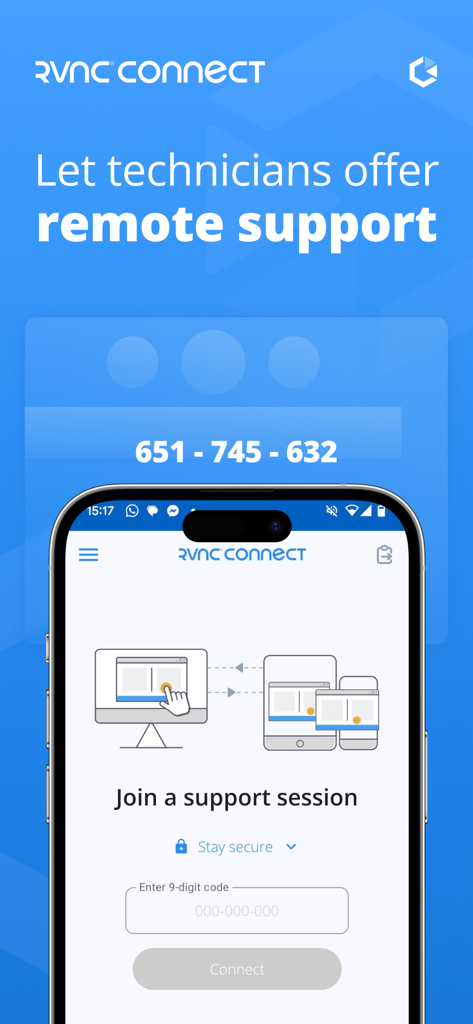
RealVNC Server - 코드 입력 필드가 있는 지원 세션 참여 프롬프트를 보여주는 스마트폰 화면의 RealVNC Server 앱 인터페이스.
코드 입력 필드가 있는 지원 세션 참여 프롬프트를 보여주는 스마트폰 화면의 RealVNC Server 앱 인터페이스.

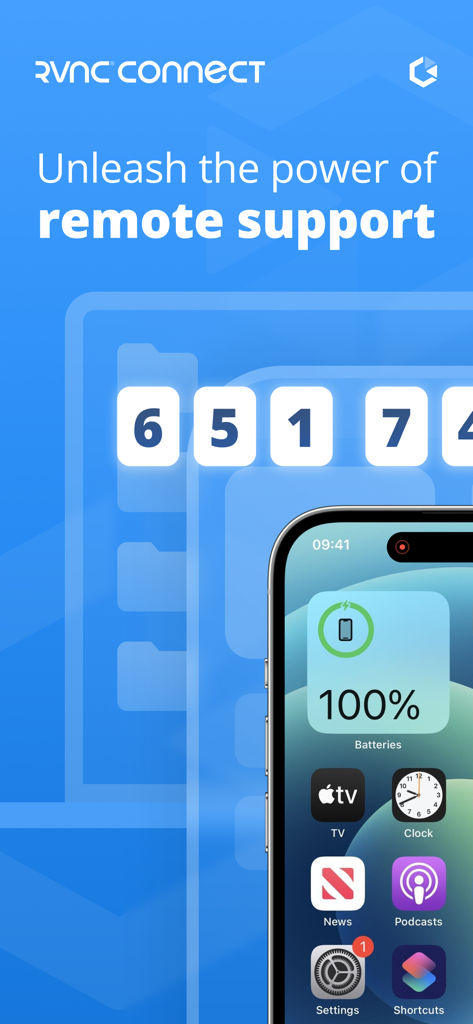
RealVNC Server - 원격 지원 세션 코드와 iPhone 홈 화면을 보여주는 RealVNC Server 앱 인터페이스.
원격 지원 세션 코드와 iPhone 홈 화면을 보여주는 RealVNC Server 앱 인터페이스.

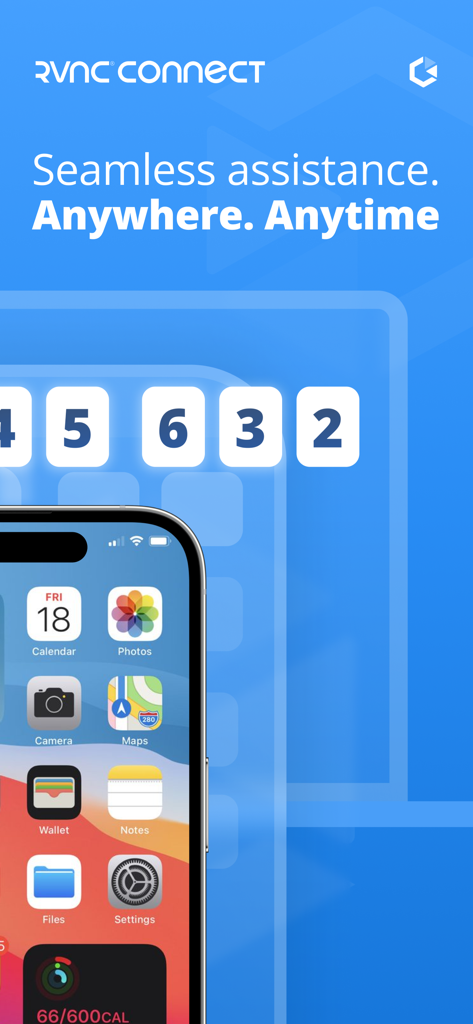
RealVNC Server - 원활한 지원 슬로건과 안전한 세션 코드를 표시하는 RealVNC Server 앱 스크린샷

원활한 지원 슬로건과 안전한 세션 코드를 표시하는 RealVNC Server 앱 스크린샷

설명

The RealVNC® Server mobile app from RealVNC® lets you securely share your mobile device’s screen with your IT technician or system administrator in just a few taps. ================================ Protecting yourself from scams and fraud Remote access can be used for scamming and fraudulent activities. Always be careful when asked to share access to your devices, especially if you weren't expecting a connection request. Ensure you never share sensitive information or grant access to someone if you are not completely certain they are who they claim to be. If you are unsure, contact the organization offering support to confirm the request is genuine. ================================ RealVNC Server requires the user initiating the connection to have a RealVNC Connect account and to be using RealVNC Viewer on a desktop or mobile device. There are two ways to start a remote session: • ON-DEMAND ASSIST lets you set up a session in a flash using a secure one-time code that’s unique to your session. This option is available on RealVNC Connect  Professional and Enterprise Instant Support plans. • DEVICE ACCESS lets IT teams pre-license a managed mobile device against their RealVNC Connect account. A session can be started without a session code, but the device holder still needs to authenticate the session. This option is available only on RealVNC Connect Enterprise Device Access plans. Key Features • Privacy with end-to-end encryption on all remote sessions. • Fast, effortless connections using RealVNC’s secure cloud service. • Protection from unwanted access with end-user connection approval. • Free, paid and trial RealVNC Connect subscriptions available. Need support? Email us from the app or get in touch at help.realvnc.com. Follow us on: Twitter (@RealVNC) Facebook (facebook.com/realvnc) RealVNC and VNC are trademarks of RealVNC Limited and are protected by trademark registrations and/or pending trademark applications in the European Union, United States of America and other jurisdictions. Protected by UK patents 2481870, 2479756; US patent 8760366; EU patent 2652951.

Download

다운로드: App Store

이 페이지는 앱이나 개발자의 공식 페이지가 아니며, 정보 제공 및 논평을 목적으로 작성된 독립 편집 간행물입니다. 명시적으로 달리 언급되지 않는 한, 해당 앱이나 개발자는 MWM, Apple, Google Play, 앱 퍼블리셔 또는 앱 개발자와 제휴, 보증, 후원, 승인 또는 공식적으로 연결되어 있지 않으며, 이 페이지의 어떤 내용도 해당 앱이 MWM의 서비스를 사용하여 개발되었음을 의미하지 않습니다. 모든 상표, 로고, 스크린샷 및 기타 콘텐츠는 해당 소유자의 자산입니다.








