Swift PDF Editor: Scan & Sign
다운로드: App Store

이 페이지는 앱이나 개발자의 공식 페이지가 아니며, 정보 제공 및 논평을 목적으로 작성된 독립 편집 간행물입니다. 명시적으로 달리 언급되지 않는 한, 해당 앱이나 개발자는 MWM, Apple, Google Play, 앱 퍼블리셔 또는 앱 개발자와 제휴, 보증, 후원, 승인 또는 공식적으로 연결되어 있지 않으며, 이 페이지의 어떤 내용도 해당 앱이 MWM의 서비스를 사용하여 개발되었음을 의미하지 않습니다. 모든 상표, 로고, 스크린샷 및 기타 콘텐츠는 해당 소유자의 자산입니다.

로고: Swift PDF Editor: Scan & Sign
다운로드: App Store

Swift PDF Editor: Scan & Sign

이동 중에 문서를 스캔, 편집 및 전자 서명하는 가장 빠른 방법입니다. OCR, 양식 채우기 및 최신 전문가를 위해 설계된 스마트 주석 도구를 사용하여 모바일 장치를 강력한 PDF 워크스테이션으로 전환하세요.

주요 수치

다운로드

102K+

사용자 평점

4.2/5

총 평가 수

1K+

개발사

APERO TECHNOLOGIES GROUP JOINT STOCK COMPANY

카테고리

Business

지원 언어

8

최신 버전

2.6.22

크기

220.3 MB

출시일

2021년 11월 16일
기능

이동 중에도 완벽한 PDF 오피스

부피가 큰 하드웨어로 시간 낭비를 멈추세요. 궁극의 올인원 모바일 툴킷으로 몇 초 만에 전문 문서를 스캔, 편집 및 서명하세요.

즉각적인 전자 서명

현장에서 계약을 성사시키고 계약을 완료하세요. 몇 초 만에 서명을 그리거나 가져와 전문 양식에 서명하고 발송하세요.

전문가급 스캐너 및 OCR

스마트 자동 자르기를 사용하여 신분증, 영수증 및 메모를 디지털화하세요. 내장 OCR을 사용하여 이미지를 즉시 편집 가능한 텍스트로 변환하세요.

다음 스크린샷과 설명은 앱의 공식 스토어 목록에서 직접 가져온 것이며 앱 개발자의 자산입니다.

앱 스토어

스크린샷
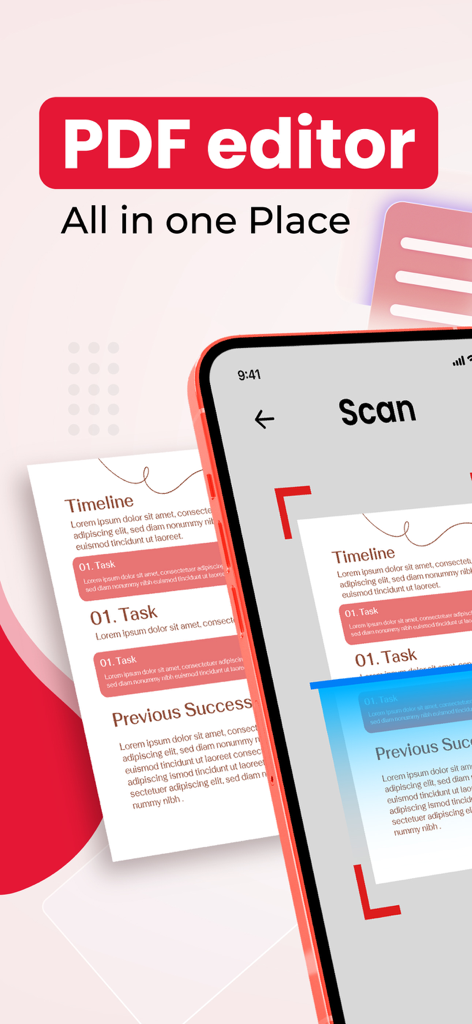
Swift PDF Editor: Scan & Sign - 스마트폰에서 Swift PDF Editor 앱을 사용하여 PDF 편집기 모든 것을 한 곳에 텍스트가 표시된 종이 문서를 스캔하는 모습
스마트폰에서 Swift PDF Editor 앱을 사용하여 PDF 편집기 모든 것을 한 곳에 텍스트가 표시된 종이 문서를 스캔하는 모습

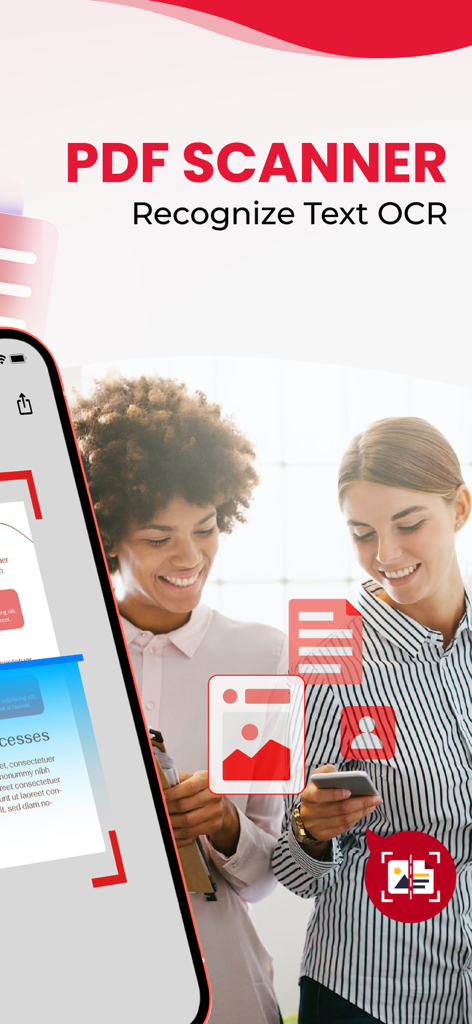
Swift PDF Editor: Scan & Sign - 현대적인 인터페이스를 갖춘 PDF 스캐너 및 OCR 텍스트 인식 기능을 특징으로 하는 모바일 앱 화면
현대적인 인터페이스를 갖춘 PDF 스캐너 및 OCR 텍스트 인식 기능을 특징으로 하는 모바일 앱 화면

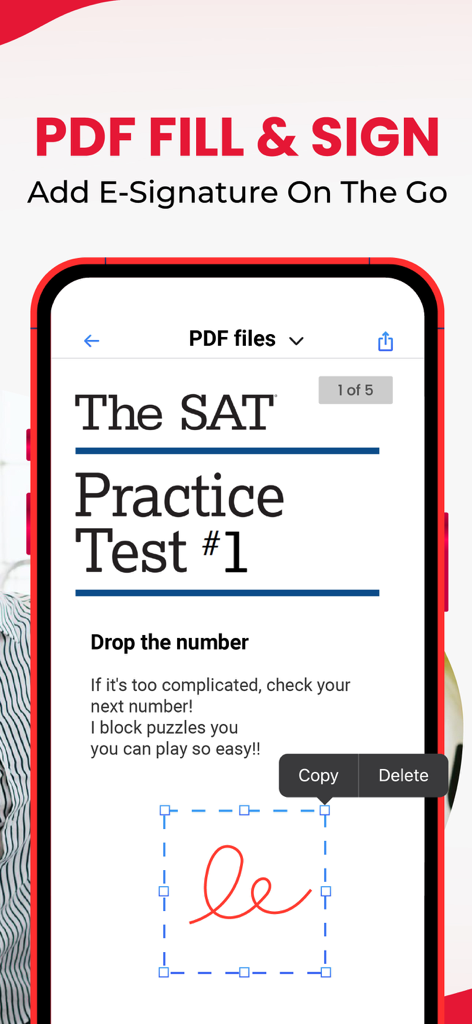
Swift PDF Editor: Scan & Sign - PDF 문서에 전자 서명을 추가하는 방법을 보여주는 모바일 앱 인터페이스
PDF 문서에 전자 서명을 추가하는 방법을 보여주는 모바일 앱 인터페이스

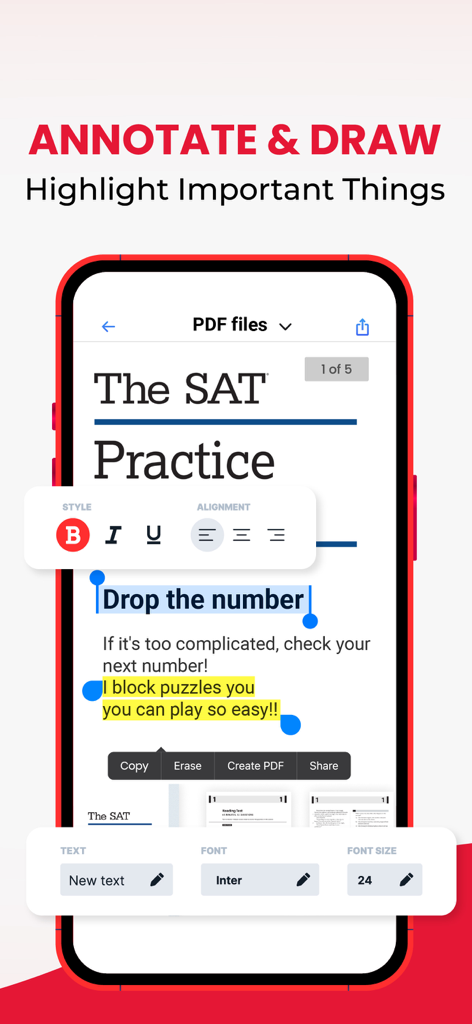
Swift PDF Editor: Scan & Sign - 문서에 주석 그리기 및 강조 표시 도구를 보여주는 Swift PDF Editor 앱 인터페이스
문서에 주석 그리기 및 강조 표시 도구를 보여주는 Swift PDF Editor 앱 인터페이스

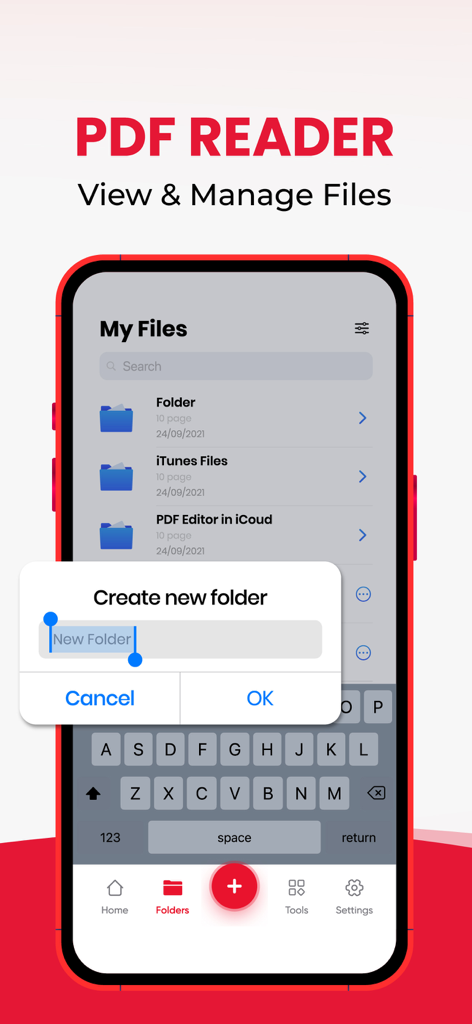
Swift PDF Editor: Scan & Sign - 파일 관리 및 새 폴더 만들기 대화 상자를 보여주는 Swift PDF Editor 앱 인터페이스
파일 관리 및 새 폴더 만들기 대화 상자를 보여주는 Swift PDF Editor 앱 인터페이스

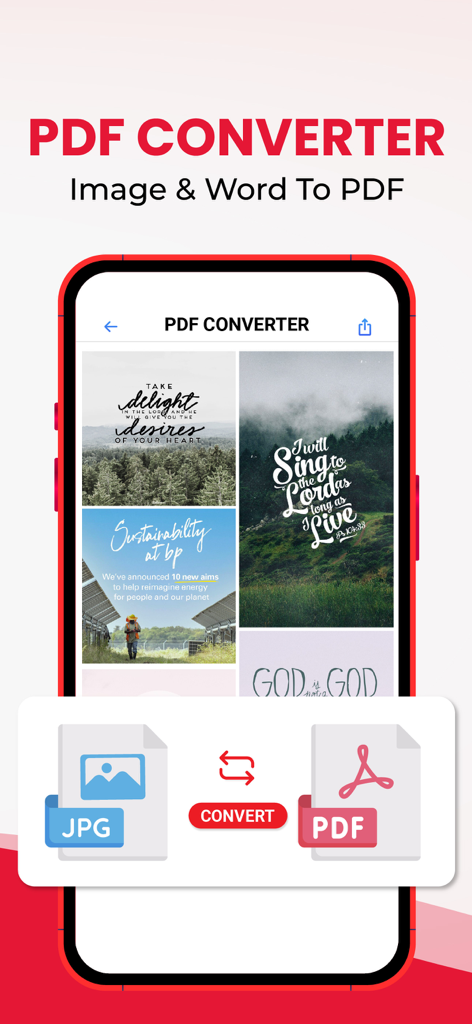
Swift PDF Editor: Scan & Sign - 이미지를 PDF로 변환하는 기능을 보여주는 모바일 앱 인터페이스

이미지를 PDF로 변환하는 기능을 보여주는 모바일 앱 인터페이스
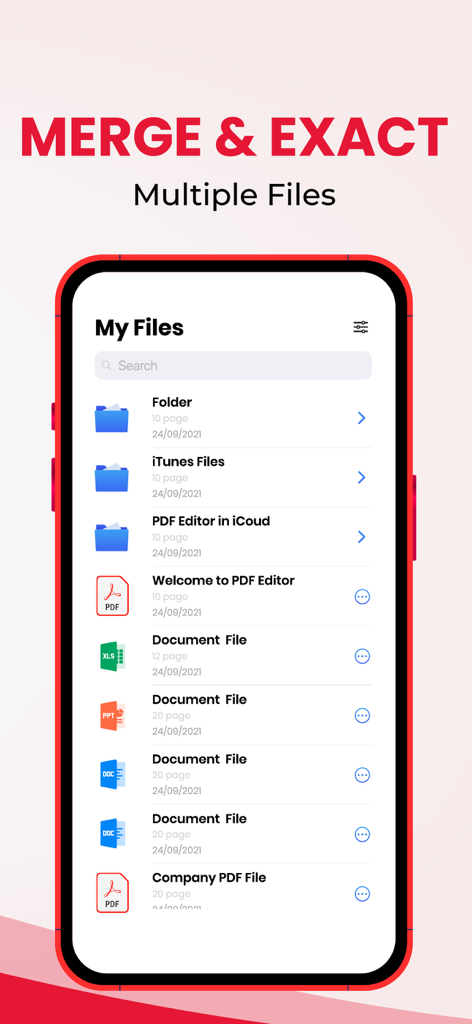
Swift PDF Editor: Scan & Sign - 여러 파일을 병합하고 추출하기 위한 문서 목록을 보여주는 Swift PDF Editor 앱 인터페이스

여러 파일을 병합하고 추출하기 위한 문서 목록을 보여주는 Swift PDF Editor 앱 인터페이스

설명

Swift PDF Editor: Scan & Sign – Your All-in-One PDF Solution Take control of your PDF documents with Swift PDF Editor. Whether you need to scan and edit PDF, sign, or convert files on the go, this powerful app has everything you need. It's the ultimate tool for managing PDFs efficiently, right from your mobile device. Features of Swift PDF Editor: 1. PDF Editor - Document Editor: - Edit and personalize your PDF documents effortlessly with this PDF editor free tool. - Add text, drawings, and images to your PDFs. - Insert hyperlinks and make your documents interactive. - Annotate with sticky notes, highlights, underlines, and strikethroughs. - Use red lines, arrows, and callouts to emphasize important information. - Reorganize PDF pages and optimize document layout for better flow. 2. PDF Signature - Fill and Sign: - Digitally edit PDF and sign forms with ease. - Draw or import your signature for seamless doc sign and completion of forms. - Add symbols and shapes to your documents. - Fill and sign forms and edit text directly within the PDF. Customize text size and color for a professional finish. 3. PDF Reader - PDF Viewer: - Easily access and navigate your PDF library using the powerful PDF editor. - Quickly search and view PDF files. - Scroll through documents smoothly and zoom in or out for better readability. - A simple, organized list of your PDFs for easy access. 4. Powerful PDF/Document/Photo Scanner - Scanner App (Convert to PDF/Text OCR): - Turn your physical documents into digital files using the scan and edit PDF feature. - Use your phone’s camera to scan sign PDF, documents, ID cards, business cards, and more. - Optimize scan quality with smart cropping and auto enhancement for clear, sharp images. - Extract text from images with OCR technology, converting photos into editable text using the document scanner and editor. 5. Images to PDF Converter: - Convert photos and scanned images into high-quality PDFs with the pdf converter pdf editor. - Import multiple images or scan paper documents and convert them into PDFs. - Resize, crop, and rotate images to optimize your PDF output. Why Choose Swift PDF Editor? - Comprehensive Editing: Modify text, images, and layouts with ease in the PDF editor. - Efficient Signing: Quickly edit sign PDF forms directly on your device with the pdf editor free. - Easy Scanning: Digitize documents with your camera and enhance image quality. - OCR Technology: Extract and edit text from images seamlessly. - Convenient Access: Easily manage and organize your PDF files with a simple interface. Swift PDF Editor is your all-in-one solution for scan sign PDF, editing, and converting. Try and simplify your document management, no matter where you are! Use it as a word to pdf converter, pdf converter pdf editor, and doc sign solution in one handy app! - Privacy policy: https://sites.google.com/view/swiftpdf-editor-privacy-policy/home - Term of use: https://sites.google.com/view/swiftpdf-editor-term-of-use/home

Download

다운로드: App Store

이 페이지는 앱이나 개발자의 공식 페이지가 아니며, 정보 제공 및 논평을 목적으로 작성된 독립 편집 간행물입니다. 명시적으로 달리 언급되지 않는 한, 해당 앱이나 개발자는 MWM, Apple, Google Play, 앱 퍼블리셔 또는 앱 개발자와 제휴, 보증, 후원, 승인 또는 공식적으로 연결되어 있지 않으며, 이 페이지의 어떤 내용도 해당 앱이 MWM의 서비스를 사용하여 개발되었음을 의미하지 않습니다. 모든 상표, 로고, 스크린샷 및 기타 콘텐츠는 해당 소유자의 자산입니다.








