
이 페이지는 앱이나 개발자의 공식 페이지가 아니며, 정보 제공 및 논평을 목적으로 작성된 독립 편집 간행물입니다. 명시적으로 달리 언급되지 않는 한, 해당 앱이나 개발자는 MWM, Apple, Google Play, 앱 퍼블리셔 또는 앱 개발자와 제휴, 보증, 후원, 승인 또는 공식적으로 연결되어 있지 않으며, 이 페이지의 어떤 내용도 해당 앱이 MWM의 서비스를 사용하여 개발되었음을 의미하지 않습니다. 모든 상표, 로고, 스크린샷 및 기타 콘텐츠는 해당 소유자의 자산입니다.


다운로드
2.5M+사용자 평점
총 평가 수
140.5K개발사
카테고리
Productivity지원 언어
25최신 버전
1.33.2크기
231.1 MB출시일
2020년 11월 22일문서 디지털화 전문가를 위한 핵심 기능 평가
vFlat Scan - PDF 스캐너, OCR 앱 분석
무료 텍스트 인식 (OCR)
vFlat은 스캔한 이미지를 텍스트 인식 기능을 통해 무료로 텍스트로 변환합니다. 사용자는 변환된 텍스트를 복사하여 친구나 동료와 쉽게 공유할 수 있습니다.
곡면 페이지 평탄화
vFlat은 책 페이지의 곡면을 자동으로 평평하게 만듭니다. 이 앱은 책을 분해하지 않고도 전문 북 스캐너로 촬영한 것처럼 스캔 결과물을 제공합니다.
다양한 형식으로 내보내기 (PDF, JPG, TXT)
이 앱은 스캔한 이미지를 PDF 파일, 이미지 파일(JPG) 및 텍스트 파일(TXT)로 변환할 수 있도록 해줍니다. 사용자는 목적에 맞는 형식으로 파일을 변환할 수 있습니다.
양면 페이지 촬영
이 앱은 책의 왼쪽 및 오른쪽 페이지를 한 번의 클릭으로 촬영하며, 자동으로 분할되어 저장됩니다. 두꺼운 책을 스캔할 때도 빠른 결과를 얻을 수 있습니다.
스캔 영역 자동 인식
vFlat은 문서나 책 페이지의 테두리를 자동으로 인식하여 스캔합니다. 사용자는 수동으로 자르지 않고도 어떤 각도에서든 깔끔한 스캔 결과를 얻을 수 있습니다.
자동 촬영
이 도구는 스캔 대상을 인식하고 버튼을 반복해서 누르지 않아도 자동으로 촬영합니다. 수백 페이지의 책이나 많은 서류를 촬영할 때 스캔 작업이 더 빠르고 쉬워집니다.
자주 묻는 질문
에 대해 알아야 할 모든 것 vFlat Scan - PDF Scanner, OCR
What is vFlat Scan?
vFlat Scan is an ultra-convenient, lightning-fast, and high-quality scanning app. It offers features like auto-recognition of scan areas, automatic capturing, and the ability to flatten curved pages for clear results.
Does vFlat Scan automatically flatten curved pages?
Yes, vFlat Scan automatically straightens the curved surface of book pages. This feature ensures scans appear as if captured with a professional book scanner, providing high-quality results.
Can vFlat Scan convert images to text?
Yes, vFlat Scan provides free Text Recognition (OCR). This feature converts scanned images into editable text. Users can then easily copy and share the converted text with others.
What file formats does vFlat Scan support for export?
vFlat Scan allows users to export scanned images into multiple formats. It supports conversion to PDF files, JPG image files, and TXT text files, suitable for various purposes.
Does vFlat Scan collect personal information?
No, vFlat Scan does not collect personal information or scan data. The app's Terms of Use and Privacy Policy state that this data is only collected with explicit user consent.
How does vFlat Scan capture two-page spreads?
vFlat Scan features two-page capturing, which allows users to scan both left and right book pages simultaneously with a single click. The app then automatically divides and saves them.
Does vFlat Scan automatically detect scan areas?
Yes, vFlat Scan automatically recognizes the borders of documents or book pages. This eliminates the need for manual cropping and ensures users get clear-cut scan results from any angle.
What permissions are required for the vFlat Scan app?
vFlat Scan requires camera access to take document photos. Access permission for the Photo Library is optional and is needed only to save captured images.
Can vFlat Scan remove fingers from scanned documents?
Yes, vFlat Scan includes a specific feature designed to remove visible fingers from scanned documents. This functionality helps ensure the final scan results are clean and professional.
Is vFlat Scan recognized as a leading book scanner?
Yes, vFlat Scan was awarded "Best Book Scanner App" at the SensorTower APAC Awards 2024. This recognition highlights its capabilities as a premier book scanning application.
다음 스크린샷과 설명은 앱의 공식 스토어 목록에서 직접 가져온 것이며 앱 개발자의 자산입니다.
앱 스토어
스크린샷
이 앱은 SensorTower APAC Awards 2024에서 '최고의 북 스캐너 앱'으로 선정되어, 탁월한 문서 스캔 및 이미지 처리 기능을 인정받았습니다.
최고의 스캐너 앱

이 앱은 원본 문서의 곡면을 보정하여, 책 페이지를 평평하고 선명하게 스캔하여 깔끔한 텍스트 가독성을 제공합니다.
선명한 스캔 결과
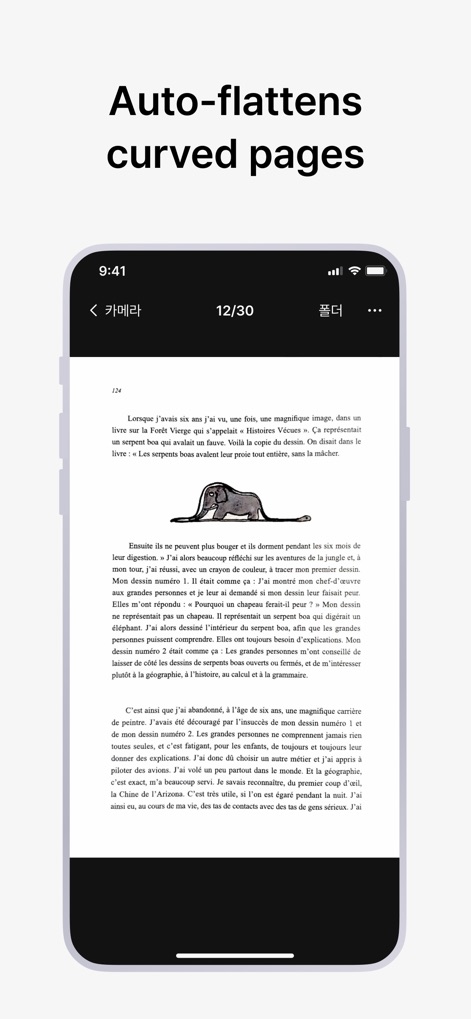
사용자는 구부러진 책 페이지를 스캔할 때, 이 앱의 자동 보정 기술 덕분에 왜곡 없이 평평하고 읽기 쉬운 결과물을 얻을 수 있습니다.
곡면 자동 보정
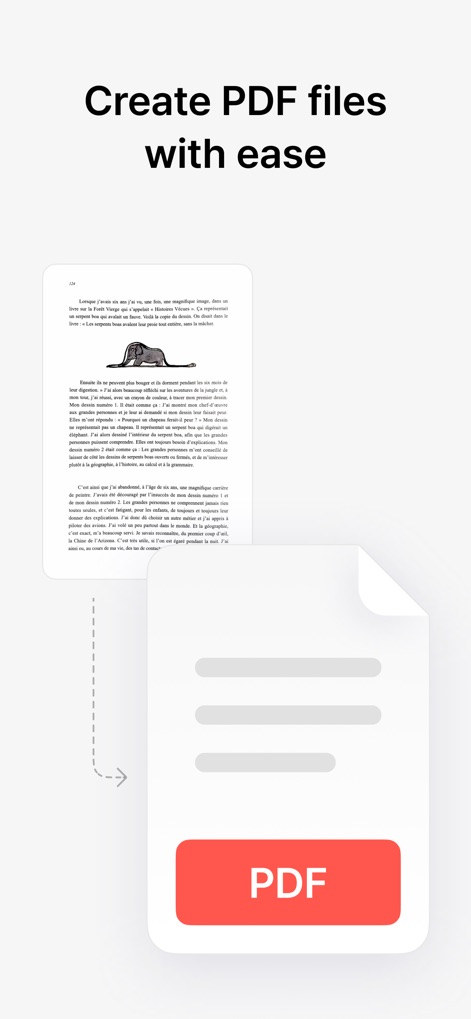
스캔한 문서를 빠르게 PDF 파일로 변환하여, 사용자는 간편하게 저장하고 공유하며 디지털 문서 워크플로우를 효율화할 수 있습니다.
손쉬운 PDF 변환
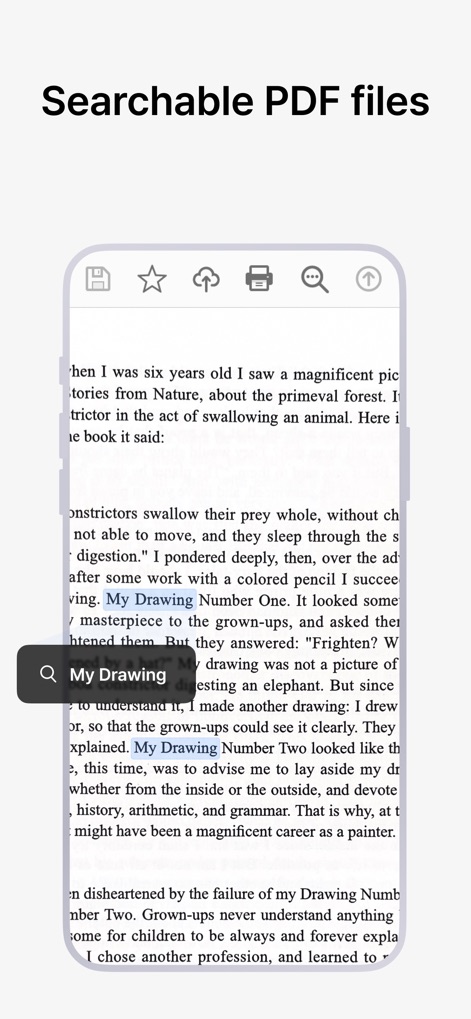
이 앱은 스캔된 문서의 텍스트를 인식하여 검색 가능한 PDF 파일을 생성함으로써, 사용자가 필요한 정보를 쉽고 빠르게 찾을 수 있도록 돕습니다.
검색 가능한 PDF
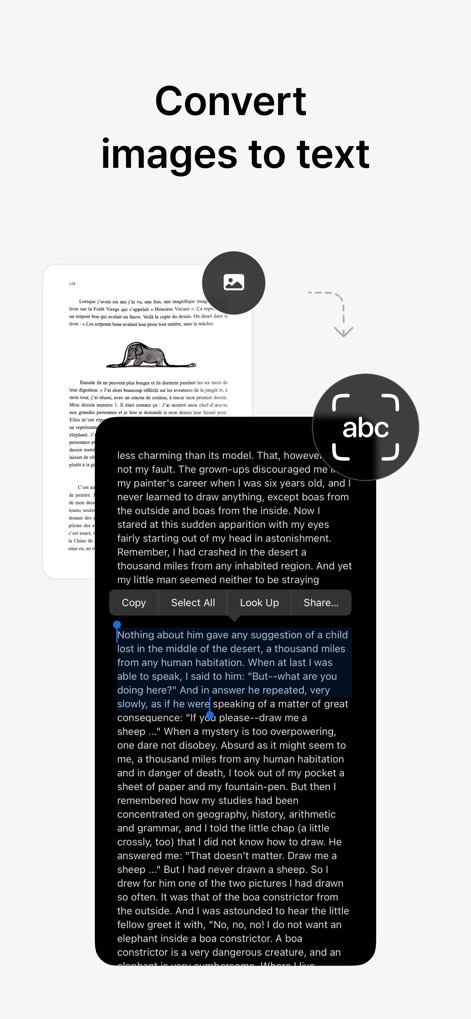
사용자는 OCR 기능을 통해 스캔한 이미지에서 텍스트를 정확하게 추출하여, 손쉽게 복사하거나 편집하고 다른 응용 프로그램으로 공유할 수 있습니다.
이미지에서 텍스트 추출
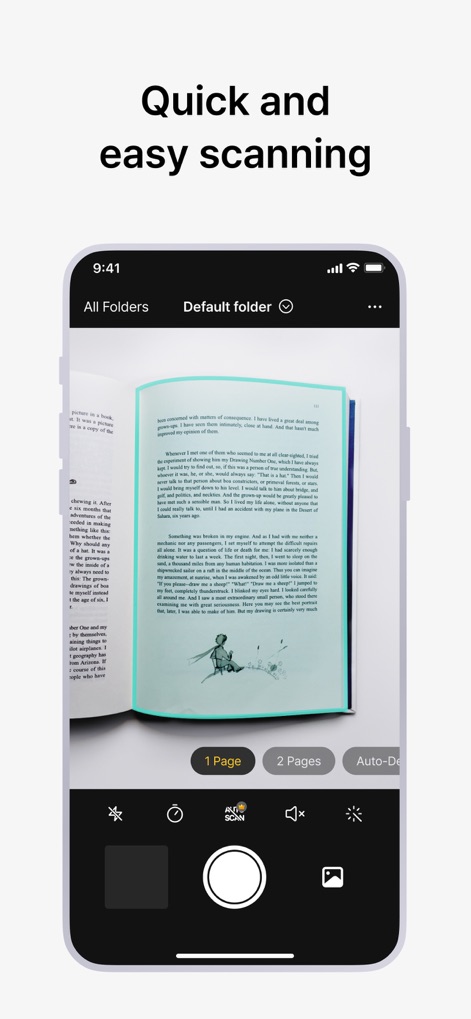
이 앱은 '자동 감지' 및 '1페이지/2페이지 스캔' 옵션을 제공하여, 사용자가 문서 종류에 맞춰 효율적으로 스캔 작업을 수행하도록 돕습니다.
빠르고 쉬운 스캔
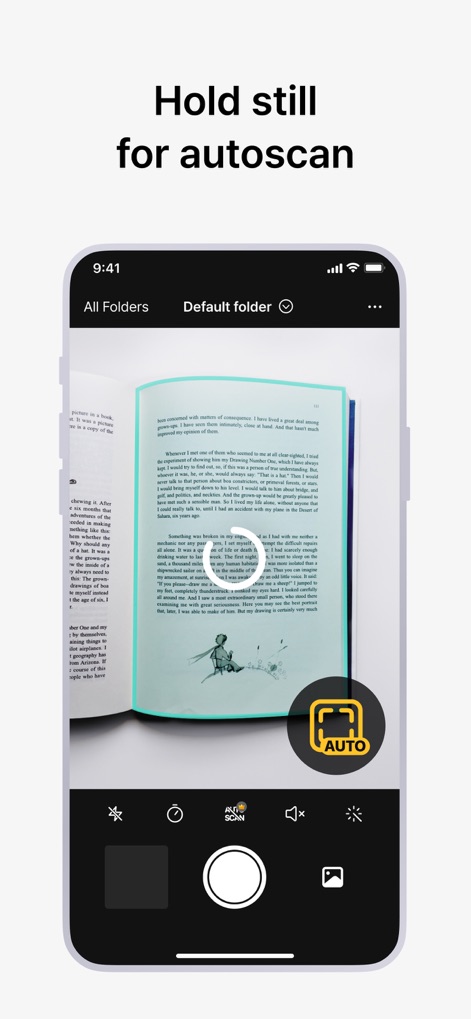
이 앱의 '자동 스캔' 기능은 사용자가 문서를 안정적으로 유지하면 자동으로 페이지를 캡처하여, 수동으로 셔터를 누를 필요 없이 편리함을 제공합니다.
자동 스캔 모드

이 앱은 스캔 과정에서 문서 가장자리에 나타나는 손가락을 자동으로 감지하고 제거하여, 사용자에게 깨끗하고 전문적인 스캔 결과물을 제공합니다.
손가락 자동 제거
설명
Download
비슷한 앱
유사한 기능과 사용자 경험을 가진 앱

PDF PRO Scan Image & Documents
Balzo srl

The PDF Scanner, PDF editor HQ
NEXT K.U.M. LTD

CamScanner - PDF Scanner App
INTSIG Information Co., Ltd

Adobe Scan: PDF & OCR Scanner
Adobe Inc.

WPS Office: PDF, Docs, Sheets
KINGSOFT OFFICE SOFTWARE CORPORATION LIMITED

iLovePDF - PDF Editor & Scan
ILOVEPDF S.L.

Scanner App: Genius Scan
The Grizzly Labs

Microsoft Lens: PDF Scanner
Microsoft Corporation

Clear Scan: Doc Scanner App
INDY MOBILE APP COMPANY LIMITED
이 페이지는 앱이나 개발자의 공식 페이지가 아니며, 정보 제공 및 논평을 목적으로 작성된 독립 편집 간행물입니다. 명시적으로 달리 언급되지 않는 한, 해당 앱이나 개발자는 MWM, Apple, Google Play, 앱 퍼블리셔 또는 앱 개발자와 제휴, 보증, 후원, 승인 또는 공식적으로 연결되어 있지 않으며, 이 페이지의 어떤 내용도 해당 앱이 MWM의 서비스를 사용하여 개발되었음을 의미하지 않습니다. 모든 상표, 로고, 스크린샷 및 기타 콘텐츠는 해당 소유자의 자산입니다.