
This page is not an official page of the app or its developer, but an independent editorial publication created for informational and commentary purposes. Unless expressly stated otherwise, neither the app nor its developer is affiliated with, endorsed by, sponsored by, authorized by, or otherwise officially connected with MWM, Apple, Google Play, the app publisher, or the app's developer, and nothing on this page implies that the app was developed using MWM's services. Any trademarks, logos, screenshots, and other content remain the property of their respective owners.

2FA: TOTP authenticator
The ultimate security companion for the Apple ecosystem. Protect your crypto, finance, and social accounts with encrypted iCloud backups, Apple Watch support, and smart folder organization.
Downloads
0User Rating
Total Ratings
0Publisher
Category
UtilitiesLocales
7Latest Version
3.0.0Size
64.5 MBFirst Released
Apr 2, 2017Uncompromising Security for Power Users
Experience the most advanced 2FA solution designed specifically for the Apple ecosystem, combining ironclad protection with effortless organization.
Encrypted iCloud Backups
Never worry about losing access. Securely sync and restore your tokens across all your Apple devices with free, end-to-end encrypted cloud backups.
Smart Folder Organization
Stop scrolling through endless lists. Categorize your crypto, finance, and work accounts into folders for rapid, stress-free access.
The following screenshots and description are sourced directly from the app's official store listing and are the property of the app developer.
App Store
Screenshots
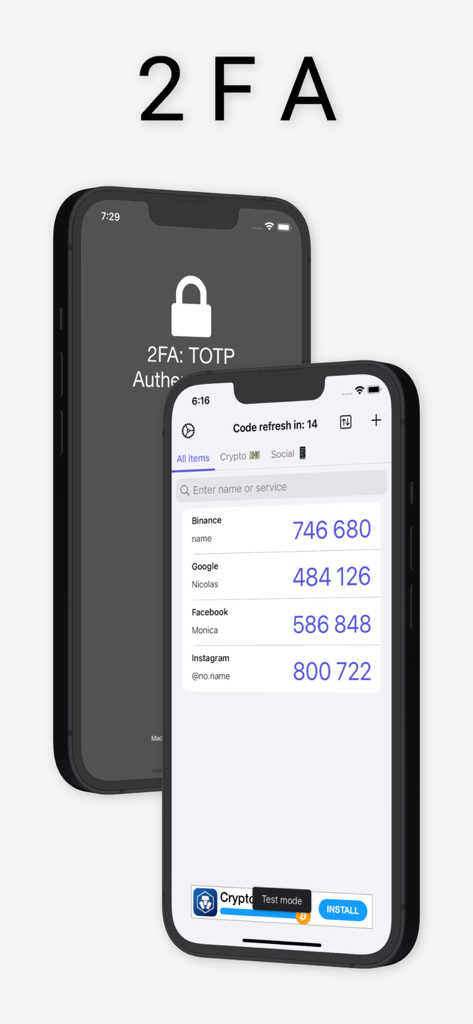
Interface of the 2FA TOTP authenticator app showing two-factor authentication codes for Binance Google Facebook and Instagram on an iPhone
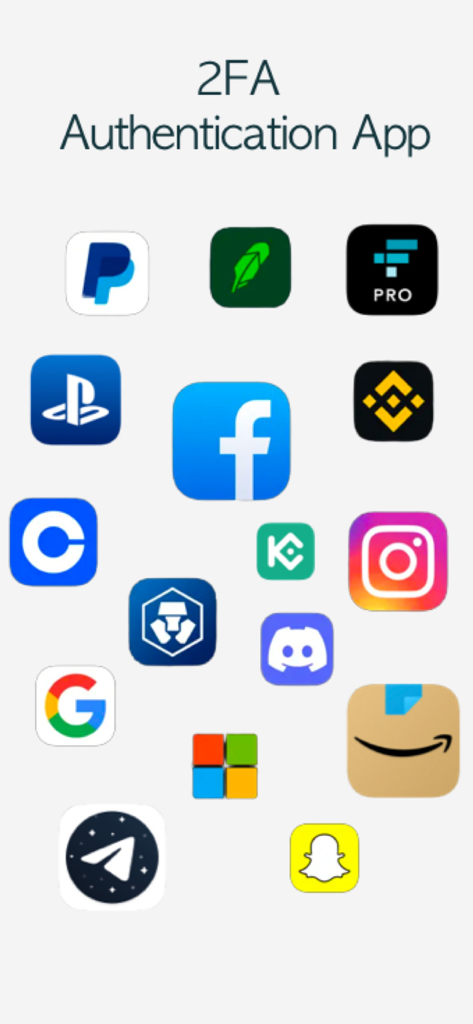
A collection of logos from popular services supported by the 2FA authentication app
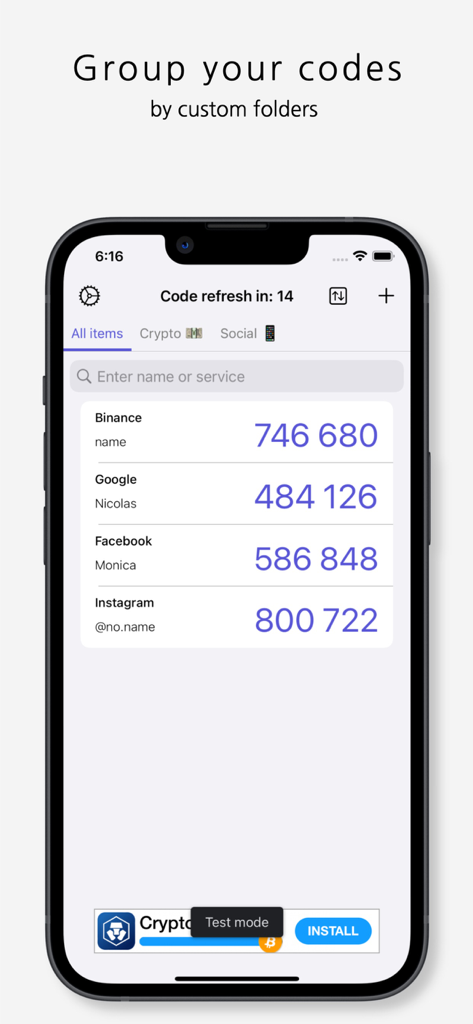
2FA Authenticator app screen displaying two-factor authentication codes organized into custom folders.
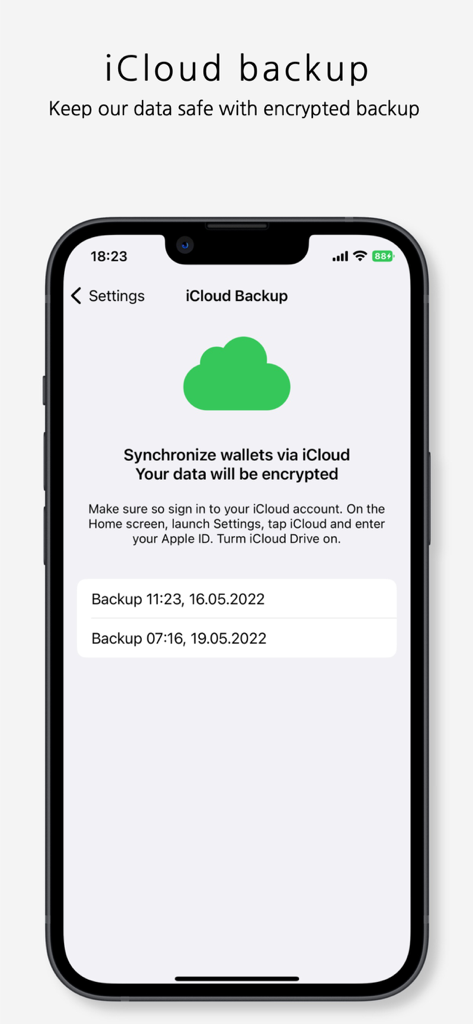
iPhone screenshot showing the 2FA app iCloud backup settings and encrypted data synchronization
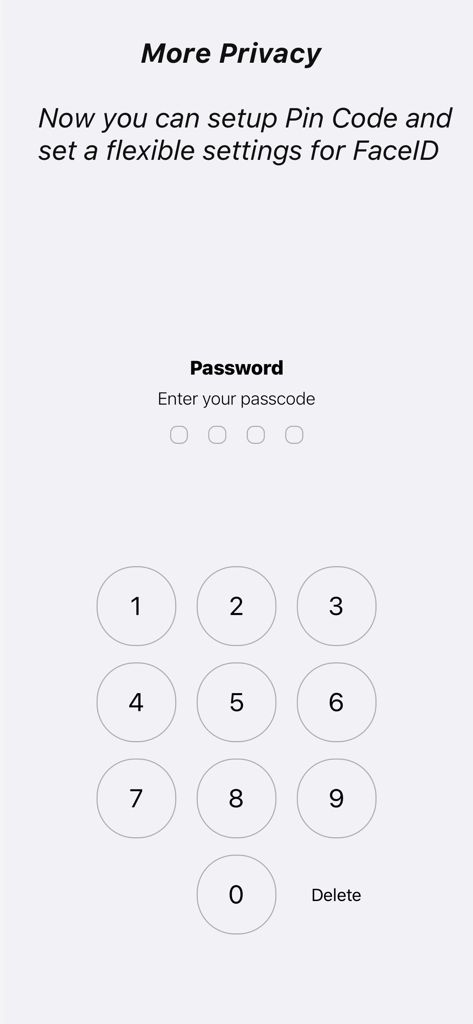
Passcode entry screen with a numeric keypad for enhanced app privacy and security
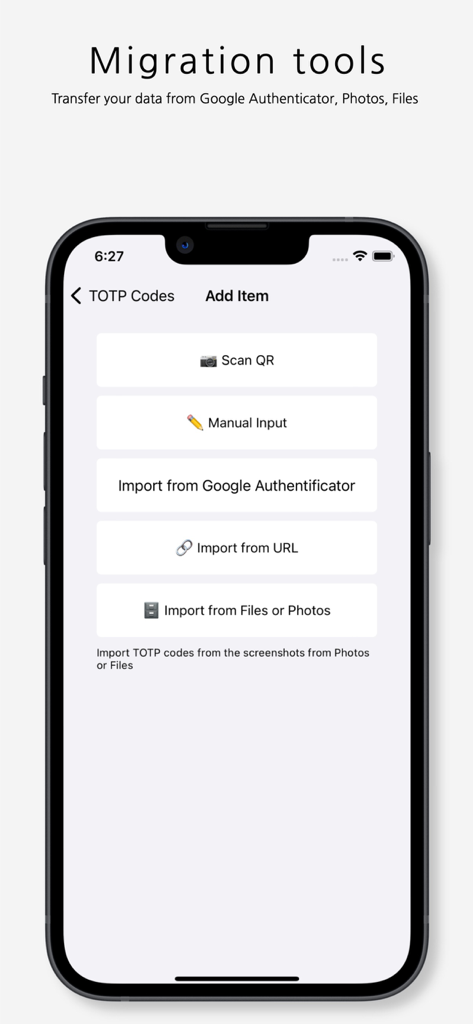
Migration tools screen for importing 2FA codes from Google Authenticator and photos.
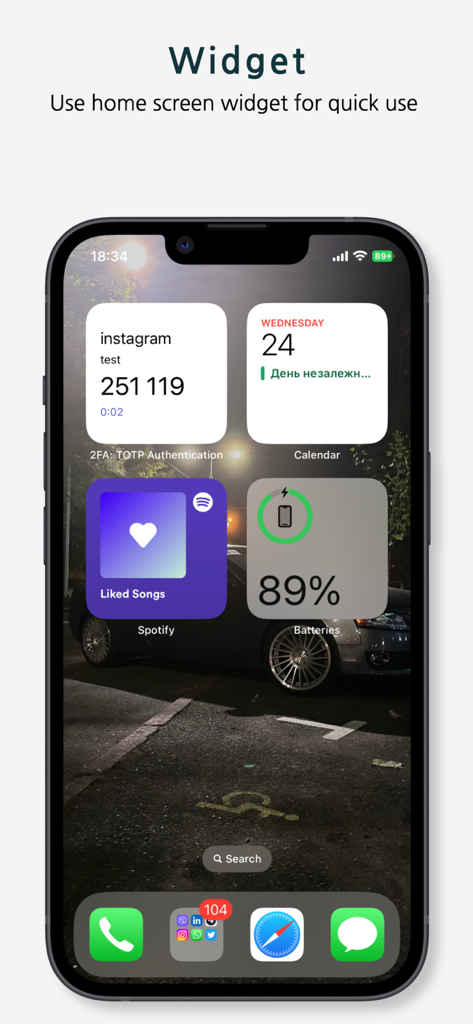
2FA authenticator app home screen widget on an iPhone
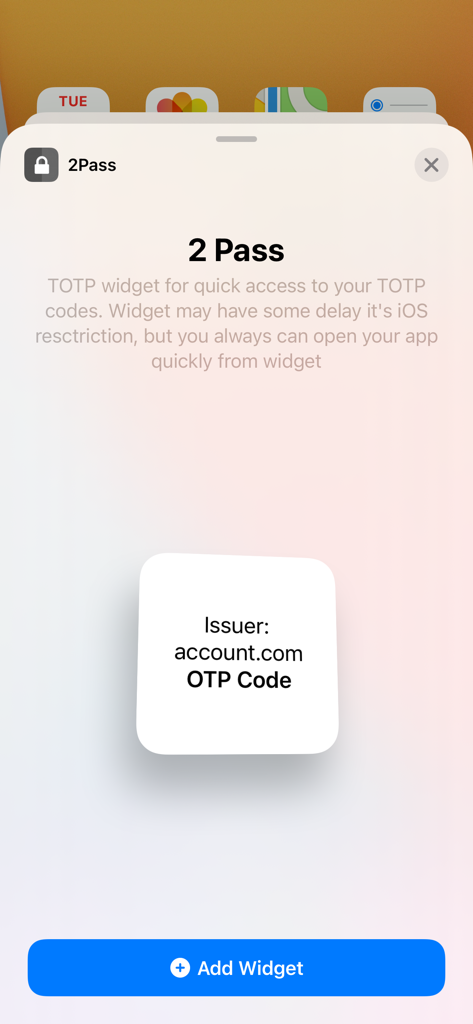
Interface for adding a 2Pass TOTP authenticator widget to an iPhone home screen
Description
Download
More Like This
Top-ranked apps in the same category

Google LLC

Google Chrome
Google LLC

中国移动(手机营业厅)
China Mobile Online Services Co., Ltd.

Google Authenticator
Google LLC

Super VPN Fly 2026
YUNFAN TECHNOLOGY CO., LIMITED

Cleanup: Phone Storage Cleaner
DEEP FLOW SOFTWARE SERVICES - FZCO

gov.br
Servicos e Informacoes do Brasil

百度-AI智能搜索
Beijing Baidu Netcom Science & Technology Co.,Ltd

Microsoft Edge: AI Browser
Microsoft Corporation
This page is not an official page of the app or its developer, but an independent editorial publication created for informational and commentary purposes. Unless expressly stated otherwise, neither the app nor its developer is affiliated with, endorsed by, sponsored by, authorized by, or otherwise officially connected with MWM, Apple, Google Play, the app publisher, or the app's developer, and nothing on this page implies that the app was developed using MWM's services. Any trademarks, logos, screenshots, and other content remain the property of their respective owners.