3D Model Viewer - eZWalker
Download on App Store

This page is not an official page of the app or its developer, but an independent editorial publication created for informational and commentary purposes. Unless expressly stated otherwise, neither the app nor its developer is affiliated with, endorsed by, sponsored by, authorized by, or otherwise officially connected with MWM, Apple, Google Play, the app publisher, or the app's developer, and nothing on this page implies that the app was developed using MWM's services. Any trademarks, logos, screenshots, and other content remain the property of their respective owners.

Logo of 3D Model Viewer - eZWalker
Download on App Store

3D Model Viewer - eZWalker

Bring your most complex BIM and CAD models to the field. View, manage, and collaborate on DWG, Revit, and IFC files with ultra-fast cloud rendering and secure multi-terminal synchronization.

Key Figures

Downloads

0

User Rating

1.0/5

Total Ratings

0

Publisher

DMS Corporation Co., Ltd.

Category

Utilities

Locales

2

Latest Version

3.1.1

Size

145.6 MB

First Released

Oct 18, 2024
Features

Professional 3D Visualization at Your Fingertips

Bridge the gap between the office and the job site. Access, view, and manage complex BIM models and project documents with unparalleled speed and security on your mobile device.

Lightning-Fast Model Performance

Load massive 3D models instantly. Our DMS cloud rendering engine delivers lightweight models with high-speed processing, preserving full data integrity without crashing your device.

Universal Multi-Format Support

The ultimate Swiss Army Knife for AEC professionals. View RVT, DWG, IFC, and Catia files alongside PDFs and project documents in one unified mobile workspace.

The following screenshots and description are sourced directly from the app's official store listing and are the property of the app developer.

App Store

Screenshots
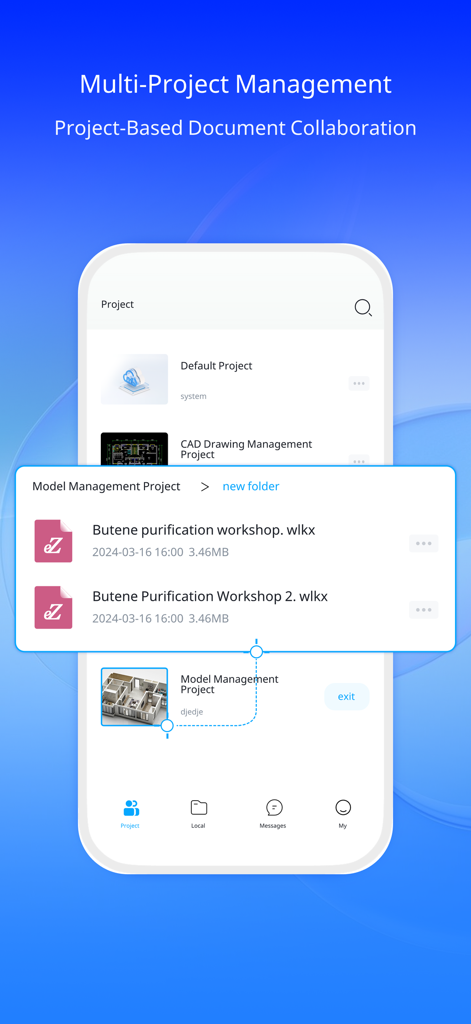
3D Model Viewer - eZWalker - The eZWalker app interface showing multiple projects and document collaboration features for engineering models.
The eZWalker app interface showing multiple projects and document collaboration features for engineering models.

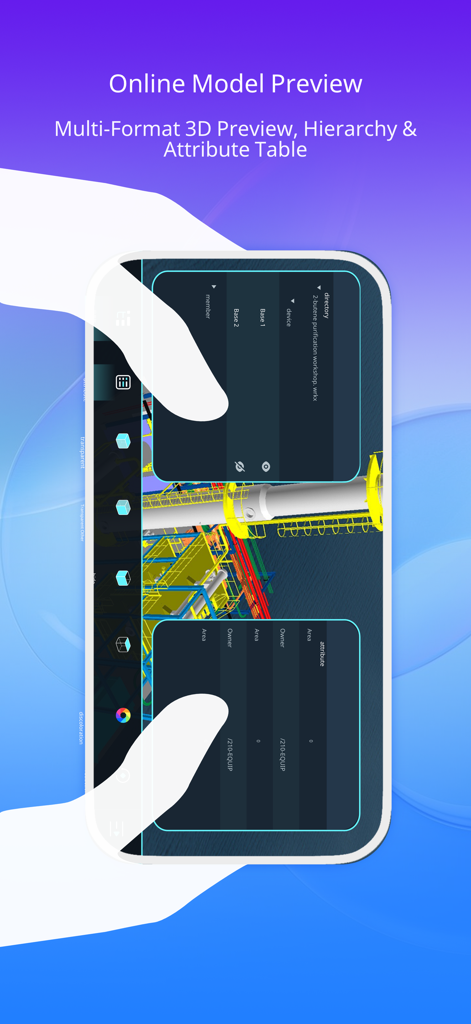
3D Model Viewer - eZWalker - eZWalker 3D model viewer interface showing online model preview with hierarchy and attribute table panels
eZWalker 3D model viewer interface showing online model preview with hierarchy and attribute table panels

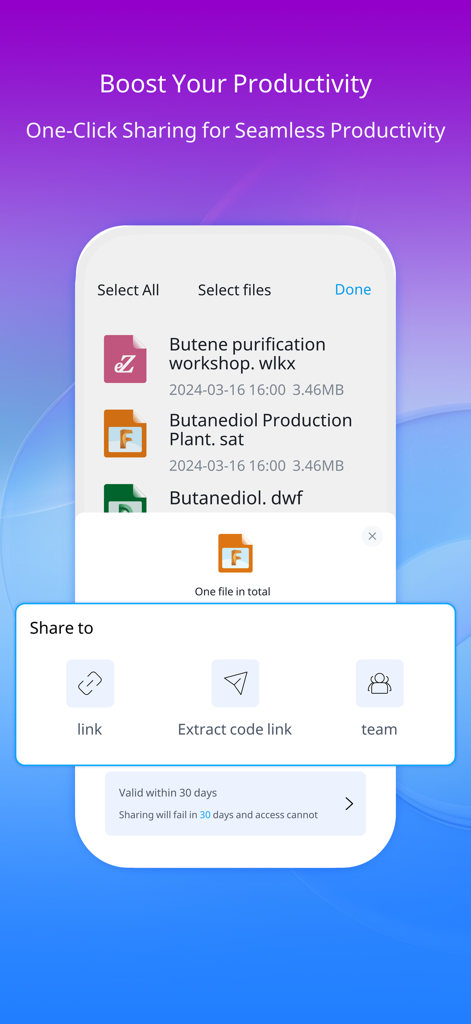
3D Model Viewer - eZWalker - Interface of the eZWalker app showing options to share 3D engineering models via link or team.
Interface of the eZWalker app showing options to share 3D engineering models via link or team.

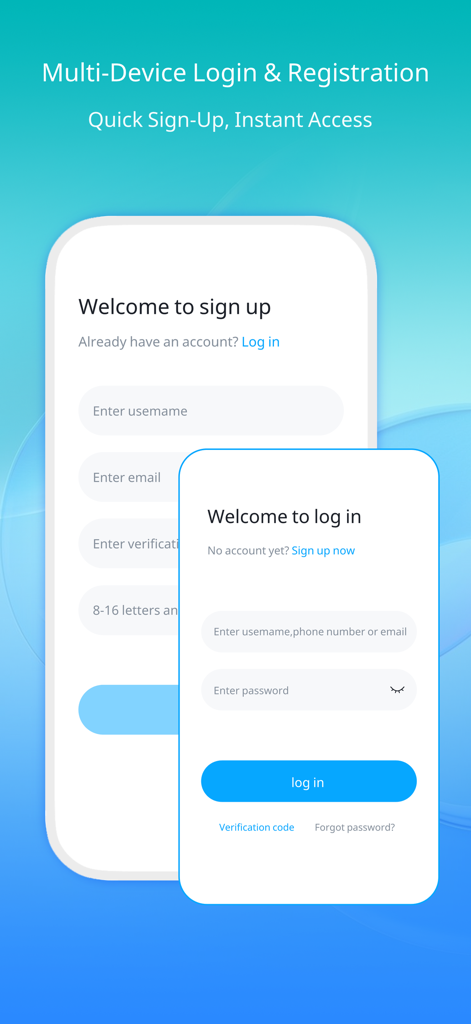
3D Model Viewer - eZWalker - Login and sign up screens for the eZWalker 3D model viewer app on a blue background

Login and sign up screens for the eZWalker 3D model viewer app on a blue background

Description

Why eZWalker? Welcome to eZWalker: A Powerful 3D Model Viewer and an Asset Management Cloud Platform, the practical, everyday solution for engineering and construction experts. Drive your projects with precision, collaboration, and efficiency. eZWalker is a high-performance and versatile visualization tool with advanced lightweight capabilities for engineering models and data. Focused on viewing and interacting with 3D models, project drawings, and documents, it empowers users to unlock the full potential of their models, enhancing engineering efficiency and project outcomes. Visualize and view your compatible 2D and 3D files using your mobile device. eZWalker is not just an 3D model viewer, it's your companion for achieving on-time, on-budget project success. Use eZWalker to manage your project documents and collaborate efficiently with your project team members in one place. KEY FEATURES --------------------- Effortless Model Lightweighting: Powered by the DMS cloud rendering engine, eZWalker delivers lightweight models with faster loading speeds, enabling highly compressed processing of the original model files while retaining the integrity of the original data; Compatible with Multiple Formats: It supports fast parsing and smooth viewing of a wide range of 2D drawings and 3D models, including formats like DWG、Rvm、Rvt、Catia、IFC、VUE、Svg, etc. In addition, it supports previewing document formats, such as PDF, TXT, DWG, DOC, PPT, and WPS, along with enabling previewing and playing multimedia files like MP4, FLV, MOV, MP3, WAV, PNG, and JPG. Ultra Secure Cloud Storage: Skip the hassle of uploading your models in bite-sized pieces. Use eZWalker to store and access your 3D model files securely, ensuring that your project data is safe and always at hand when you need it. Multi-Terminal Collaboration: The eZWalker APP enables seamless cloud collaboration between mobile, PC, and the DMS cloud web platform, allowing you to manage project models, drawings, and files anytime, anywhere. 3D Model Viewing: eZWalker offers a hierarchical view via a directory tree where you can perform basic operations on 3D models, such as model attribute viewing, model transparency adjustment, model isolation and hiding, and color change. Efficient Team Collaboration: With eZWalker, you can create team projects and invite members effortlessly. Team members can also join directly via a team QR code. Model files can be shared and viewed among team members, with robust file permission management and encrypted sharing, ensuring the security of project documents while enabling efficient team collaboration. With eZWalker, you can visualize from the simplest to the most complex 3D models on your mobile device, and inspect them easily and intuitively with its unique navigation interface. Designed for iOS smartphones with a smooth and clear visualization experience in mind. eZWalker will let you use the most appropriate visual clues and rendering styles to fully show the potential of your creations!

Download

Download on App Store

This page is not an official page of the app or its developer, but an independent editorial publication created for informational and commentary purposes. Unless expressly stated otherwise, neither the app nor its developer is affiliated with, endorsed by, sponsored by, authorized by, or otherwise officially connected with MWM, Apple, Google Play, the app publisher, or the app's developer, and nothing on this page implies that the app was developed using MWM's services. Any trademarks, logos, screenshots, and other content remain the property of their respective owners.








