
This page is not an official page of the app or its developer, but an independent editorial publication created for informational and commentary purposes. Unless expressly stated otherwise, neither the app nor its developer is affiliated with, endorsed by, sponsored by, authorized by, or otherwise officially connected with MWM, Apple, Google Play, the app publisher, or the app's developer, and nothing on this page implies that the app was developed using MWM's services. Any trademarks, logos, screenshots, and other content remain the property of their respective owners.

Adobe Illustrator: Graphic Art
Transform your sketches into scalable vector art with the precision of the Apple Pencil. Create stunning logos, icons, and illustrations on the go with seamless Creative Cloud syncing.
Downloads
7M+User Rating
Total Ratings
101K+Publisher
Category
Graphics & DesignLocales
5Latest Version
3.0.10Size
856.2 MBFirst Released
Oct 19, 2020Professional Power, Mobile Freedom
The industry-standard vector tool re-imagined for your iPad. Create high-end logos, illustrations, and typography with the precision of a desktop and the flexibility of a tablet.
Natural Pencil Precision
Draw vector lines and curves as naturally as pen on paper. Use intuitive gestures and the Apple Pencil to design with pinpoint accuracy without being tethered to a desk.
Seamless Cloud Workflow
Start on your iPad and finish on your desktop. Your projects automatically sync across devices, allowing you to pick up exactly where you left off, anywhere.
Frequently Asked Questions
Everything you need to know about Adobe Illustrator: Graphic Art
Is Adobe Illustrator: Graphic Art free with a Creative Cloud subscription?
Yes, Adobe Illustrator: Graphic Art is free for Creative Cloud members whose plan includes Illustrator. It is part of the Adobe Creative Cloud suite of applications.
What can you create with Adobe Illustrator: Graphic Art on iPad?
Adobe Illustrator: Graphic Art allows users to create logos, illustrations, and various graphics. It enables design with vector lines, shapes, type, gradients, and effects.
Does Adobe Illustrator: Graphic Art support Apple Pencil?
Yes, Adobe Illustrator on the iPad is designed to work intuitively with the Apple Pencil. This allows for precise drawing and natural interaction, similar to pen and paper.
Can I use Adobe Illustrator: Graphic Art offline on my iPad?
Yes, you can design with Adobe Illustrator: Graphic Art on your iPad even when offline. This feature allows for creative work from any location without an internet connection.
Does Adobe Illustrator: Graphic Art sync designs to the cloud?
Yes, Illustrator work created on the iPad automatically syncs to the Creative Cloud. This ensures projects are accessible to you and your team across desktop and iPad devices.
How many fonts are available in Adobe Illustrator: Graphic Art?
Adobe Illustrator: Graphic Art provides access to over 18,000 high-quality fonts from the Adobe Fonts library. Users can also upload and utilize their own licensed fonts.
Can Adobe Illustrator: Graphic Art convert raster images to vectors?
Yes, Adobe Illustrator on the iPad includes a 'Vectorize' feature that converts raster images or paper sketches into editable vector graphics directly within the app.
Is Adobe Illustrator: Graphic Art compatible with Photoshop files?
Yes, Adobe Illustrator: Graphic Art allows importing Photoshop images directly into an Illustrator design. It supports seamless workflow across Adobe Illustrator, Photoshop, and Fresco.
What export file formats does Adobe Illustrator: Graphic Art support?
Adobe Illustrator: Graphic Art supports exporting designs into common file formats such as SVG, PDF, PNG, and PSD. This ensures quality and compatibility across platforms.
Does Adobe Illustrator: Graphic Art offer livestreaming tutorials?
Yes, Adobe Illustrator: Graphic Art features livestreaming within the app. Users can watch and learn from leading design-industry creatives daily, and discover new trends.
The following screenshots and description are sourced directly from the app's official store listing and are the property of the app developer.
App Store
Screenshots
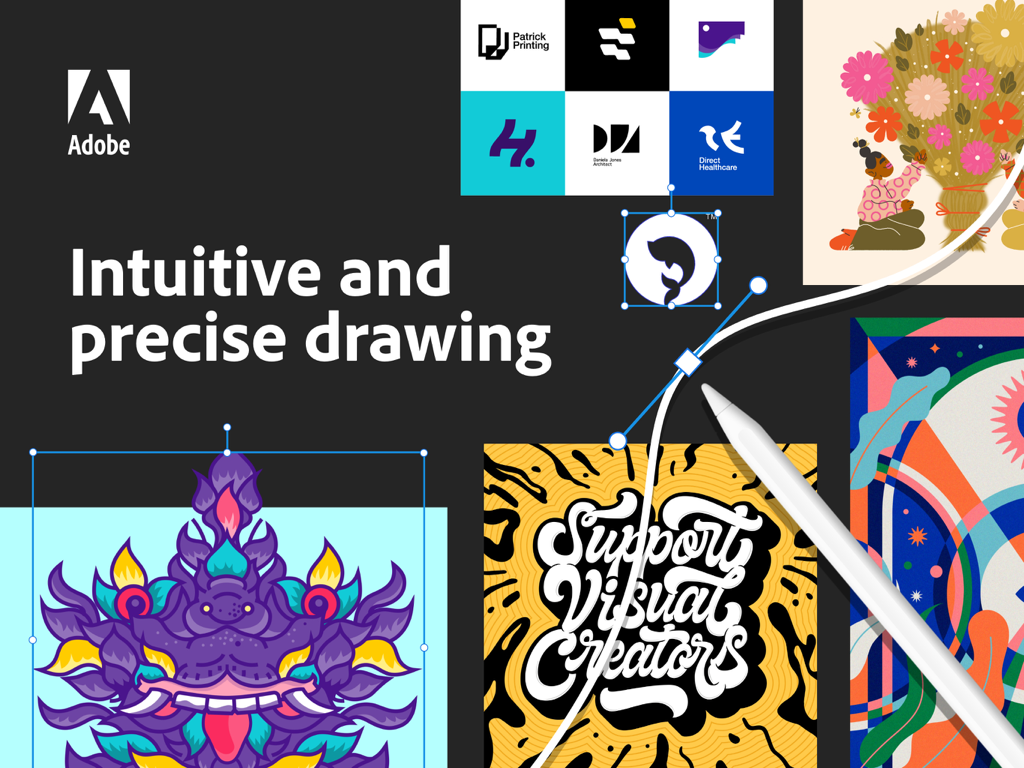
Adobe Illustrator on iPad showing vector drawing with Apple Pencil and various graphic design examples
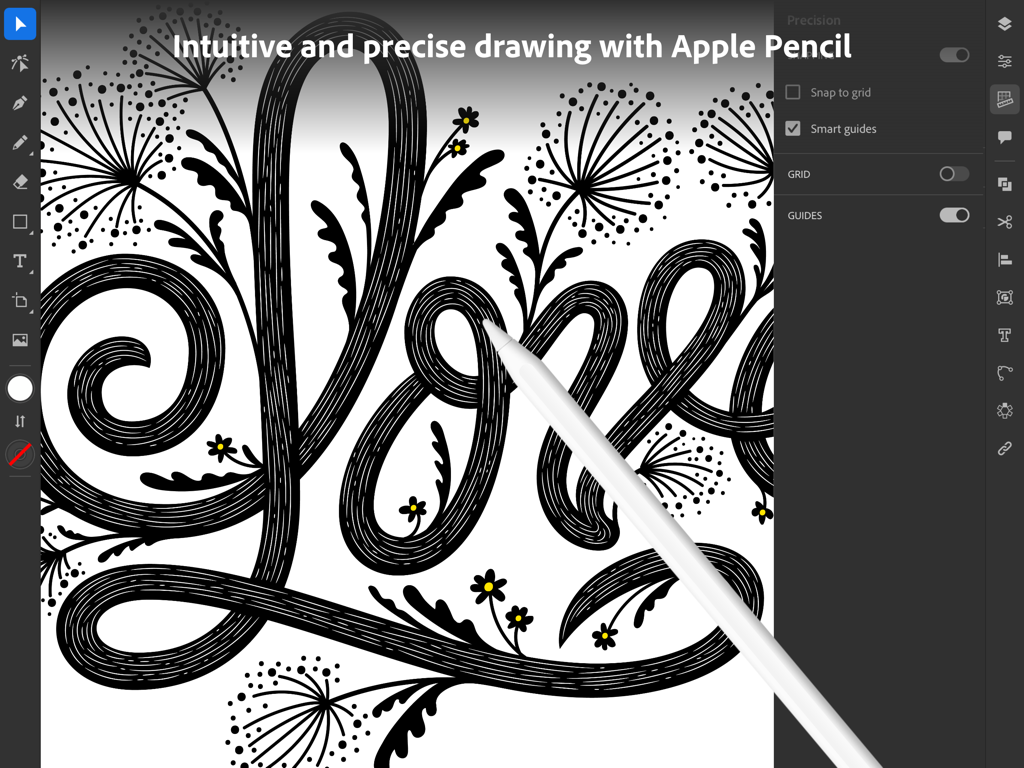
Graphic designer using Apple Pencil to create precise vector art in Adobe Illustrator on an iPad.
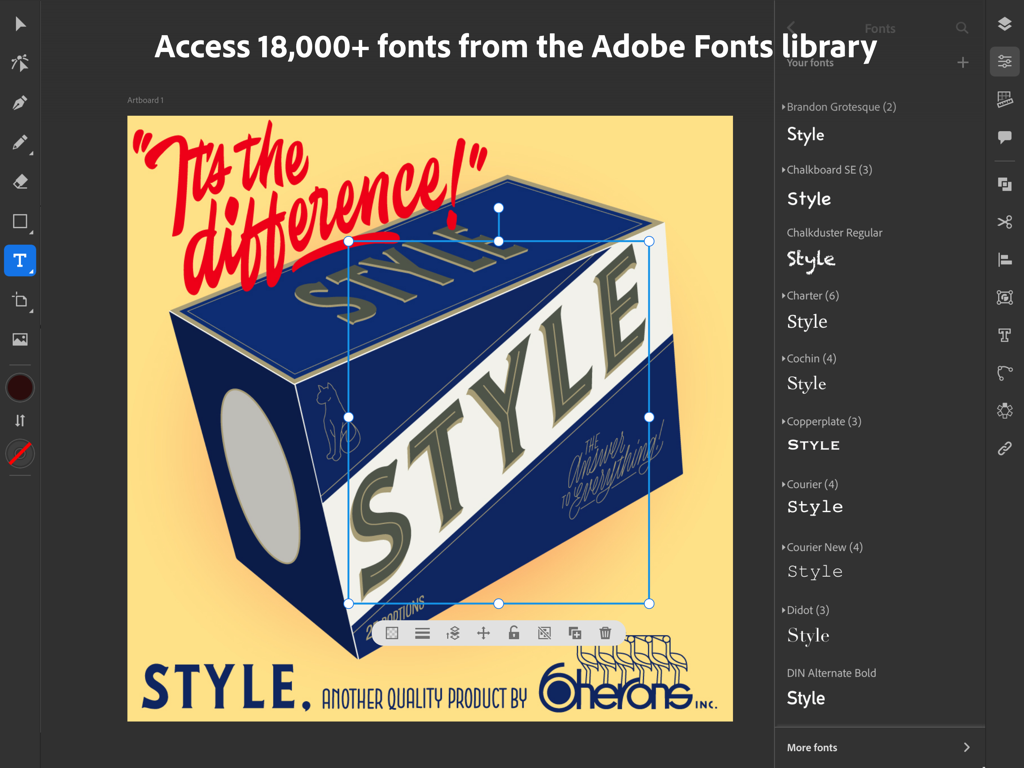
Adobe Illustrator iPad app interface showing the font selection menu and a retro graphic design project
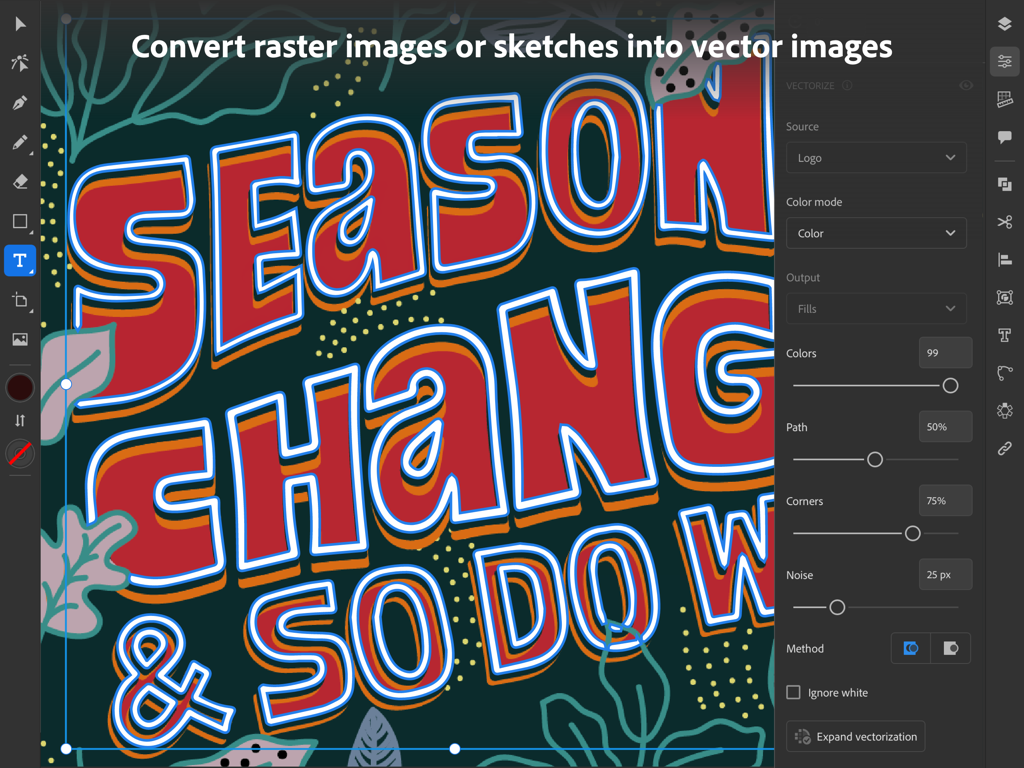
Adobe Illustrator on iPad showing the vectorize panel converting a colorful hand drawn typographic illustration into editable vector graphics.
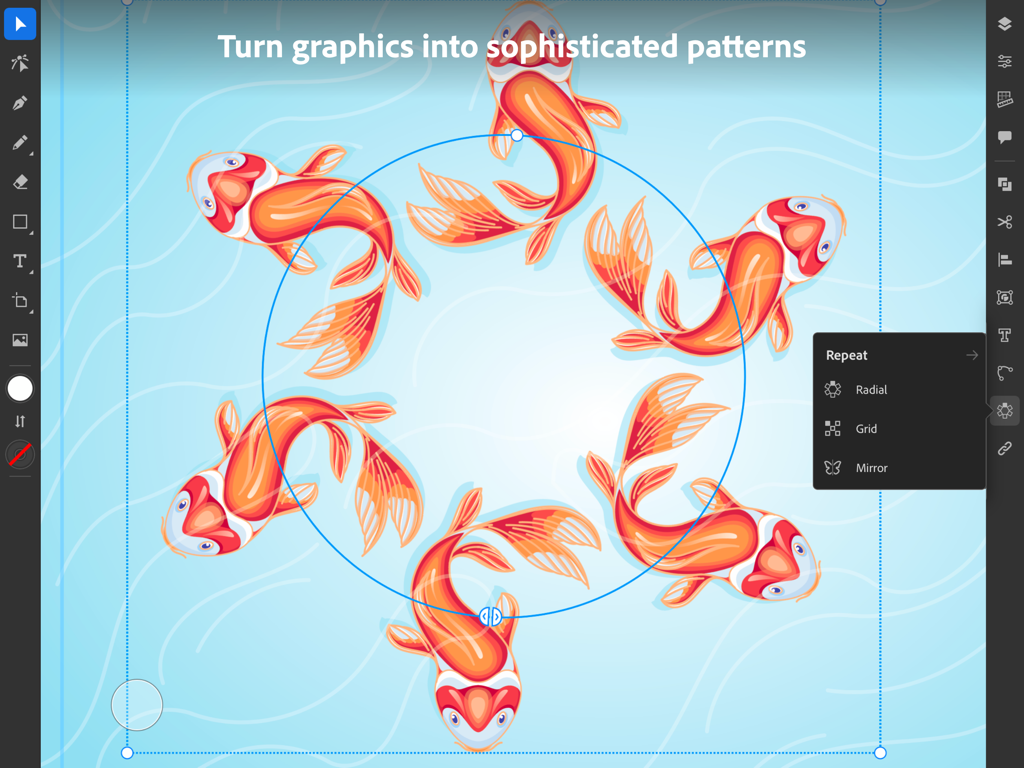
Adobe Illustrator iPad app showing radial repeat feature with koi fish illustrations
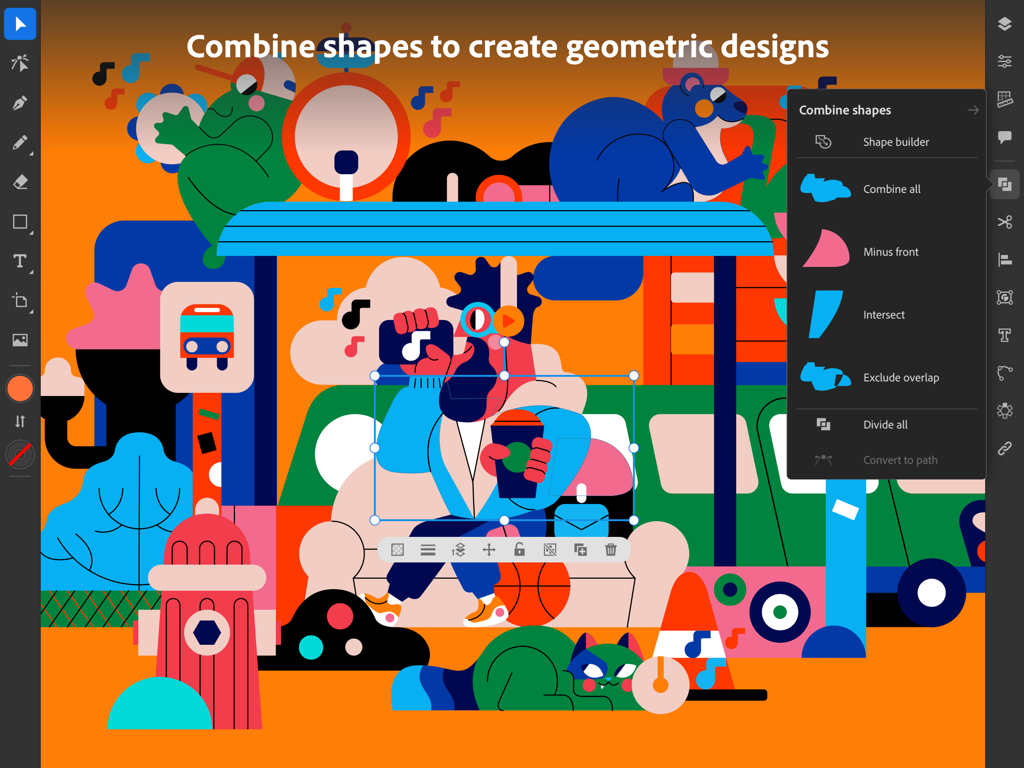
Adobe Illustrator for iPad interface showing a colorful geometric illustration and the Combine Shapes menu.
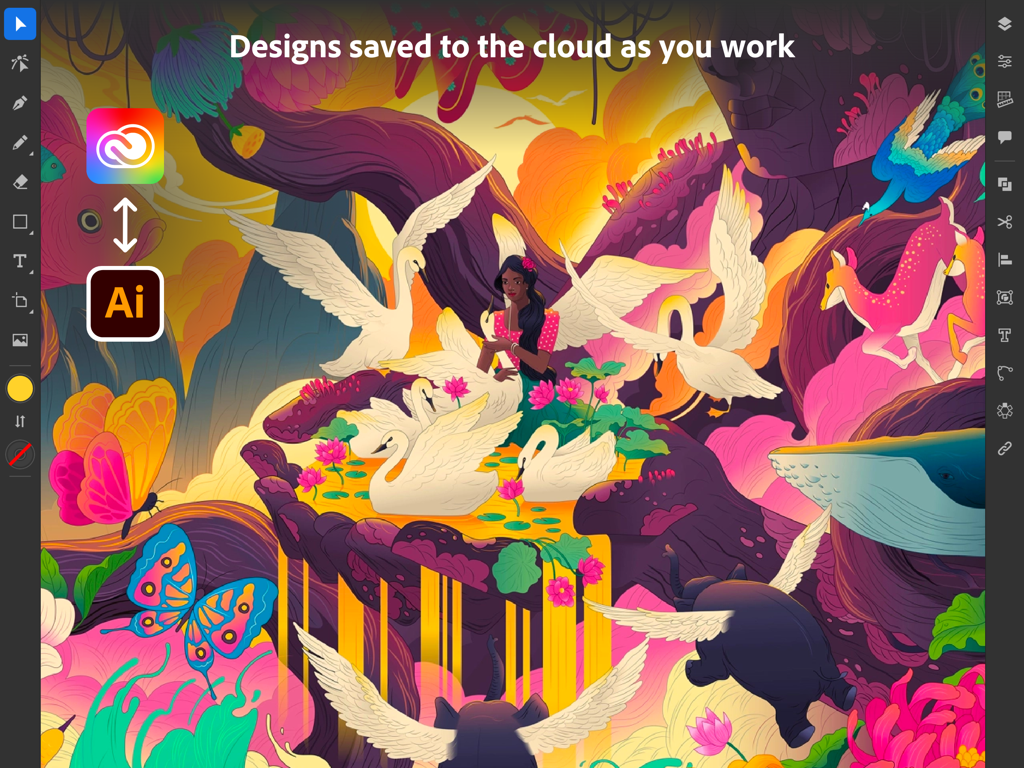
Adobe Illustrator iPad interface showing a surreal illustration and cloud sync icons
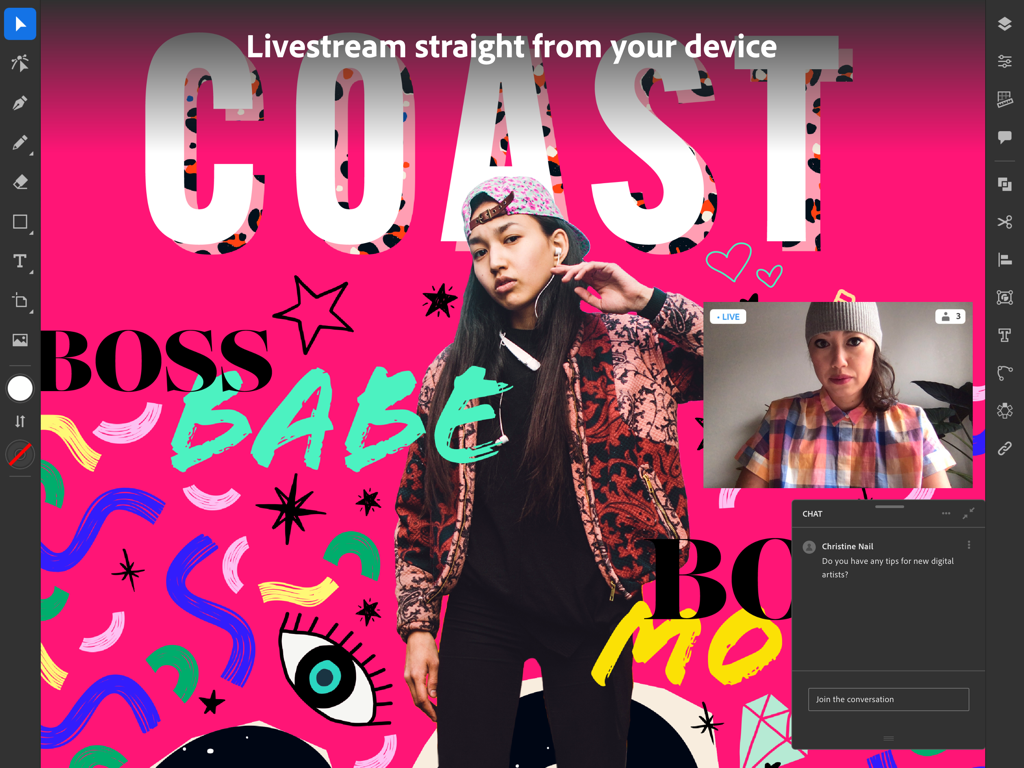
Adobe Illustrator iPad app showing a livestream and community chat.
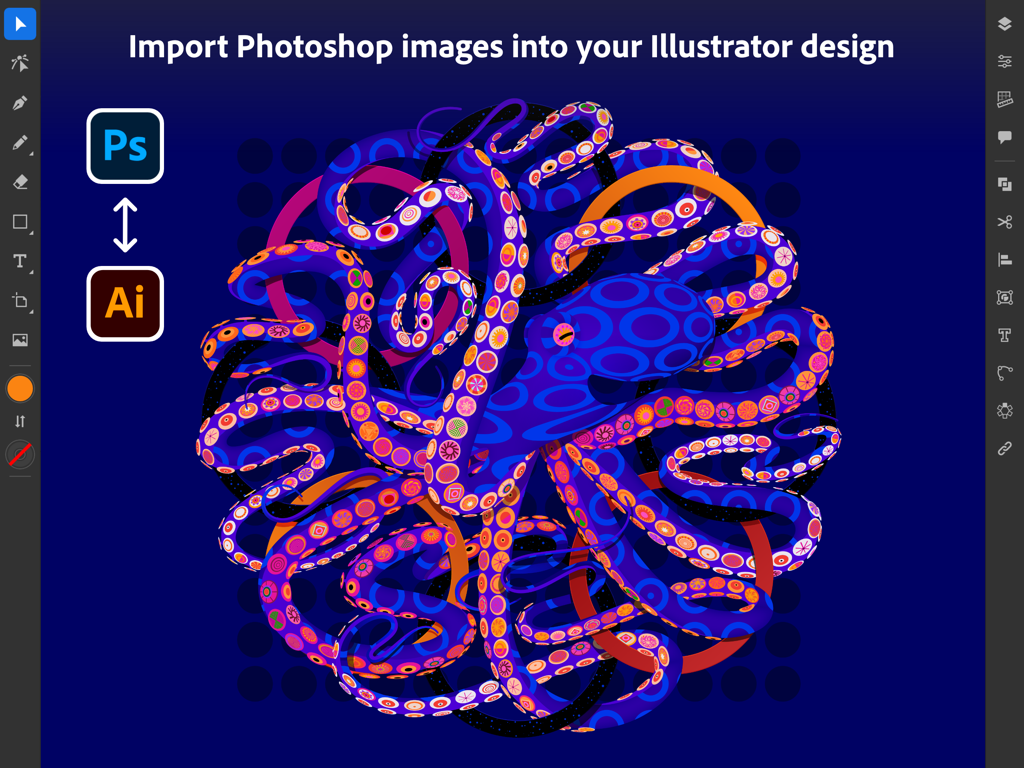
Adobe Illustrator iPad interface showing Photoshop image import with a colorful octopus graphic
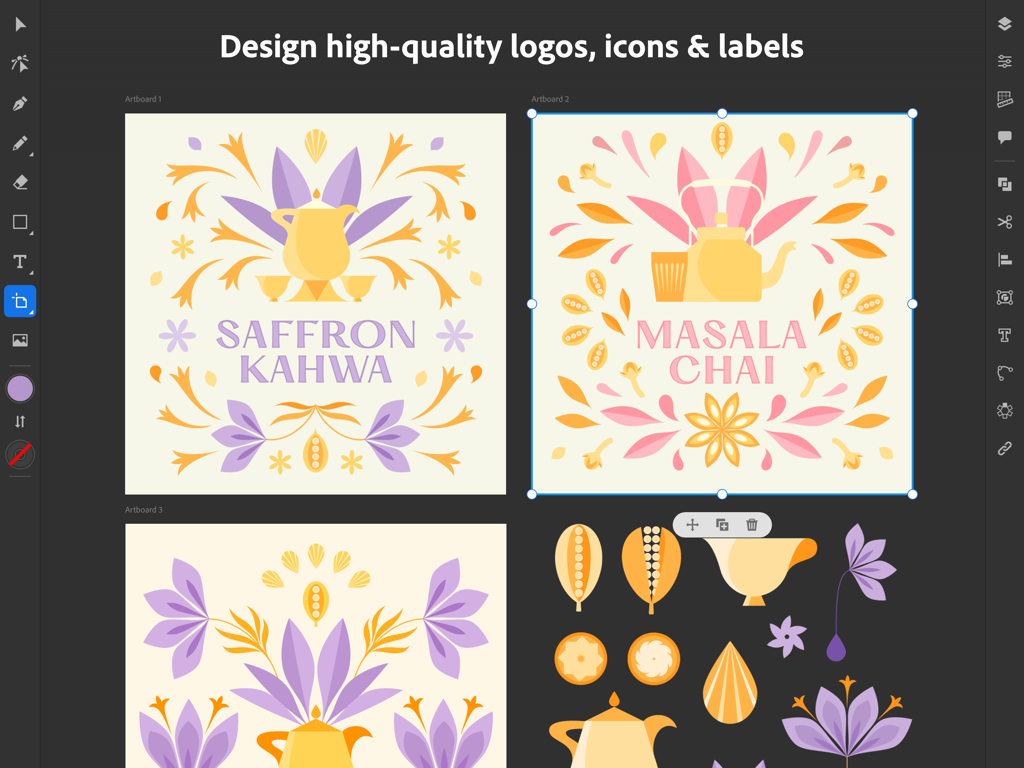
Adobe Illustrator iPad interface showing vector logo and label designs for tea brands.
Description
Download
More Like This
Apps with similar features and user experience

Affinity Designer 2 for iPad
Serif (Europe) Ltd.

Vector & SVG Maker - Assembly
Pixite Inc.

Logoist 5
Synium Software GmbH

Infinite Zoom Art - Canvas Max
Appycron Interactive e.K.

Inkpad - Graphic Design
Envoza Ltd

Amadine: Vector Design and Art
Belight Software, ltd

Graphic for iPad
Picta, Inc

Vector Drawing & Logo Design
Jonathan OFarrow

iDesign
TouchAware Limited
This page is not an official page of the app or its developer, but an independent editorial publication created for informational and commentary purposes. Unless expressly stated otherwise, neither the app nor its developer is affiliated with, endorsed by, sponsored by, authorized by, or otherwise officially connected with MWM, Apple, Google Play, the app publisher, or the app's developer, and nothing on this page implies that the app was developed using MWM's services. Any trademarks, logos, screenshots, and other content remain the property of their respective owners.