
This page is not an official page of the app or its developer, but an independent editorial publication created for informational and commentary purposes. Unless expressly stated otherwise, neither the app nor its developer is affiliated with, endorsed by, sponsored by, authorized by, or otherwise officially connected with MWM, Apple, Google Play, the app publisher, or the app's developer, and nothing on this page implies that the app was developed using MWM's services. Any trademarks, logos, screenshots, and other content remain the property of their respective owners.


Vector & SVG Maker - Assembly
Create stunning logos, icons, and illustrations in minutes. Harness the power of desktop-grade vector tools on your mobile device to build, edit, and export your vision with ease.
Downloads
2M+User Rating
Total Ratings
12K+Publisher
Category
Graphics & DesignLocales
2Latest Version
2.4.7Size
154.2 MBFirst Released
Oct 9, 2015Professional Vector Design, Simplified
Unlock high-end creative tools without the steep learning curve. From custom logos to intricate illustrations, Assembly gives you desktop power in a fast, intuitive mobile interface.
Smart Shape Construction
Skip the sketchbook. Combine and intersect over 1,000 pre-designed shapes to build complex, professional graphics in seconds.
Precision Point Editing
Master every detail with industry-standard Bezier curves. Professional-grade point editing gives you full control over your artistic vision.
Frequently Asked Questions
Everything you need to know about Vector & SVG Maker - Assembly
What is Assembly (Vector & SVG Maker)?
Assembly is a revolutionary vector design tool for creating logos, icons, and illustrations. It provides powerful, easy-to-use features usually found in professional desktop software, enabling quality work efficiently.
Can Assembly create and edit SVG files?
Yes, Assembly is a Vector & SVG Maker that allows users to create and edit SVG files. It supports importing SVG/PNG/JPG and exporting designs in SVG, PDF, PNG, and JPG formats.
Does Assembly offer professional vector design tools?
Yes, Assembly offers professional quality tools for vector design, including point editing with bezier curves, shape combination, and a complete text engine. These features are found in high-end graphic design suites.
What is the cost of Assembly Pro?
Assembly Pro costs $2.99 USD weekly, $4.99 USD monthly, or $29.99 USD annually. This auto-renewing subscription service provides professional features. Prices are subject to change.
Does Assembly Pro include a free trial?
Yes, Assembly Pro offers a 7-day free trial. After this period, the subscription automatically renews to the weekly plan, which users can cancel at any time.
Which file formats can the Assembly app export?
The Assembly app exports designs in high-resolution JPG and PNG, as well as vector formats like SVG and PDF up to 8192 x 8192. It also outputs Assembly project files.
Can I import custom fonts into Assembly?
Yes, Assembly's complete text engine allows users to import their own custom fonts. It also includes 25 versatile, hand-selected fonts for diverse design needs.
Does Assembly sync projects across devices?
Yes, Assembly supports iCloud sync, which allows projects to be synchronized across multiple devices. This ensures users can access and work on their designs anywhere.
How do I cancel an Assembly Pro subscription?
Users can manage Assembly Pro subscriptions and turn off auto-renewal in their Account Settings after purchase. Auto-renew requires cancellation at least 24 hours before the current period ends.
Is the Assembly app easy for beginners?
Yes, Assembly is designed to be powerful yet intuitive, making professional vector design accessible for artists of any background or skill level. It provides a simple interface.
The following screenshots and description are sourced directly from the app's official store listing and are the property of the app developer.
App Store
Screenshots
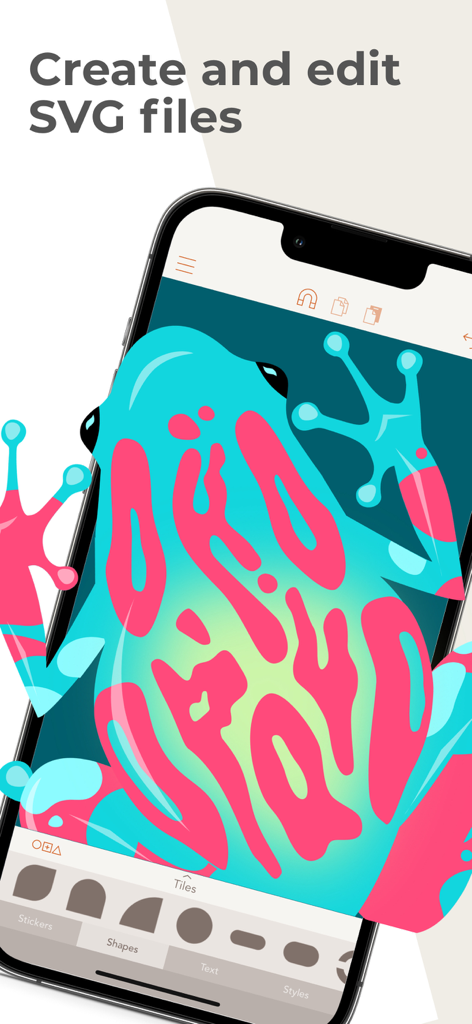
Vector illustration of a colorful frog being edited in the Assembly app
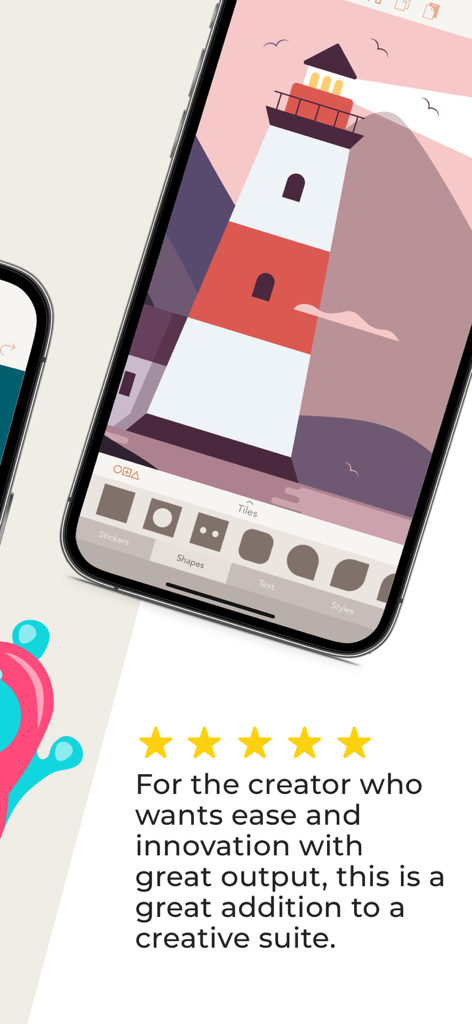
iPhone screen showing a lighthouse illustration in the Assembly vector design app with a five star review

Assembly mobile app interface displaying a detailed vector illustration of a treehouse
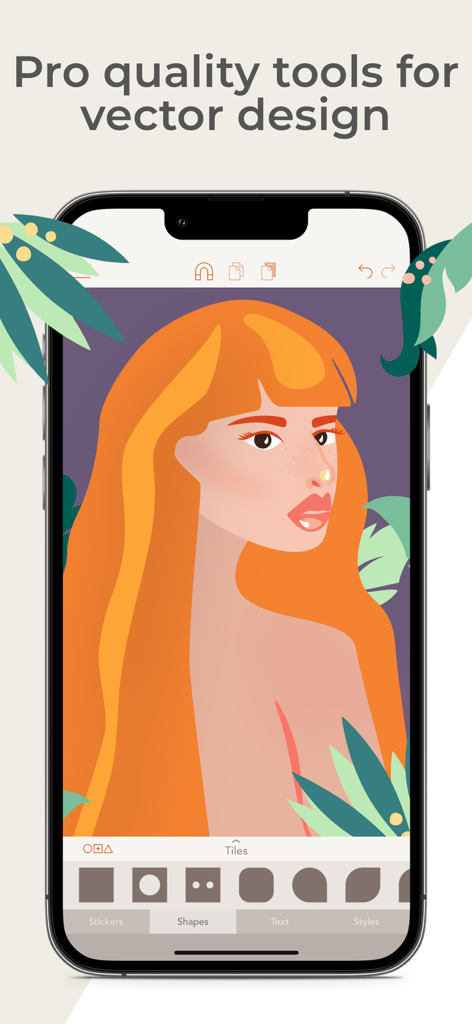
Mobile interface of Assembly vector design app featuring a professional illustration of a woman
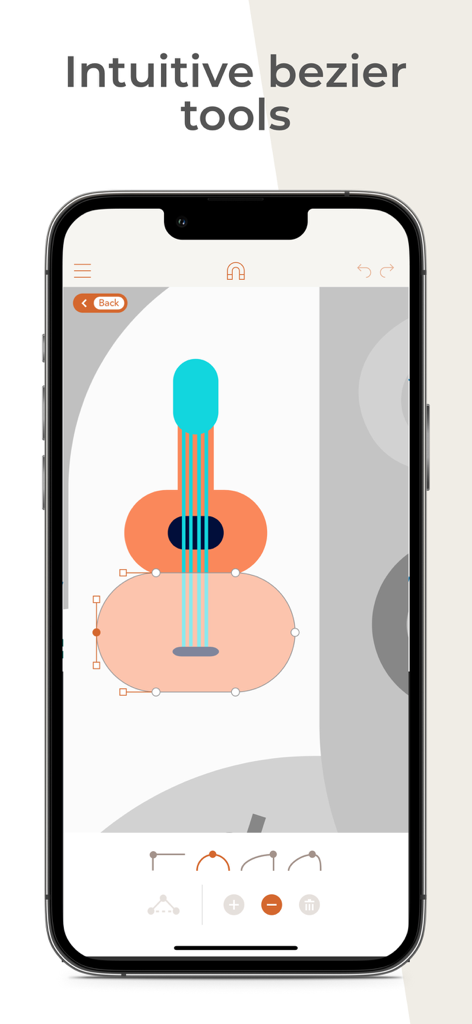
A vector illustration of a guitar being edited using intuitive bezier curve tools in the Assembly app.
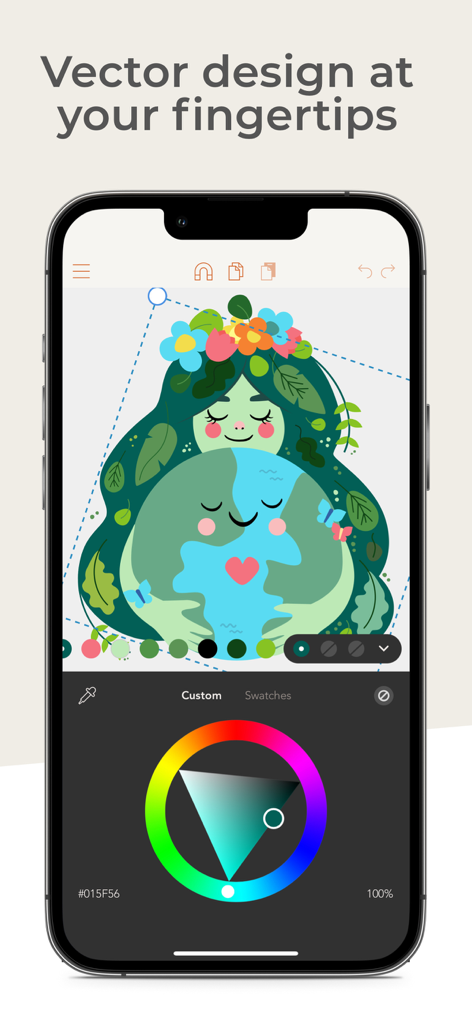
Graphic design on iPhone using Assembly app showing a vector illustration and color wheel.
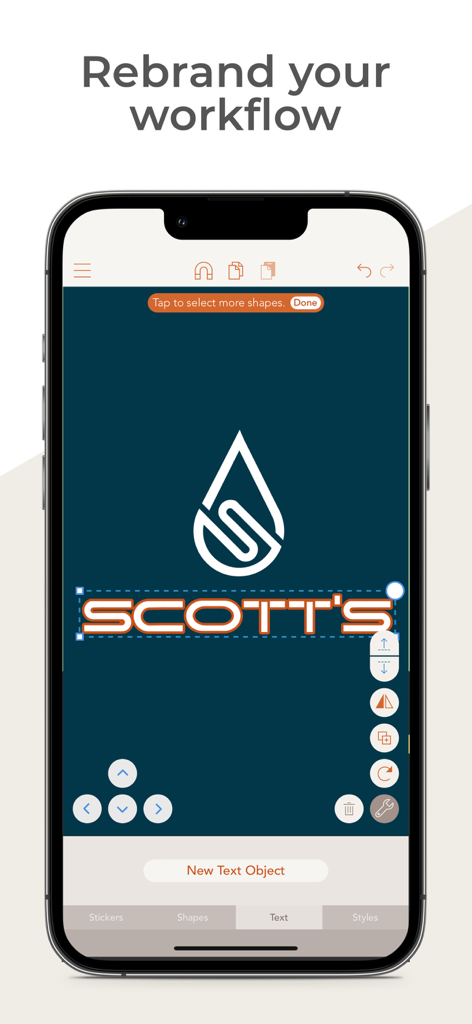
A mobile app interface for vector logo design showing a water drop icon and text editing for a brand named Scotts
Description
Download
More Like This
Apps with similar features and user experience

Affinity Designer 2 for iPad
Serif (Europe) Ltd.

Logoist 5
Synium Software GmbH

Adobe Illustrator: Graphic Art
Adobe Inc.

Infinite Zoom Art - Canvas Max
Appycron Interactive e.K.

Inkpad - Graphic Design
Envoza Ltd

Amadine: Vector Design and Art
Belight Software, ltd

Graphic for iPad
Picta, Inc

Vector Drawing & Logo Design
Jonathan OFarrow

iDesign
TouchAware Limited
This page is not an official page of the app or its developer, but an independent editorial publication created for informational and commentary purposes. Unless expressly stated otherwise, neither the app nor its developer is affiliated with, endorsed by, sponsored by, authorized by, or otherwise officially connected with MWM, Apple, Google Play, the app publisher, or the app's developer, and nothing on this page implies that the app was developed using MWM's services. Any trademarks, logos, screenshots, and other content remain the property of their respective owners.