
This page is not an official page of the app or its developer, but an independent editorial publication created for informational and commentary purposes. Unless expressly stated otherwise, neither the app nor its developer is affiliated with, endorsed by, sponsored by, authorized by, or otherwise officially connected with MWM, Apple, Google Play, the app publisher, or the app's developer, and nothing on this page implies that the app was developed using MWM's services. Any trademarks, logos, screenshots, and other content remain the property of their respective owners.


Amadine: Vector Design and Art
Unlock desktop-class power on your iPad and iPhone. Create stunning logos, UI, and art with a clean interface, Apple Pencil precision, and no subscription bloat.
Downloads
779K+User Rating
Total Ratings
500Publisher
Category
Graphics & DesignLocales
3Latest Version
1.7.2Size
64.7 MBFirst Released
Dec 8, 2020Design Like a Pro, Anywhere
Amadine delivers the power of desktop vector software in a clean, intuitive interface optimized for your mobile creative workflow.
Precision Vector Tools
Access over 30 pro-grade tools, from the classic Pen tool to the innovative Fusion tool for effortless shape building.
Fluid iPad Experience
Harness the full potential of Apple Pencil with pressure sensitivity and native gestures for a truly tactile creative process.
Frequently Asked Questions
Everything you need to know about Amadine: Vector Design and Art
What is Amadine?
Amadine is an intuitive vector design, drawing, and illustration app. It offers a clean UI for creating complex designs like illustrations, logos, icons, UI designs, brandbooks, and art, suitable for both aspiring artists and professionals.
What can I create with Amadine?
With Amadine, users create designs of any complexity, including illustrations, logos, icons, UI designs, brandbooks, and art. It provides comprehensive vector design capabilities within one application.
Does Amadine support Apple Pencil?
Yes, Amadine for iPad supports Apple Pencil. It enables drawing with pressure-sensitive Apple Pencil and Apple Pencil 2, offering responsive and natural brushes for creative artwork.
What file formats does Amadine support for import and export?
Amadine imports SVG, PDF, AI, JPEG, TIFF, PNG, and HEIC. It exports graphics to SVG, PDF, JPEG, TIFF, PNG, or PDF file formats, allowing flexibility for sharing designs.
Is Amadine free to use?
Yes, the Amadine app is free to download and allows trying out all tools and workflow specifications. Export features require a lifetime license or a subscription through in-app purchases.
What powerful vector tools are available in Amadine?
Amadine offers over 30 tools for selecting, drawing, editing, and typing. These include Pen, Draw, Width, Gradient, Rectangle, Ellipse, Free Transform, and Clipping Mask for comprehensive vector design.
Can Amadine handle text editing features?
Yes, Amadine provides pro-level text editing. Features include the Text tool, Text on Path tool, Text in Shape tool, in-place editing, formatting, alignment, distribution, and support for numbered and bulleted lists.
Does Amadine have a Fusion tool?
Yes, Amadine features a Fusion tool. This tool offers a unique approach to creating vector objects by combining multiple objects into a single, cohesive form within the design.
Can I use Amadine on a Mac computer?
Yes, Amadine is available for Mac. A separate version of the Amadine app exists for Mac, ensuring users can utilize its vector design capabilities across different Apple platforms.
Does Amadine support CMYK color mode?
Yes, Amadine fully supports both RGB and CMYK color modes. It also includes color profiles support, ensuring accurate display of colors across various devices for professional design work.
How does the Amadine Recolor panel work?
The Amadine Recolor panel enables easy, large-scale color changes to artwork. Users can quickly modify existing color schemes, providing efficient color adjustment capabilities for designs.
Can I create custom vector shape libraries in Amadine?
Yes, Amadine allows users to create custom vector shape libraries. While it includes built-in libraries, you can save Amadine shapes into your own libraries for personalized sets of objects.
The following screenshots and description are sourced directly from the app's official store listing and are the property of the app developer.
App Store
Screenshots
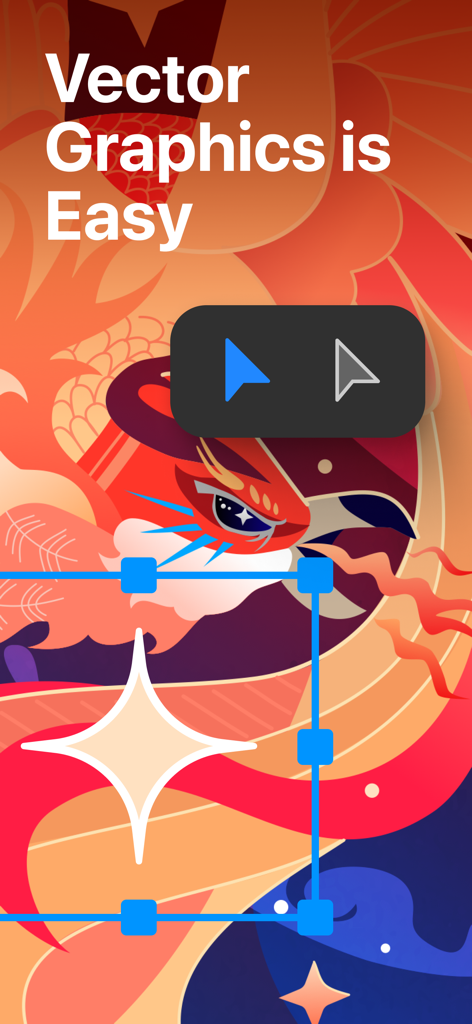
A colorful vector illustration of a bird in the Amadine app with the text Vector Graphics is Easy and design tools

Vector illustration showing the imaginative gradients tool in the Amadine app
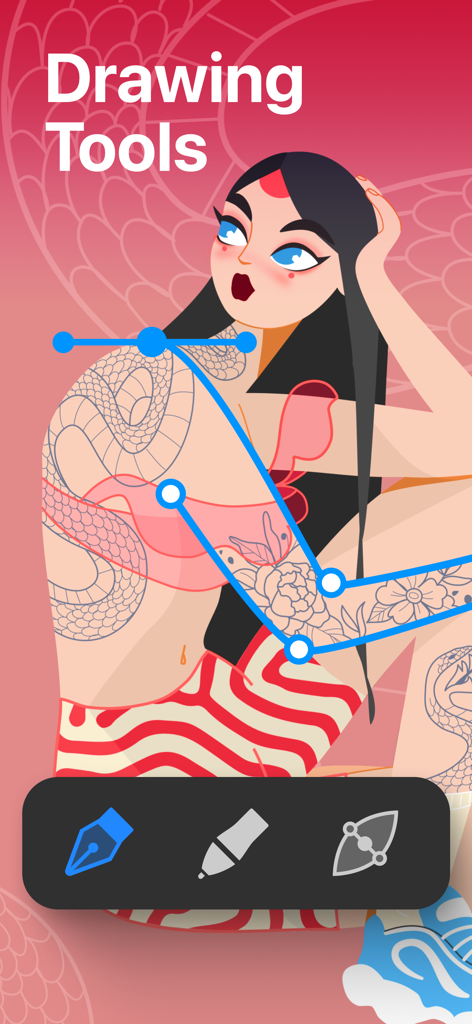
Amadine app interface showing vector path editing tools over a character illustration
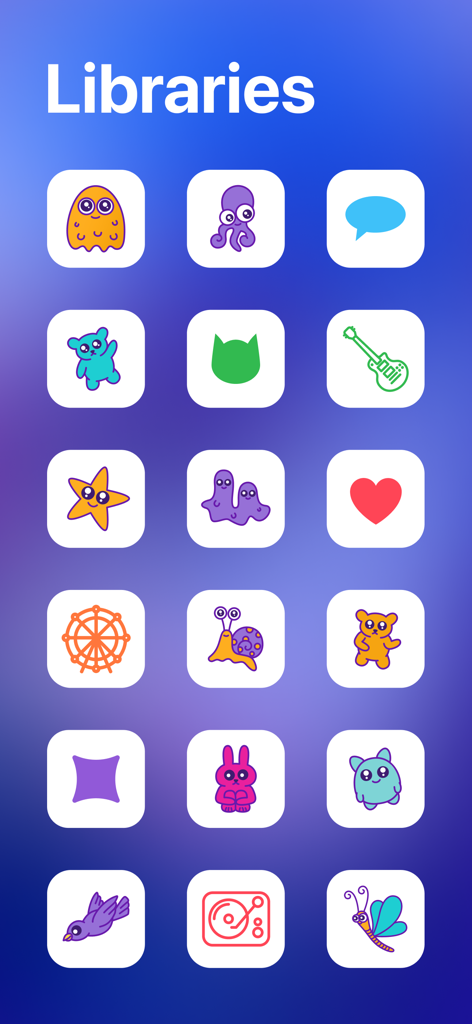
Amadine vector design app library featuring various colorful icons and characters
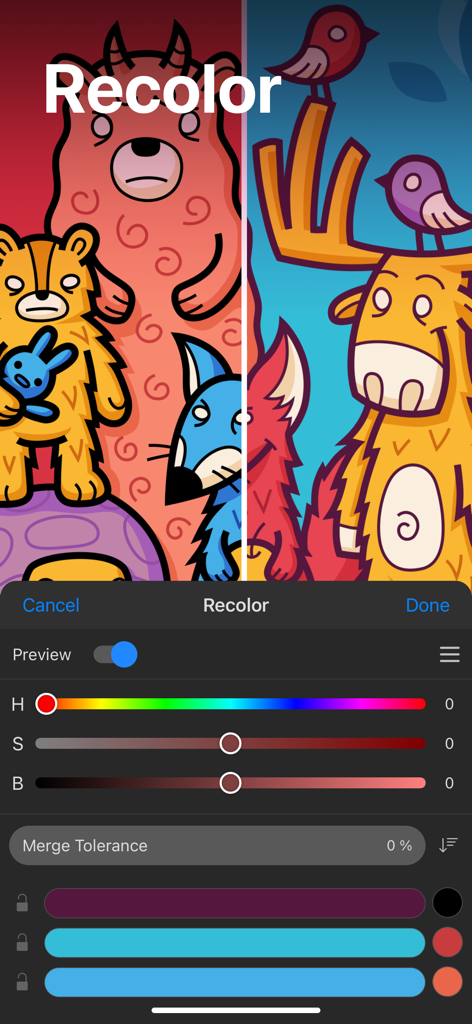
Recolor panel in Amadine app showing color sliders and a vector illustration of cartoon animals in two different color schemes
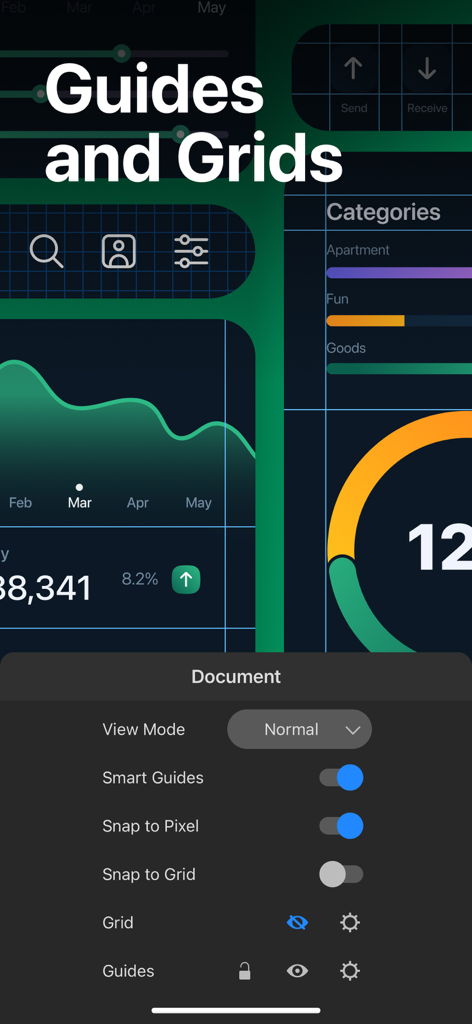
Amadine app interface showing guides and grids settings for vector UI design
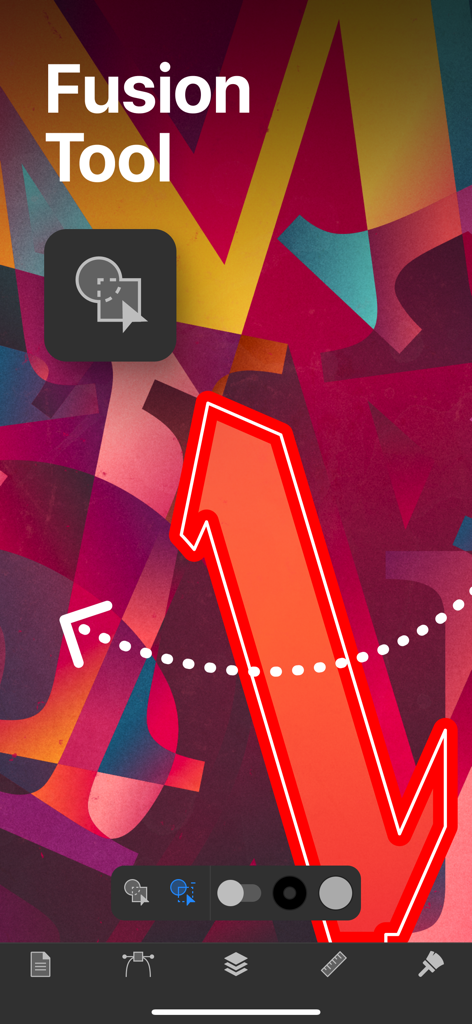
Amadine app interface showing the fusion tool feature for vector design
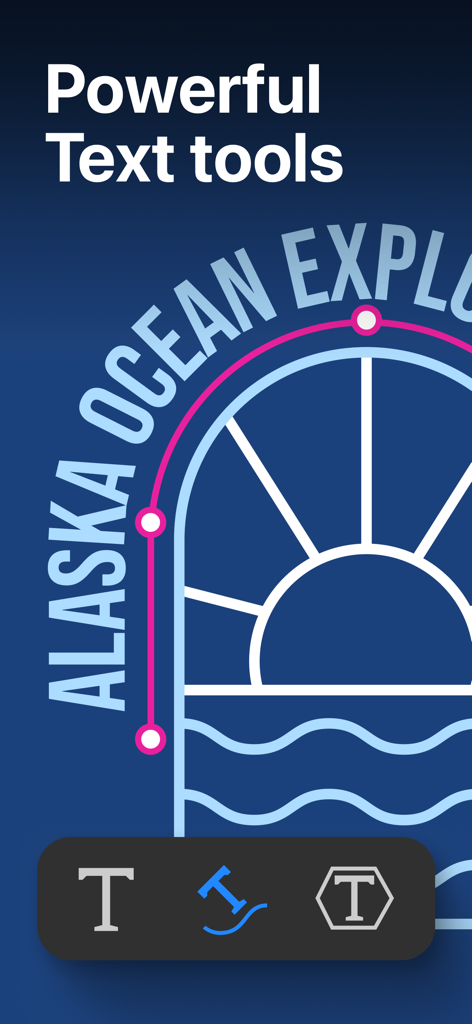
Amadine app screenshot showing vector illustration with text on path and text editing tools
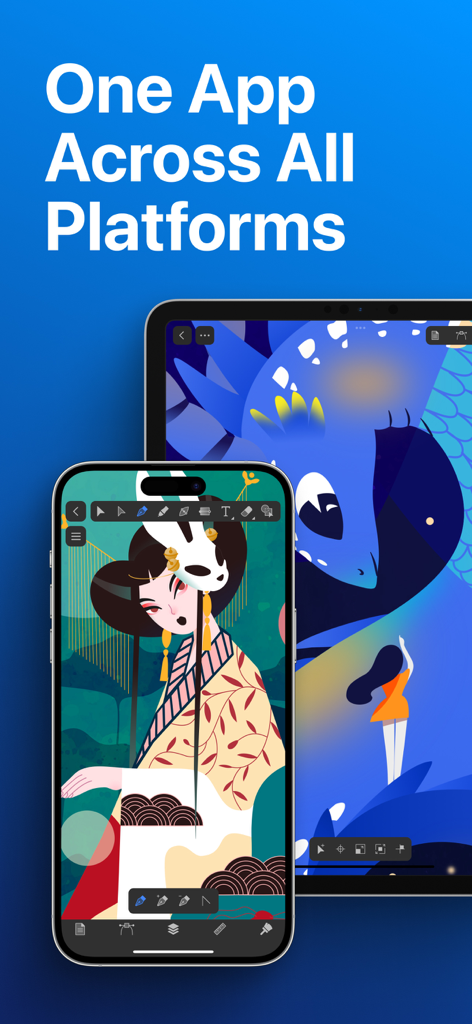
Amadine vector design app shown on an iPhone and iPad with illustrations on the screens
Description
Download
More Like This
Apps with similar features and user experience

Affinity Designer 2 for iPad
Serif (Europe) Ltd.

Vector & SVG Maker - Assembly
Pixite Inc.

Logoist 5
Synium Software GmbH

Adobe Illustrator: Graphic Art
Adobe Inc.

Infinite Zoom Art - Canvas Max
Appycron Interactive e.K.

Inkpad - Graphic Design
Envoza Ltd

Graphic for iPad
Picta, Inc

Vector Drawing & Logo Design
Jonathan OFarrow

iDesign
TouchAware Limited
This page is not an official page of the app or its developer, but an independent editorial publication created for informational and commentary purposes. Unless expressly stated otherwise, neither the app nor its developer is affiliated with, endorsed by, sponsored by, authorized by, or otherwise officially connected with MWM, Apple, Google Play, the app publisher, or the app's developer, and nothing on this page implies that the app was developed using MWM's services. Any trademarks, logos, screenshots, and other content remain the property of their respective owners.