
This page is not an official page of the app or its developer, but an independent editorial publication created for informational and commentary purposes. Unless expressly stated otherwise, neither the app nor its developer is affiliated with, endorsed by, sponsored by, authorized by, or otherwise officially connected with MWM, Apple, Google Play, the app publisher, or the app's developer, and nothing on this page implies that the app was developed using MWM's services. Any trademarks, logos, screenshots, and other content remain the property of their respective owners.


Affinity Designer 2 for iPad
Bring your creative vision to life with the most powerful, touch-optimized design suite. From intricate illustrations to brand identity, experience desktop-class precision and performance anywhere your iPad goes.
Downloads
1M+User Rating
Total Ratings
11K+Publisher
Category
Graphics & DesignLocales
8Latest Version
2.6.4Size
1.7 GBFirst Released
Nov 9, 2022Professional Design, Redefined for iPad
Stop compromising with "lite" apps. Experience the full power of a desktop-class vector and raster suite, purpose-built for the mobility and precision of the iPad.
Desktop Power, Zero Lag
Handle complex documents with ease. Experience fluid 120fps performance and zoom up to 1,000,000% for absolute precision on every node.
The Ultimate Hybrid Workflow
Switch instantly between professional vector tools and high-quality raster brushes. Paint, texture, and mask without ever leaving the app.
Frequently Asked Questions
Everything you need to know about Affinity Designer 2 for iPad
What is Affinity Designer 2 for iPad?
Affinity Designer 2 for iPad is a graphic design app optimized for touch and Apple Pencil. It enables users to create illustrations, branding, logos, UI/UX designs, print projects, and digital art with robust vector and raster tools.
Does Affinity Designer 2 for iPad support Apple Pencil?
Yes, Affinity Designer 2 for iPad fully supports Apple Pencil. It leverages its pressure, tilt, and angle sensitivity to provide precise control for drawing and design tasks.
Can Affinity Designer 2 for iPad handle both vector and raster graphics?
Yes, Affinity Designer 2 for iPad allows seamless switching between fully-featured vector and raster workspaces. Users can paint, draw, and sketch in raster, then create custom vector art.
What file formats does Affinity Designer 2 for iPad support?
Affinity Designer 2 for iPad supports various file formats including Ai, PSD, PDF, EPS, SVG, JPG, JPEG XL, TIFF, EXR, DXF, and DWG. This ensures broad compatibility for projects.
How does Affinity Designer 2 for iPad optimize performance on large documents?
Affinity Designer 2 for iPad optimizes performance on large documents by integrating iOS16 virtual memory swap. This dramatically increases efficiency, even with complex design projects.
Does Affinity Designer 2 for iPad have a Knife Tool?
Yes, Affinity Designer 2 for iPad features a Knife Tool. Users can precisely slice shapes, curves, or text directly within the application, as shown in the interface.
Can users apply non-destructive effects in Affinity Designer 2 for iPad?
Yes, Affinity Designer 2 for iPad supports non-destructive adjustments and vector warps. This allows users to make changes without permanently altering the original image data, ensuring flexible editing.
Does Affinity Designer 2 for iPad offer advanced typography features?
Yes, Affinity Designer 2 for iPad offers sophisticated typography features. These include OpenType support, artistic text, text frames, character/paragraph styles, and the ability to flow text along any path.
What color models does Affinity Designer 2 for iPad support for professional output?
Affinity Designer 2 for iPad supports professional color models including CMYK, LAB, RGB, PANTONE©, and Greyscale. It also features full 16-bit per channel editing and end-to-end ICC color management.
Can I create logos and branding using Affinity Designer 2 for iPad?
Yes, Affinity Designer 2 for iPad is ideal for creating logos and branding. It includes powerful vector tools like the Pen Tool and Shape Builder, enabling precise graphic design work.
The following screenshots and description are sourced directly from the app's official store listing and are the property of the app developer.
App Store
Screenshots
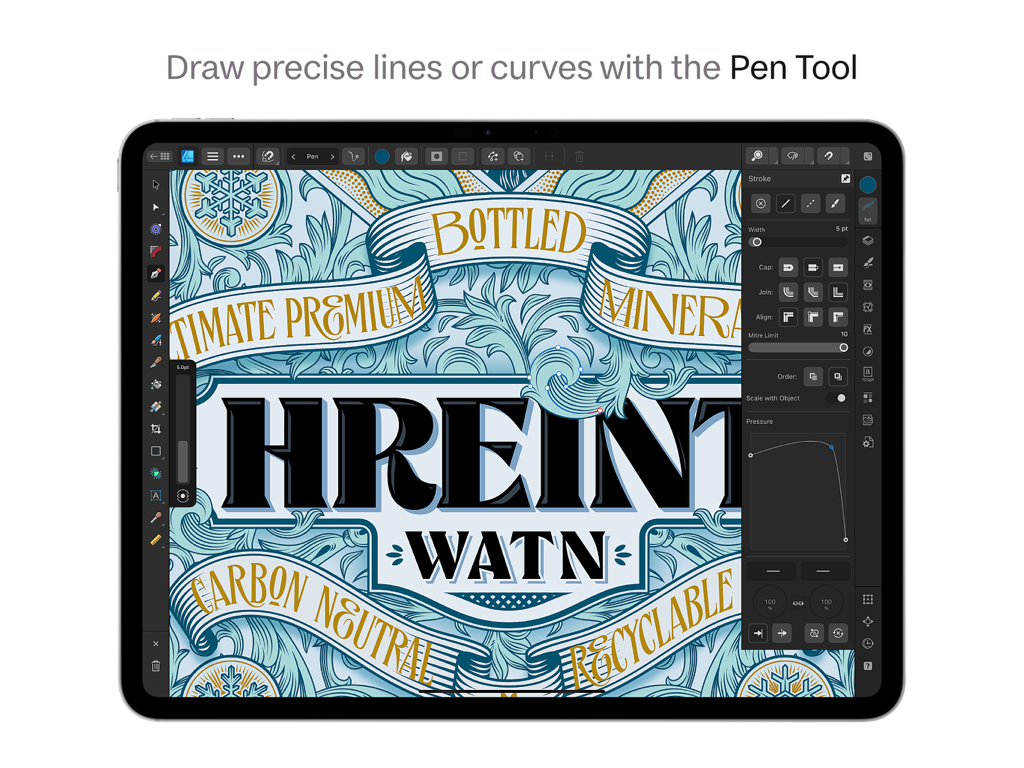
Drawing precise vector curves with the Pen Tool in Affinity Designer 2 for iPad.
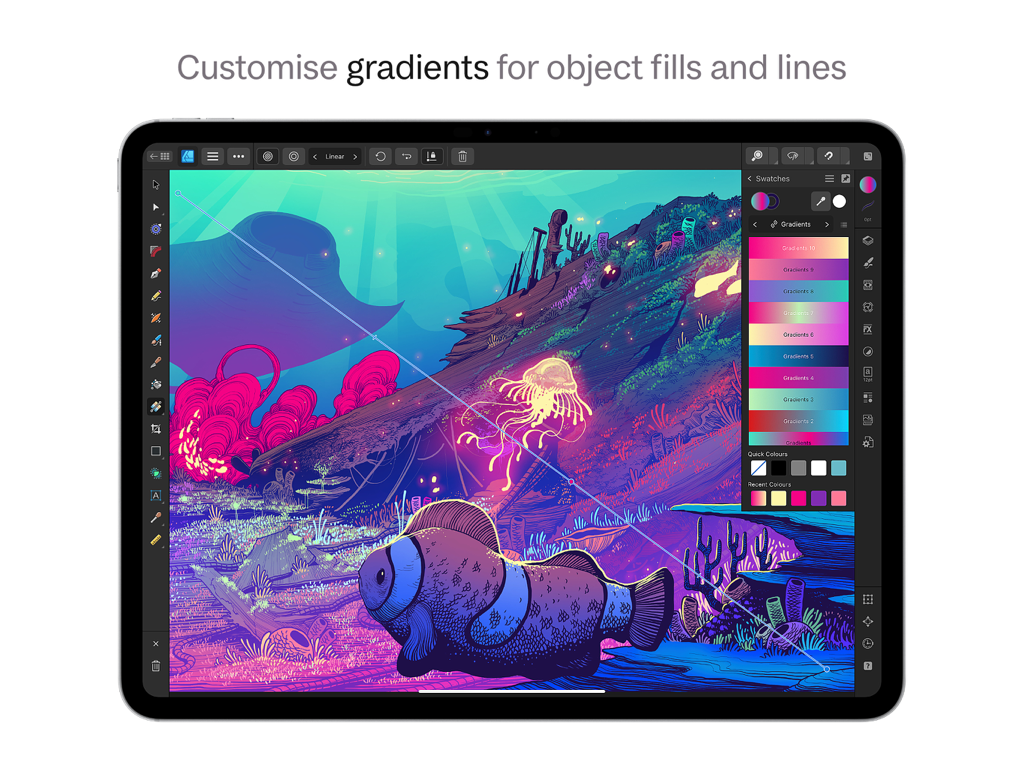
Interface of Affinity Designer 2 for iPad showing gradient customization on an underwater digital illustration.
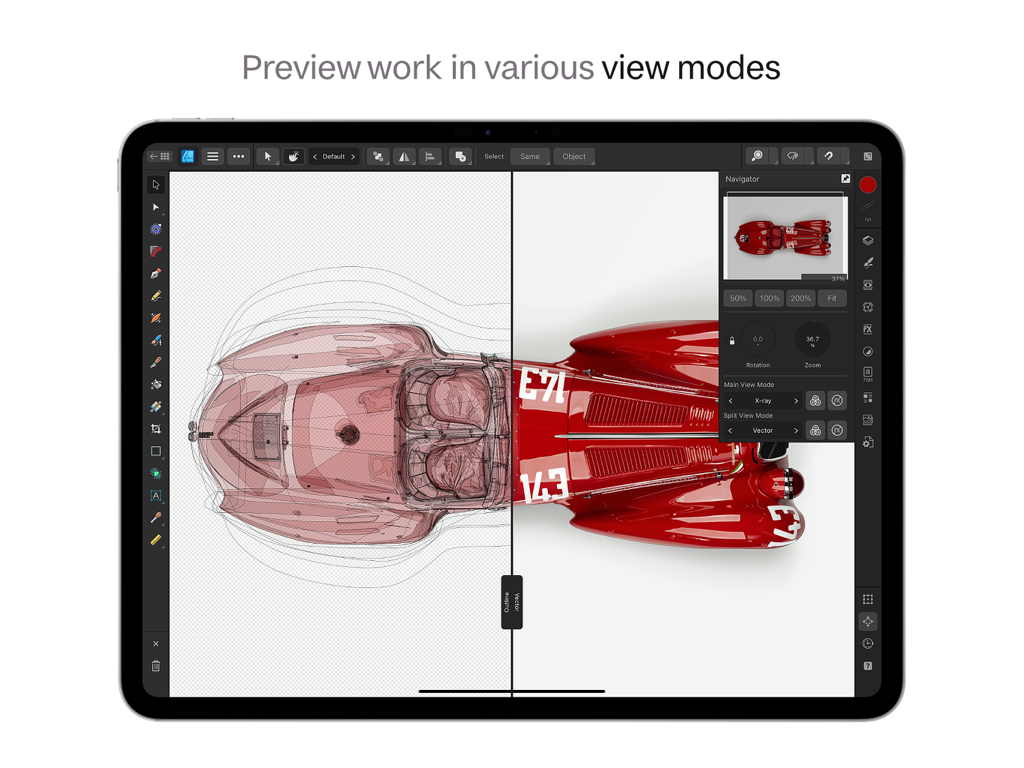
Affinity Designer 2 for iPad showing split screen view with xray and vector modes on a car design
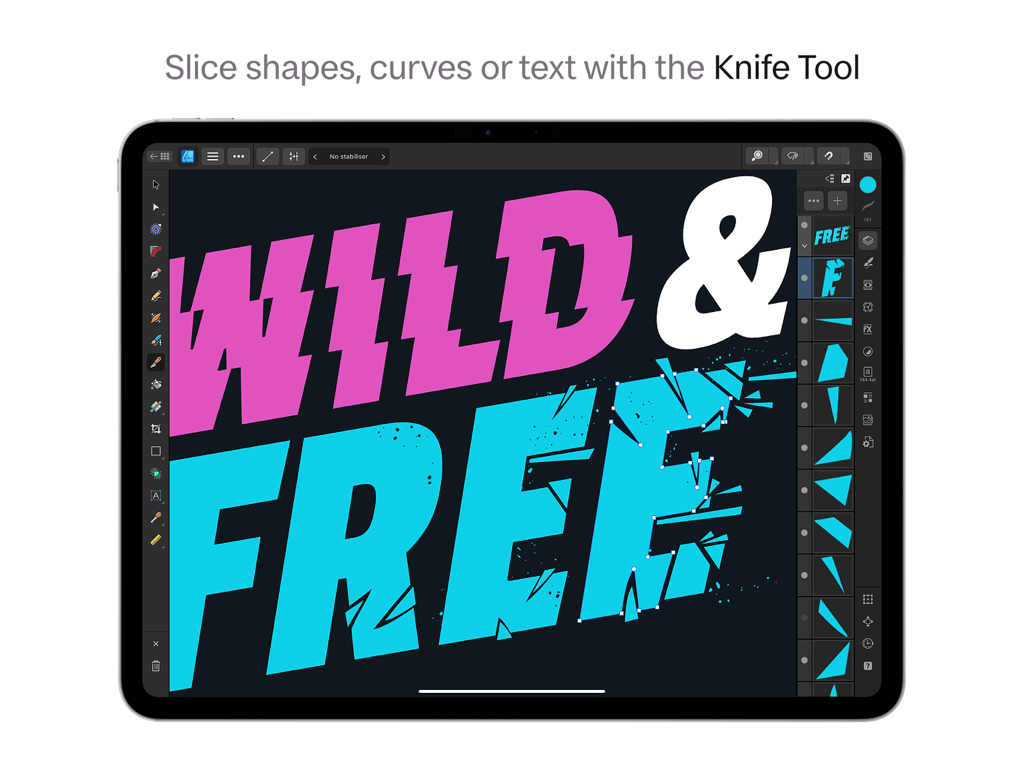
Using the Knife Tool to slice and fragment typography in Affinity Designer 2 on an iPad
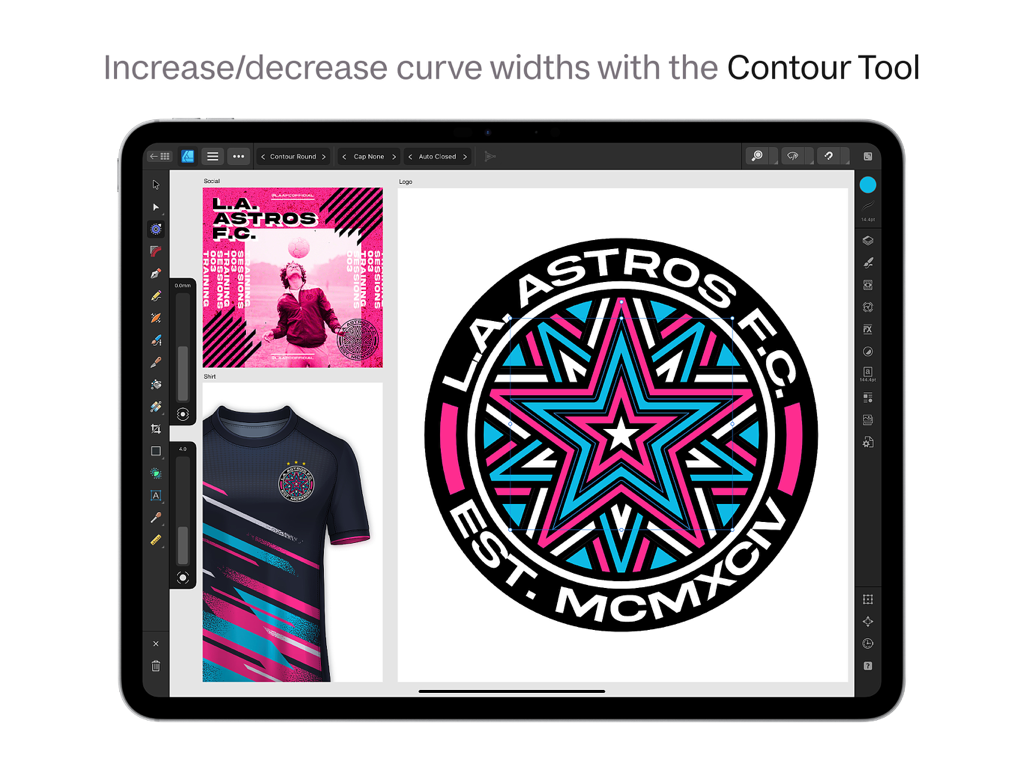
Graphic design of a sports logo using the Contour Tool on Affinity Designer 2 for iPad
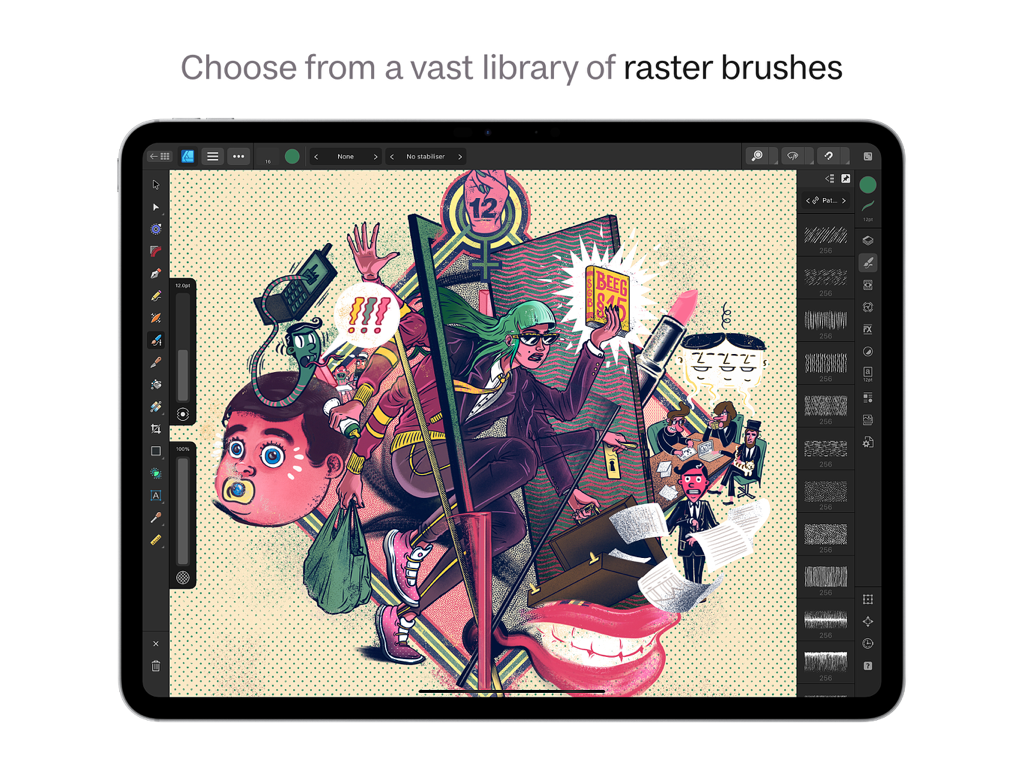
Affinity Designer 2 for iPad interface displaying raster brushes library and a complex digital illustration
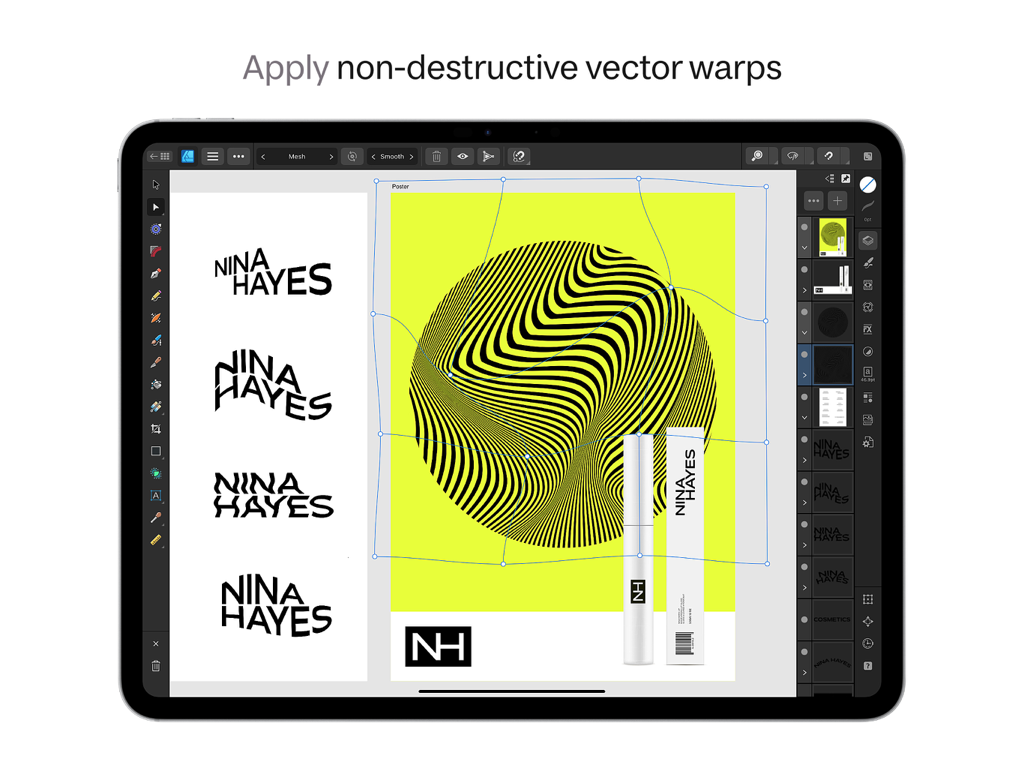
Affinity Designer 2 for iPad interface showing the non-destructive vector warp tool on a logo design.
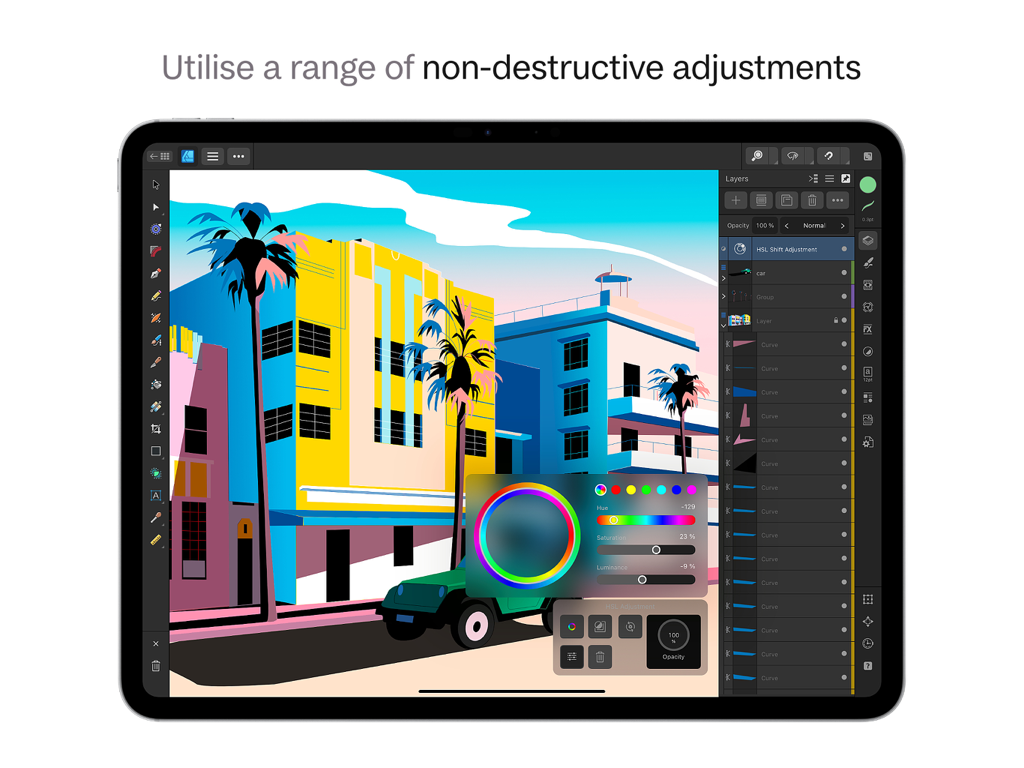
Vector illustration editing on Affinity Designer 2 for iPad using non-destructive HSL adjustments
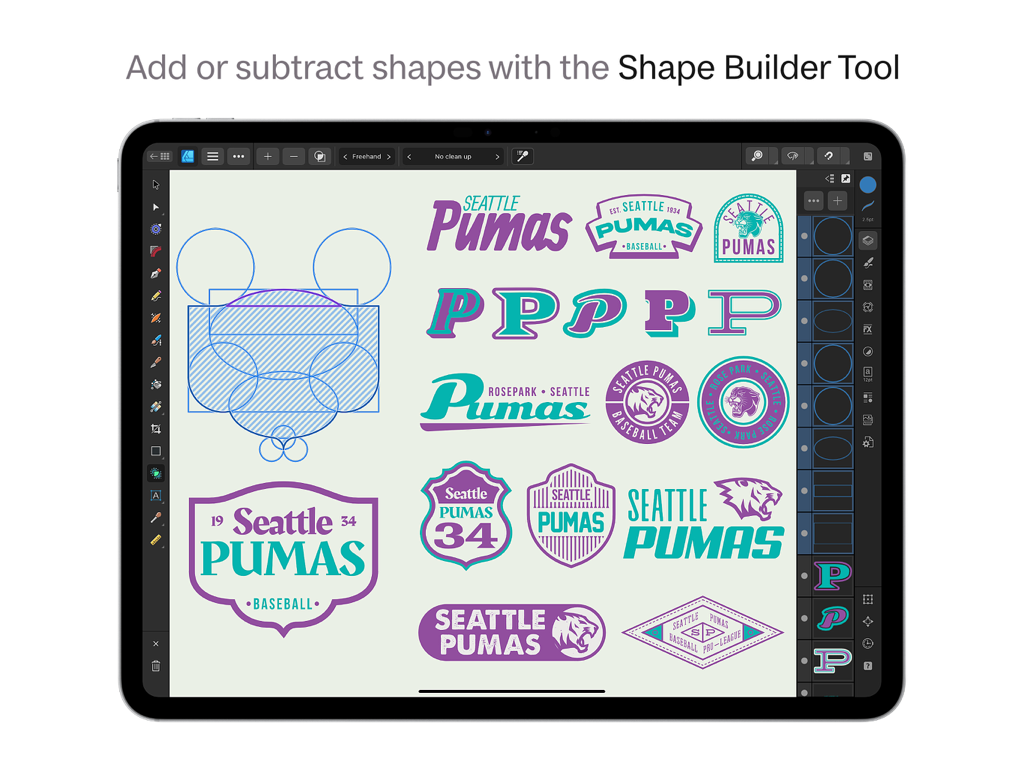
Graphic design on iPad using the Shape Builder tool to create Seattle Pumas logos in Affinity Designer 2
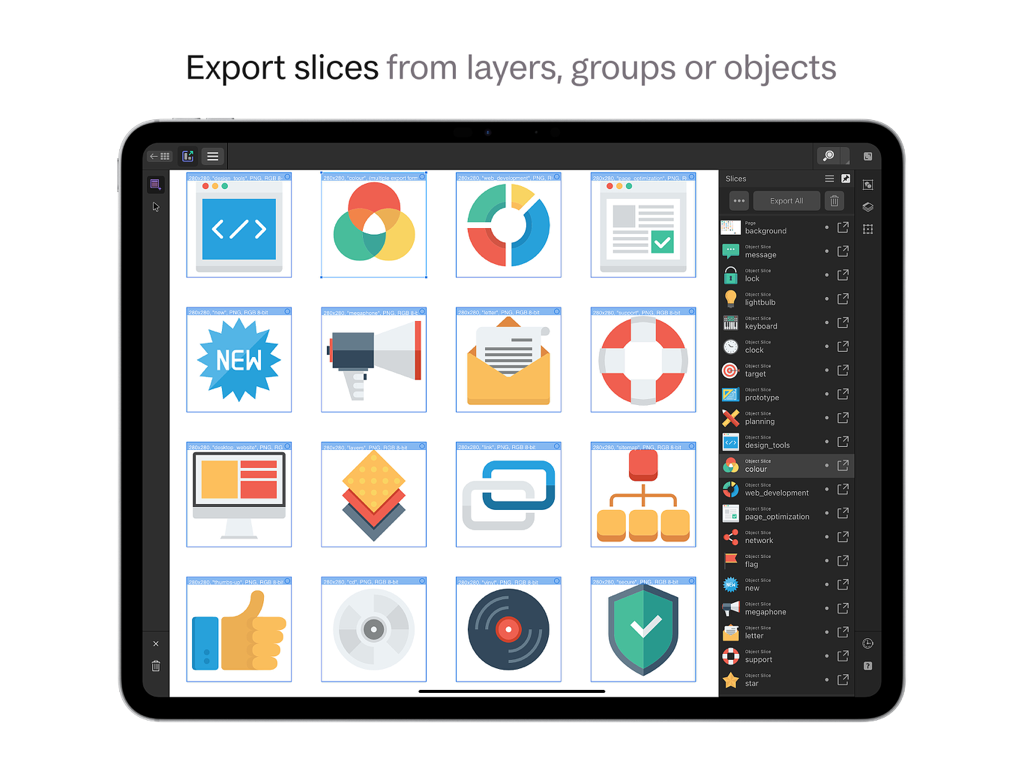
Interface of Affinity Designer 2 for iPad showing the export slices feature for multiple UI icons.
Description
Download
More Like This
Apps with similar features and user experience

Vector & SVG Maker - Assembly
Pixite Inc.

Logoist 5
Synium Software GmbH

Adobe Illustrator: Graphic Art
Adobe Inc.

Infinite Zoom Art - Canvas Max
Appycron Interactive e.K.

Inkpad - Graphic Design
Envoza Ltd

Amadine: Vector Design and Art
Belight Software, ltd

Graphic for iPad
Picta, Inc

Vector Drawing & Logo Design
Jonathan OFarrow

iDesign
TouchAware Limited
This page is not an official page of the app or its developer, but an independent editorial publication created for informational and commentary purposes. Unless expressly stated otherwise, neither the app nor its developer is affiliated with, endorsed by, sponsored by, authorized by, or otherwise officially connected with MWM, Apple, Google Play, the app publisher, or the app's developer, and nothing on this page implies that the app was developed using MWM's services. Any trademarks, logos, screenshots, and other content remain the property of their respective owners.